Describe the forest scene you want to create
A mystical forest with tall ancient trees, dappled sunlight, and moss-covered ground...

Create enchanting forest landscapes and woodland scenes with AI
Reference media and sample results for this task.
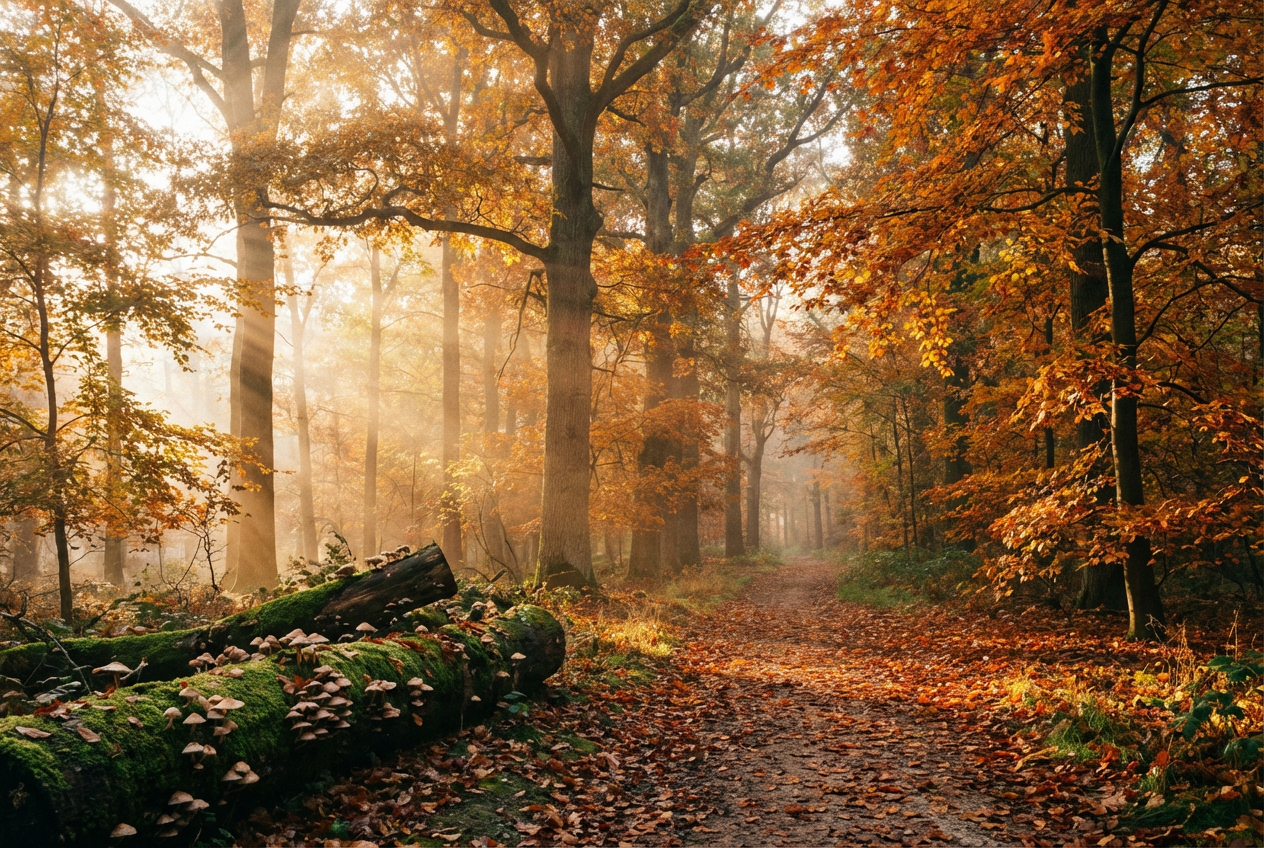
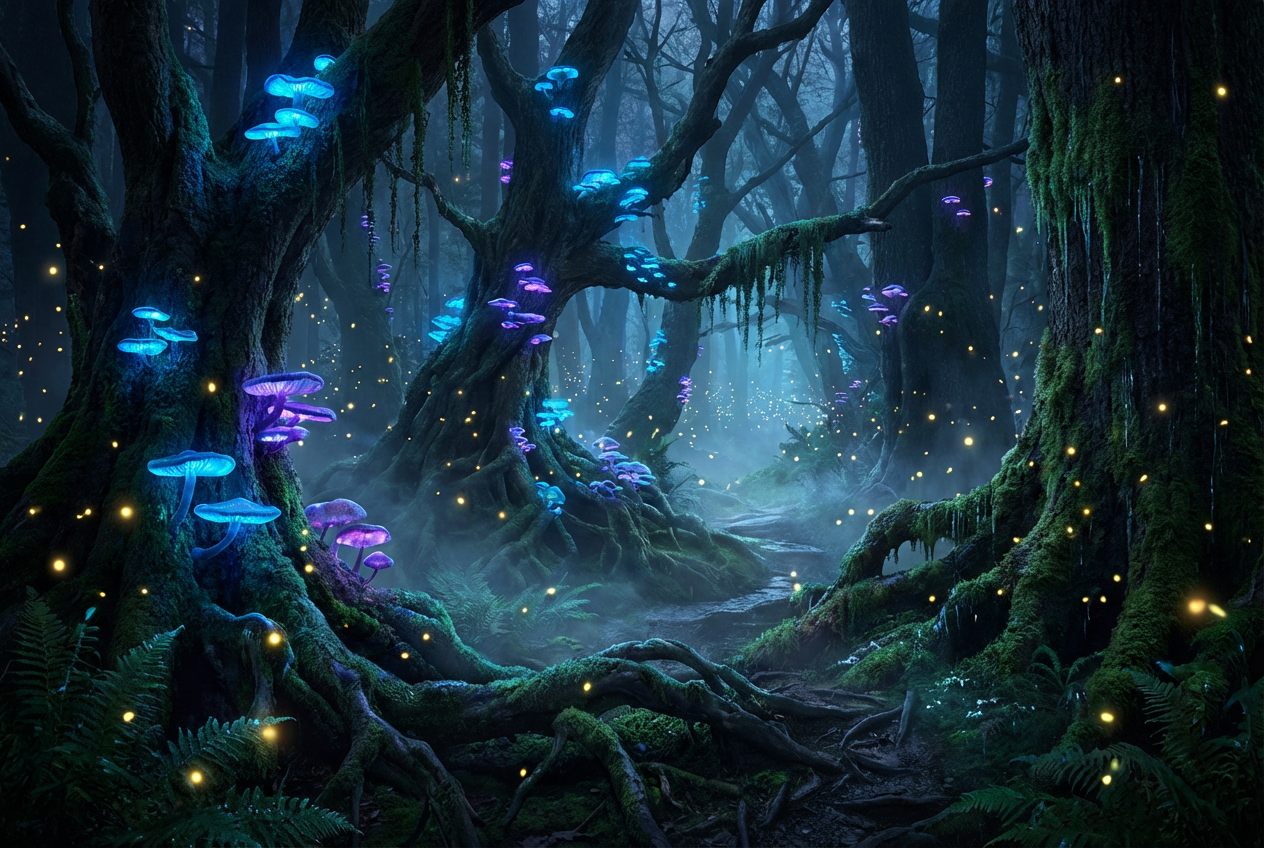
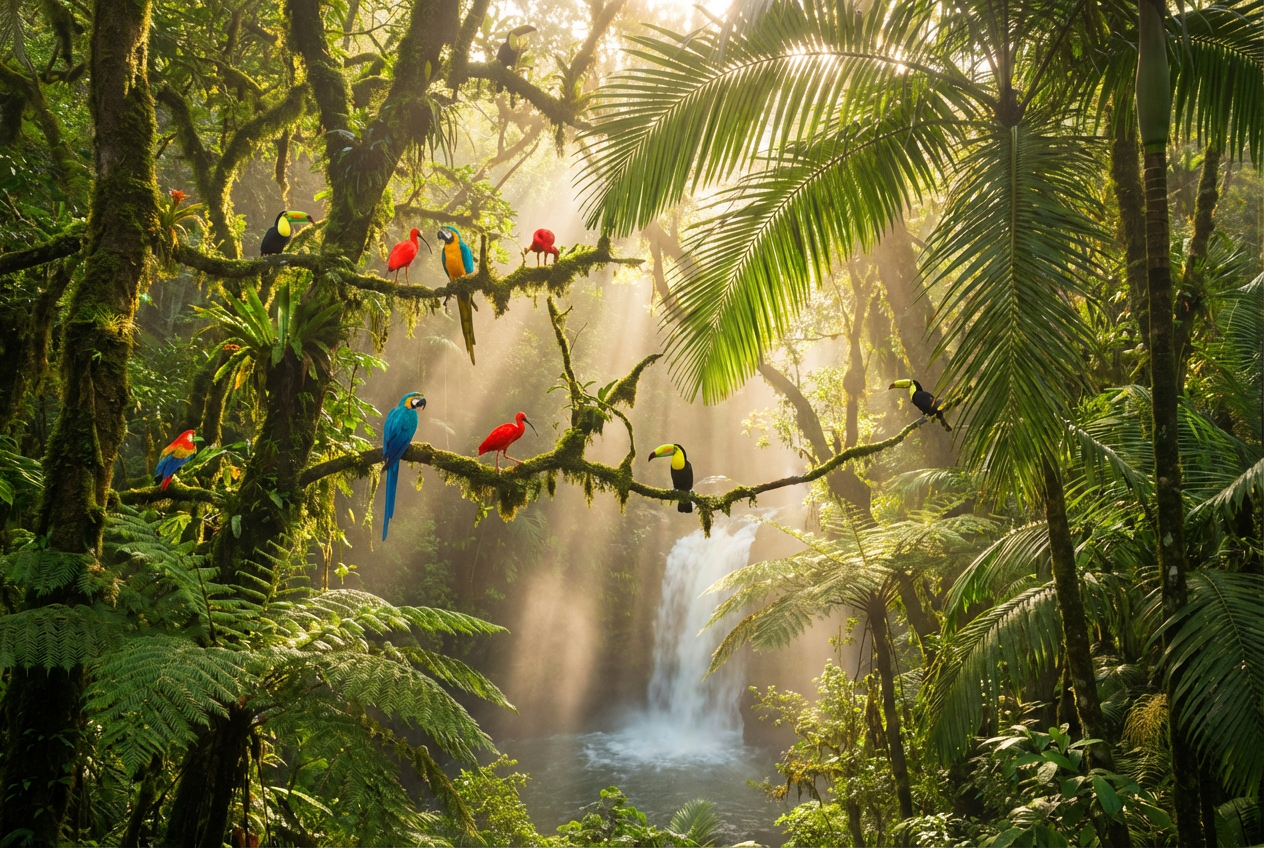
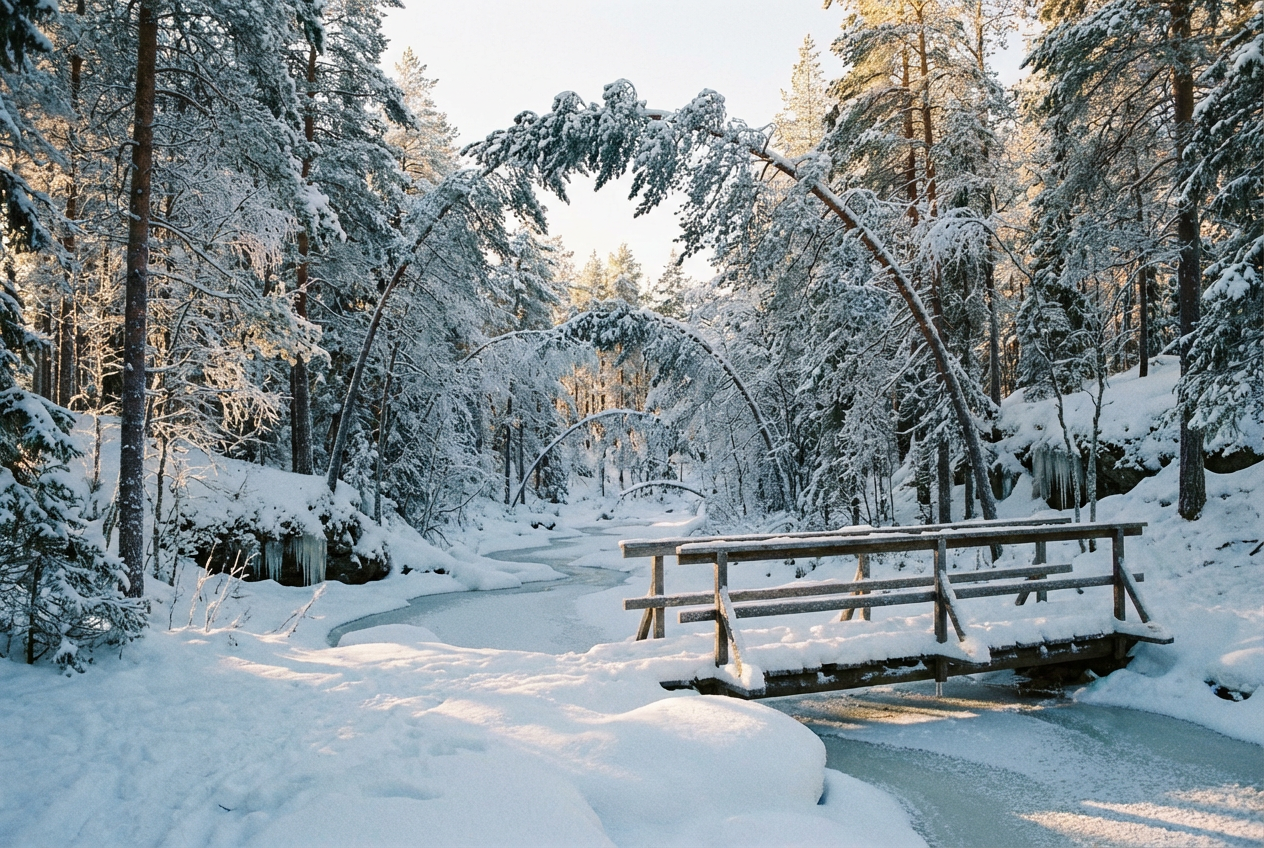
The agent gathers these inputs and preferences in the conversation before it starts.
A mystical forest with tall ancient trees, dappled sunlight, and moss-covered ground...
Choose the type of forest ecosystem
Choices: Mixed Forest, Deciduous Forest, Coniferous Forest, Tropical Rainforest, Temperate Rainforest, Boreal Forest, Bamboo Forest, Birch Forest, Redwood Forest
Choose the seasonal appearance
Choices: Any Season, Spring, Summer, Autumn/Fall, Winter
Choices: Natural Density, Sparse, Moderate, Dense, Very Dense
Choices: Mixed Ages, Young Trees, Mature Trees, Ancient Trees, Old Growth
Choices: Any Time, Dawn, Morning, Midday, Afternoon, Dusk, Night
Choices: Clear, Misty, Foggy, Rainy, Snowy, Stormy
Choices: Natural Ground, Moss Covered, Ferns, Fallen Leaves, Wildflowers, Rocky Ground, Exposed Roots
Choices: No Path, Dirt Path, Stone Path, Wooden Boardwalk, Hiking Trail
Choices: No Water, Stream, Creek, Forest Pond, Small Waterfall
Add birds, deer, or other forest animals
Add mystical lighting and enchanted forest feel
Show sunbeams filtering through trees
Add details that suggest forest sounds and life
Create stunning woodland landscapes with diverse forest types, seasonal beauty, and magical atmospheric details.
Create enchanting woodland scenes in three simple steps
Enter details about the woodland scene and atmosphere you want to create
Choose forest type, season, density, weather, and special features
Get your professional forest landscape image
Generate deciduous, coniferous, rainforest, bamboo, birch, and redwood forests
Create spring blooms, summer lushness, autumn colors, and winter scenes
Choose from young saplings to ancient old-growth forest giants
Beautiful sunbeams, dappled light, and atmospheric illumination
Add streams, creeks, forest ponds, and small waterfalls
Create enchanted forests with mystical atmosphere and lighting
Perfect for nature lovers, artists, and anyone needing beautiful woodland imagery
Create reference images and inspiration for forest photography
Generate forest backgrounds and environments for artwork
Visualize forest settings for fantasy novels and stories
Create forest environments and natural landscapes for games
Generate nature-themed artwork for homes and offices
Create visual materials for environmental and nature education
Use descriptive words like 'mystical', 'serene', or 'ancient' to establish the forest's character
Dawn and dusk create magical forest lighting with dramatic sunbeams through trees
Spring for renewal, summer for lushness, autumn for warmth, winter for serenity
Mix young and ancient trees for more natural and interesting forest compositions
Streams and ponds create focal points and enhance the natural forest ecosystem
You can create deciduous, coniferous, tropical rainforest, temperate rainforest, boreal, bamboo, birch, and redwood forests.
Yes, choose from spring blooms, summer lushness, autumn colors, and winter snow scenes.
Select from sparse, moderate, dense, or very dense forest options to control tree spacing.
Absolutely! Add streams, creeks, forest ponds, or small waterfalls to enhance the scene.
This adds mystical lighting, ethereal effects, and enchanted forest elements for fantasy scenes.
Yes, enable wildlife to add birds, deer, and other forest animals to create living scenes.
This creates beautiful sunbeams filtering through the forest canopy for dramatic lighting effects.
Choose from moss, ferns, fallen leaves, wildflowers, rocky ground, or exposed roots.
Yes, include dirt paths, stone paths, wooden boardwalks, or hiking trails for exploration themes.
Yes, all forest images are generated with professional nature photography quality for any use.


