Scene Description
Describe the scene or moment you want to capture...

Create realistic images of friends in various settings and activities
Reference media and sample results for this task.
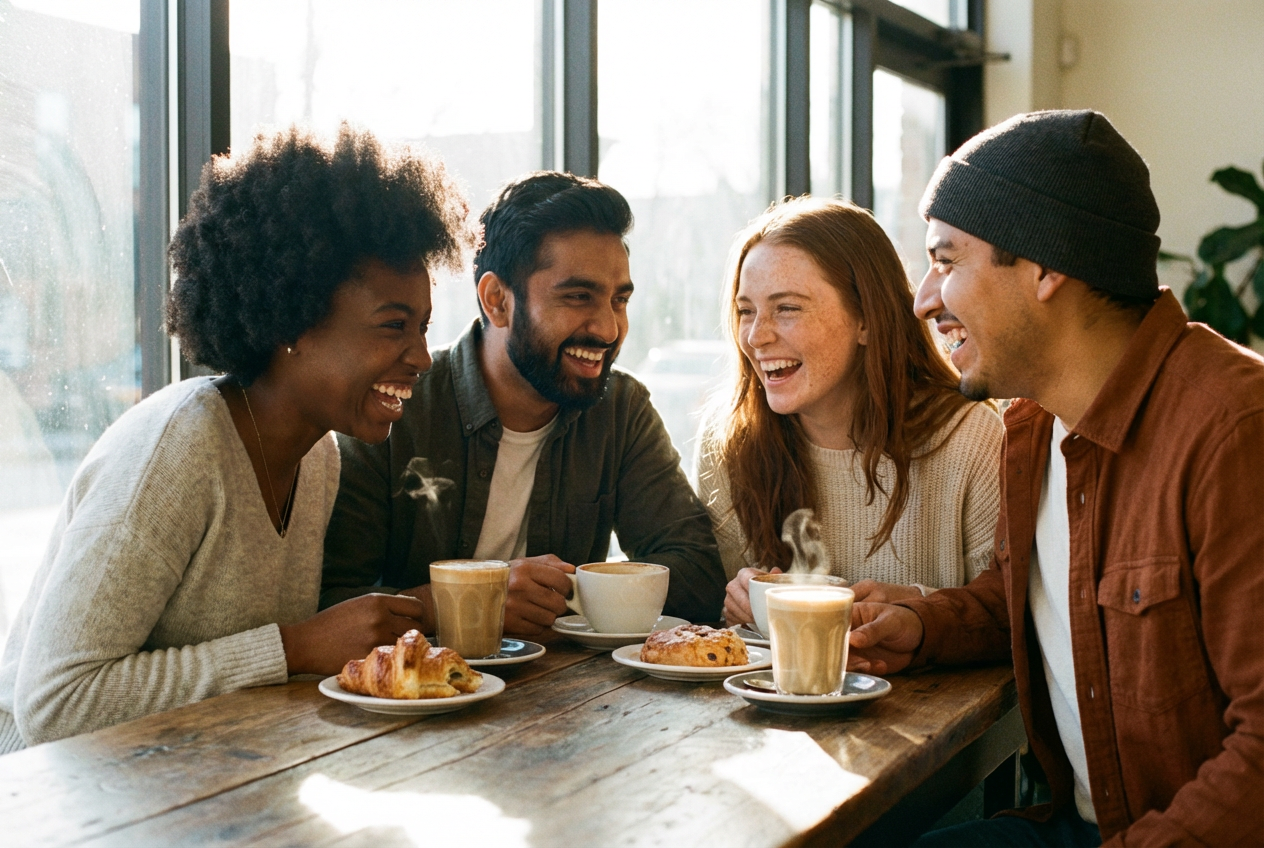
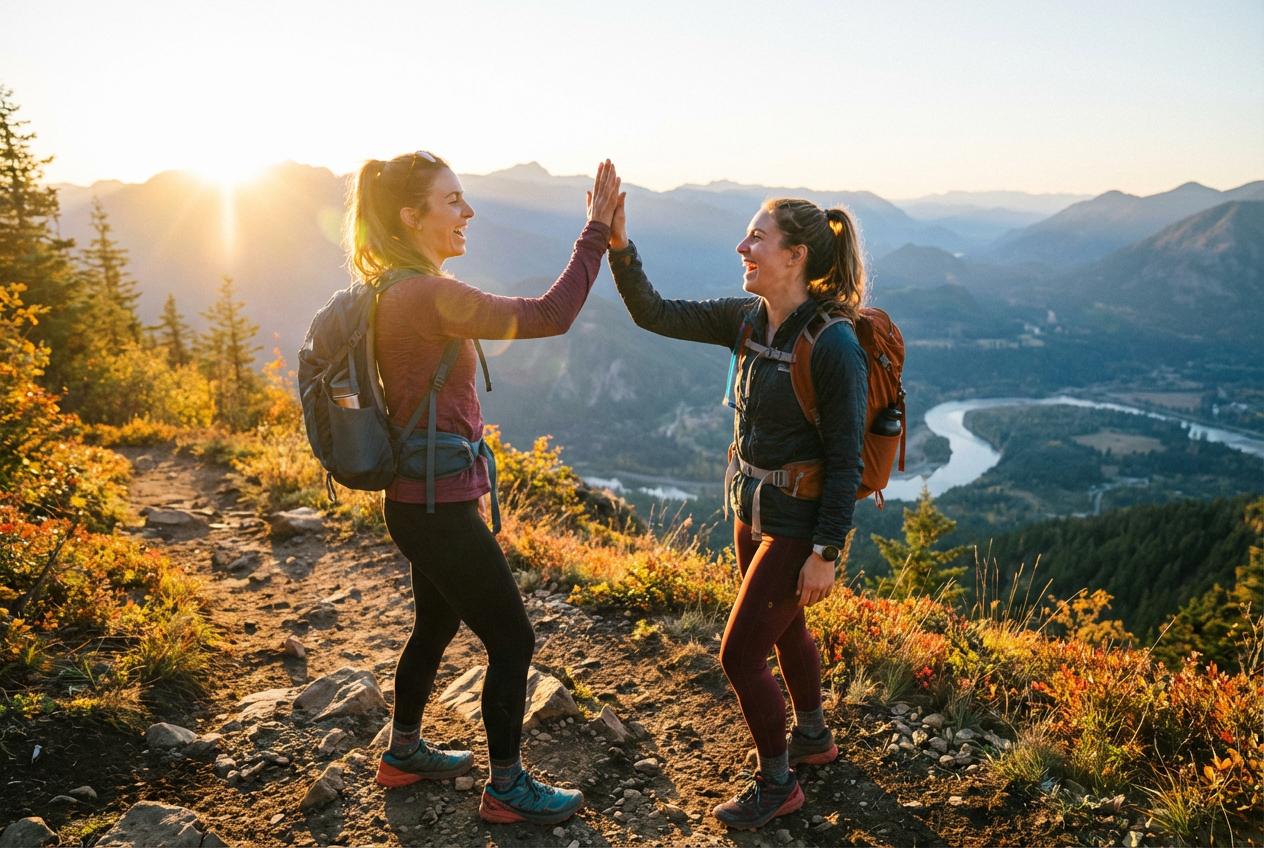
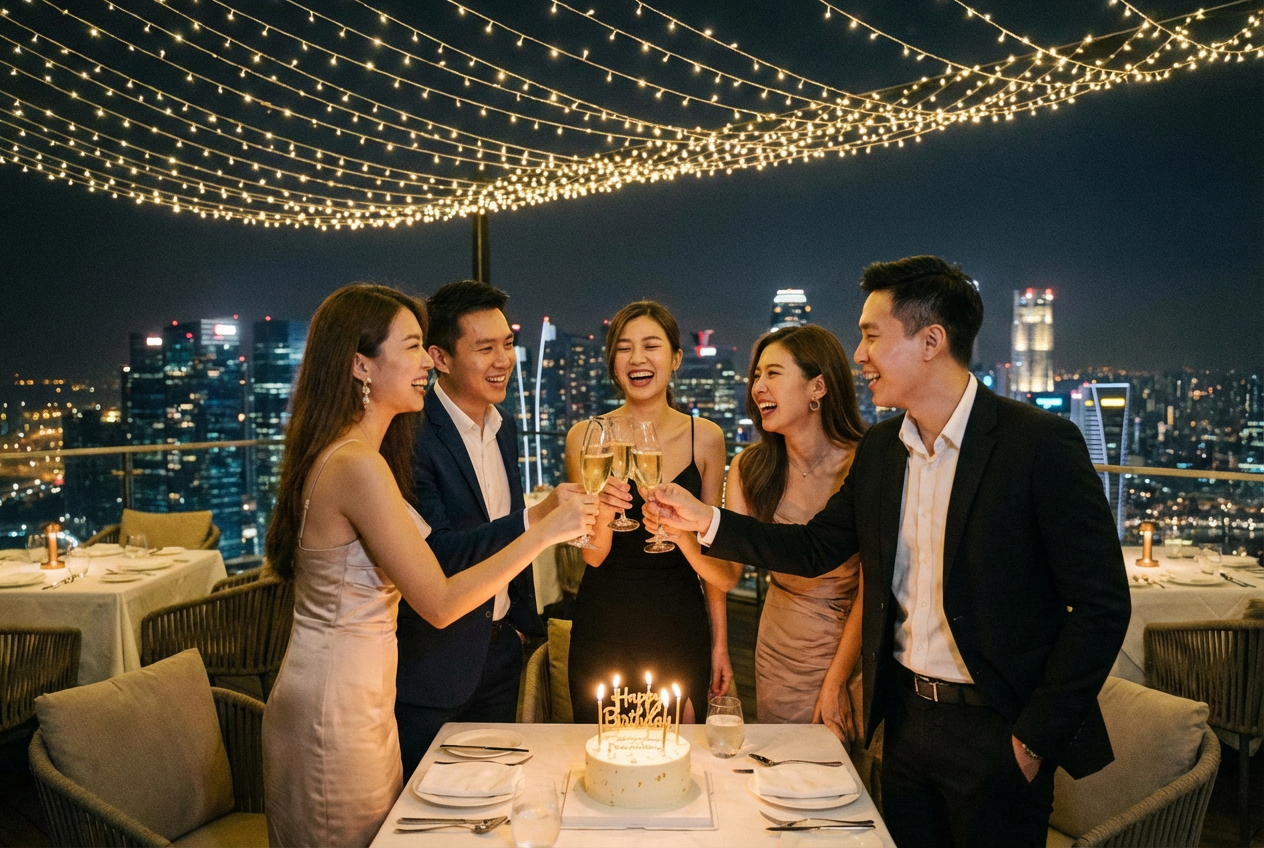
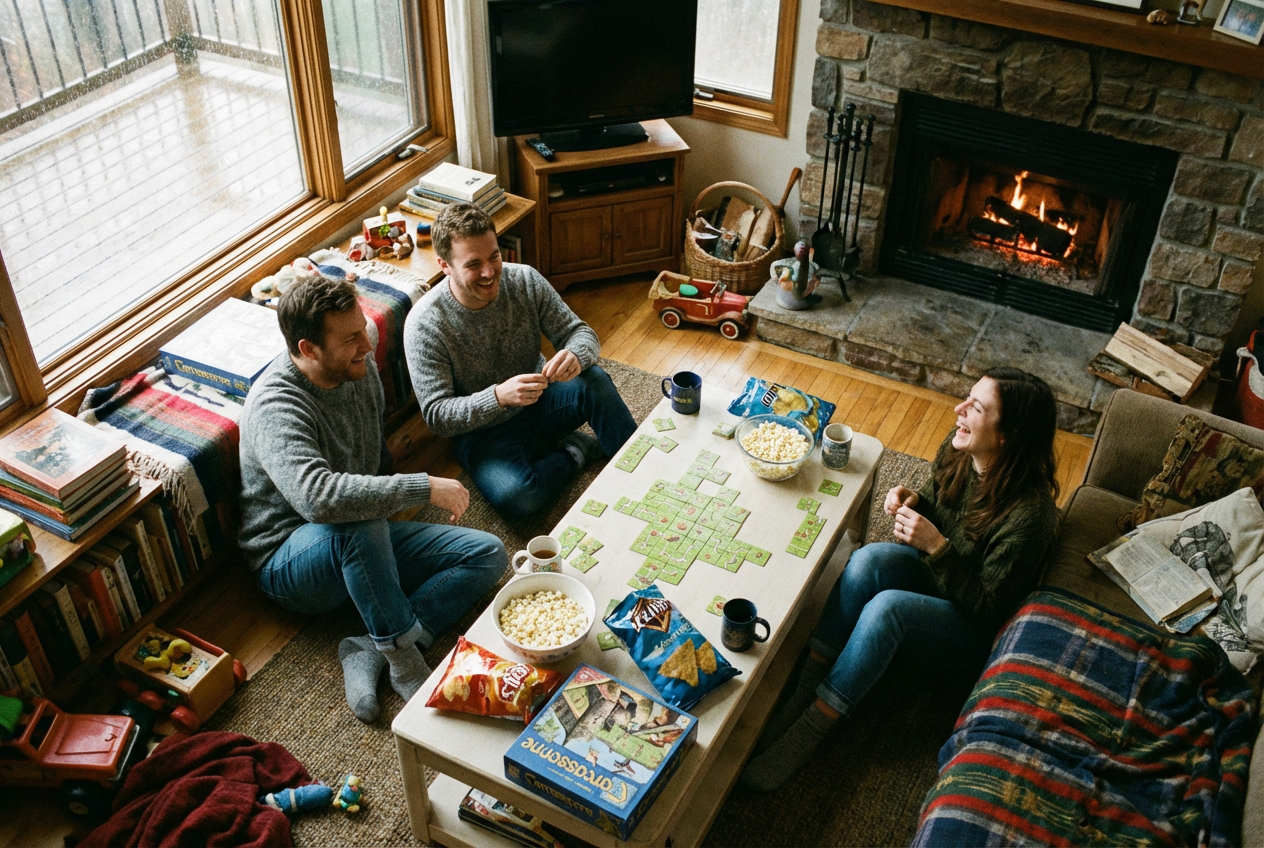
The agent gathers these inputs and preferences in the conversation before it starts.
Describe the scene or moment you want to capture...
Choices: Any Number, Two Friends, Three Friends, Four Friends, Five Friends, Six Friends, Large Group (7+)
Choices: Any Setting, Beach, Café, Park, City Street, Home, Restaurant, Nature, Shopping Mall, School/Campus, Office
Choices: Any Activity, Hanging Out, Having Coffee, Playing Games, Taking Selfies, Celebrating, Studying, Working Out, Eating Together, Traveling, Shopping
Choices: Any Mood, Happy, Excited, Relaxed, Energetic, Peaceful, Fun, Adventurous, Cozy
Create beautiful, natural-looking images of friends in various settings and scenarios.
Create perfect friend group photos in three simple steps:
Enter a description of the moment or scene you want to capture.
Select the number of friends, setting, activity, style, and mood.
Let AI create natural-looking friend group photos based on your specifications.
Generate images with any number of friends, from pairs to large groups.
Choose from various photography styles including candid, portrait, and artistic.
Create scenes in different locations from cafes to outdoor adventures.
Set the perfect mood for your scene, from energetic to relaxed.
Generate diverse friend group images for social media content.
Create engaging visuals for friendship-themed campaigns.
Capture imagined moments with friends for personal projects.
Generate authentic-looking friend group photos for blog posts.
Create promotional materials for social events and gatherings.
Generate diverse friendship scenarios for educational materials.
Include details about the setting, activity, and mood you want to capture.
Specify how friends are interacting to create more natural scenes.
Select locations that match the activity and mood you want to convey.
Experiment with different photography styles for varied results.
Include background details and environmental elements for more realistic scenes.
Our AI supports various styles including candid, portrait, cinematic, vintage, artistic, documentary, lifestyle, and street photography styles.
Yes! You can choose any number of friends from two people up to large groups of seven or more.
You can generate images in various settings including beaches, cafés, parks, city streets, homes, restaurants, nature scenes, shopping malls, schools/campuses, and offices.
Yes, you can choose from various activities like hanging out, having coffee, playing games, taking selfies, celebrating, studying, working out, eating together, traveling, and shopping.
You can select different moods including happy, excited, relaxed, energetic, peaceful, fun, adventurous, and cozy to match your desired atmosphere.
Yes, our AI is trained to create natural-looking, well-composed images that capture authentic friend group moments.
Yes! All images generated by our AI Friends Generator are 100% free for commercial use. You can use them in your social media, marketing materials, or any other commercial projects without any licensing restrictions.
No, there are no restrictions on how you can use the generated images. You own full rights to the images you generate and can modify, share, or sell them as you wish.


