Furniture Description
A modern minimalist sofa with leather upholstery...

Design custom furniture pieces with AI - from modern sofas to vintage cabinets
Reference media and sample results for this task.
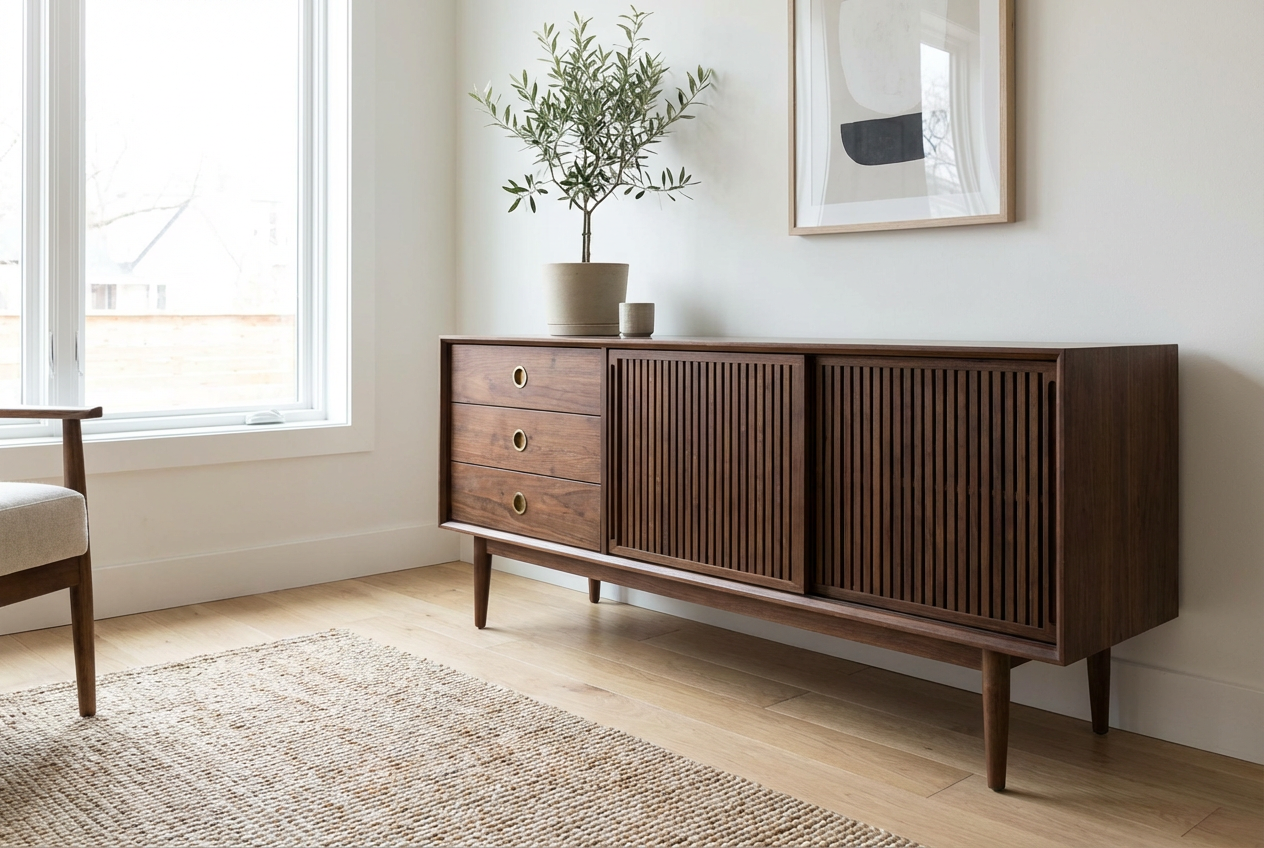
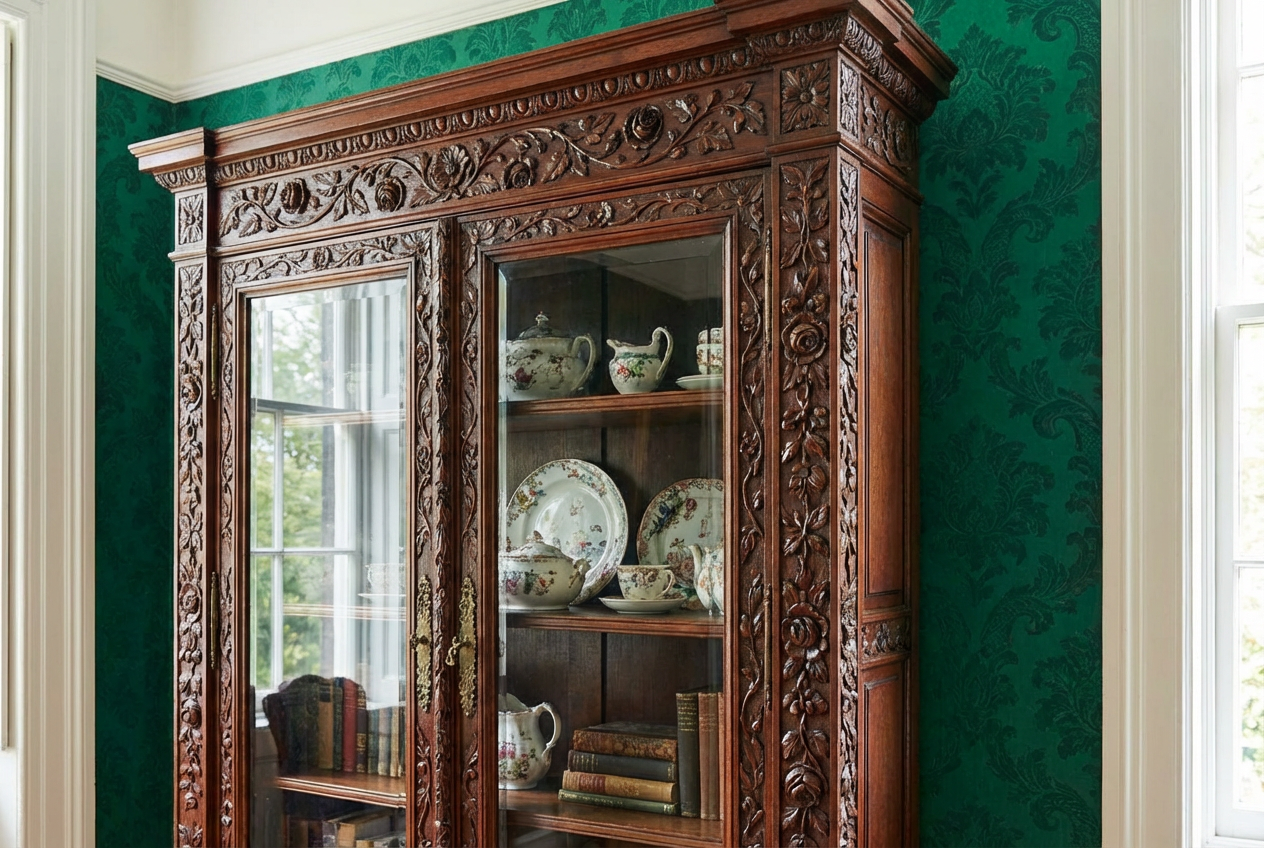
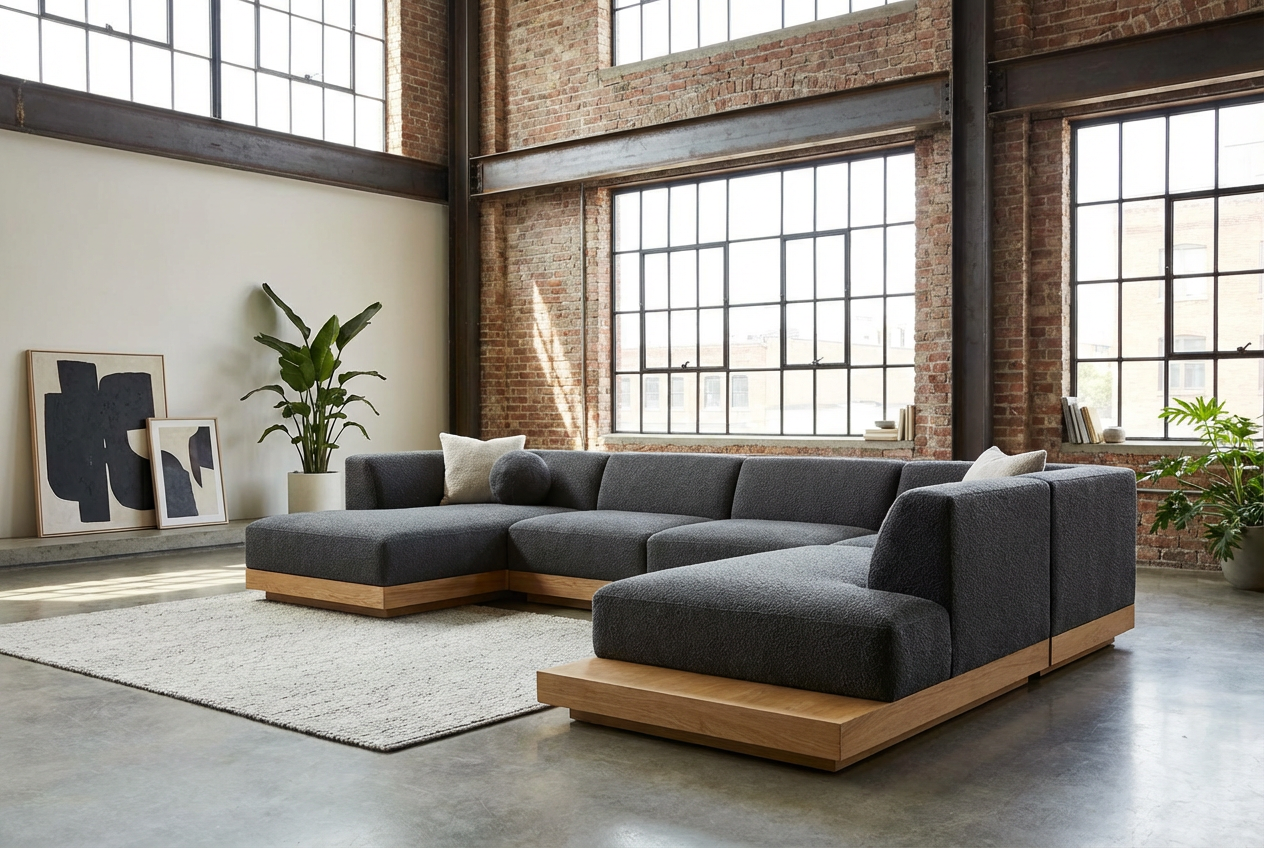
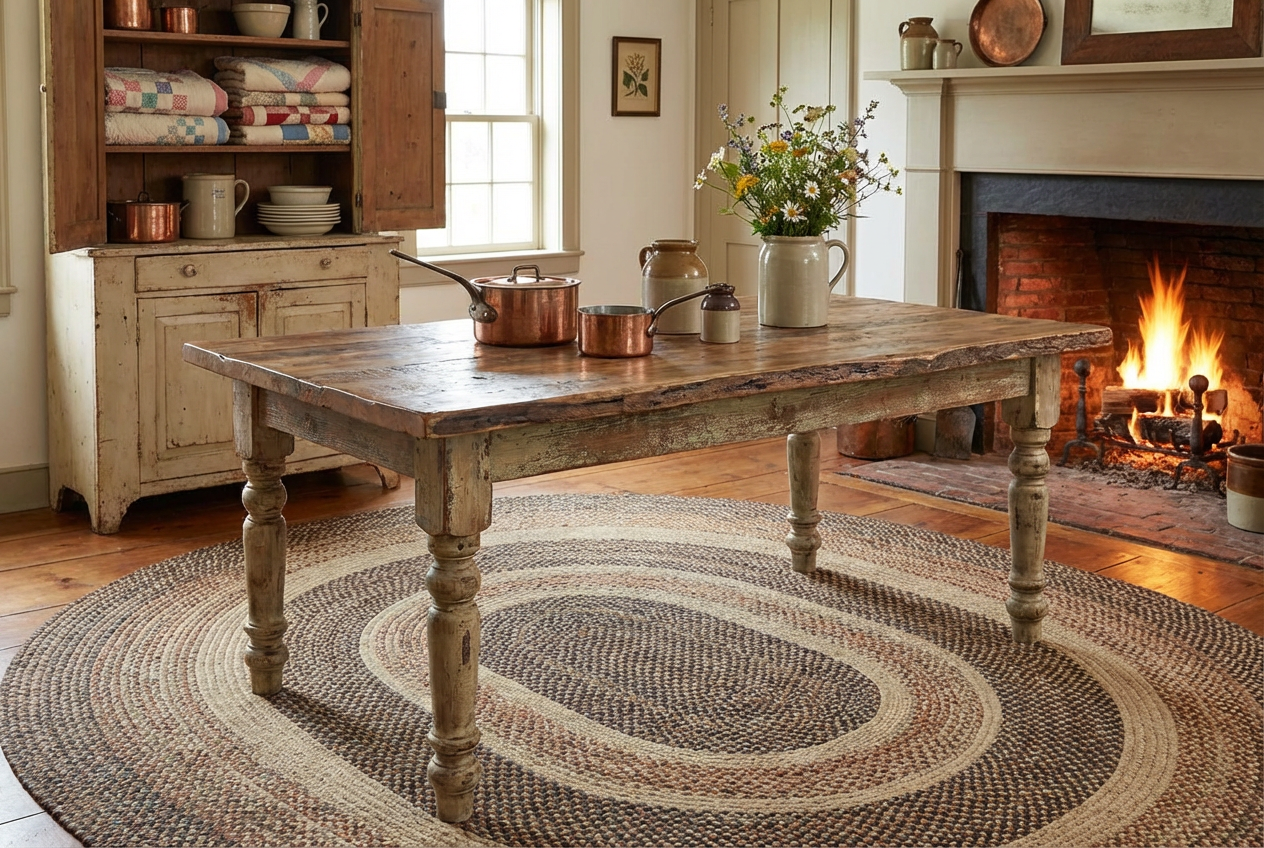
The agent gathers these inputs and preferences in the conversation before it starts.
A modern minimalist sofa with leather upholstery...
Choose the type of furniture to generate
Choices: Any Type, Sofa/Couch, Chair, Table, Bed, Desk, Cabinet/Storage, Shelf/Bookcase, Dresser/Wardrobe, Bench, Ottoman/Stool, Lamp/Lighting, Mirror, Outdoor Furniture
Choices: Any Material, Wood, Metal, Glass, Leather, Fabric, Marble, Plastic, Rattan/Wicker, Velvet, Concrete, Bamboo
Choices: Any Wood, Oak, Walnut, Cherry, Maple, Pine, Mahogany, Teak, Birch
Choices: Any Color, White, Black, Gray, Brown, Beige/Cream, Navy Blue, Green, Red, Natural Wood, Multicolor
Choices: Any Room, Living Room, Bedroom, Dining Room, Home Office, Kitchen, Bathroom, Kids Room, Outdoor/Patio
Choices: Any Size, Compact/Small, Medium, Large, Oversized
Choices: Any Setting, Studio/Catalog, In Room Context, Showroom, White Background, Lifestyle Shot
Describe any patterns or textures
Describe special features or functionality
Display furniture dimensions
Show furniture from different angles
Design stunning furniture pieces instantly with AI - perfect for interior designers, manufacturers, and home decorators
Design beautiful furniture pieces in three simple steps
Enter a description of the furniture piece you want to create
Choose design style, materials, colors, and room settings
Create your furniture design and see it in various settings
Generate sofas, chairs, tables, beds, desks, cabinets, and more
From modern minimalist to vintage, industrial to luxury - all styles covered
Wood, metal, glass, leather, fabric, marble - specify any material combination
See furniture in living rooms, bedrooms, offices, or studio settings
Generate compact to oversized furniture to fit any space
High-quality renders suitable for catalogs and presentations
Our AI tool serves professionals and enthusiasts in interior design and furniture industry
Quickly visualize furniture options for client presentations and mood boards
Prototype new designs and visualize products before production
Create product visualizations and catalog images for online stores
Visualize furniture pieces before purchasing for your home
Stage properties virtually with custom furniture designs
Include furniture visualizations in architectural presentations
Include specific details about dimensions, features, and unique elements for accurate results
Choose a design style that complements your existing or planned interior decor
Select materials that are practical for the furniture's intended use and location
Use room context for lifestyle shots or white background for catalog-style images
Generate multiple versions with different materials and colors to find the perfect match
You can generate any type of furniture including sofas, chairs, tables, beds, desks, cabinets, shelves, dressers, benches, ottomans, lamps, mirrors, and outdoor furniture.
Yes, all furniture designs created with this Magica workflow can be used for commercial purposes including catalogs, presentations, and marketing materials.
We offer modern, minimalist, Scandinavian, industrial, mid-century modern, traditional, rustic, vintage, art deco, bohemian, Japanese, luxury, and futuristic styles.
Yes, you can choose from various materials like wood types, metal, glass, leather, fabric, marble, and specify finishes and textures.
Yes, you can display furniture in various room contexts including living rooms, bedrooms, offices, or choose studio/catalog style presentations.
Our AI generates highly detailed furniture with realistic textures, materials, and craftsmanship visible in the final images.
Yes, you can describe matching furniture pieces or sets in your prompt to create cohesive collections.
We generate high-resolution images suitable for professional use in presentations, catalogs, and digital marketing.
You can choose size categories and describe specific dimensions in your prompt, with an option to show measurements on the generated image.
Absolutely! This Magica workflow is perfect for creating furniture visualizations for client presentations and design proposals.
Yes, we have a dedicated outdoor furniture option for patio, garden, and outdoor space designs.
Furniture designs are generated in seconds, allowing you to quickly explore multiple options and variations.


