Upload Room Image
attach a clear photo of the room you want to stage

Transform any room with virtual furniture staging using AI
See how the two source images inform one polished result.
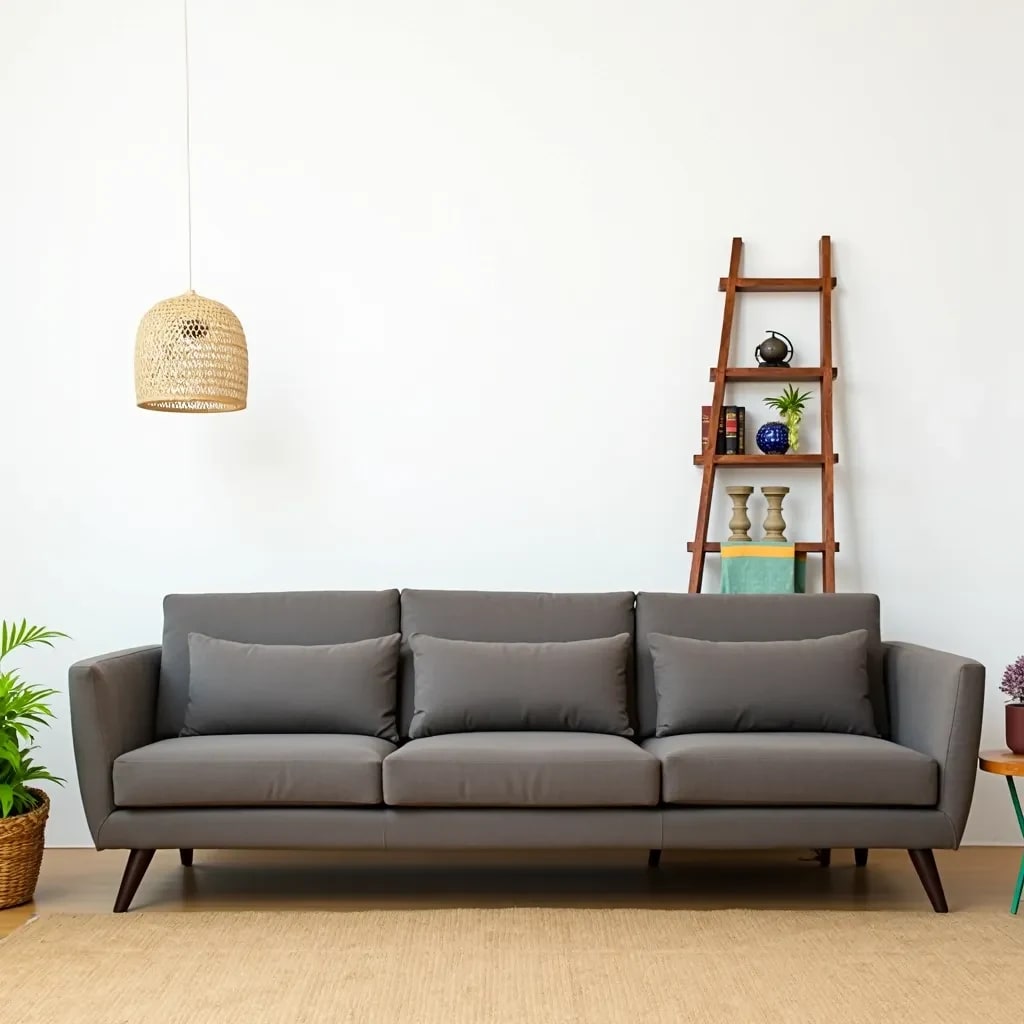
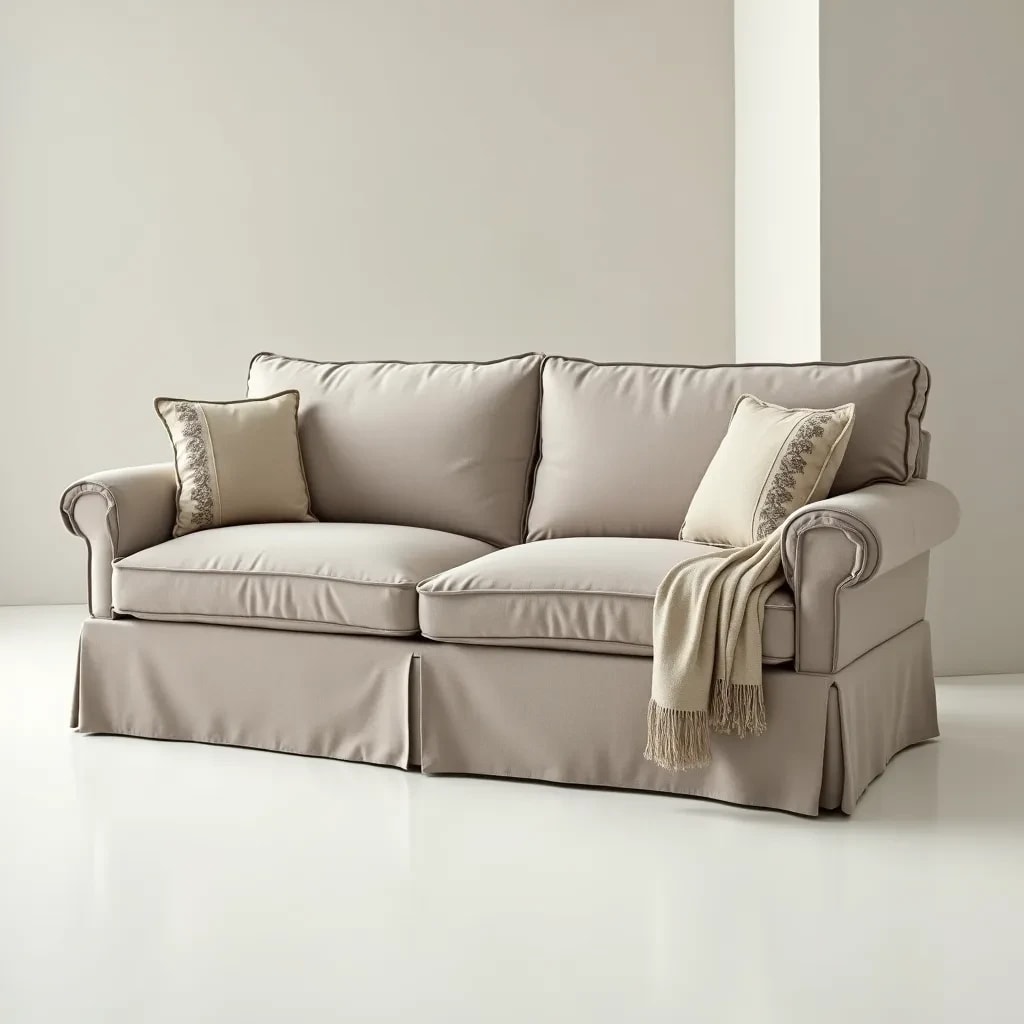
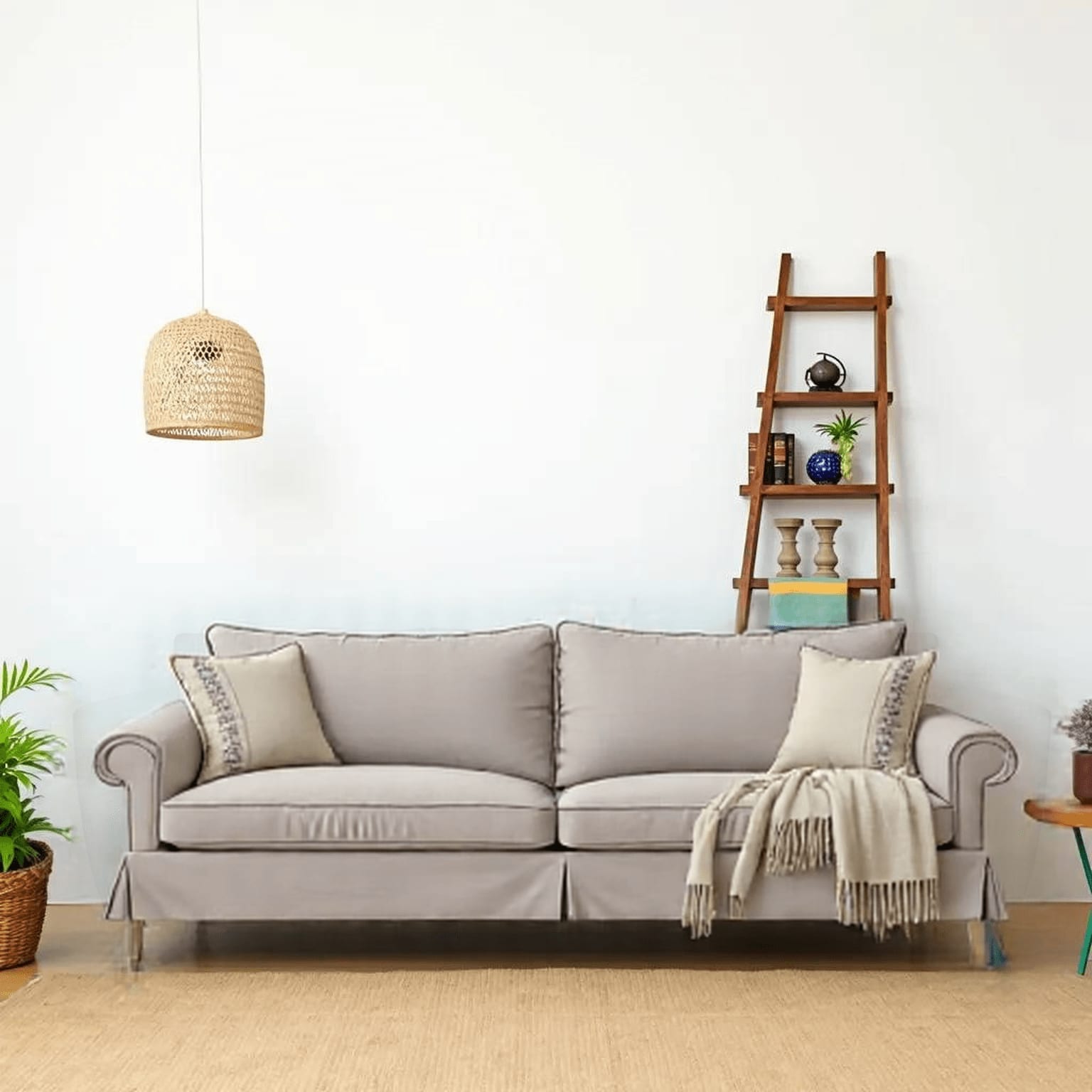
The agent gathers these inputs and preferences in the conversation before it starts.
attach a clear photo of the room you want to stage
attach the furniture piece you want to place in the room
Transform any room with virtual furniture staging using advanced AI technology that creates realistic, perfectly placed furniture in your spaces.
Stage your rooms in just a few simple steps
attach a clear photo of the room you want to stage
attach the furniture piece you want to place in the room
Our AI analyzes the room and furniture for optimal placement
Get your staged room design in high resolution
Intelligently positions furniture with proper perspective and scale
Creates natural-looking staging with proper lighting and shadows
Works with sofas, tables, chairs, beds, and more furniture items
Generates high-quality images perfect for real estate listings
This Magica workflow is designed for real estate professionals and interior designers who want to showcase spaces with virtual furniture staging.
Stage empty properties virtually to help buyers visualize the space's potential.
Create virtual staging for new developments before construction is complete.
Test different furniture layouts and designs without physical staging.
Offer virtual staging services as a cost-effective alternative to physical staging.
Create attractive rental listings with virtual furniture staging.
Enhance property photos with virtual staging for better marketing materials.
AI Furniture Staging is an advanced tool that uses artificial intelligence to virtually place furniture in empty rooms or replace existing furniture in photos. It creates realistic, properly scaled and positioned furniture that integrates seamlessly with the room's lighting and perspective.
Yes! This Magica workflow features an intuitive interface designed for both beginners and professionals. Simply attach your room photo and furniture image, and our AI handles the complex work of placement, scaling, and lighting integration. No technical skills required.
Our AI can stage any indoor space including living rooms, bedrooms, kitchens, offices, dining rooms, and more. The tool works best with clear, well-lit photos where the room's dimensions and features are visible.
You can stage rooms with various furniture types including sofas, chairs, tables, beds, dressers, desks, and decorative items. For best results, use furniture images with clear backgrounds and good lighting.
Our AI uses advanced computer vision to analyze the room's dimensions, perspective, and lighting. It then adjusts the furniture placement and appearance to match these parameters, ensuring realistic integration with proper scaling and perspective.
Yes, you can stage multiple pieces of furniture by processing images sequentially. Each piece will be properly scaled and positioned relative to the room and other furniture items.
Most staging transformations are completed within 10-30 seconds, depending on the complexity of the room and furniture. More complex scenes or larger rooms may take slightly longer to process for optimal results.
Yes, you can download all staged designs in high resolution. The tool maintains a history of your recent transformations, allowing you to revisit and modify previous stagings or create variations with different furniture.
Yes, our AI Furniture Staging can be used for commercial purposes including real estate listings, marketing materials, and client presentations. We recommend checking the licensing terms of any third-party furniture images you use in your stagings.
Yes, we take data security seriously. All uploaded images and generated designs are processed through encrypted connections. Our servers are protected with enterprise-grade security measures, and we comply with global data protection regulations. You maintain full ownership of your designs and uploaded content.


