Asset Description
Describe your desired game asset...

Create professional game-ready assets with AI
Reference media and sample results for this task.
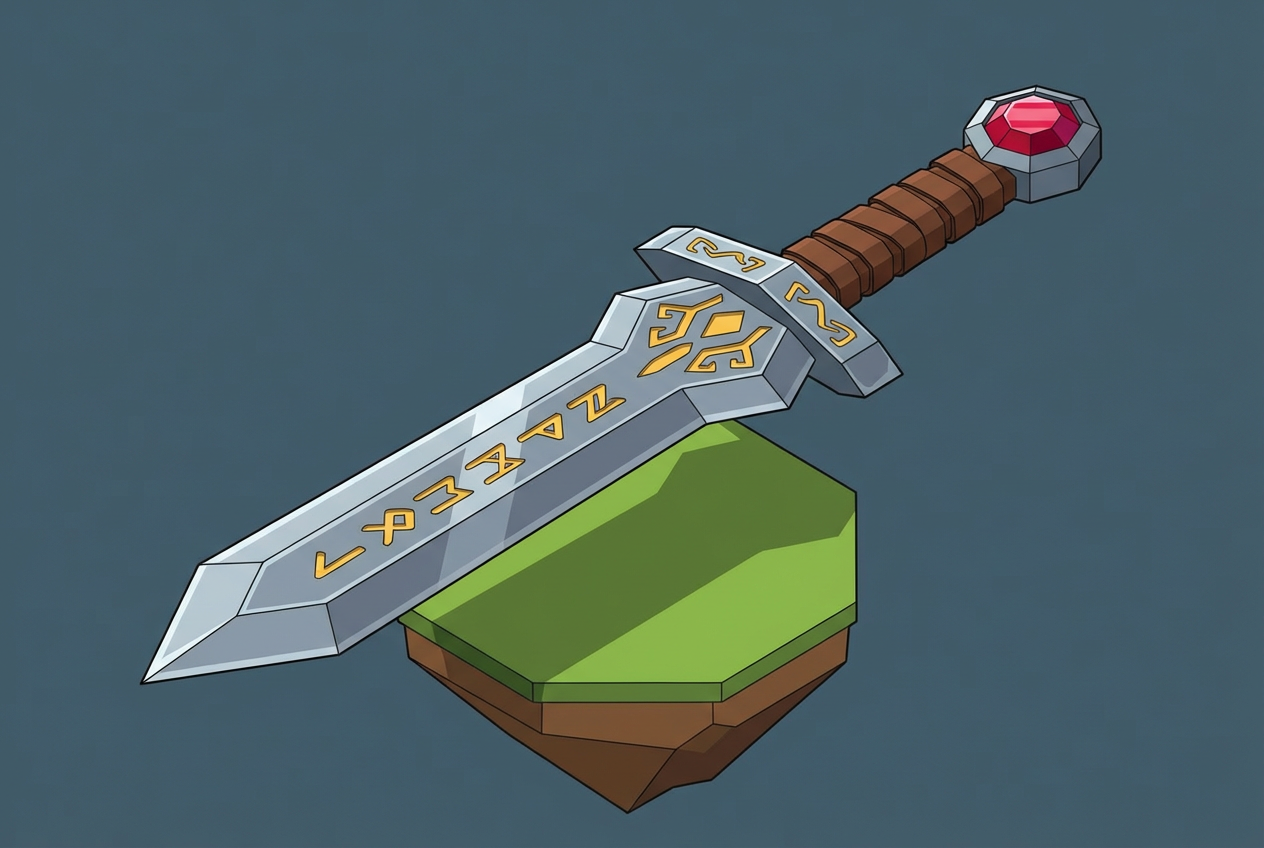
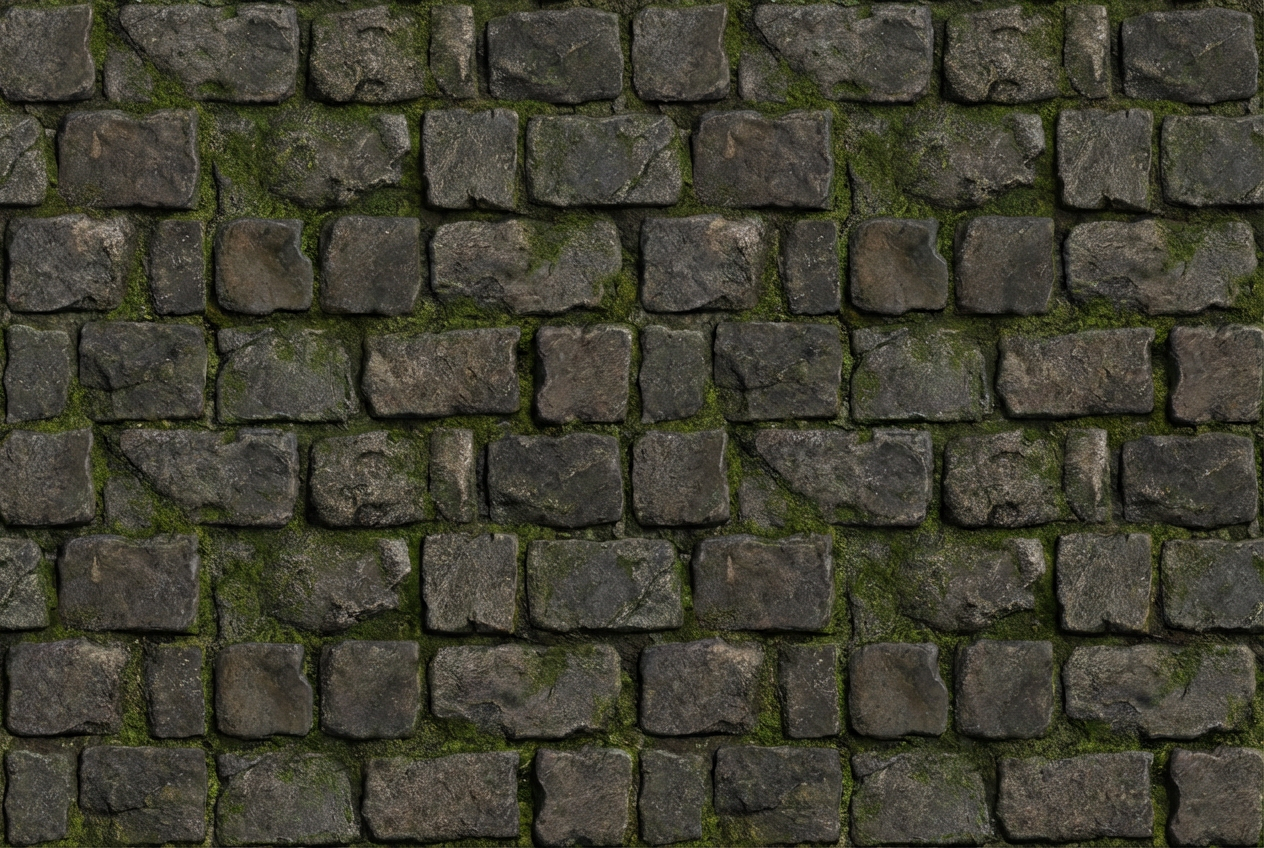
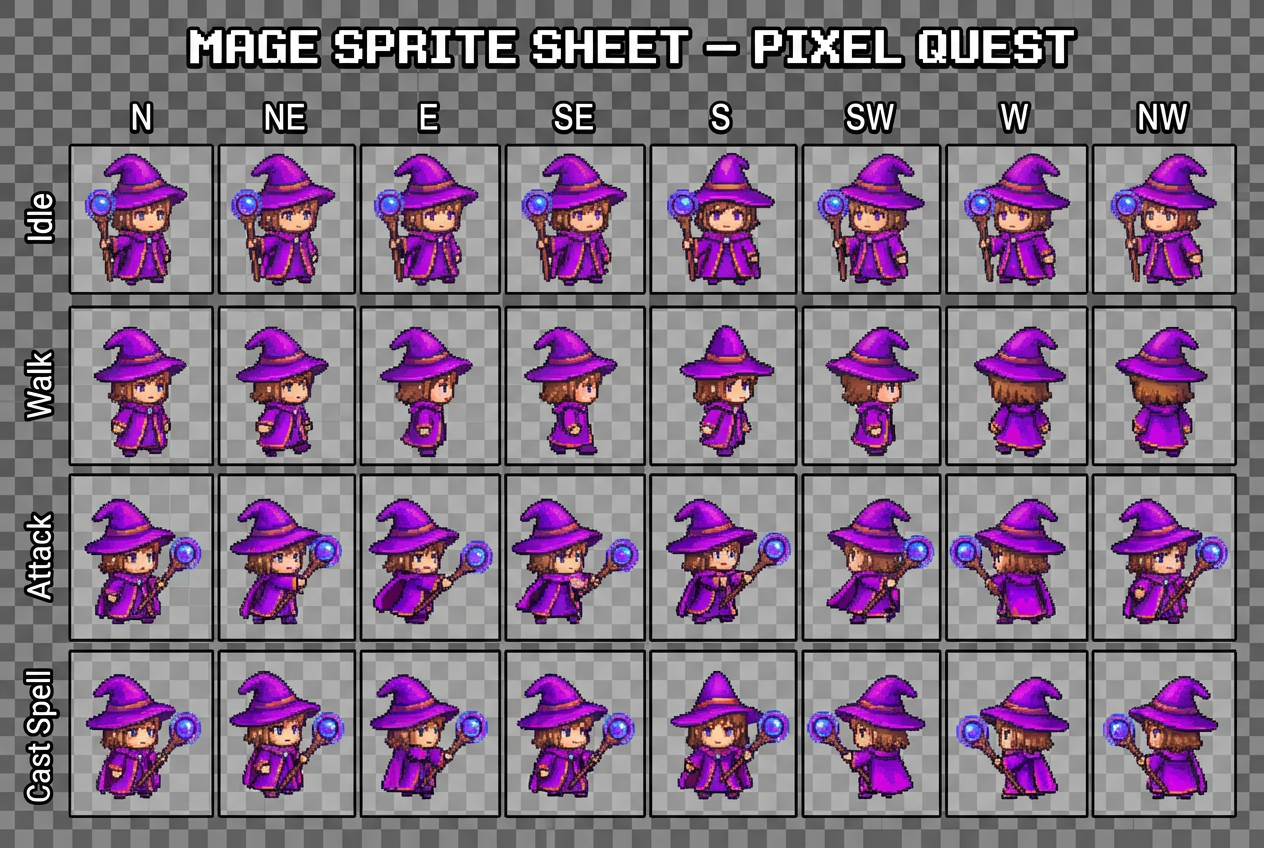
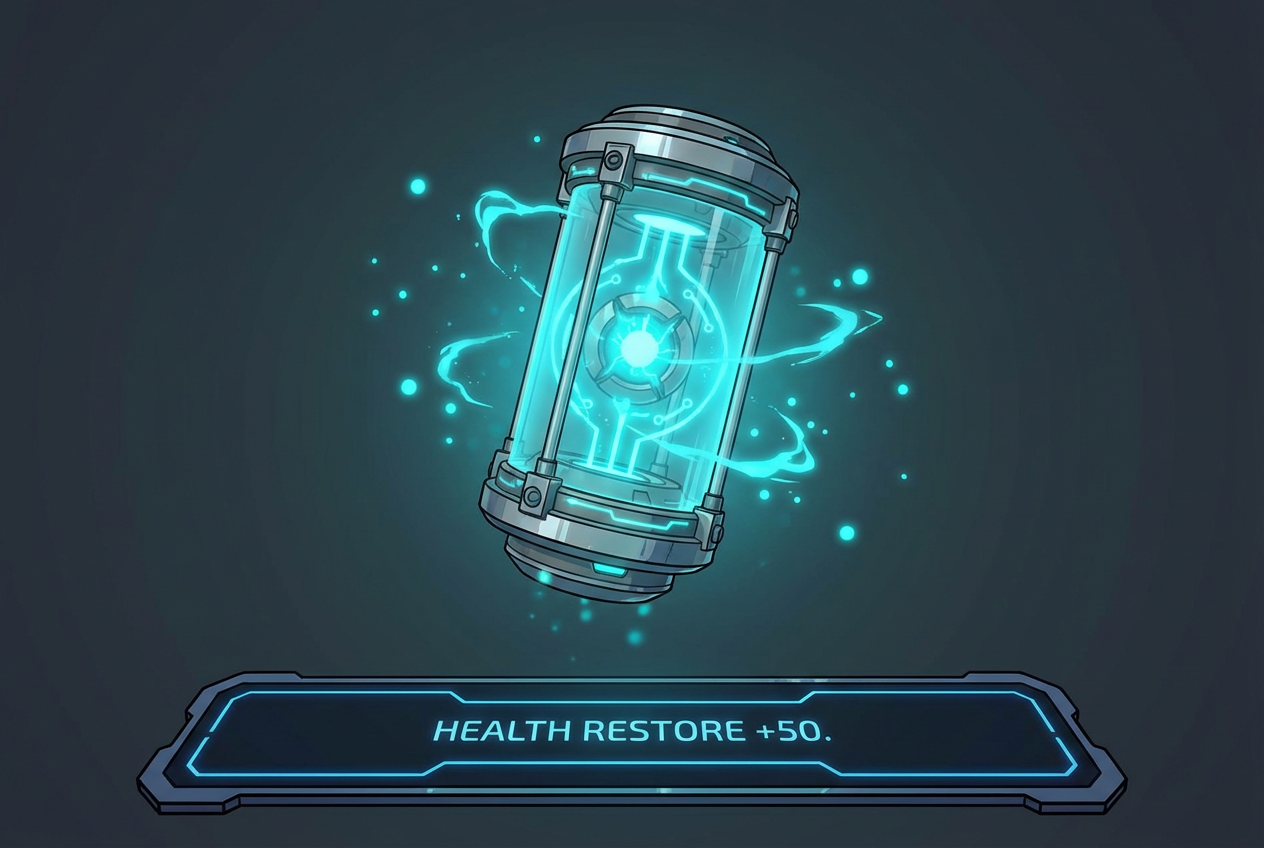
The agent gathers these inputs and preferences in the conversation before it starts.
Describe your desired game asset...
Choices: Any Category, Character, Weapon, Prop, Environment, Item, Vehicle, Building, UI Element, Icon, Texture
Choices: Any Perspective, Front View, Side View, Top Down, Isometric, Three Quarter, First Person, Orthographic
Choices: Any Quality, High Resolution, Game Ready, PBR, Mobile Optimized, Hand Drawn, Concept
Create professional, game-ready assets tailored to your game's style and needs.
Create game assets in three simple steps:
Enter a detailed description of the game asset you want to create.
Select category, style, perspective, and quality preferences.
Let AI create unique game assets based on your specifications.
Generate assets optimized for immediate use in game development.
Choose from various styles including pixel art, low-poly, and realistic.
Create assets compatible with major game engines and platforms.
Generate assets from different viewing angles and perspectives.
Create custom assets for your games quickly and efficiently.
Generate reference art and base assets for further customization.
Access professional-quality assets without a large art budget.
Generate unique assets for game marketplaces and stores.
Create assets for personal projects and game prototypes.
Design custom assets for game modifications and add-ons.
Include detailed descriptions of the asset's appearance and function.
Specify the relative size and scale of your asset within the game world.
Consider how the asset will fit into your game's overall style and theme.
Consider how the asset will be used in your game engine.
Choose appropriate quality settings based on your platform requirements.
You can create various types including characters, props, environments, UI elements, icons, and more. Each category is optimized for game development use.
Yes! The generated assets are optimized for use in popular game engines like Unity and Unreal Engine, though some minor adjustments might be needed.
Absolutely! Choose from multiple styles including realistic, cartoon, pixel art, low-poly, and more to match your game's aesthetic.
Assets are generated as high-quality images that can be used directly or as references for 3D modeling and further development.
Yes, you can generate multiple versions of your asset to explore different interpretations and styles.
Include details about the asset's purpose, style, perspective, and any specific features or characteristics you want to include.
Yes! All assets generated by our AI Game Asset Generator are 100% free for commercial use in your games or other projects.
No, there are no restrictions on how you can use the generated assets. You own full rights to the assets you generate.


