Art Description
Describe your desired geometric art design...

Create stunning geometric art designs with AI
Reference media and sample results for this task.
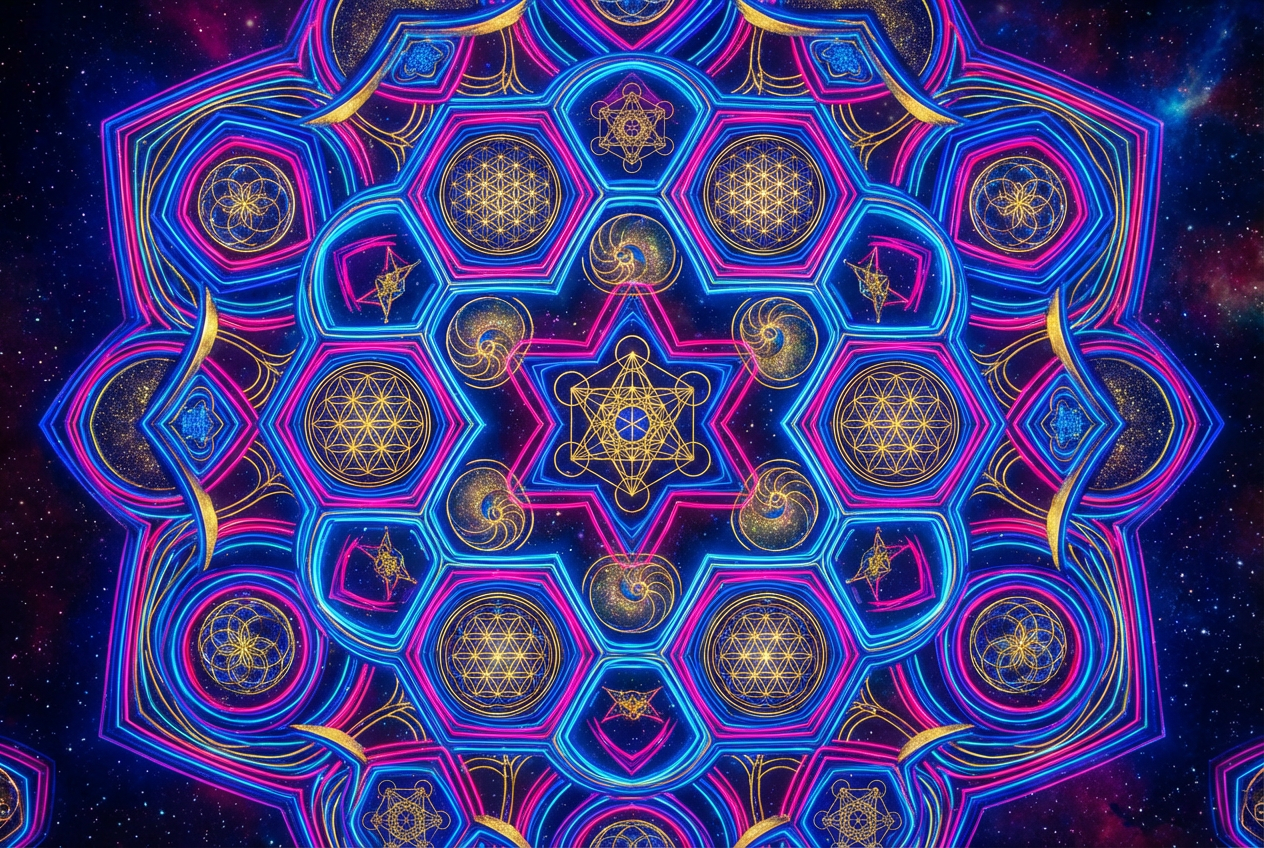
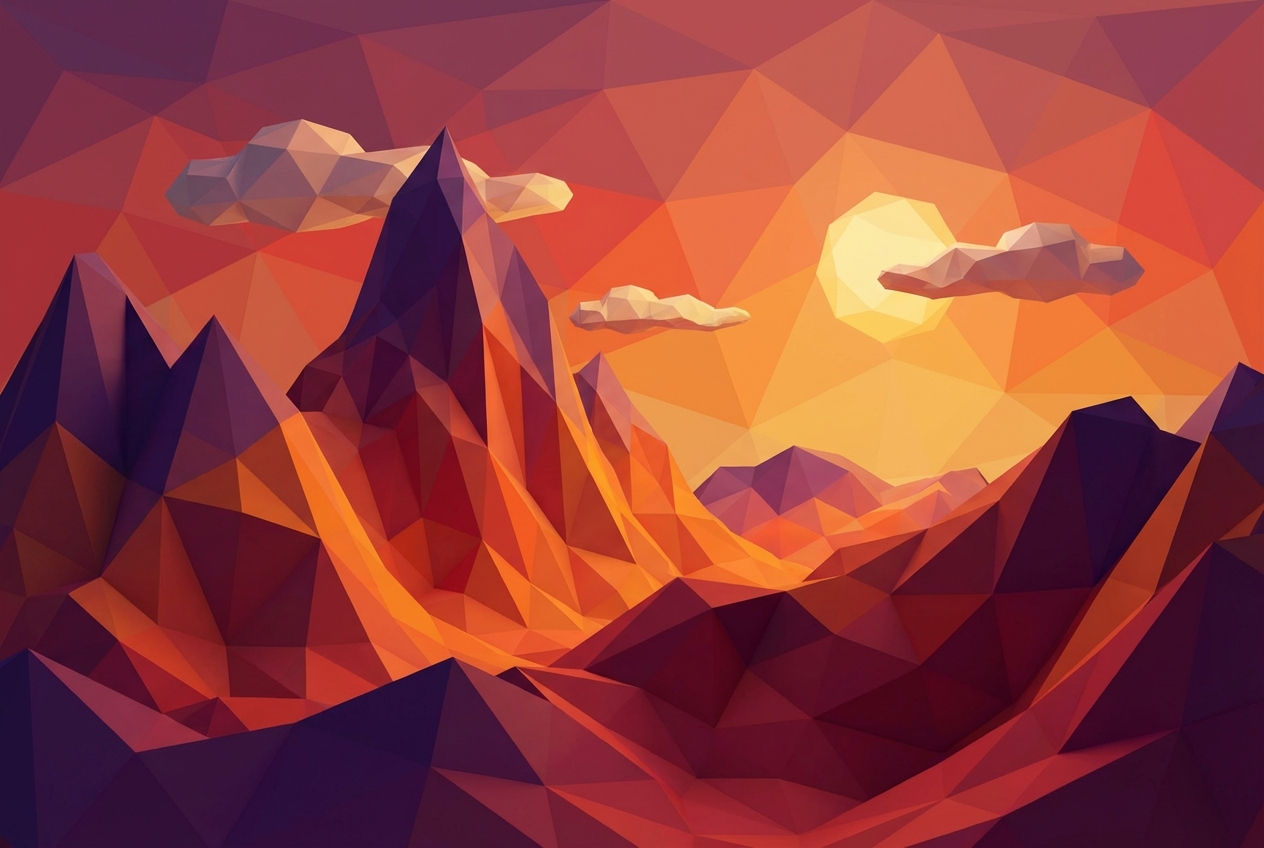
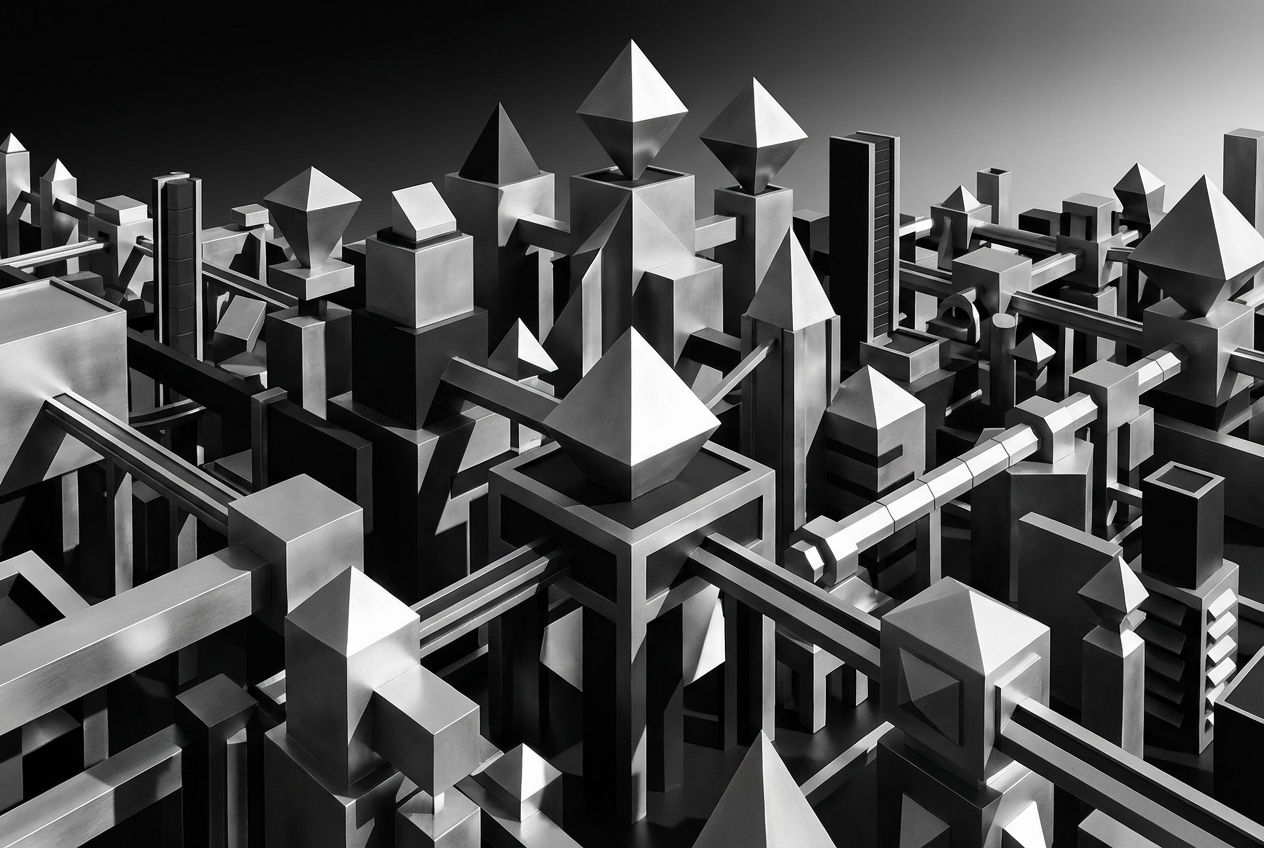
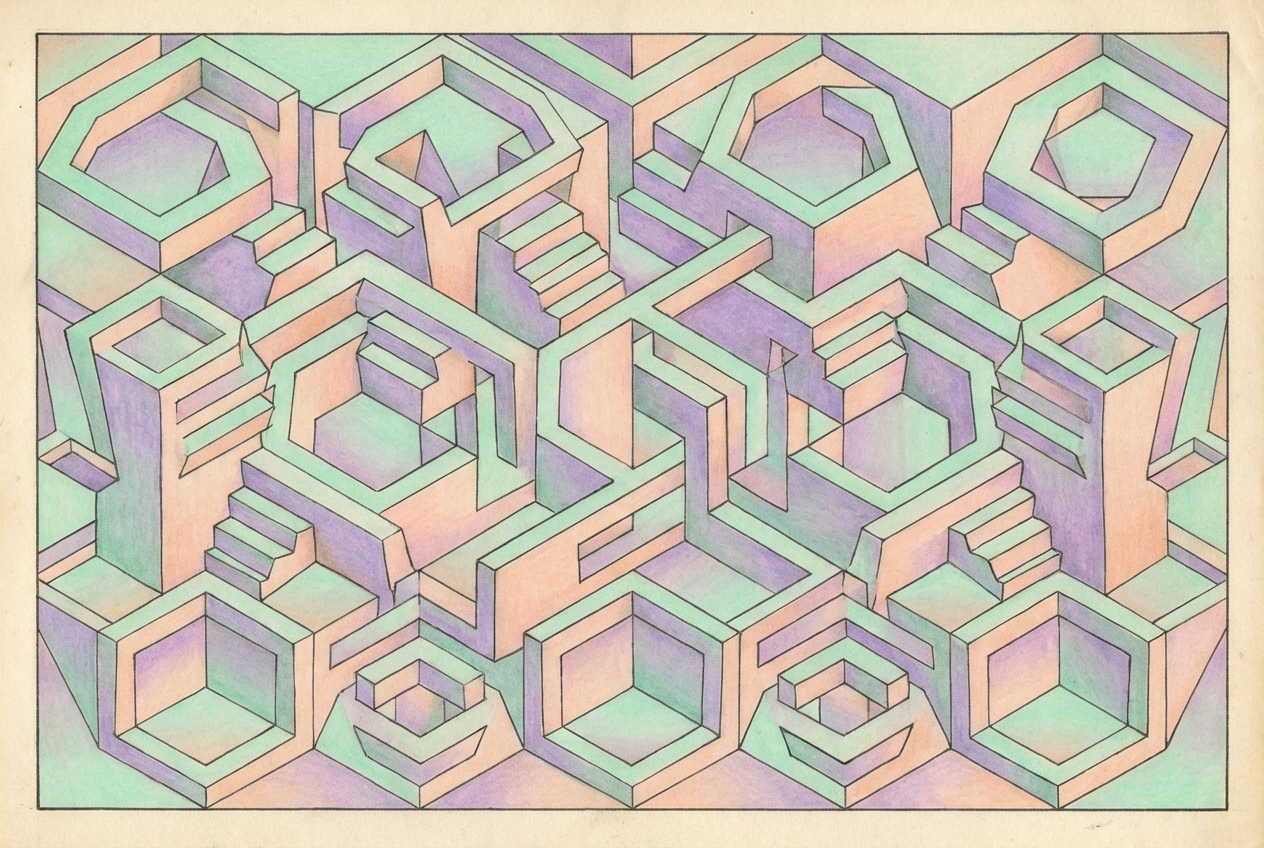
The agent gathers these inputs and preferences in the conversation before it starts.
Describe your desired geometric art design...
Choices: Auto Complexity, Simple, Moderate, Complex, Intricate
Choices: Any Pattern, Repeating, Radial, Symmetrical, Asymmetrical, Layered, Interlocking
Choices: Any Shapes, Circles, Triangles, Squares, Hexagons, Mixed Shapes, Polygons
Choices: Any Colors, Monochromatic, Complementary, Analogous, Triadic, Black and White, Pastel, Neon
Create stunning, mathematically-inspired geometric art with precision and creativity.
Create beautiful geometric art in three simple steps:
Enter a detailed description of your desired geometric art design.
Select style, complexity, pattern type, shapes, and color scheme.
Let AI create unique geometric designs based on your specifications.
Choose from abstract, minimalist, 3D geometric, and other artistic styles.
Explore various color schemes from monochromatic to vibrant combinations.
Download your designs instantly in high resolution for any use.
Fine-tune complexity and pattern types for perfect results.
Create unique geometric designs for digital art projects.
Generate geometric patterns for logos, backgrounds, and branding.
Design geometric patterns for wallpapers and decorative elements.
Create patterns for fabric prints, wallpapers, and merchandise.
Explore geometric art creation for personal projects.
Generate unique geometric backgrounds for social media and content.
Begin with basic shapes and patterns before moving to complex designs.
Choose complementary or analogous color schemes for harmonious results.
Match the complexity level to your intended use and viewing distance.
Use symmetrical patterns for more pleasing and balanced designs.
Try different sizes of shapes and patterns to create visual interest.
You can create various styles including abstract, minimalist, 3D geometric, optical illusions, sacred geometry, tessellations, fractals, and more. Each style has its unique characteristics and visual appeal.
Yes! You can choose from different complexity levels ranging from simple to intricate designs, allowing you to create exactly the type of geometric art you need.
We offer multiple pattern types including repeating, radial, symmetrical, asymmetrical, layered, and interlocking patterns. Each type creates distinct visual effects.
Yes, you can specify focus on particular shapes like circles, triangles, squares, hexagons, or a mix of different geometric shapes.
You can select from various color schemes including monochromatic, complementary, analogous, triadic, black and white, pastel, and neon colors to match your project needs.
Include details about the style, complexity, pattern type, and color preferences. Also mention any specific shapes or mathematical concepts you want to incorporate.
Yes! All designs generated by our AI Geometric Art Generator are 100% free for commercial use. You can use them in your projects, products, or any commercial applications without any licensing restrictions.
Our generator creates high-resolution images suitable for both digital and print use. The images can be scaled for various applications while maintaining quality.


