Portrait Description
Describe the girl portrait you want to create...

Create stunning AI-generated portraits of girls in various styles
Reference media and sample results for this task.
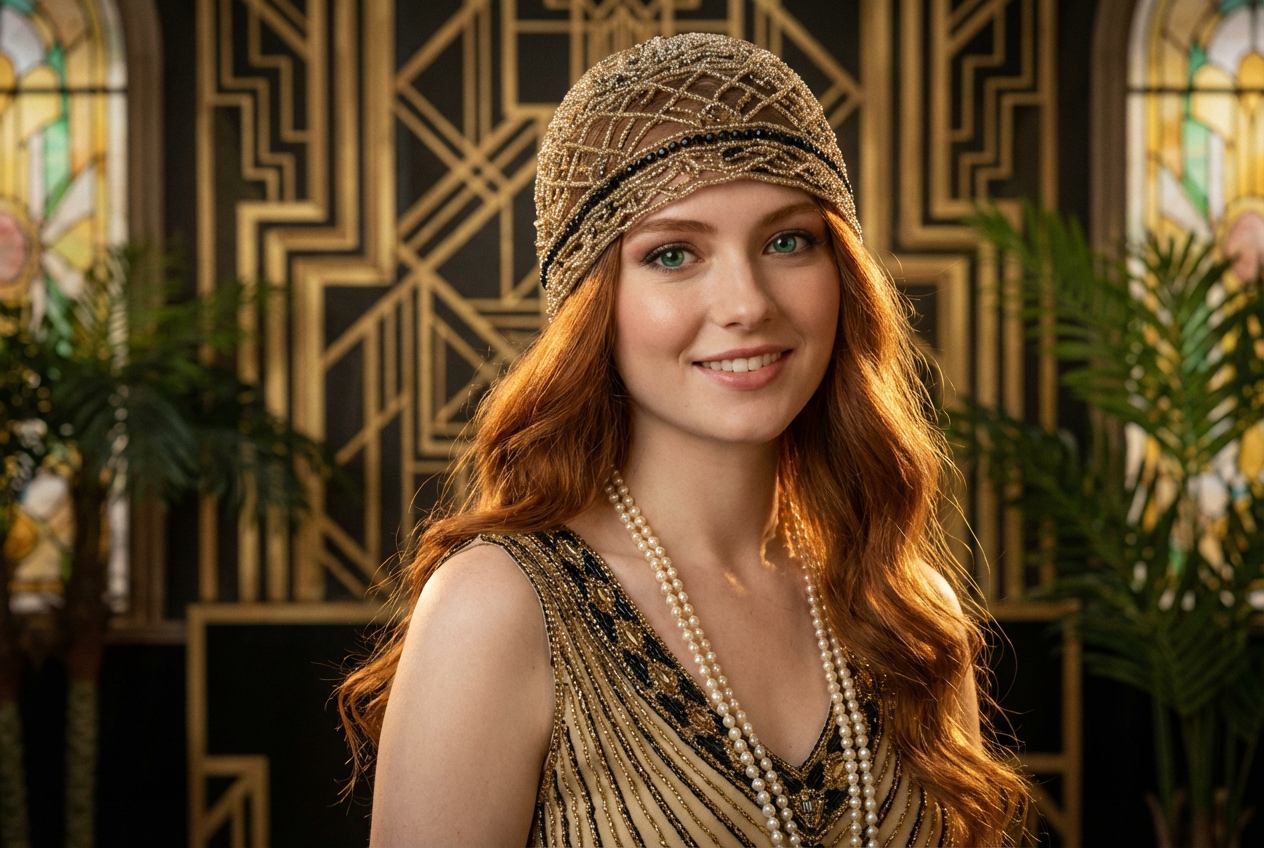
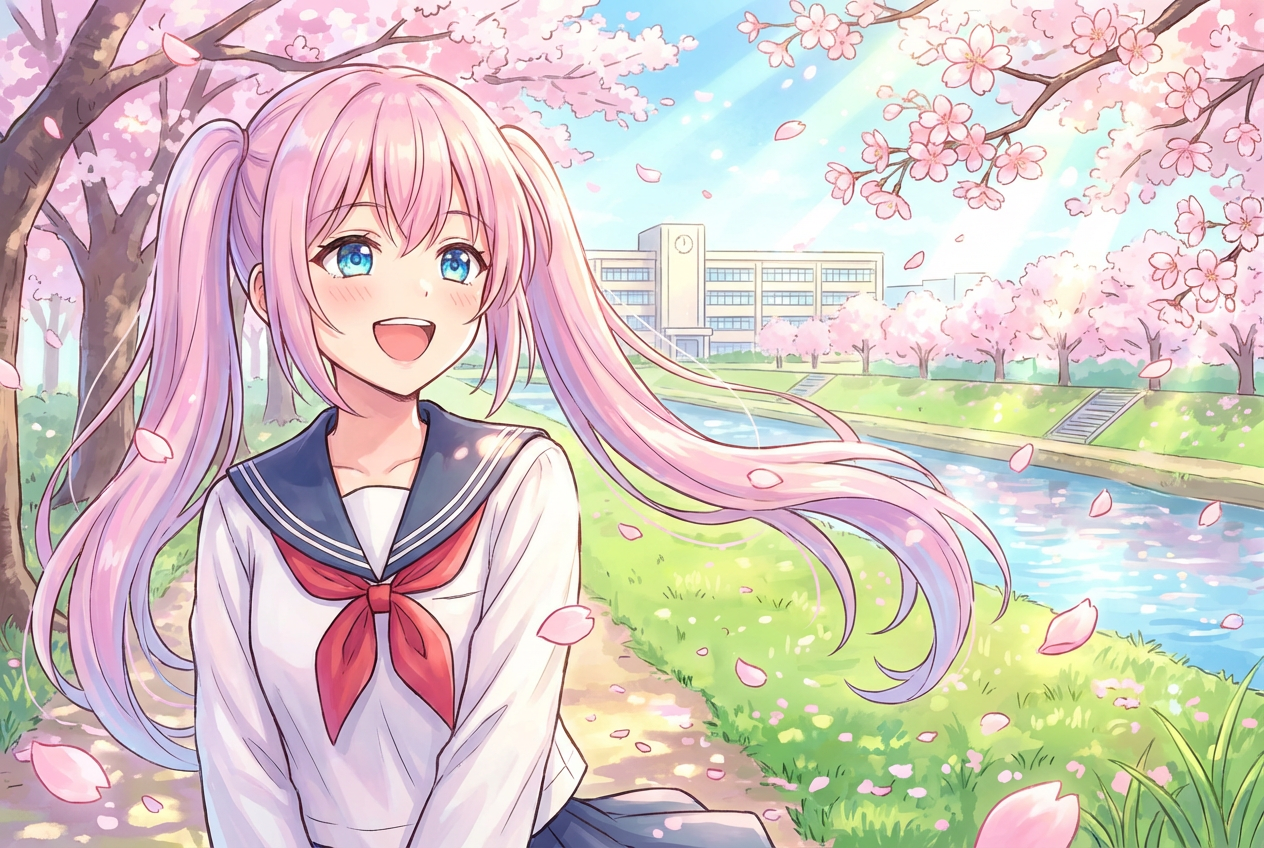
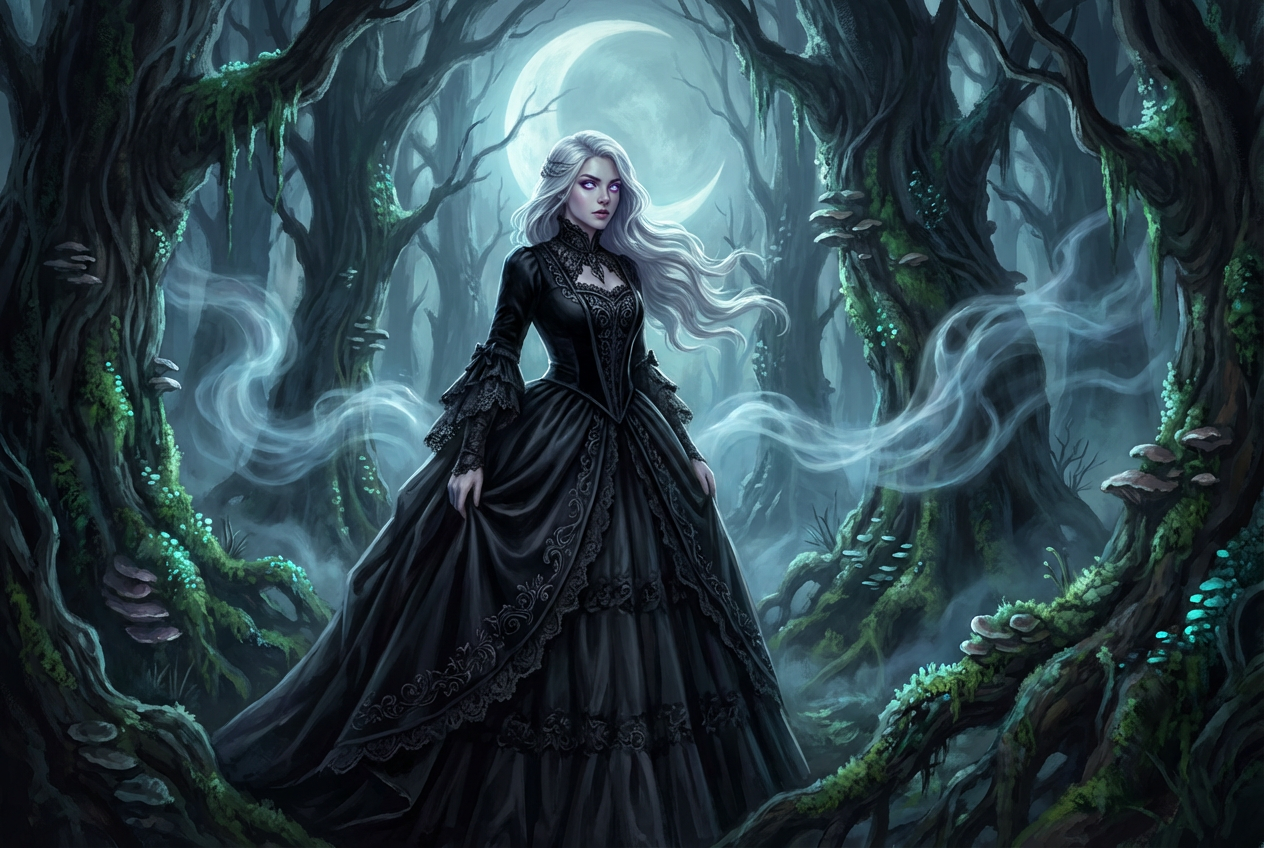
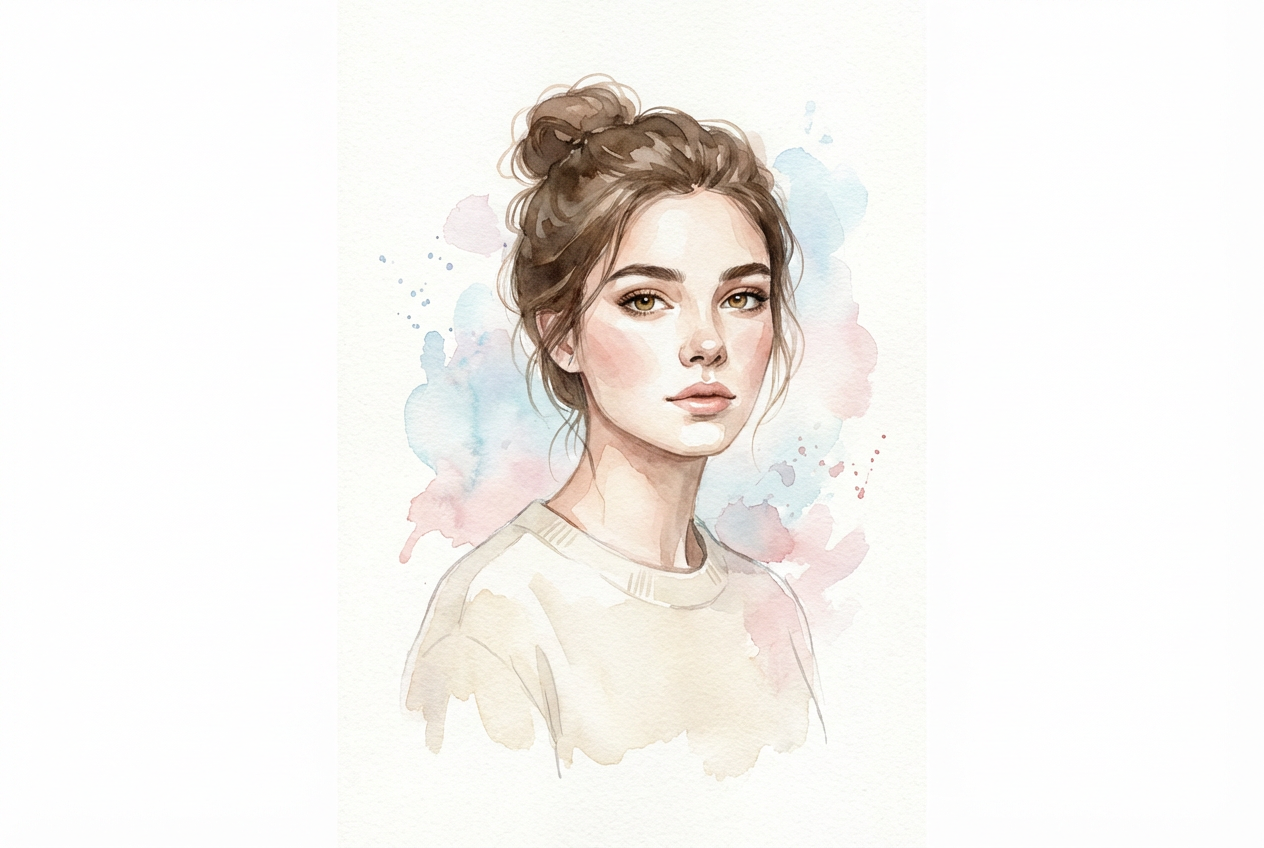
The agent gathers these inputs and preferences in the conversation before it starts.
Describe the girl portrait you want to create...
Choices: Any Pose, Standing, Sitting, Portrait, Action, Candid, Dynamic
Choices: Any Outfit, Casual, Formal, Business, Sporty, Fantasy, Traditional
Choices: Any Background, Studio, Nature, Urban, Abstract, Gradient, Solid Color
Choices: Any Lighting, Natural, Studio, Dramatic, Soft, Cinematic, Backlit
Create stunning, personalized portraits with advanced AI technology.
Create beautiful portraits in three simple steps:
Enter a detailed description of the portrait you want to create.
Select style, pose, outfit, background, and lighting preferences.
Let AI create unique portraits based on your specifications.
Choose from realistic, anime, digital art, and other popular styles.
Control poses, outfits, backgrounds, and lighting effects.
Download your portraits in high resolution for various uses.
AI ensures balanced composition and appealing visual aesthetics.
Generate reference images and inspire new artwork.
Create unique characters for stories and content.
Design character concepts and avatars quickly.
Create unique profile pictures and content.
Experiment with different artistic styles.
Quickly prototype character designs and concepts.
Include details about facial features, expressions, and personality.
Think about framing, pose, and background elements.
Mention specific art styles or artists that inspire you.
Include enough details but leave room for AI creativity.
Try different lighting styles to create various moods.
We support multiple styles including realistic, anime, digital art, watercolor, oil painting, cartoon, comic, fantasy, and cyberpunk.
Yes! You can specify different poses, outfits, backgrounds, and lighting effects to create your perfect portrait.
Our AI generates high-resolution images suitable for various uses, from social media to printing.
Yes, you can generate multiple versions of your portrait to explore different interpretations and styles.
Provide detailed descriptions, experiment with different styles and settings, and use our advanced options for fine-tuning.
Yes! All portraits generated by our AI Girl Generator are free for commercial use.
Yes, we maintain family-friendly content standards and don't generate inappropriate or explicit content.
The number of images depends on your plan. Free users can generate a limited number daily, while premium users get more generations.


