Describe your gradient
Sunset colors blending from orange to purple...

Create stunning gradient designs and color transitions with AI
Reference media and sample results for this task.

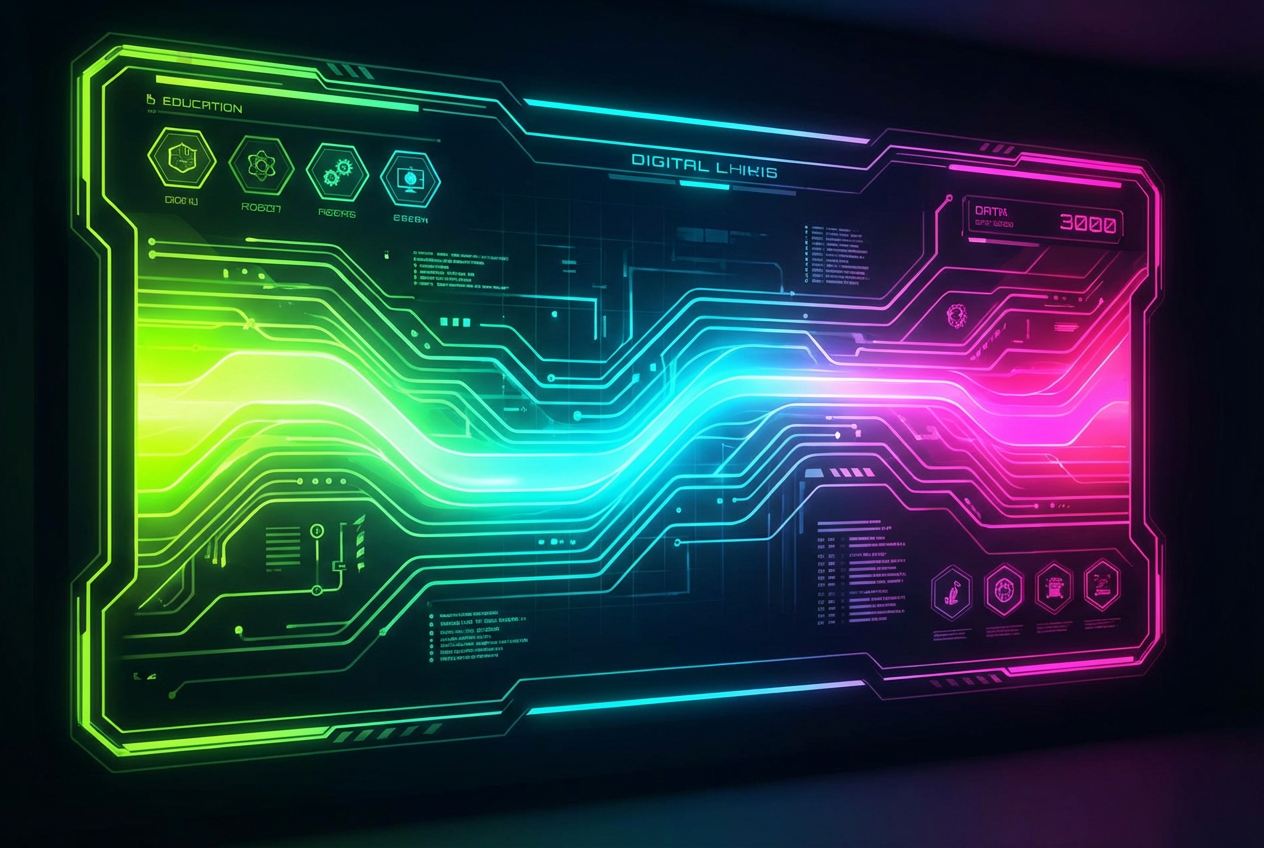
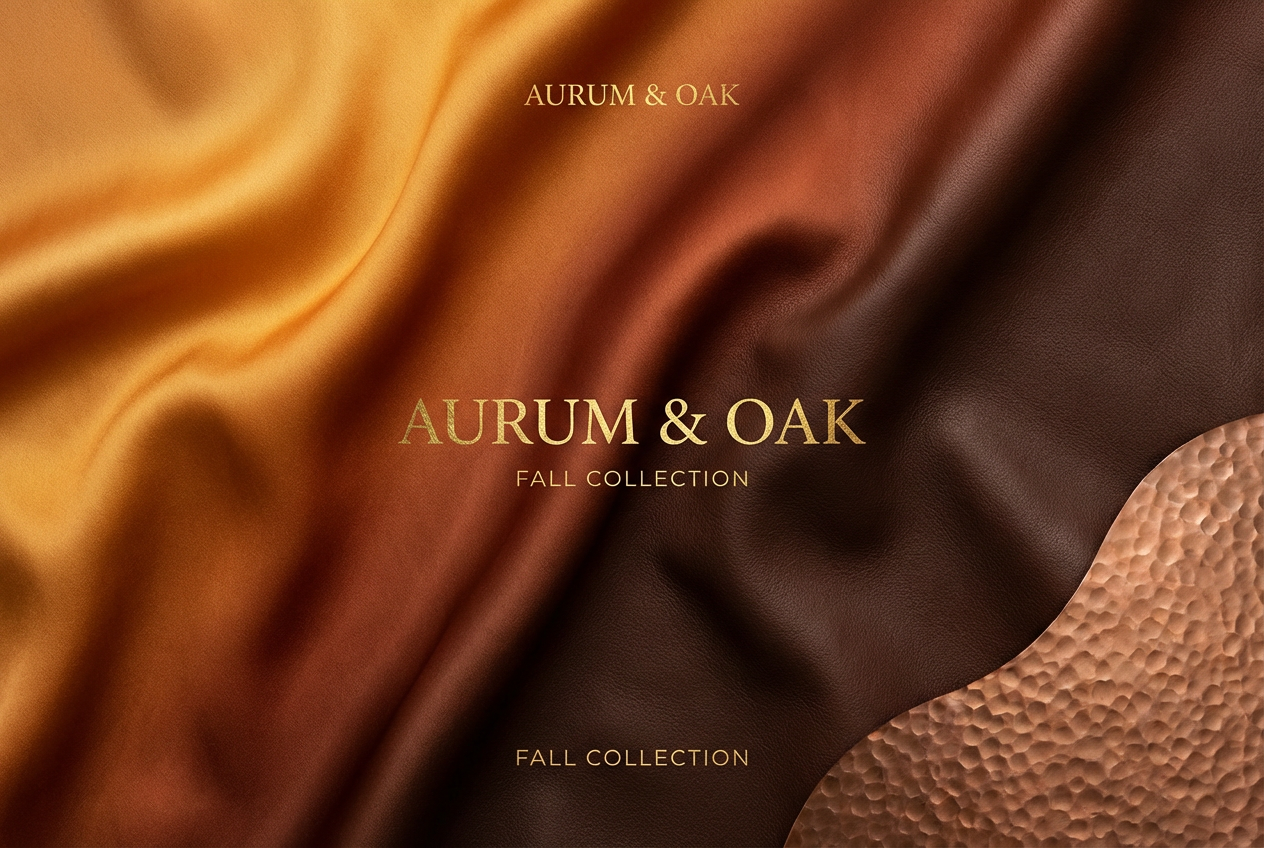

The agent gathers these inputs and preferences in the conversation before it starts.
Sunset colors blending from orange to purple...
Choices: Any Type, Linear, Radial, Angular, Diamond, Spiral, Conical
Choices: Any Colors, Warm Colors, Cool Colors, Pastel, Vibrant, Monochrome, Neon, Earthy, Ocean, Sunset
Choices: Default, Very Smooth, Medium Blend, Sharp Transition, Stepped
Choices: Default, Simple (2-3 colors), Medium (3-5 colors), Complex (5+ colors)
Add subtle texture to the gradient
Add film grain effect
Create stunning gradient designs effortlessly with AI-powered color blending and transitions.
Generate beautiful gradients in three simple steps:
Describe the colors or mood you want in your gradient
Choose gradient type, color scheme, and smoothness
Get your perfect gradient instantly
Choose from linear, radial, angular, diamond, spiral, and conical gradients
Quick access to warm, cool, pastel, vibrant, and themed color schemes
Control transition smoothness from sharp to ultra-smooth blends
Choose from simple 2-color to complex multi-color gradients
Add subtle textures and grain for unique aesthetics
Professional-grade gradients suitable for any project
Perfect for creators and professionals across all industries
Create stunning backgrounds and color schemes for designs
Generate modern gradient backgrounds for apps and websites
Create eye-catching backgrounds for social media and thumbnails
Generate CSS-ready gradients for modern web design
Create professional slide backgrounds and visual elements
Use as base layers or color inspiration for artwork
Use descriptive words like 'peaceful', 'energetic', or 'mysterious' to guide color selection
Match color schemes to your project - warm for energy, cool for calm, neon for modern
Simple gradients work better for backgrounds, complex ones for focal points
Try different gradient types to find what works best for your design
Subtle texture adds depth, but too much can be distracting
You can create linear, radial, angular, diamond, spiral, and conical gradients with our AI generator. Each type offers unique visual effects for different design needs.
Yes! You can describe specific colors or use our color scheme presets. The AI understands color names and combinations.
Gradients are generated as high-quality images that you can download and use in any design software or directly on websites.
You can download the gradient image and use it as a background, or recreate similar gradients using CSS based on the generated colors.
Absolutely! You can control complexity to create gradients with 2-3 colors for simplicity or 5+ colors for complex, eye-catching designs.
Smooth transitions blend colors gradually, while sharp transitions create distinct color bands. Choose based on your aesthetic preference.
Yes! All gradients generated with our AI Gradient Generator are 100% free for commercial use without any restrictions or attribution required.
Absolutely! You can use the generated gradients in any commercial or personal projects, including websites, apps, products, and marketing materials.
Yes! Enable the 'Add Texture' option to add subtle texture, or 'Add Grain/Noise' for a film-like aesthetic.
You can generate unlimited variations by adjusting your description and settings to explore different color combinations and styles.


