Graffiti Description
Describe your desired graffiti design...

Create unique, urban street art designs with AI
Reference media and sample results for this task.
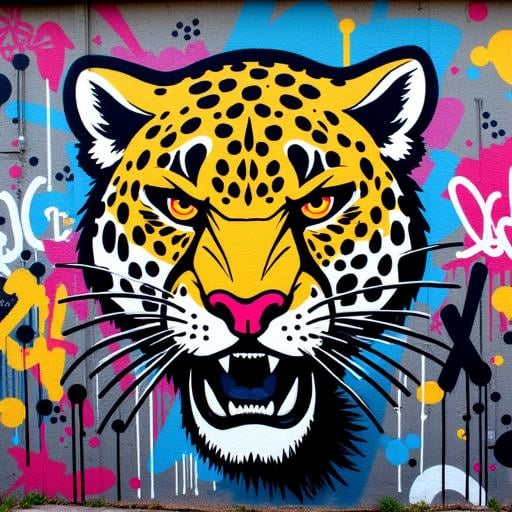
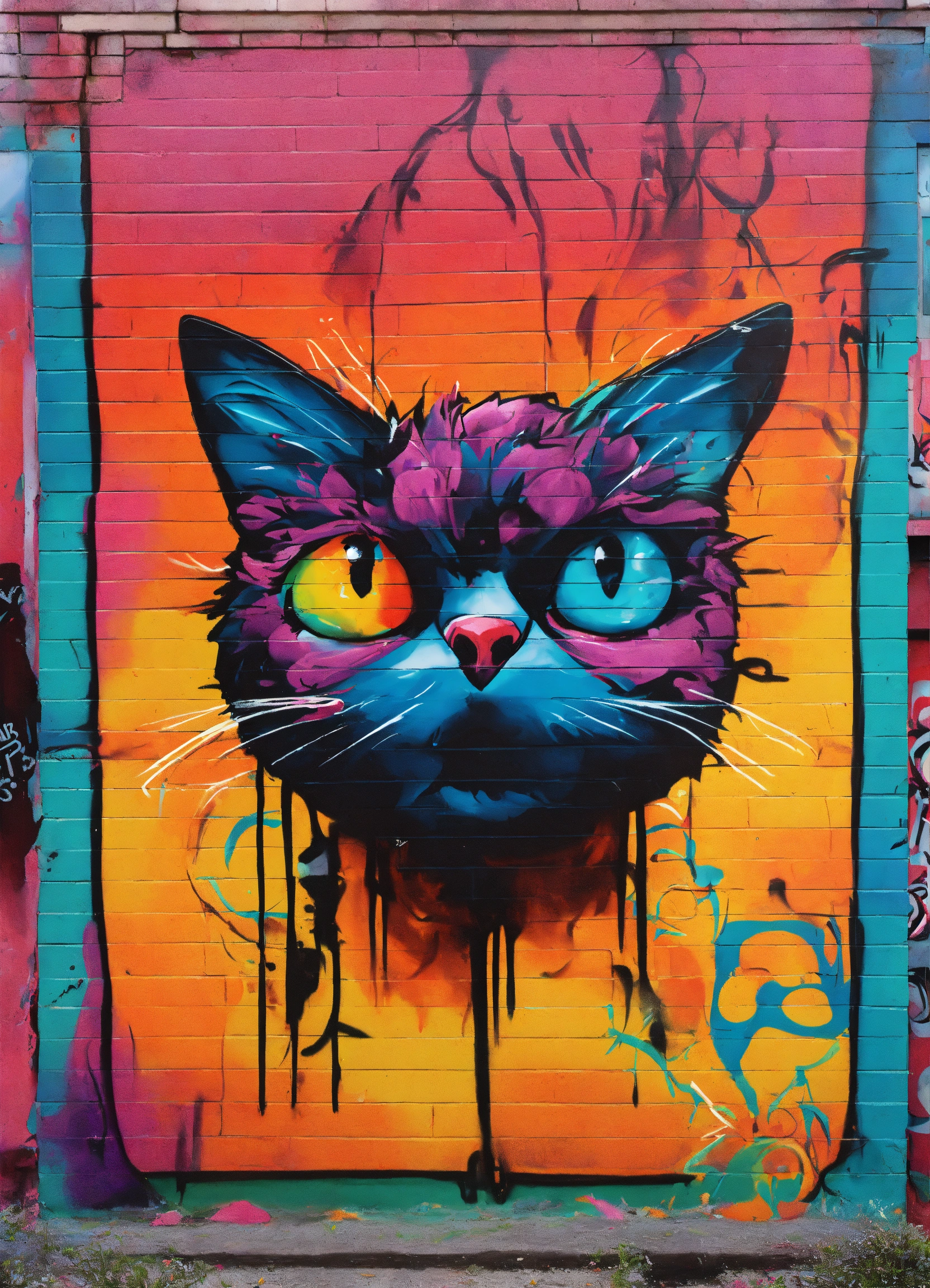
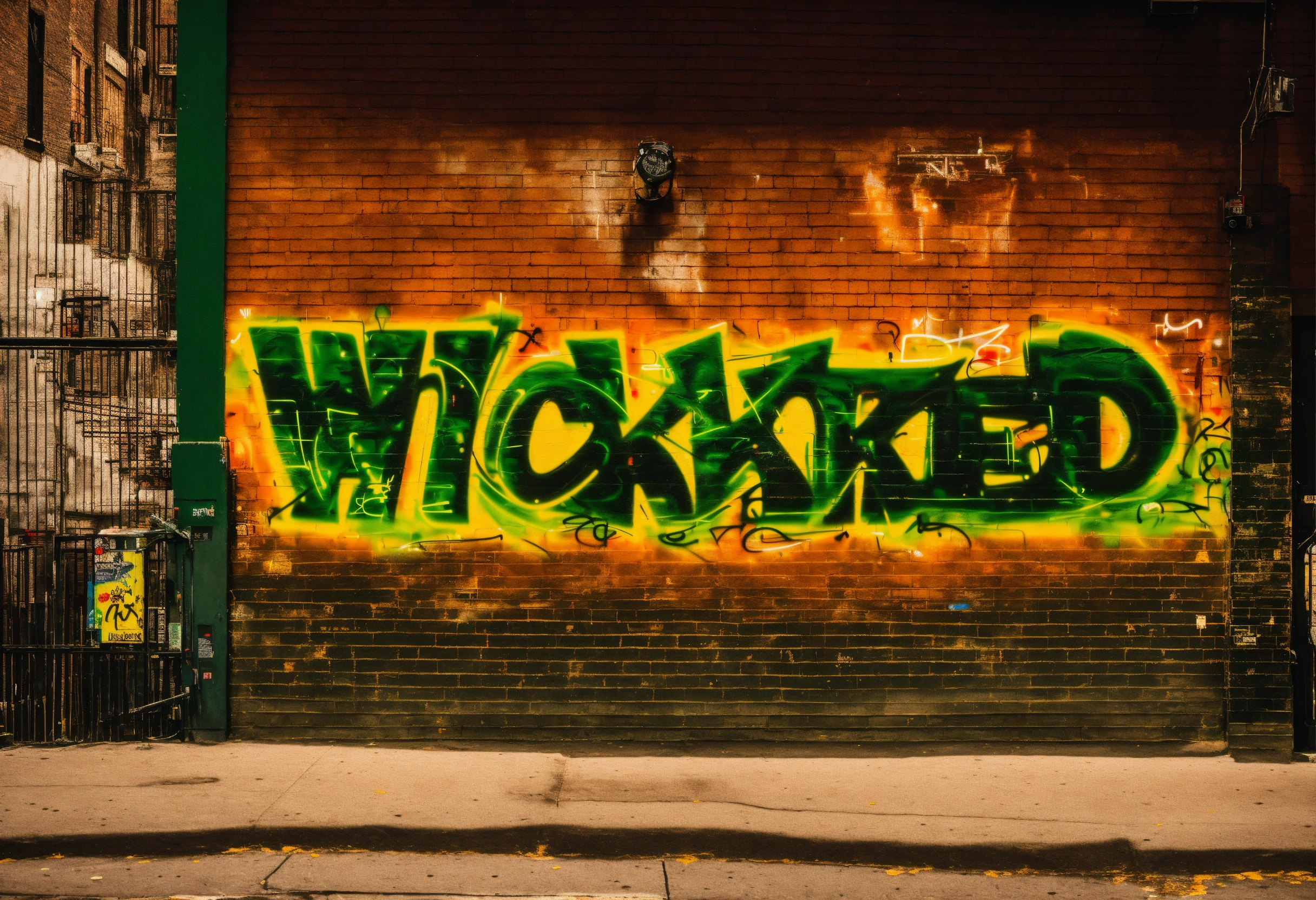
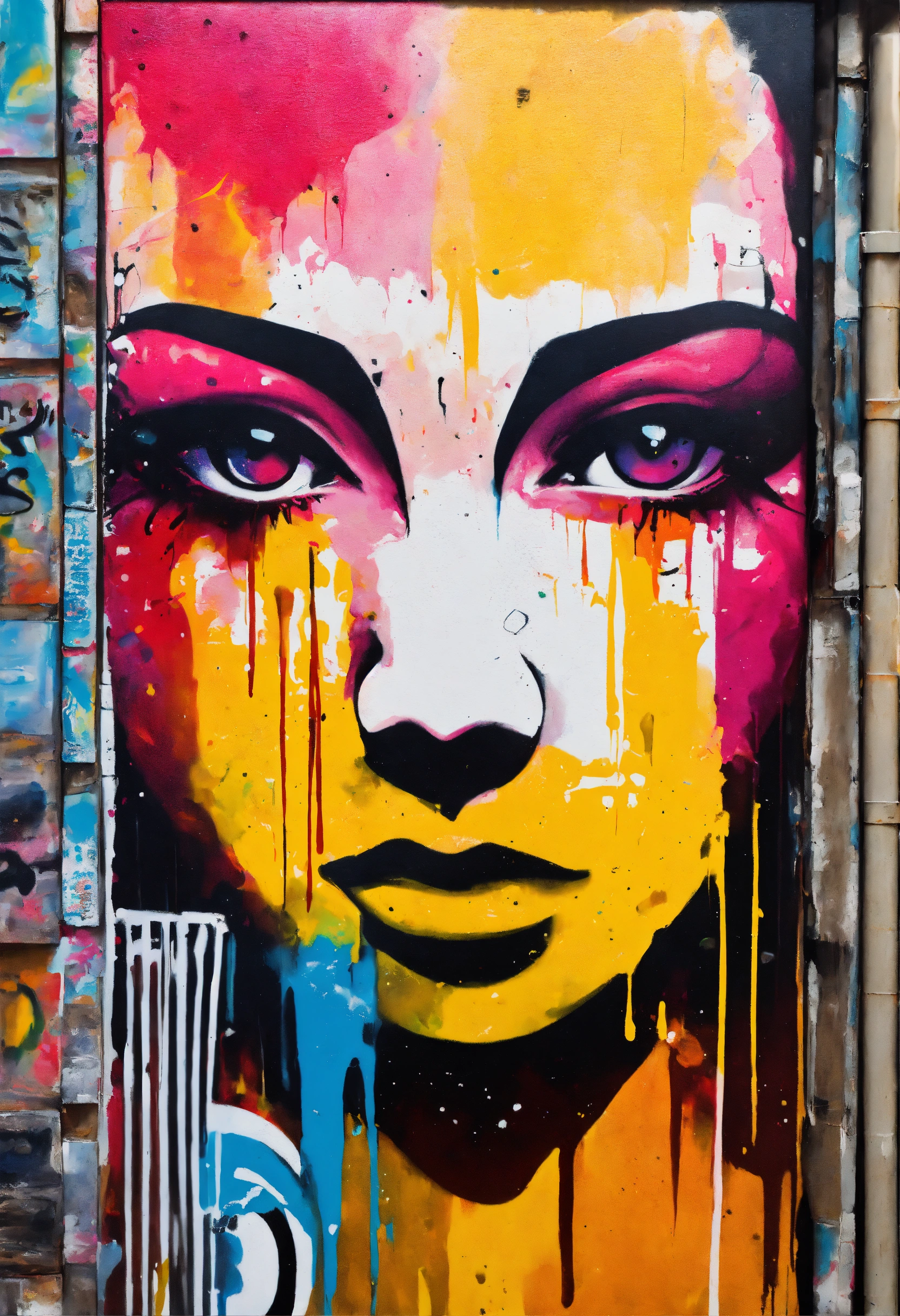
The agent gathers these inputs and preferences in the conversation before it starts.
Describe your desired graffiti design...
Choices: Any Surface, Brick Wall, Concrete Wall, Metal Surface, Train Car, Wooden Surface
Choices: Any Technique, Spray Paint, Stencil, Marker, Mixed Media
Choices: Any Colors, Vibrant, Neon, Monochrome, Pastel, Chrome
Choices: Any Dimension, 2D, 3D, Pseudo-3D
Create stunning street art designs with advanced AI technology.
Create your street art in three simple steps:
Enter a detailed description of your desired graffiti artwork.
Select style, surface, technique, and color preferences.
Let AI create unique graffiti designs based on your specifications.
Choose from wildstyle, bubble letters, 3D, and other popular graffiti styles.
Explore vibrant, neon, chrome, and other color schemes.
Download your designs instantly for reference or sharing.
Visualize how your graffiti will look on different surfaces.
Plan and visualize complex pieces before painting.
Create urban art-inspired digital designs.
Study and practice graffiti techniques digitally.
Visualize street art in urban development projects.
Design backdrops for urban culture events.
Create urban-inspired designs for marketing campaigns.
Different surfaces affect how your graffiti will look and feel.
Use complementary colors for better contrast and visibility.
Stick to one style per piece for better coherence.
Consider how 3D effects will work with your chosen surface.
Balance complexity with readability for effective street art.
We support multiple styles including wildstyle, bubble letters, block letters, 3D, throw-ups, stencil art, characters, and abstract designs.
Yes! You can specify different surfaces like brick walls, concrete, metal surfaces, train cars, and more to visualize your design in context.
Our AI can simulate various techniques including spray paint, stencils, markers, and mixed media approaches.
Yes, you can generate multiple versions of your design to explore different interpretations and styles.
You can use the designs as references for real graffiti work, digital art projects, or any creative purpose.
Include details about the style, desired effects, color schemes, and any specific elements you want in your piece.
Yes! All designs generated are 100% free for commercial use without any licensing restrictions.
No restrictions on how you can use the generated designs. You own full rights to modify, share, or sell them as you wish.


