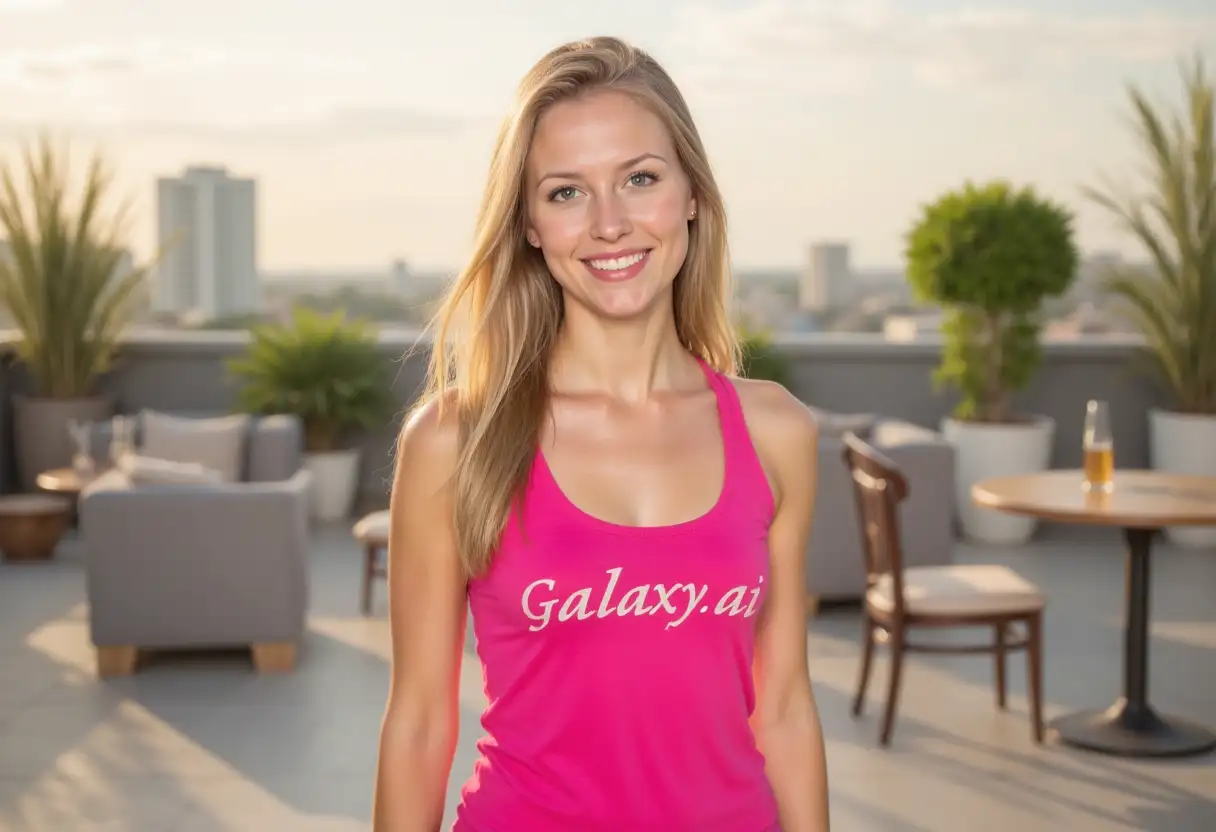
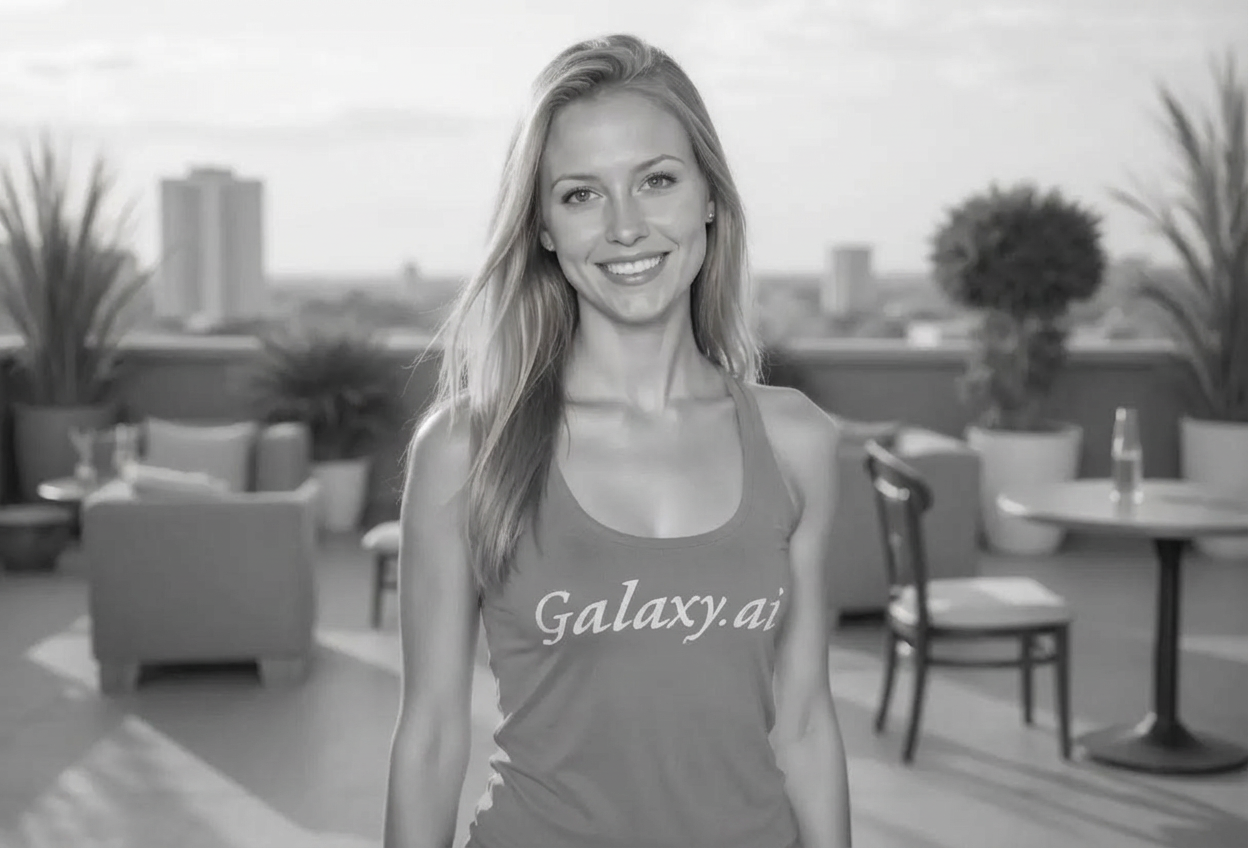
Create stunning black and white art with AI that captures the timeless elegance of monochrome photography.
Generate classic black & white photography
Multiple styles from noir to fine art
Control contrast from subtle to dramatic
Professional lighting and tonal range
Add vintage grain and effects
Perfect for artistic expression
Create portraits, landscapes, and more
Timeless monochrome aesthetics
How Our AI Grayscale Generator Works
Create beautiful black and white art in three simple steps
01
Choose Style
Select from classic B&W, high contrast, noir, vintage, or fine art styles
02
Adjust Details
Set subject, contrast, lighting, grain, and era for perfect monochrome
03
Generate Art
AI creates stunning grayscale images with rich tonal depth
Key Features of AI Grayscale Generator
Multiple B&W Styles
Classic, high contrast, noir, vintage, documentary, and fine art styles
Subject Variety
Create portraits, landscapes, architecture, street scenes, and more
Contrast Control
Fine-tune contrast from subtle and soft to extreme dramatic effects
Lighting Mastery
Choose dramatic, soft, hard, backlit, or chiaroscuro lighting
Film Grain Effects
Add authentic film grain from subtle to heavy for vintage look
Period Styles
Recreate 1920s, 1940s, 1960s, or vintage era photography
Who Can Benefit from AI Grayscale Generator?
Perfect for photographers and artists who love monochrome
Photographers
Create stunning black and white portfolio pieces and artistic works
Artists
Generate monochrome reference images and artistic compositions
Filmmakers
Create noir-style imagery for film concepts and storyboards
Graphic Designers
Design monochrome elements for branding and visual projects
Authors & Publishers
Create atmospheric black and white book covers and illustrations
Art Enthusiasts
Explore the timeless beauty of monochrome photography
Tips for Stunning Black & White Art
Tip 1
Embrace Contrast
Strong blacks and bright whites create powerful visual impact in B&W
Tip 2
Focus on Texture
Without color, texture and form become the primary visual elements
Tip 3
Use Light Dramatically
Dramatic lighting with deep shadows creates mood and depth
Tip 4
Add Grain for Vintage Feel
Film grain adds authenticity and character to black and white images
Tip 5
Choose Strong Subjects
Bold shapes, patterns, and subjects work best in monochrome
Frequently Asked Questions
What grayscale styles are available?
You can create classic black & white, high contrast, low contrast/soft, film noir, vintage/aged, documentary style, fine art B&W, and dramatic shadow styles.
Can I create different types of subjects?
Yes! Generate portraits, landscapes, architecture, street scenes, nature, abstract art, and still life in grayscale.
How do I control the contrast?
Adjust contrast intensity from subtle/soft to moderate, strong, or extreme for different visual effects.
What lighting options are available?
Choose from natural, dramatic/moody, soft & even, hard light, backlit/silhouette, or chiaroscuro lighting styles.
Can I add film grain?
Yes! Add subtle, moderate, or heavy film grain to create authentic vintage photography looks.
What are the period style options?
Recreate contemporary, 1920s, 1940s, 1960s, or general vintage/classic era photography styles.
What is a vignette effect?
A vignette darkens the edges of the image, drawing focus to the center and adding vintage character.
What does artistic interpretation do?
It creates a more fine art approach with enhanced composition and creative interpretation.
Why choose black and white over color?
Black and white emphasizes form, texture, contrast, and emotion without color distraction, creating timeless, dramatic art.
Can I use these for professional portfolios?
Absolutely! The images have professional quality suitable for photography portfolios, gallery prints, and commercial use.