Describe Your Group Photo
Professional team photo in a modern office setting...

Create stunning group photos in any setting with AI
Reference media and sample results for this task.
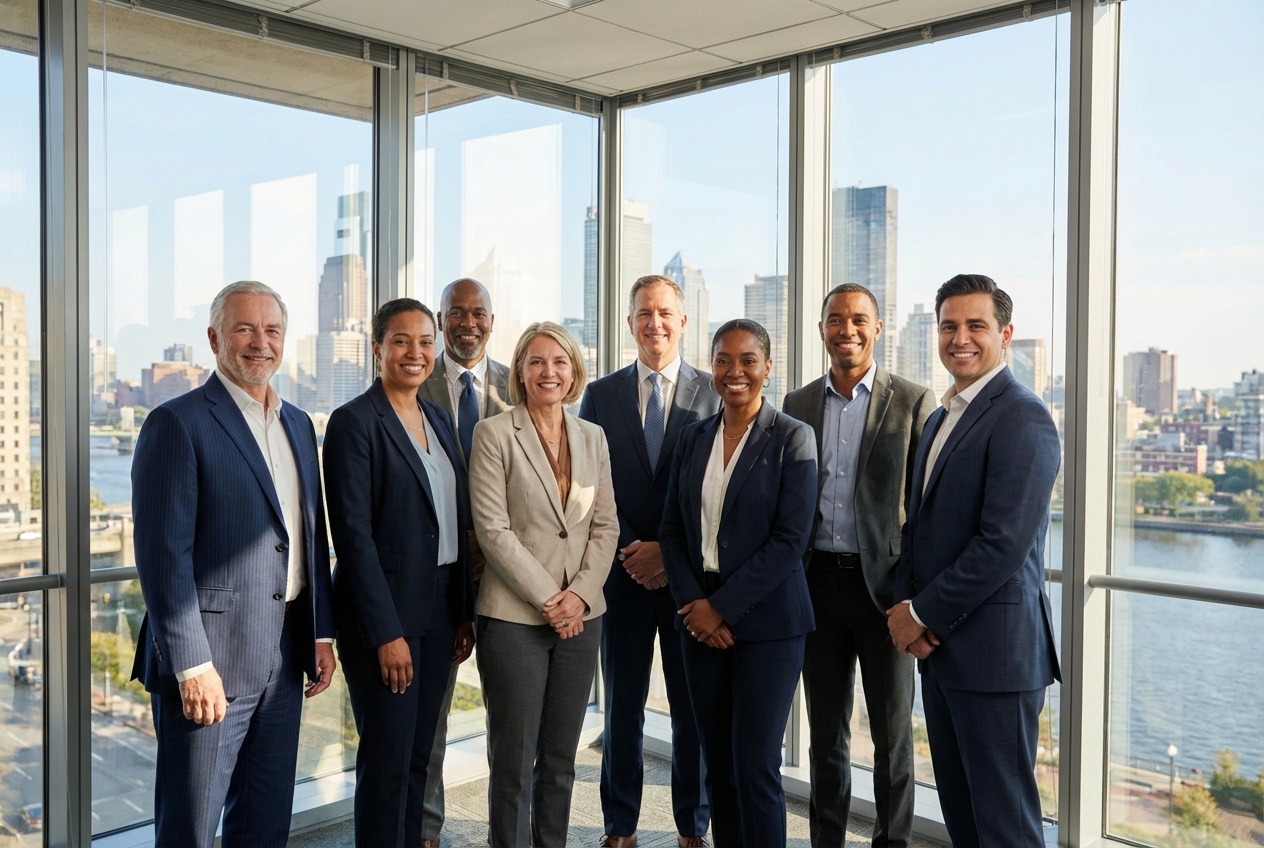
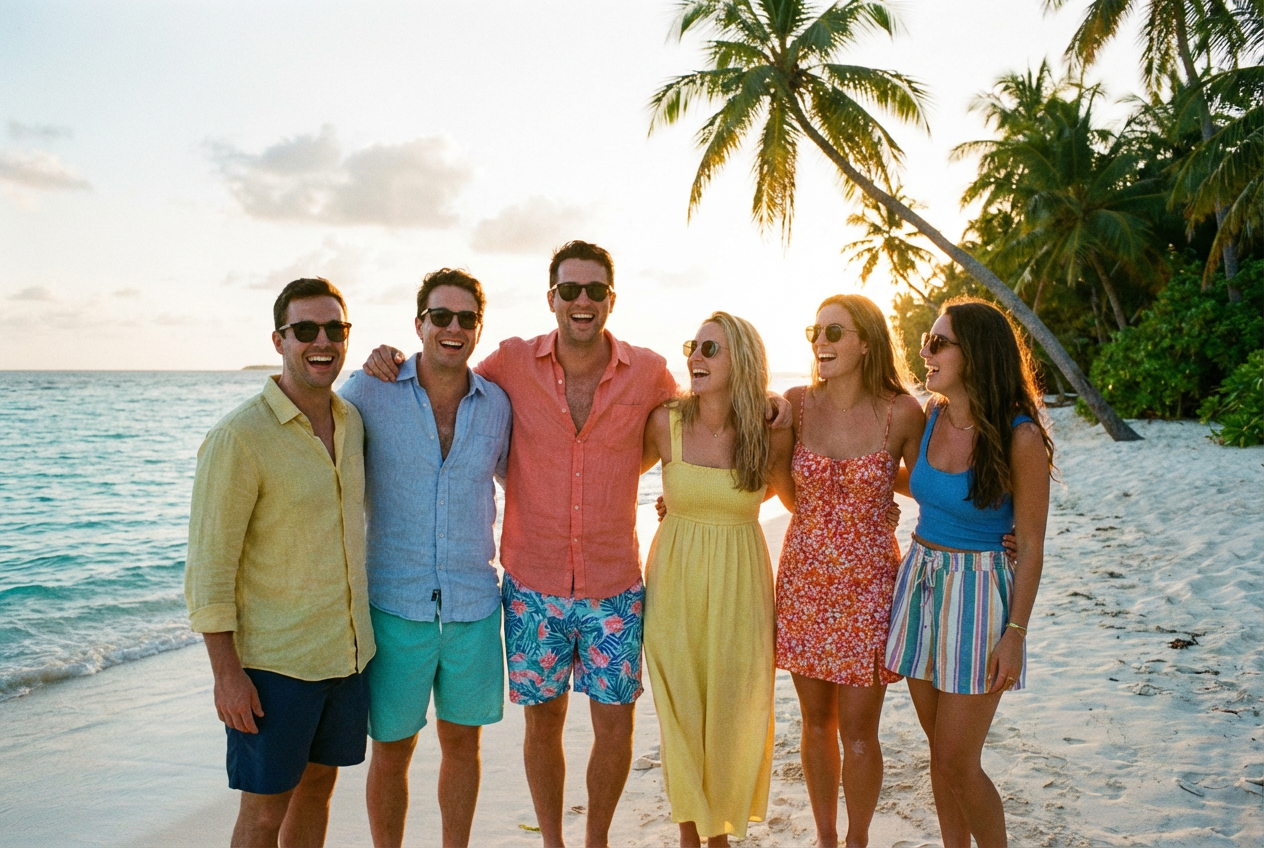
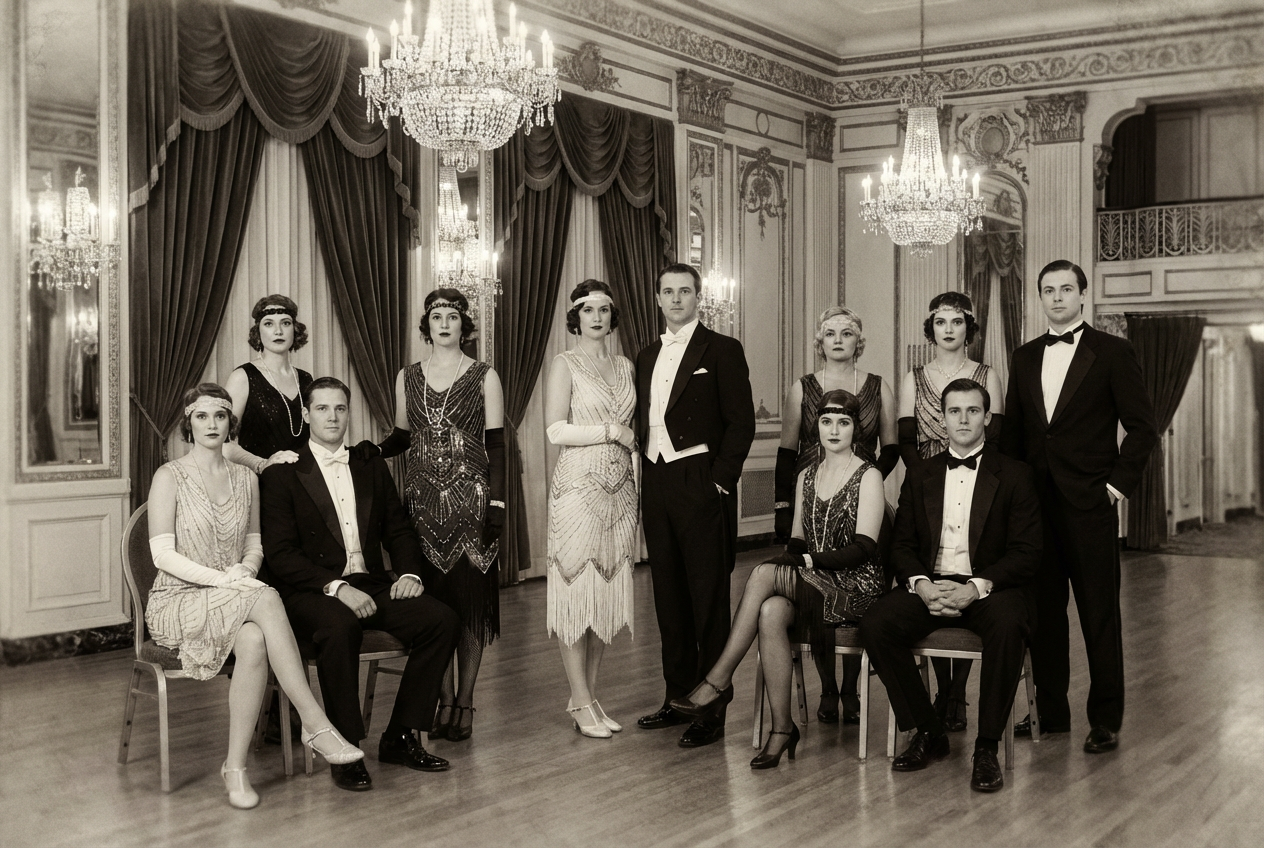
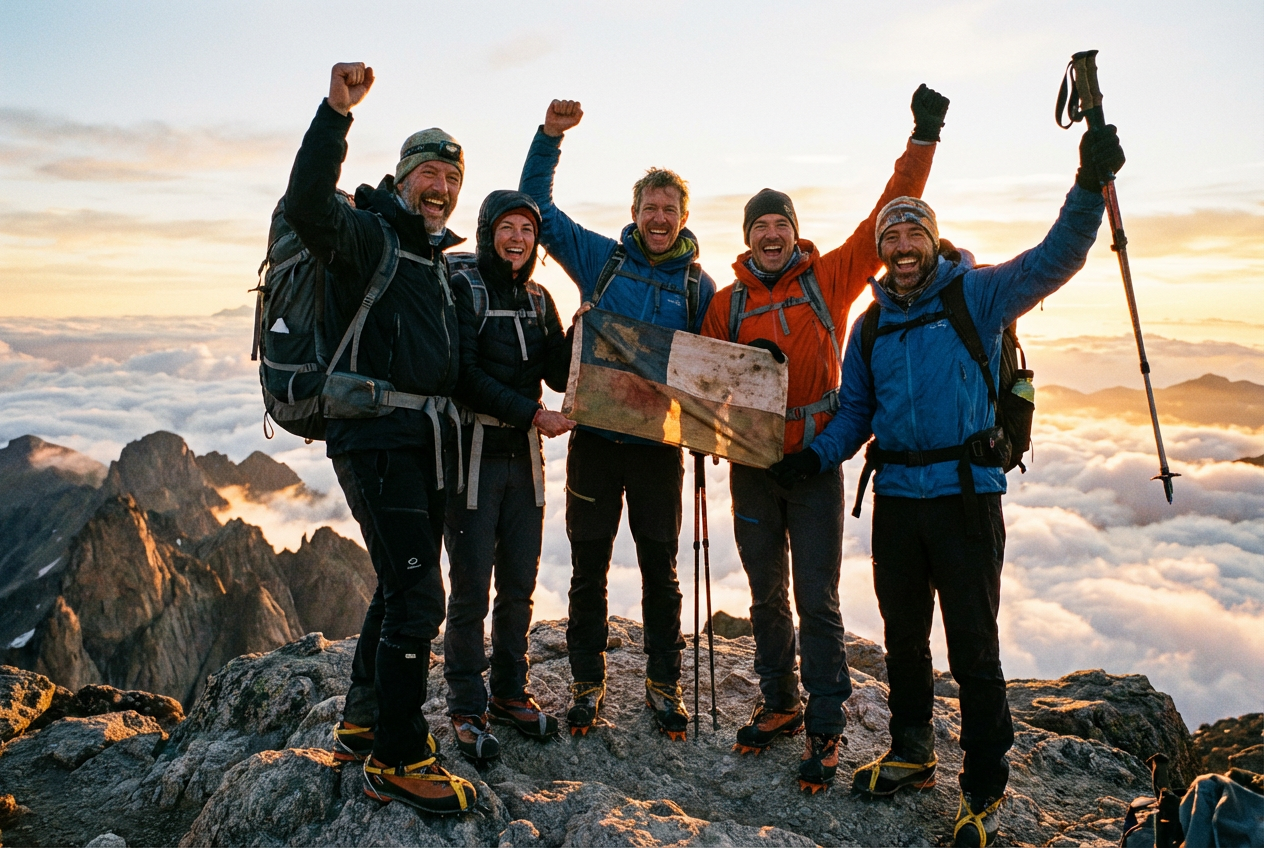
The agent gathers these inputs and preferences in the conversation before it starts.
Professional team photo in a modern office setting...
How to arrange the uploaded photos
Choices: Auto-Arrange, Single Row, Staggered Heights, Pyramid Formation, Semi-Circle, Casual Grouping, Formal Rows, Diagonal Line, V-Shape, Natural Clustering
Choose the photo location
Choices: Any Setting, Outdoor Natural, Beach, Park, City Street, Office/Workplace, Party/Event, Restaurant, Home/Indoor, Photo Studio, Wedding Venue, Graduation, Vacation Spot
Distance between people in the group
Choices: Natural Spacing, Close Together, Medium Spacing, Wide Spacing, Slightly Overlapping
Front-to-back arrangement of people
Choices: Auto Depth, Same Depth, Multiple Layers, Scattered Depths
How the group should be arranged and posed
Choices: Natural Poses, Formal/Professional, Casual/Relaxed, Fun/Playful, Candid/Spontaneous, Arranged/Organized, Action/Dynamic, Celebration/Party
How to blend people into the scene
Choices: Natural Blend, Seamless Integration, Soft Edges, Clear Boundaries, Match Shadows
Lighting style for the photo
Choices: Natural Lighting, Golden Hour, Studio Lighting, Soft Lighting, Dramatic Lighting, Backlit, Indoor Lighting, Flash Photography
Overall aesthetic style of the photo
Choices: Photorealistic, Portrait Style, Documentary Style, Lifestyle Photography, Editorial Style, Vintage Film Look, Modern/Contemporary, Artistic/Creative
Automatically adjust lighting to match the background
Keep original facial features from uploaded photos
Enhanced quality for professional use
Transform individual photos into professional group photos using AI technology that seamlessly combines uploaded images.
Create professional group photos in three simple steps using advanced AI technology.
Upload separate photos of each person you want to include in the group photo.
Choose poses, clothing styles, lighting, and other parameters to match your vision perfectly.
Our AI creates your professional group photo in seconds, ready for any use case.
Intelligently combine uploaded photos with natural spacing, depth, and professional composition.
AI automatically adjusts colors and lighting to make all photos look like they were taken together.
Choose from outdoor locations, offices, events, studios, and more for the perfect backdrop.
Match dress codes from casual to formal, business attire to party outfits.
Advanced lighting options from natural golden hour to studio-quality illumination.
Multiple photography styles including portrait, documentary, lifestyle, and editorial approaches.
Perfect for anyone needing to combine individual photos into professional group shots without gathering everyone together.
Create team photos from individual headshots when team members work from different locations.
Combine attendee photos into group shots for virtual events and conferences.
Showcase company culture with diverse team photos for recruitment and internal communications.
Access stock-quality group photos for client projects, presentations, and creative campaigns.
Create engaging group content for social platforms without coordinating multiple people.
Generate diverse group photos for educational materials, presentations, and course content.
Upload photos with similar resolution and quality for the best group photo results.
Match the location to your group's purpose - professional settings for business, casual for social groups.
Golden hour works great for outdoor casual groups, while studio lighting is perfect for professional shots.
Consistent dress codes create more cohesive group photos - avoid mixing formal and casual unless intentional.
Mention if it's a celebration, meeting, or casual gathering to get appropriate expressions and energy.
Our AI seamlessly combines uploaded photos to create highly realistic group photos with proper lighting, shadows, and natural positioning. The original faces and features are preserved while creating a cohesive group image.
You can combine multiple individual photos into a single group photo. The AI will intelligently arrange them based on your selected arrangement style and spacing preferences.
Yes! The AI preserves the original facial features and identities from your uploaded photos while seamlessly integrating them into the group composition.
Choose from outdoor natural settings, beaches, parks, offices, restaurants, studios, wedding venues, and many more. Each setting includes appropriate backgrounds and lighting.
Yes, all generated group photos can be used for commercial purposes including marketing materials, websites, social media, and business presentations.
Absolutely! Our AI can combine photos taken at different times, in different lighting conditions, and even different locations into a cohesive group photo with consistent lighting and color.
The tool supports common image formats including JPEG, PNG, and WebP. For best results, use high-resolution photos with clear facial features.
Options include photorealistic, portrait style, documentary, lifestyle, editorial, vintage film look, and modern contemporary styles.
Yes, the AI can harmonize photos with different styles, lighting conditions, and backgrounds into a unified group photo with consistent appearance.
Group photos are typically generated within 30-60 seconds, depending on the number of uploaded photos and selected arrangement complexity.
Yes, you can generate multiple variations by running the same prompt multiple times, or by slightly adjusting parameters to explore different compositions and arrangements.
Generated group photos are high-resolution and suitable for both digital and print use. Enable 'High Quality Rendering' for the best results.


