Magica logo

AI Headshot Generator examples

Reference media and sample results for this task.

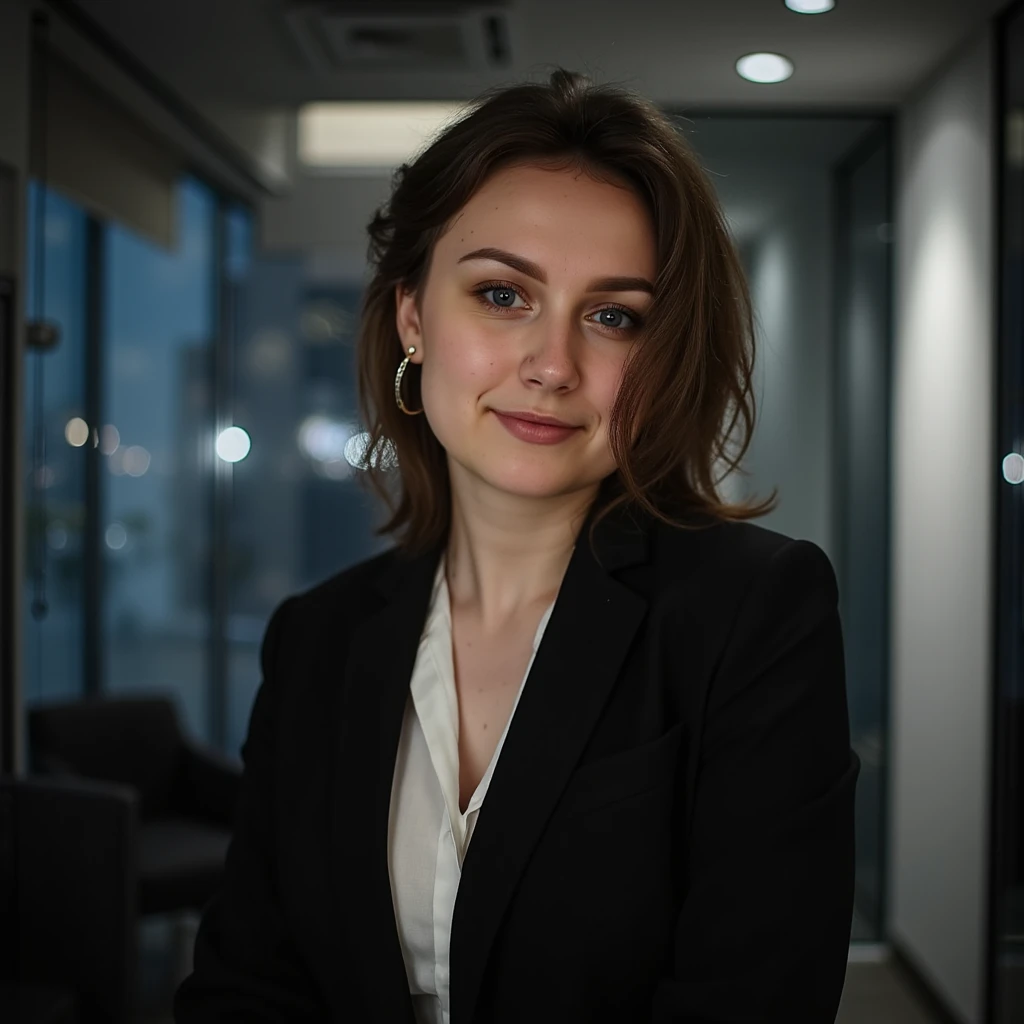
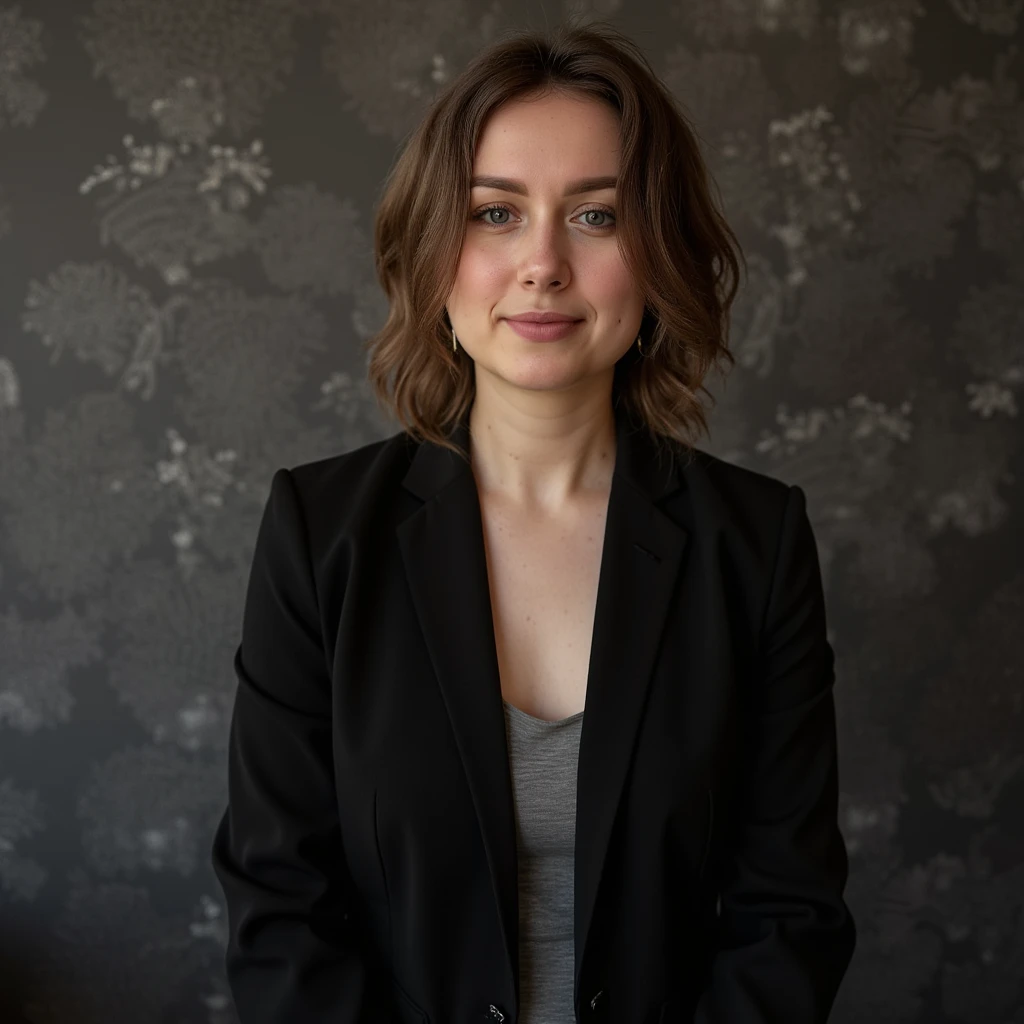
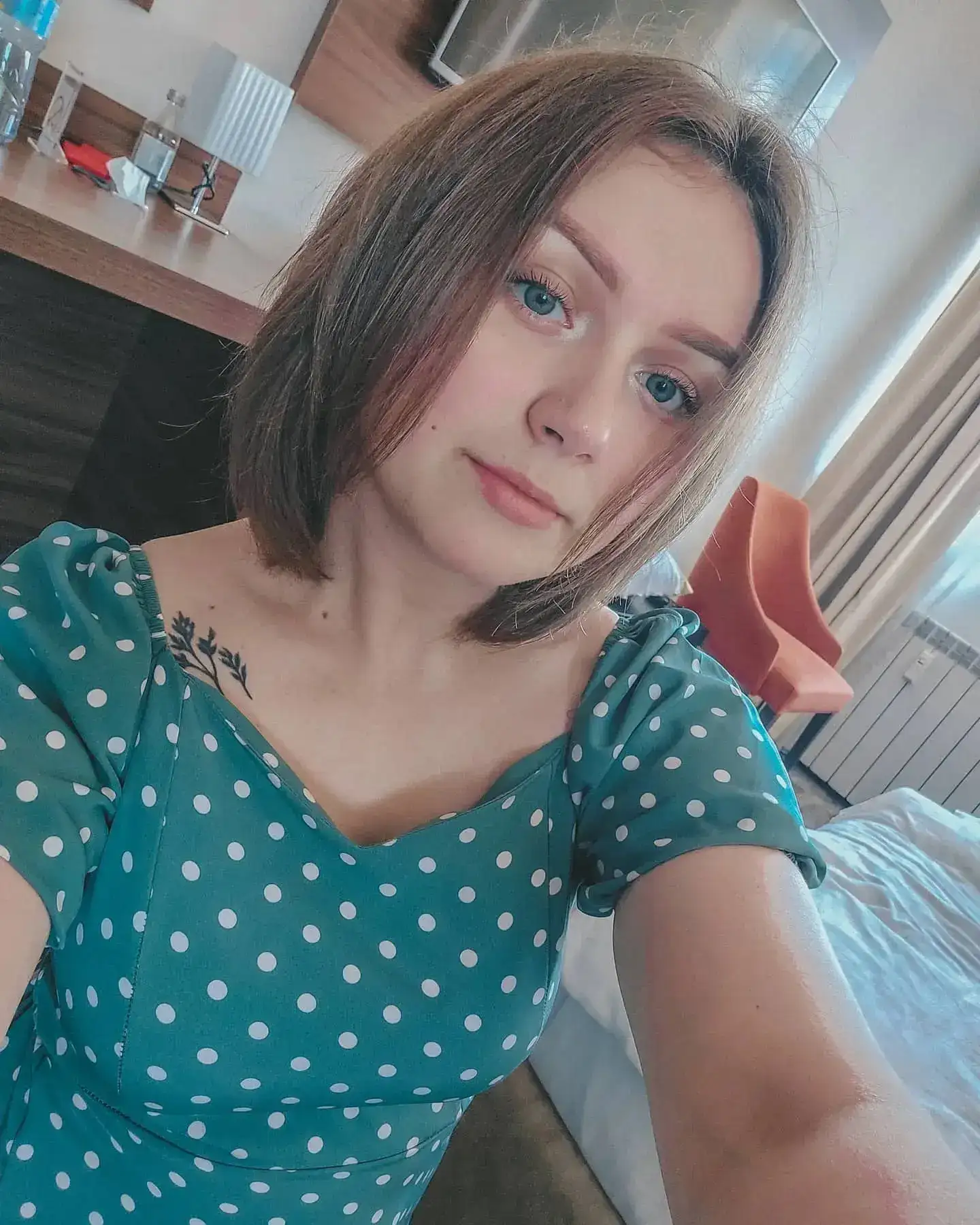
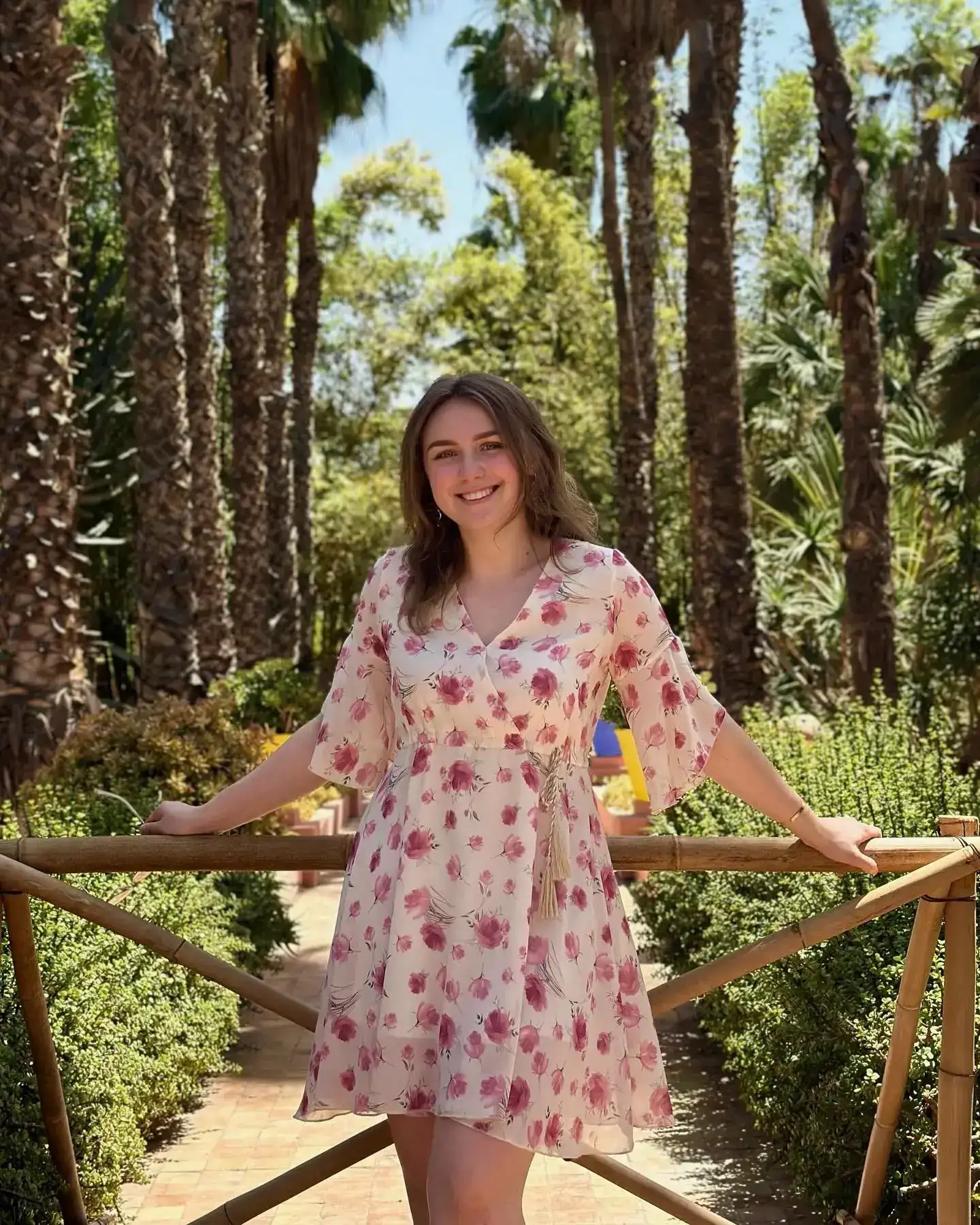
AI Headshot Generator: Example 01
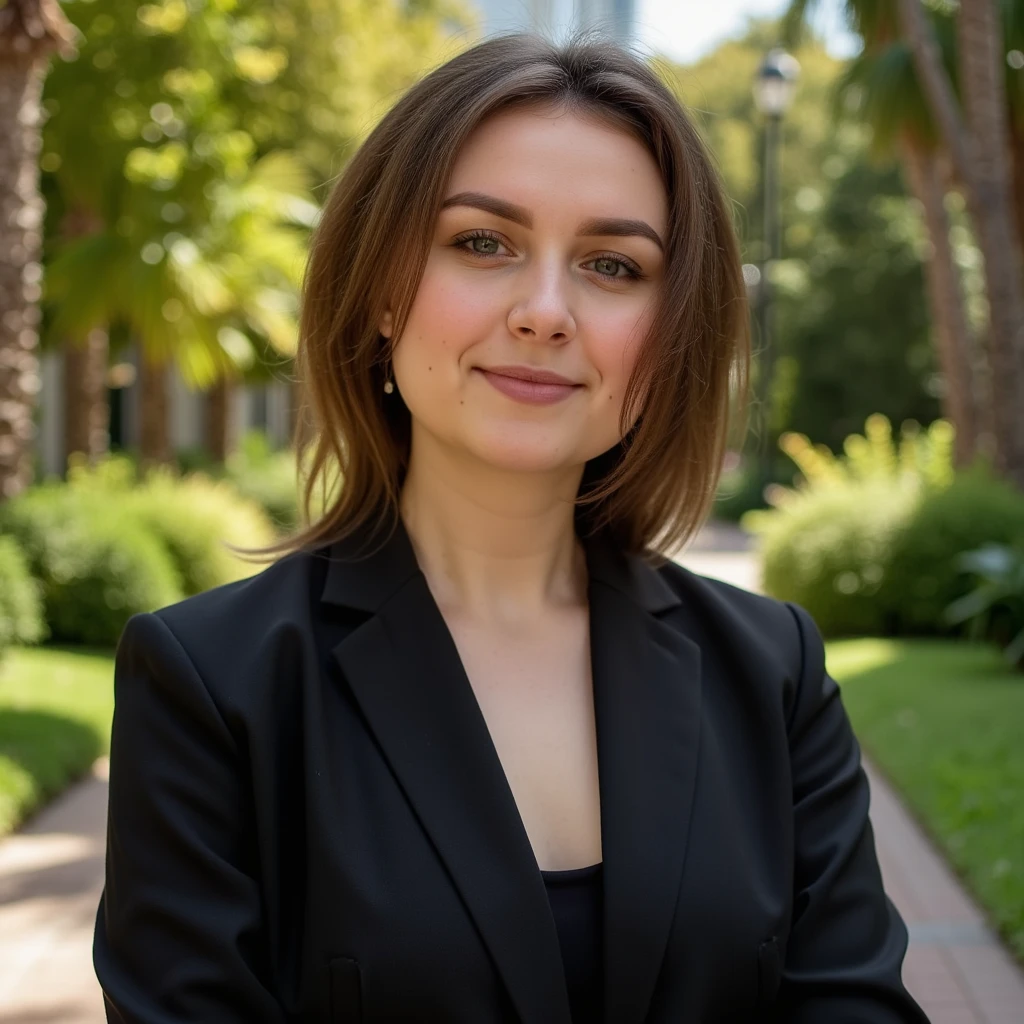
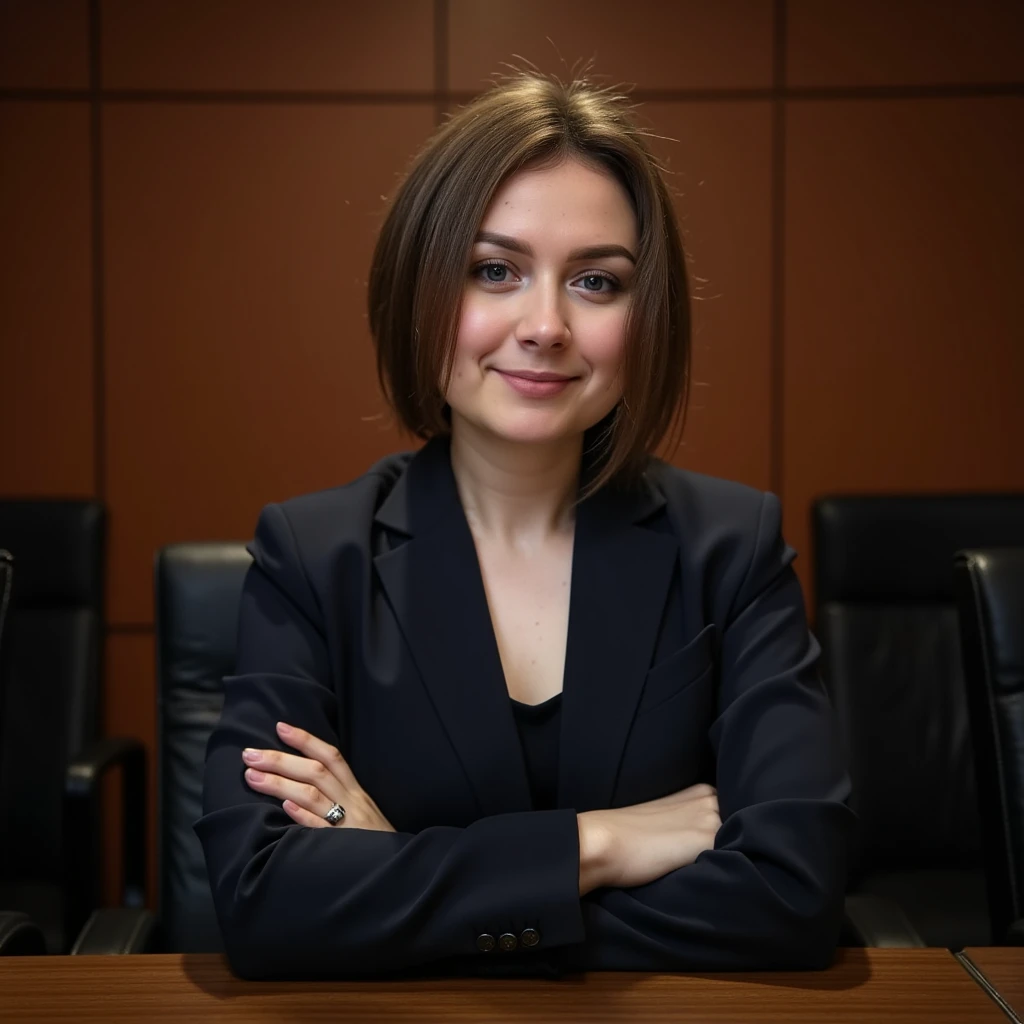
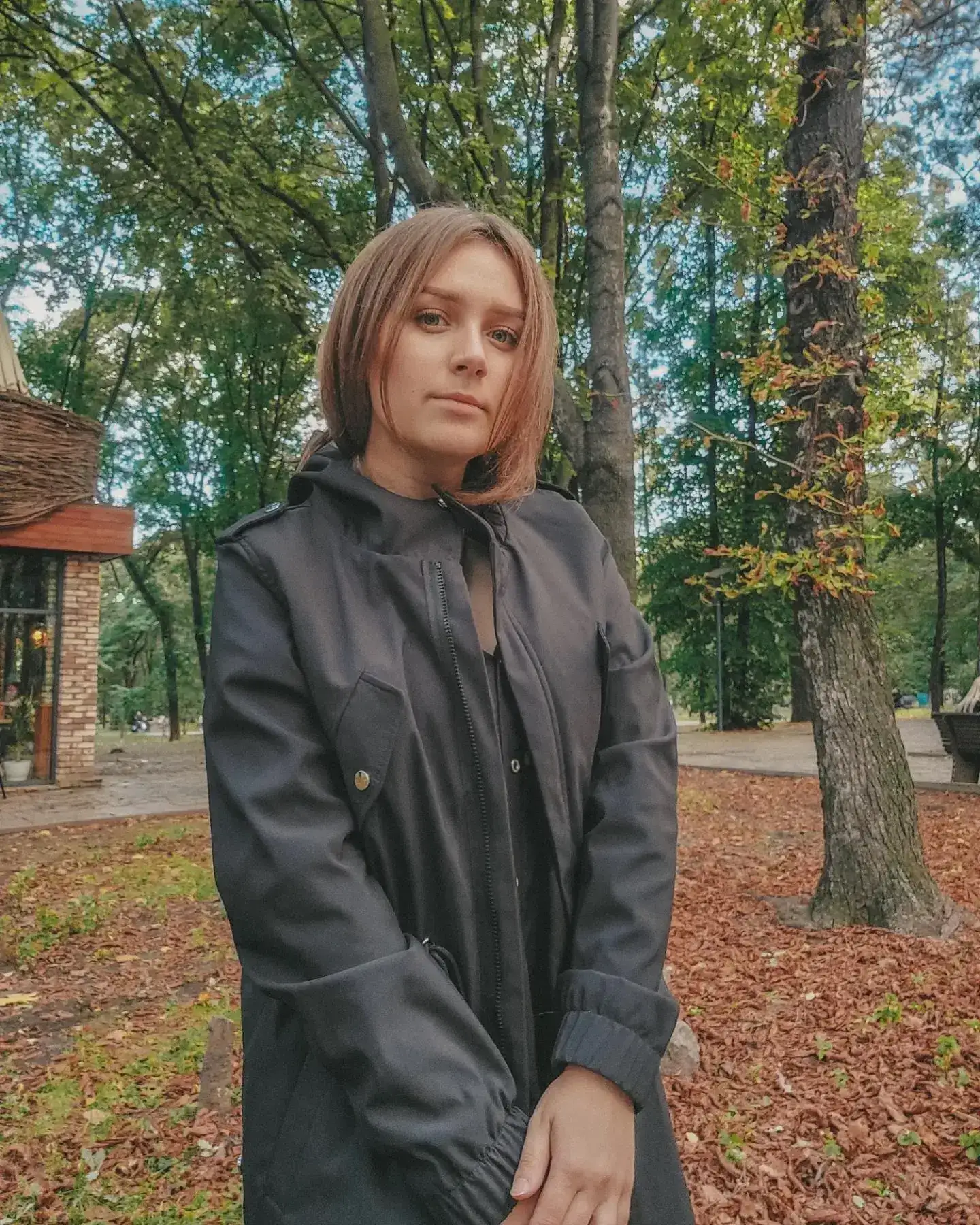
AI Headshot Generator: Example 02
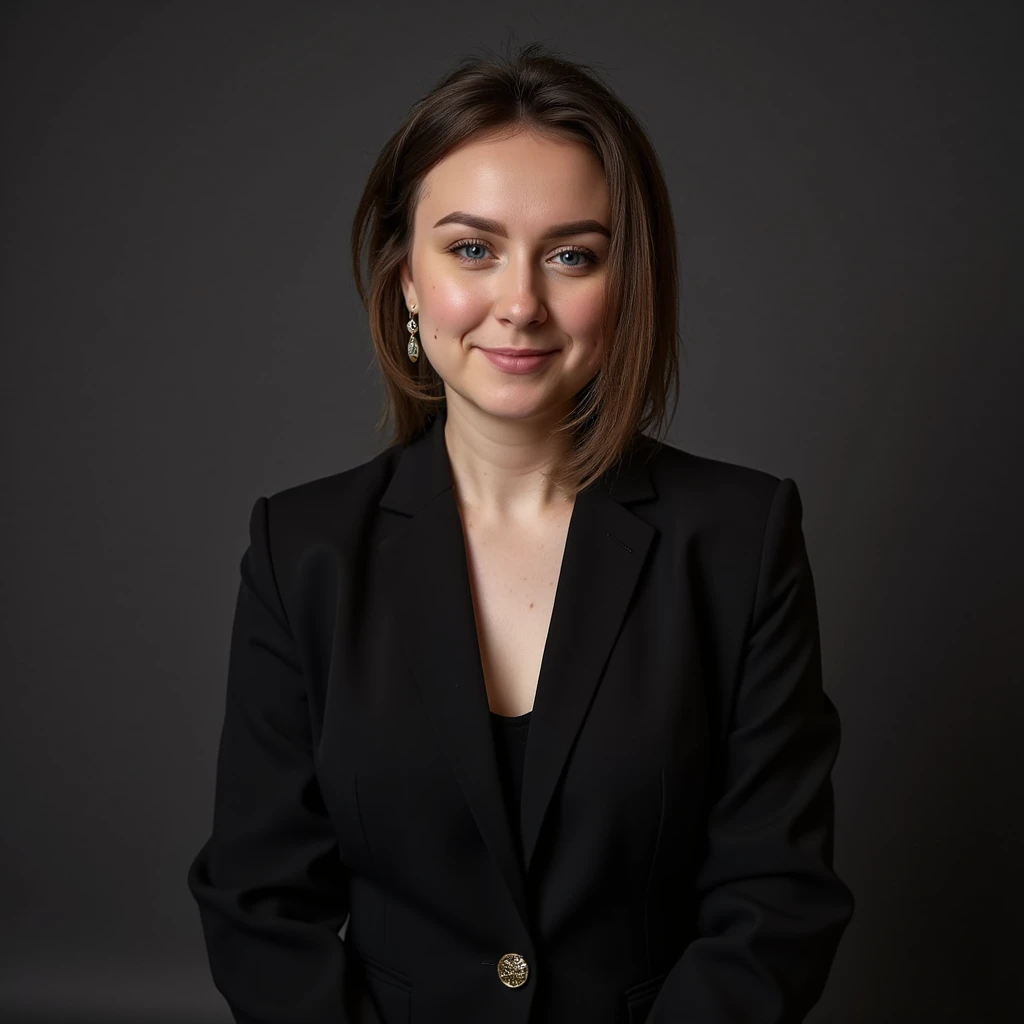
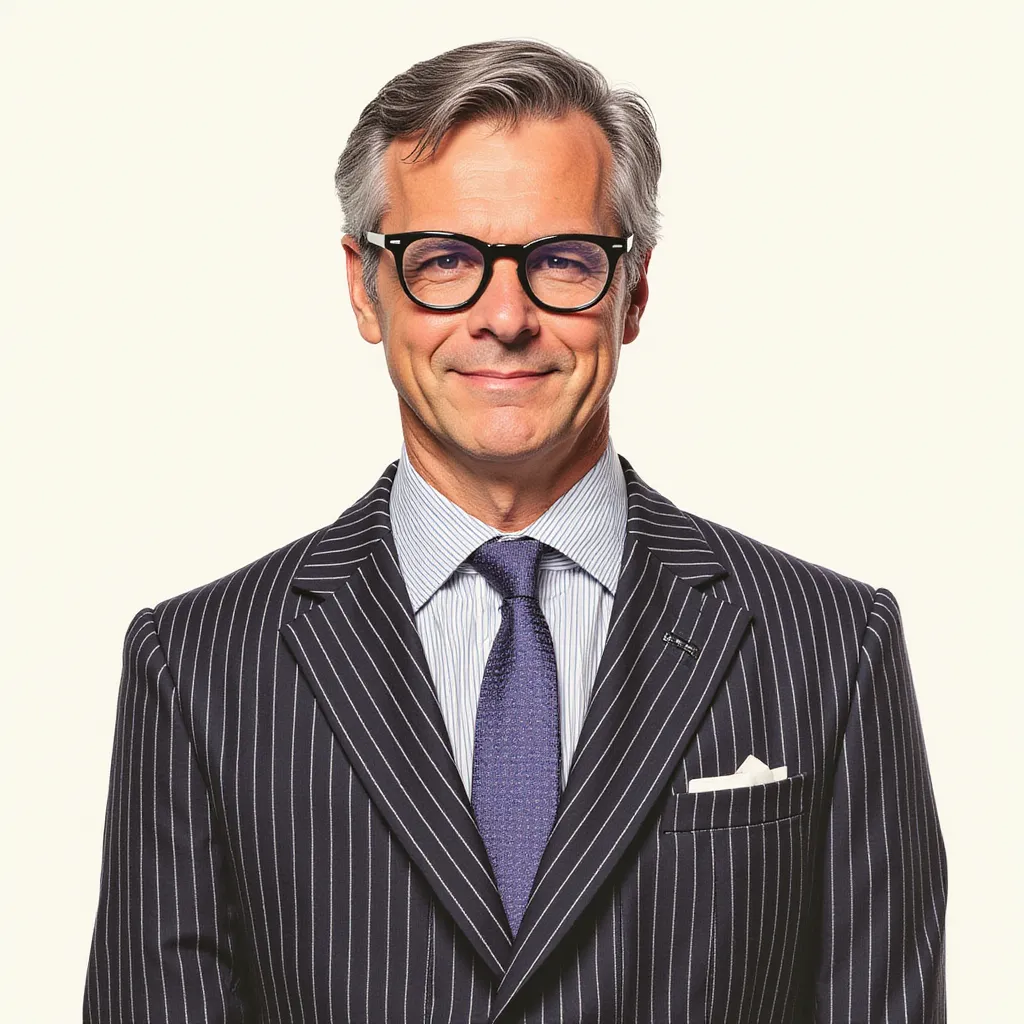
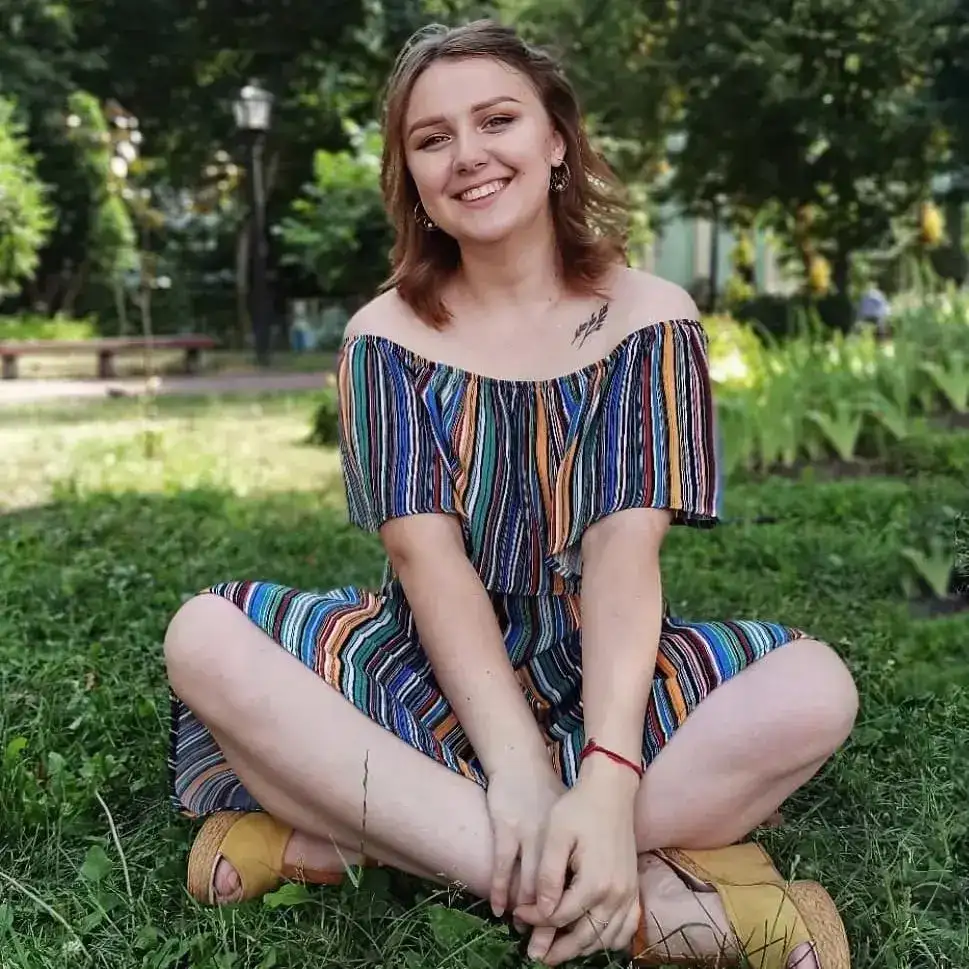
AI Headshot Generator: Example 03
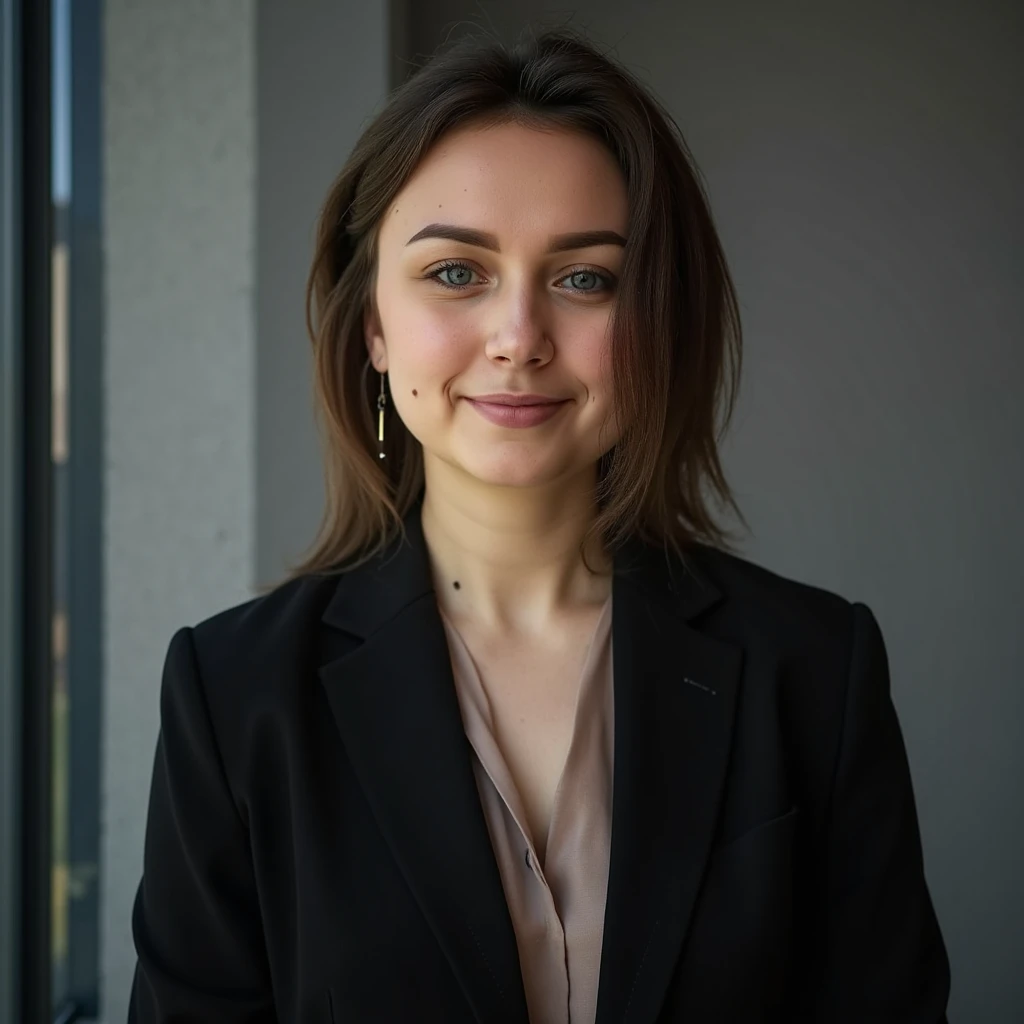
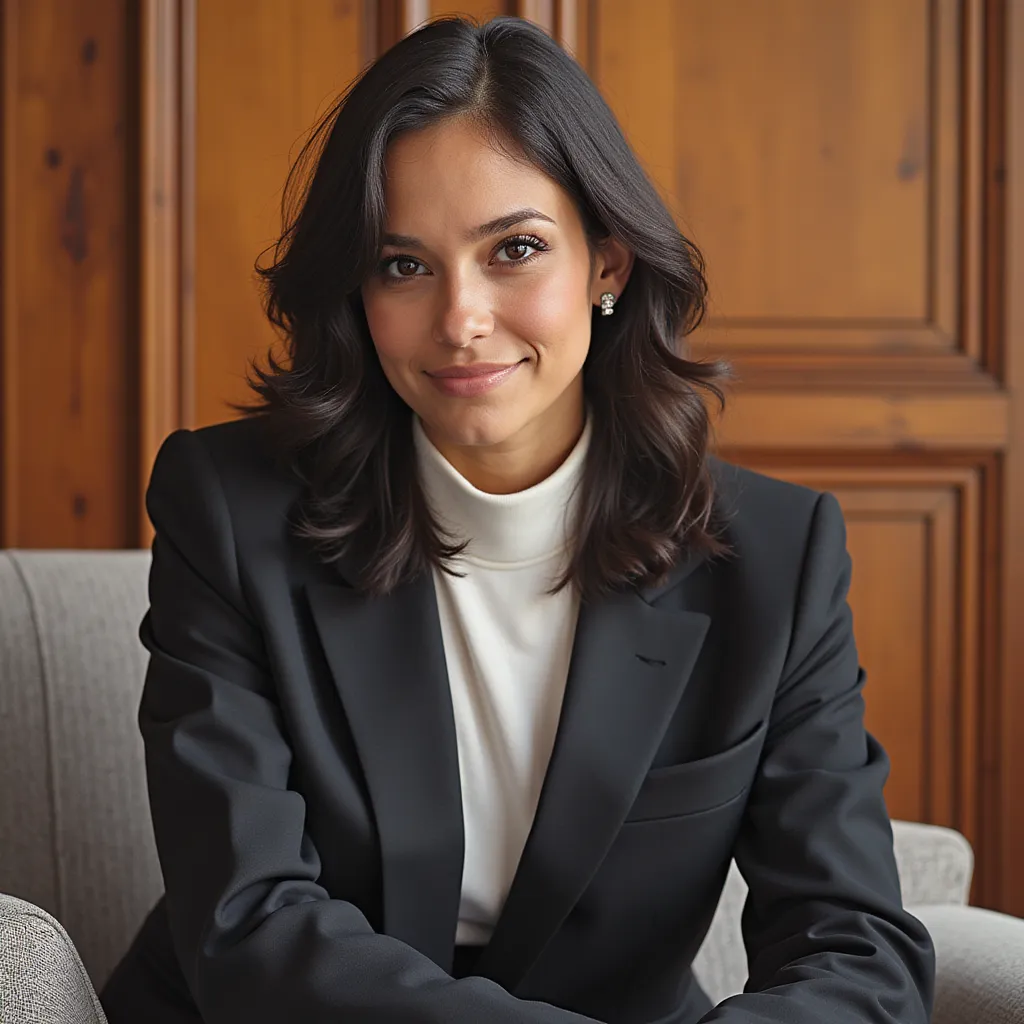
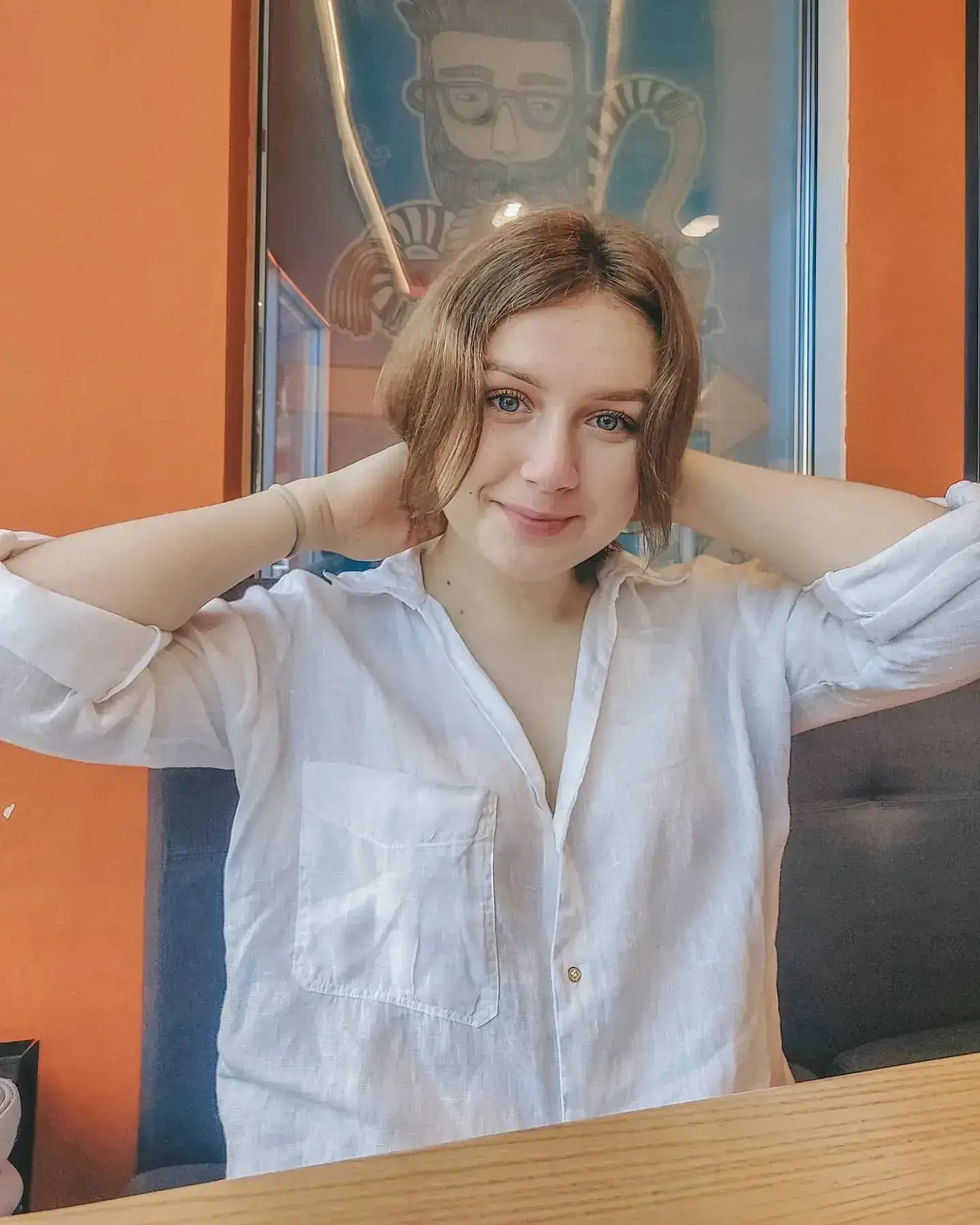
AI Headshot Generator: Example 04
AI Headshot Generator: Example 05
AI Headshot Generator: Example 06
AI Headshot Generator: Marketing Executive
Marketing Executive
AI Headshot Generator: Software Engineer
Software Engineer
AI Headshot Generator: Motivational Speaker
Motivational Speaker
AI Headshot Generator: attach a few photos of yourself where you like how you look.
attach a few photos of yourself where you like how you look.
AI Headshot Generator: attach a few photos of yourself where you like how you look.
attach a few photos of yourself where you like how you look.
AI Headshot Generator: attach a few photos of yourself where you like how you look.
attach a few photos of yourself where you like how you look.
AI Headshot Generator: attach a few photos of yourself where you like how you look.
attach a few photos of yourself where you like how you look.
AI Headshot Generator: attach a few photos of yourself where you like how you look.
attach a few photos of yourself where you like how you look.

Why Choose Our AI Headshot Generator?

Create professional, studio-quality headshots without expensive photoshoots. Our AI generates realistic, high-quality headshots perfect for LinkedIn, resumes, and professional profiles.

  • Professional studio-quality results
  • Multiple background and style options
  • No photoshoot needed - save time and money
  • Perfect for LinkedIn, resumes, and business profiles
  • Advanced AI training for realistic results
  • Instant generation with high-quality output

How Our AI Headshot Generator Works

  1. 01

    Attach Your Photos

    attach a few photos of yourself where you like how you look.

  2. 02

    AI Model Training

    Our advanced AI analyzes your photos and creates a custom model to generate your headshots.

  3. 03

    Get Your Headshots

    Select your favorite headshots and download them in high resolution.

Key Features of Our AI Headshot Generator

Professional Quality

Studio-quality headshots that look professionally photographed

AI Training

Custom AI model trained specifically on your photos

High Resolution

Download headshots in professional, print-ready quality

Multiple Styles

Choose from various professional backgrounds and styles

Who Can Benefit from Our AI Headshot Generator?

Perfect for professionals who need high-quality headshots without the cost and time of traditional photography.

Business Professionals

Create professional headshots for LinkedIn, business cards, and corporate profiles

Job Seekers

Stand out with professional headshots for resumes and job applications

Entrepreneurs

Build your personal brand with professional headshots

Remote Workers

Perfect headshots for virtual meetings and online presence

Content Creators

Professional headshots for social media and platforms

Executives

Executive-level headshots for high-profile positions

Tips for Better AI Headshots

Tip 1

Use Good Quality Photos

Upload clear, well-lit photos for best training results

Tip 2

Variety is Key

Upload photos from different angles and expressions

Tip 3

Face Forward

Include several front-facing photos

Tip 4

Good Lighting

Ensure your training photos are well-lit

Frequently Asked Questions About Our AI Headshot Generator

How many photos do I need to upload?

We recommend uploading 8-12 clear photos of yourself from different angles for the best AI training results.

How long does it take to generate headshots?

The AI training process typically takes 20-30 minutes. Once trained, individual headshots are generated within seconds.

Can I choose different backgrounds?

Yes! You can select from various professional backgrounds and settings for your headshots.

Is my data secure?

Absolutely. Your photos are processed securely and used only for your headshot generation. We never share your data with third parties.

Ready to make it?

Help me use AI Headshot Generator. First ask me to attach photos. Then ask for my preferences, complete the task, and return the finished result.Attach filesConnect tools