Highway Description
Describe your desired highway scene...

Generate stunning highway and road scenes with AI
Reference media and sample results for this task.

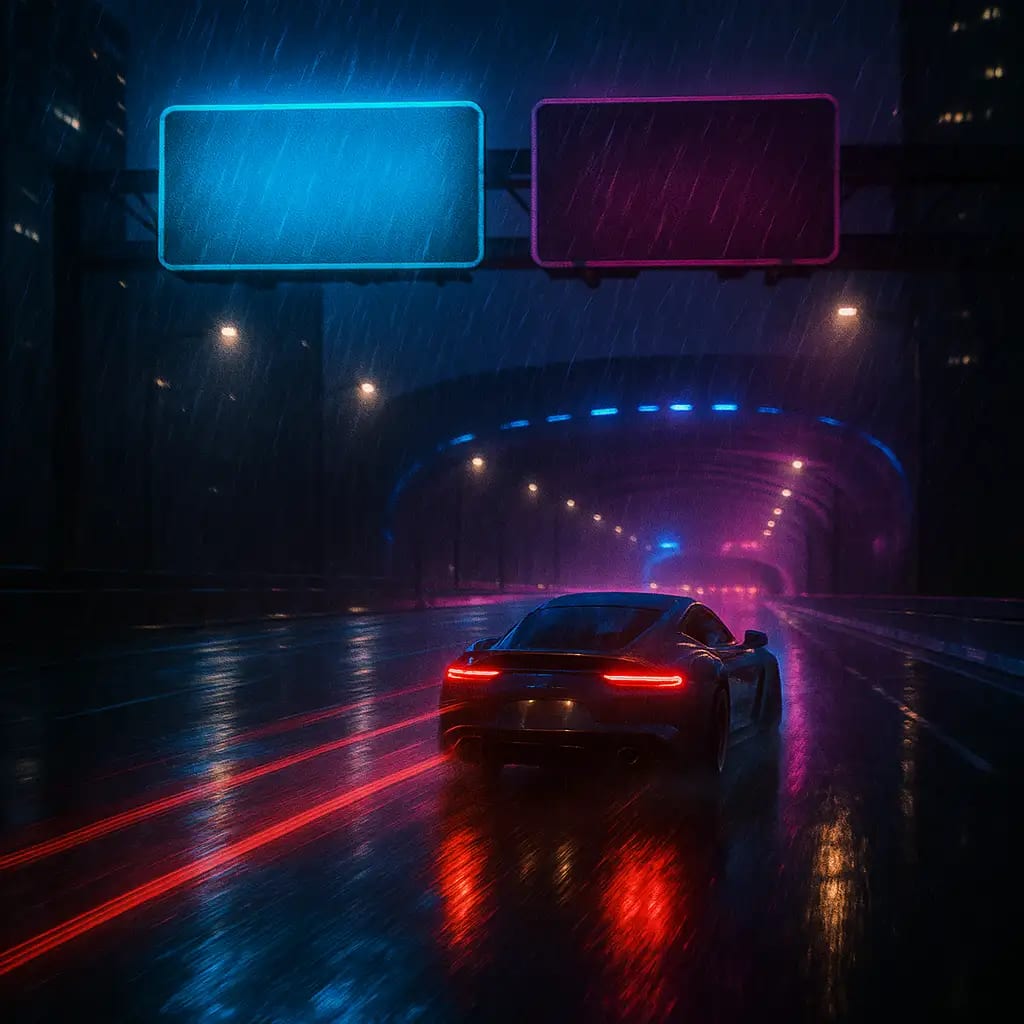
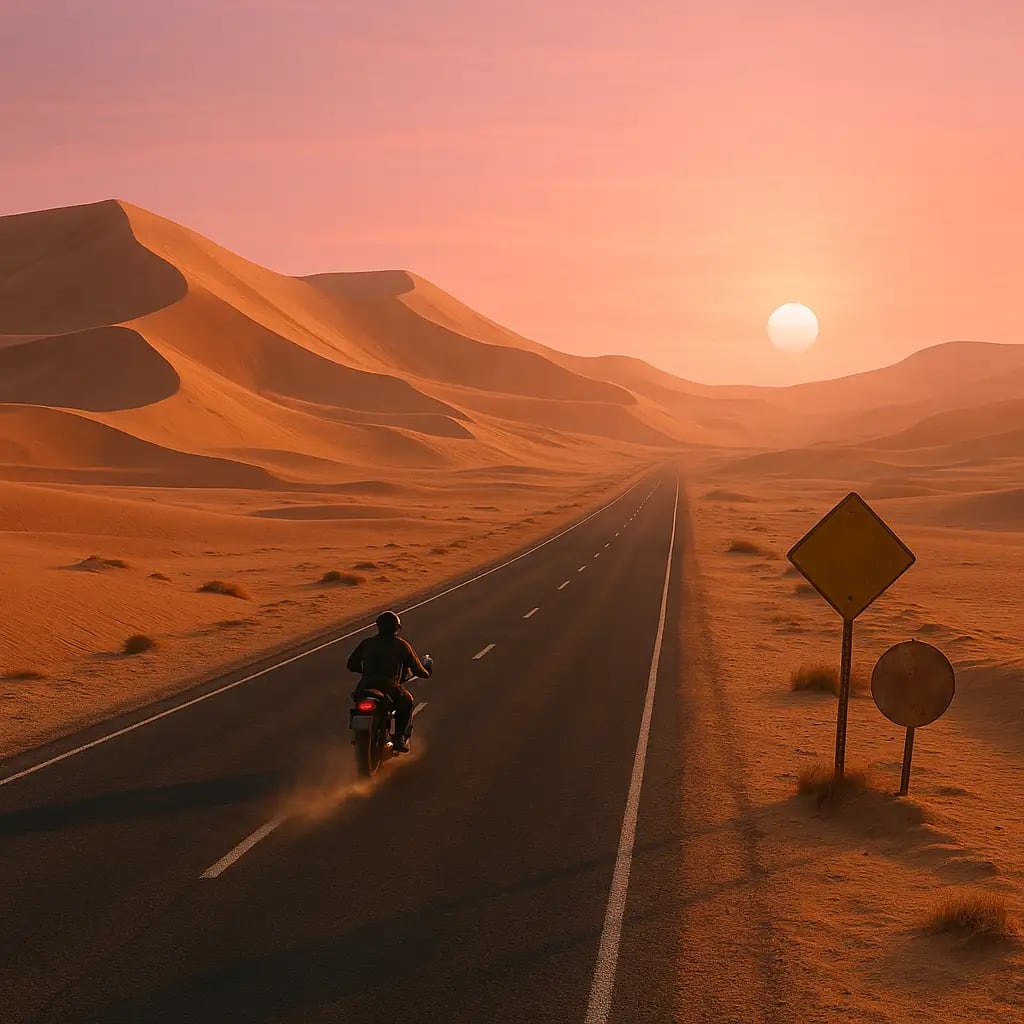
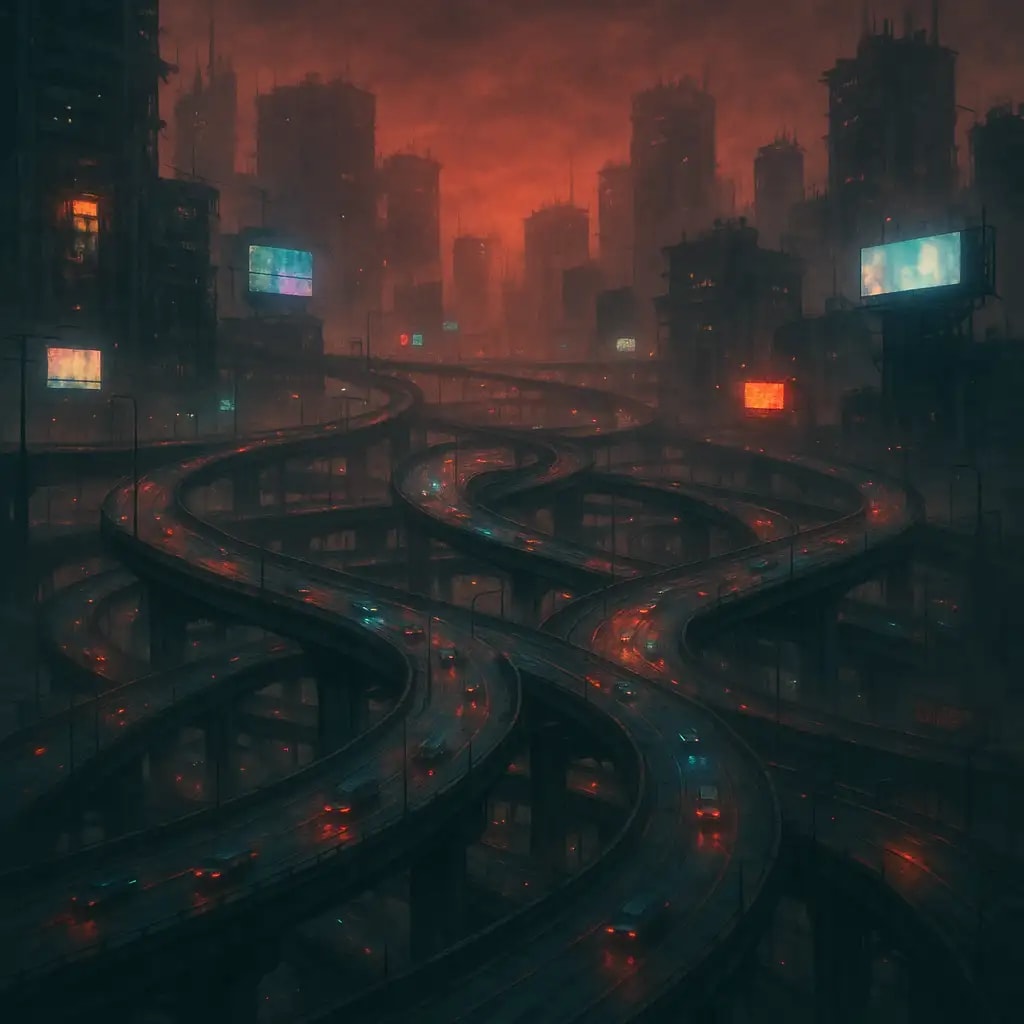
The agent gathers these inputs and preferences in the conversation before it starts.
Describe your desired highway scene...
Choose the type of highway scene
Choices: Any Type, Urban Highway, Rural Highway, Interstate Highway, Mountain Highway, Coastal Highway, Elevated Highway, Underground Highway, Highway Bridge
Choose the time of day for the scene
Choices: Any Time, Dawn, Morning, Noon, Afternoon, Dusk, Night, Golden Hour
Choose weather conditions
Choices: Any Weather, Clear, Cloudy, Rainy, Foggy, Snowy, Stormy
Choose the traffic density
Choices: Any Traffic Level, Empty, Light Traffic, Moderate Traffic, Heavy Traffic, Congested
Create stunning, photorealistic highway scenes for any purpose with advanced AI technology.
Generate professional highway scenes in three simple steps:
Enter details about the highway scene you want to create, including location, features, and atmosphere.
Select highway type, time of day, weather conditions, and traffic level for your scene.
Let AI create stunning highway imagery based on your specifications. Download and use immediately.
Generate urban, rural, interstate, mountain, coastal, elevated, and more highway scenes.
Create highly detailed, professional-grade highway imagery with realistic lighting and textures.
Customize weather conditions and time of day to create the perfect atmosphere for your scene.
Control traffic density from empty roads to congested highways for realistic scenarios.
Generate and download high-quality highway images instantly, ready for immediate use.
Create highway imagery for planning, presentations, marketing, or creative projects.
This tool is perfect for various professionals and creative purposes:
Visualize highway designs, traffic flow scenarios, and infrastructure planning projects.
Generate highway imagery for travel blogs, social media content, and storytelling.
Create marketing materials, presentations, and visual content for logistics businesses.
Develop concept visualizations for highway projects and infrastructure development.
Showcase accessibility and transportation connectivity for property developments.
Generate highway scenes for artwork, game development, and digital design projects.
Include details about the highway environment - urban, rural, mountainous, or coastal settings for more accurate results.
Mention important elements like lanes, signs, barriers, lighting, or surrounding landscape features.
Specify the viewpoint - aerial, driver's perspective, roadside, or elevated view for varied compositions.
Different weather conditions create different moods - clear for bright scenes, fog for atmosphere, rain for drama.
Choose empty highways for peaceful scenes, busy traffic for urban energy, or varied levels for realism.
You can create urban highways, rural roads, interstate systems, mountain passes, coastal highways, elevated expressways, underground tunnels, highway bridges, and more. Each type can be customized with different weather, lighting, and traffic conditions.
Yes! You can choose from empty roads, light traffic, moderate traffic, heavy traffic, or congested conditions to match your visualization needs.
You can generate highways in clear, cloudy, rainy, foggy, snowy, or stormy weather conditions to create different atmospheric effects.
Absolutely! Choose from dawn, morning, noon, afternoon, dusk, night, or golden hour to set the perfect lighting for your scene.
Yes, the AI generates high-quality, photorealistic images suitable for urban planning presentations, architectural visualizations, marketing materials, and professional projects.
Yes, you can describe aerial views, driver perspectives, roadside angles, elevated viewpoints, or any other perspective in your description.
The AI creates highly detailed scenes with realistic road textures, lane markings, vehicles, signage, barriers, lighting, and surrounding environments.
Yes, the generated images are perfect for conceptual visualizations, presentations, and planning discussions for transportation infrastructure projects.
Describe the specific characteristics, architectural style, surrounding landscape, or regional features in your description for customized results.
Yes, you can generate highways in any time of day, from bright daylight to dramatic nighttime scenes with highway lighting.


