Description
Describe what you want to create...

Create stunning home design with AI
Reference media and sample results for this task.
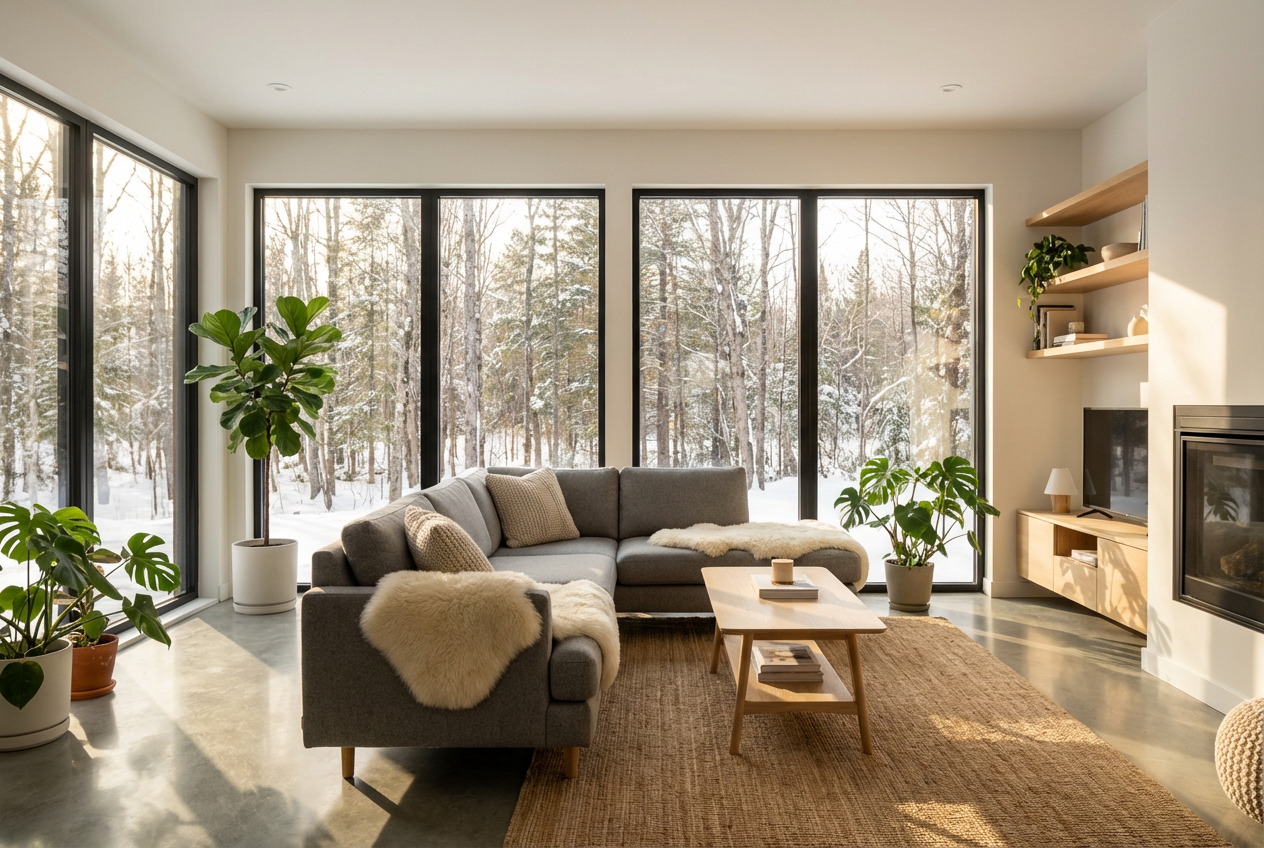
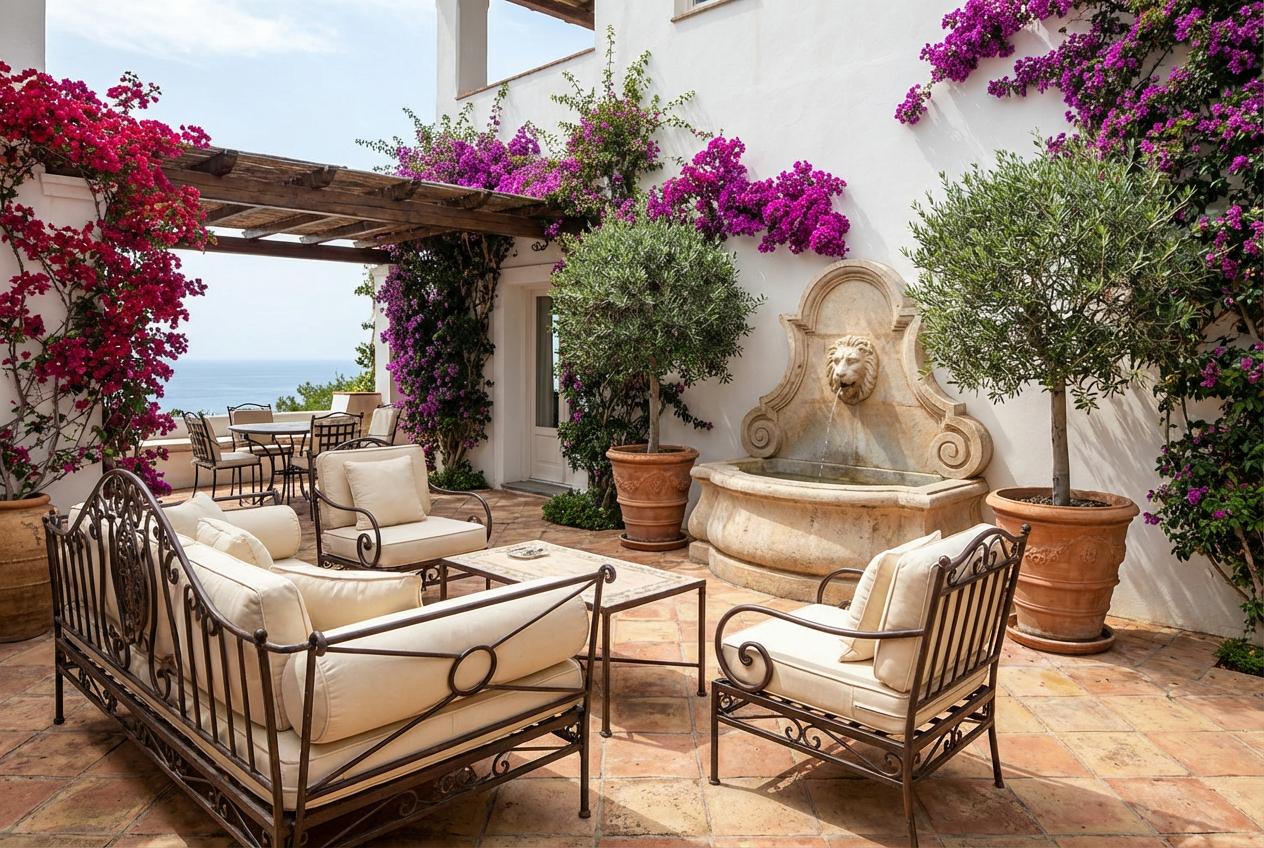
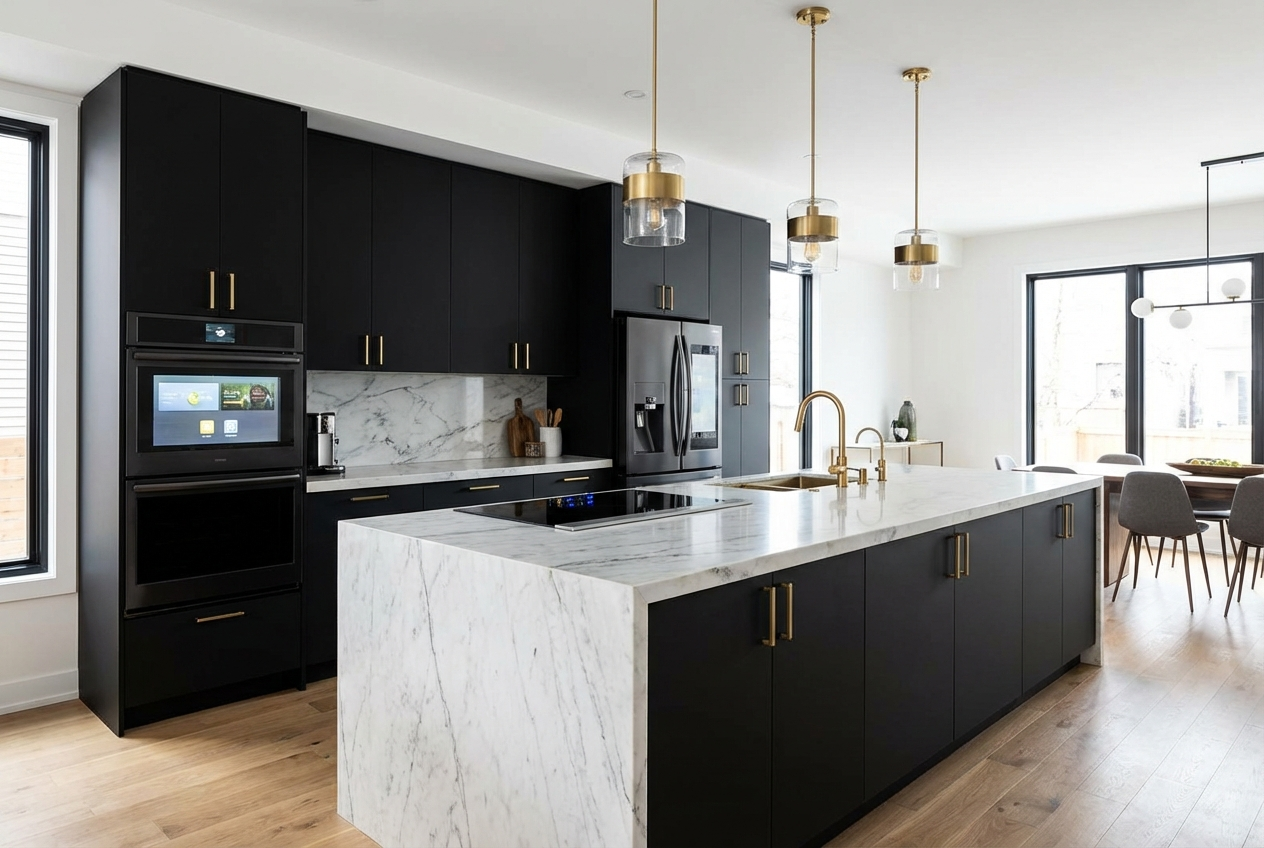
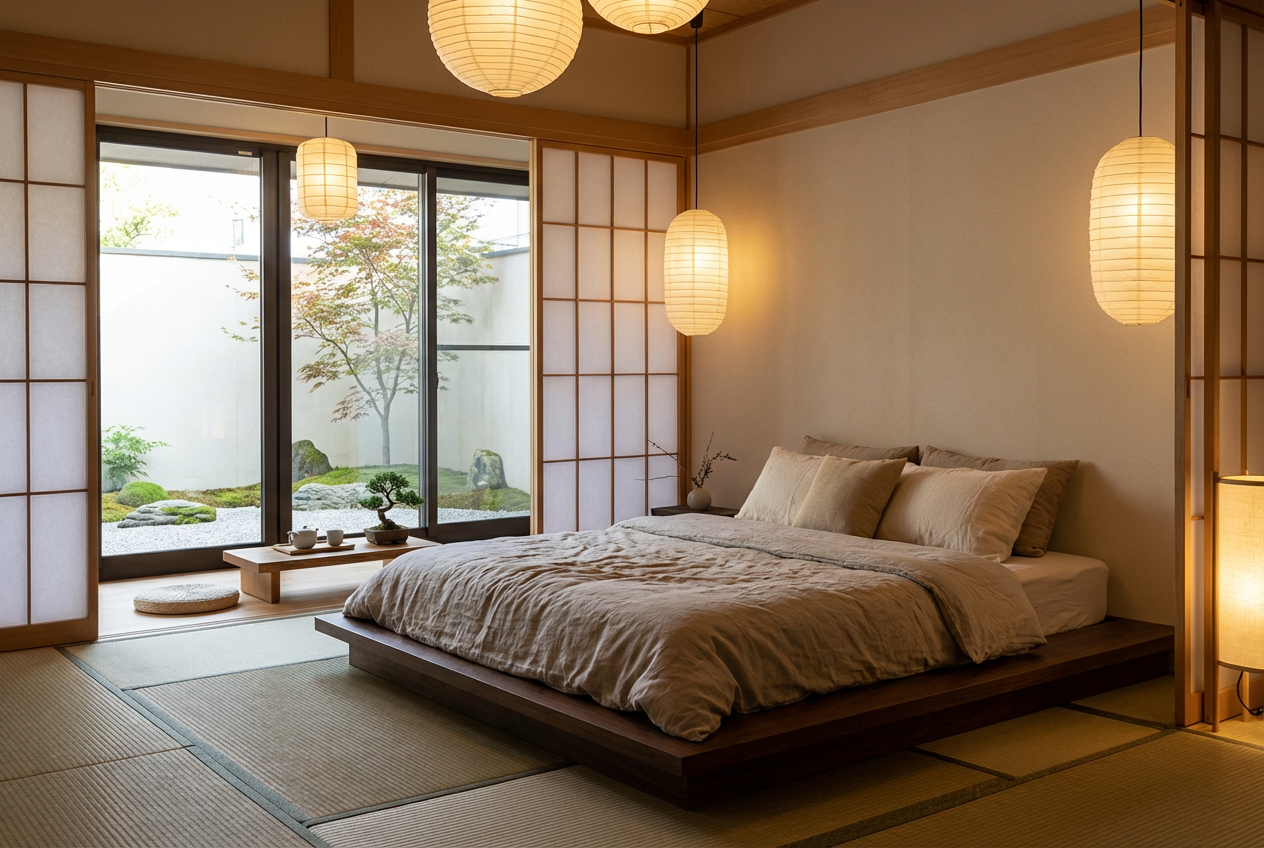
The agent gathers these inputs and preferences in the conversation before it starts.
Describe what you want to create...
Choices: Any Room, Living Room, Bedroom, Kitchen, Bathroom, Dining Room, Home Office, Master Suite, Kids Room, Entryway, Outdoor Space
Choices: Any Colors, Neutral, Monochromatic, Warm, Cool, Earth Tones, Pastel, Bold, Black and White
Choices: Any Lighting, Natural, Ambient, Task, Accent, Dramatic, Soft, Bright
Choices: Any Mood, Cozy, Elegant, Relaxing, Energetic, Luxurious, Peaceful, Playful, Sophisticated
Transform your interior design ideas into stunning visual concepts with AI assistance.
Create your dream interior in three simple steps:
Enter a detailed description of your desired interior space.
Select style, room type, color scheme, lighting, and mood preferences.
Let AI create photorealistic interior designs based on your specifications.
Choose from modern, contemporary, minimalist, traditional, and more.
Explore various color schemes to match your preferences.
Download your designs instantly to share with designers or contractors.
See how different styles and colors work in specific room types.
Visualize renovation ideas and explore design possibilities.
Generate concept designs and present ideas to clients quickly.
Practice and explore different interior design styles.
Show potential buyers different interior design possibilities.
Get inspiration and visualize home improvement projects.
Create marketing visuals and explore design concepts.
Include details about furniture, materials, and specific features you want.
Specify natural or artificial lighting preferences for better results.
Describe how you want the space to be used and feel.
Mention specific design styles or inspirations you like.
Mention room size or proportions for more accurate results.
We support multiple styles including modern, contemporary, minimalist, traditional, industrial, Scandinavian, and more. Each style has its own unique characteristics and aesthetic.
Yes! You can specify different room types (living room, bedroom, kitchen, etc.) and choose from various color schemes to match your preferences.
Our AI generates photorealistic interior designs with accurate lighting, textures, and proportions. However, final implementation may require professional guidance.
Yes, you can generate multiple versions of your design to explore different interpretations and styles.
You can easily download your generated designs and share them directly with your interior designer for reference and implementation.
Include details about the room type, style preferences, color schemes, and specific features you want. Also mention any particular mood or atmosphere you're trying to create.
Yes! All designs generated by our AI Home Design Generator are 100% free for commercial use. You can use them in your design business, portfolio, or any other commercial projects without any licensing restrictions.


