Icon Description
Describe your desired icon...

Create professional icons instantly with AI
Reference media and sample results for this task.
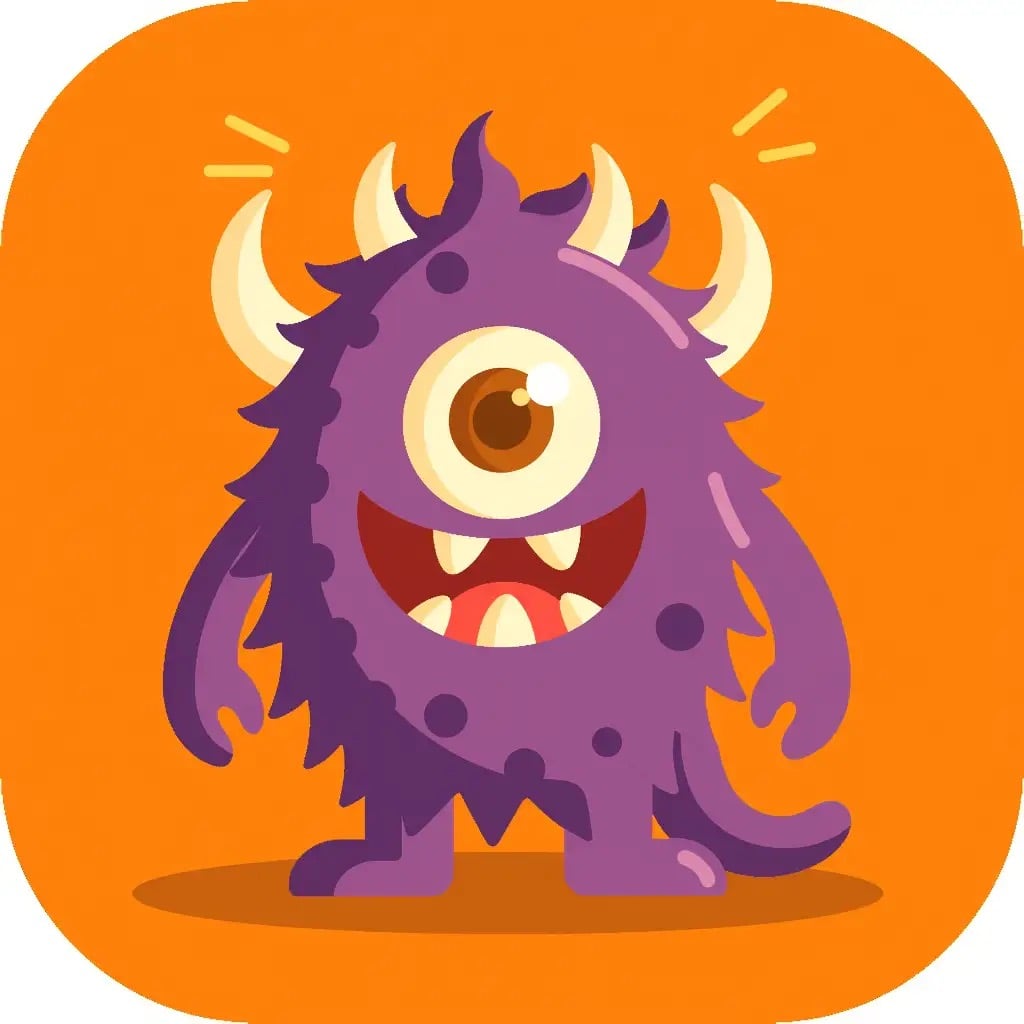

The agent gathers these inputs and preferences in the conversation before it starts.
Describe your desired icon...
Create professional icons instantly with AI technology.
Create professional icons in three simple steps:
Enter a detailed description of the icon you want to create.
Select how many variations you want to generate.
ask Magica to generate the result and watch as AI creates your custom icons.
Generate modern, minimalist icons perfect for any project.
Create icons that maintain a cohesive design language.
Download your icons in high-quality WebP format.
Get guidance on creating effective icon prompts.
Begin with a clear description of your main subject (e.g., 'a modern rocket ship', 'a steaming coffee cup').
Include colors, styles, and key elements (e.g., 'metallic blue rocket with yellow windows', 'dark brown cup with white rising steam').
Mention the desired style: flat, gradient, outlined, or minimalist (e.g., 'flat design', 'gradient style', '3D effect').
Choose a background that enhances visibility (e.g., 'isolated on white background', 'on dark blue background with stars').
A good icon is simple, recognizable, and conveys its meaning instantly. It should work well at different sizes and maintain clarity.
Yes! The generated icons can be imported into any vector editing software for further customization.
Icons are generated in WebP format, which provides excellent quality while maintaining small file sizes.
You can generate up to 4 variations of your icon design at once to explore different options.


