Edit 01
Source media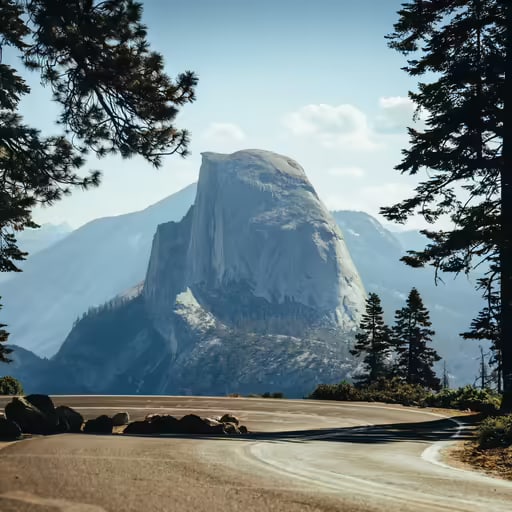
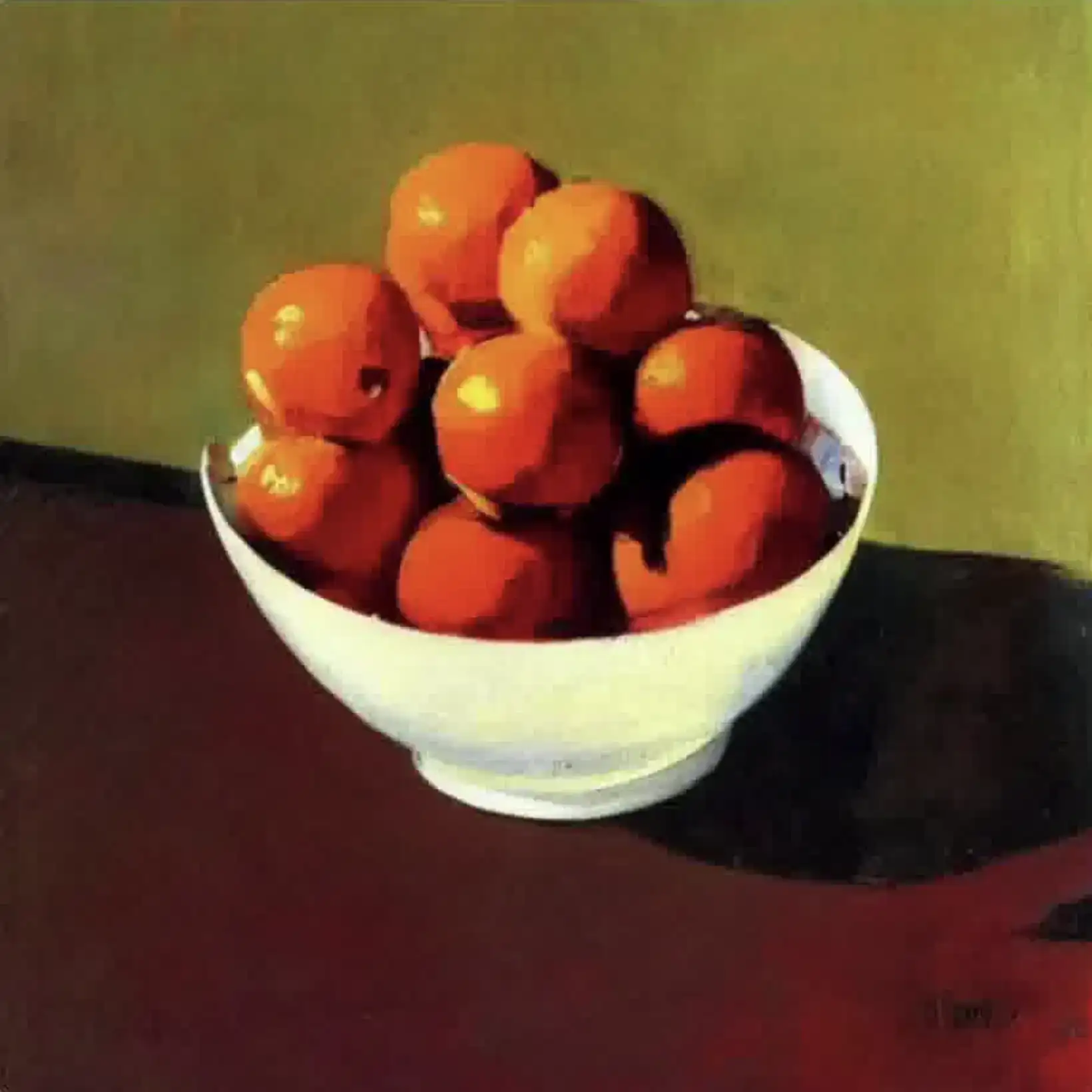
Original image 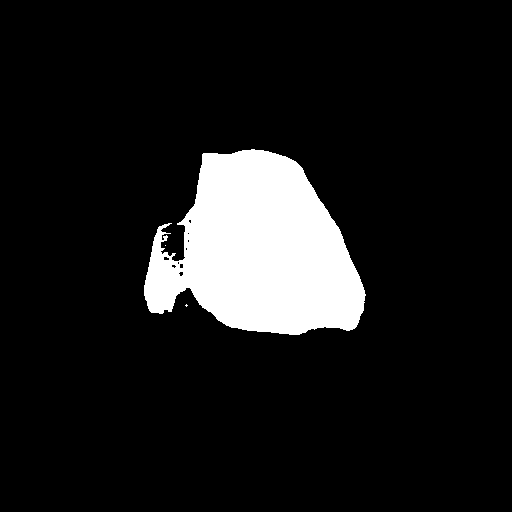
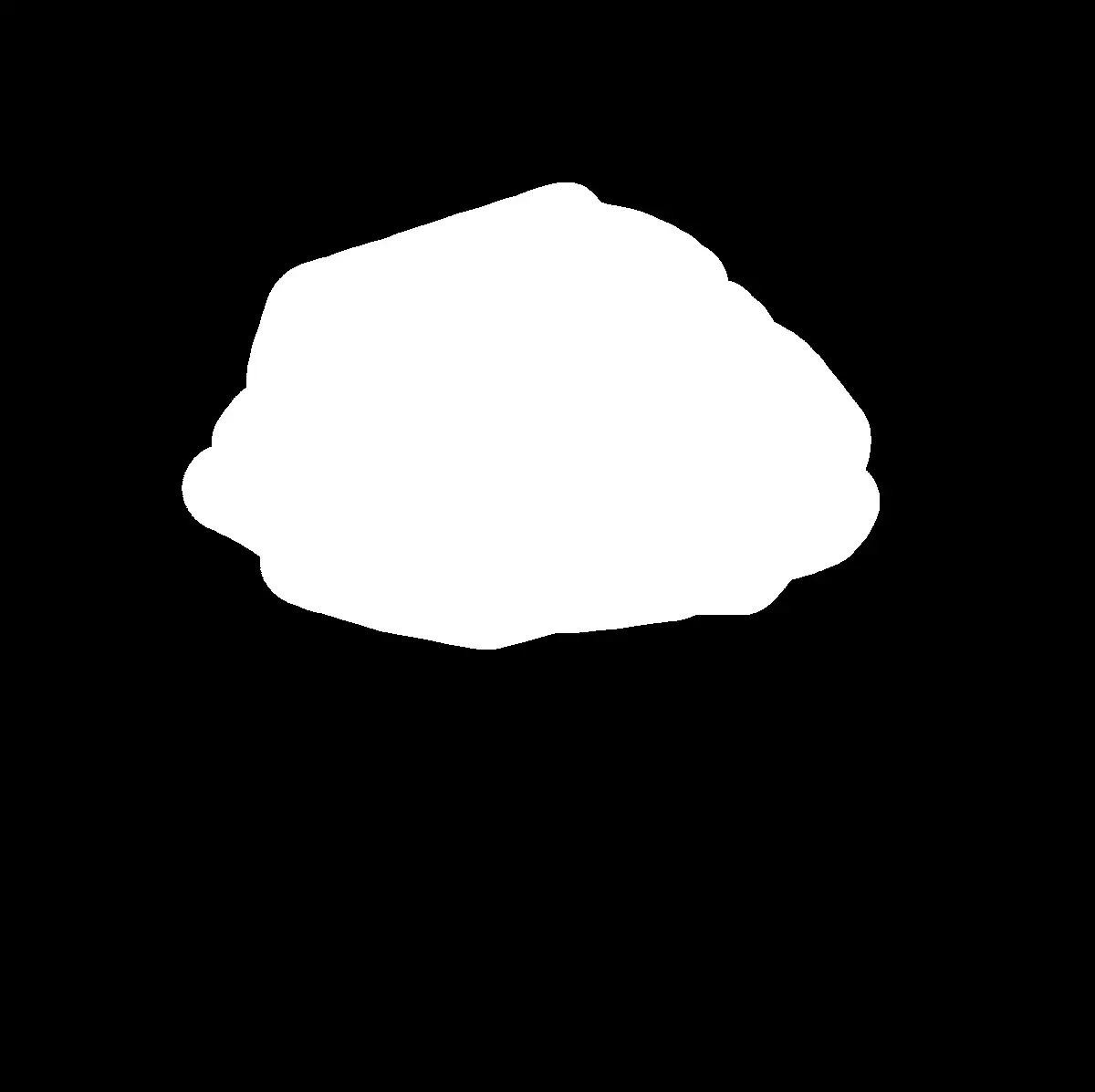
Edit mask
a black cat with glowing eyes
Edited result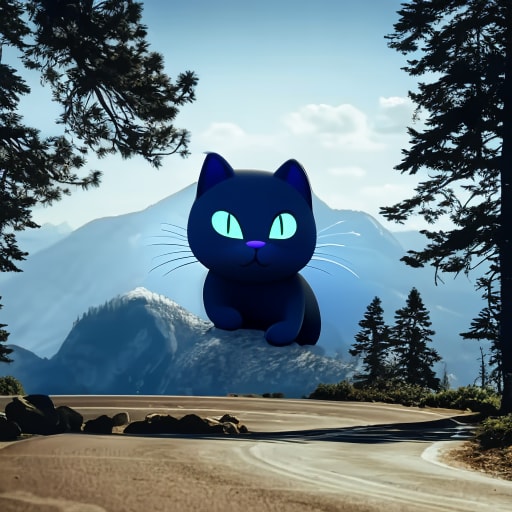

Transform your images with our advanced AI Image Editor. Use intelligent inpainting to modify, enhance, or replace specific areas of your photos with natural-looking results.
Compare each original image and edit mask with the finished result.
a black cat with glowing eyes
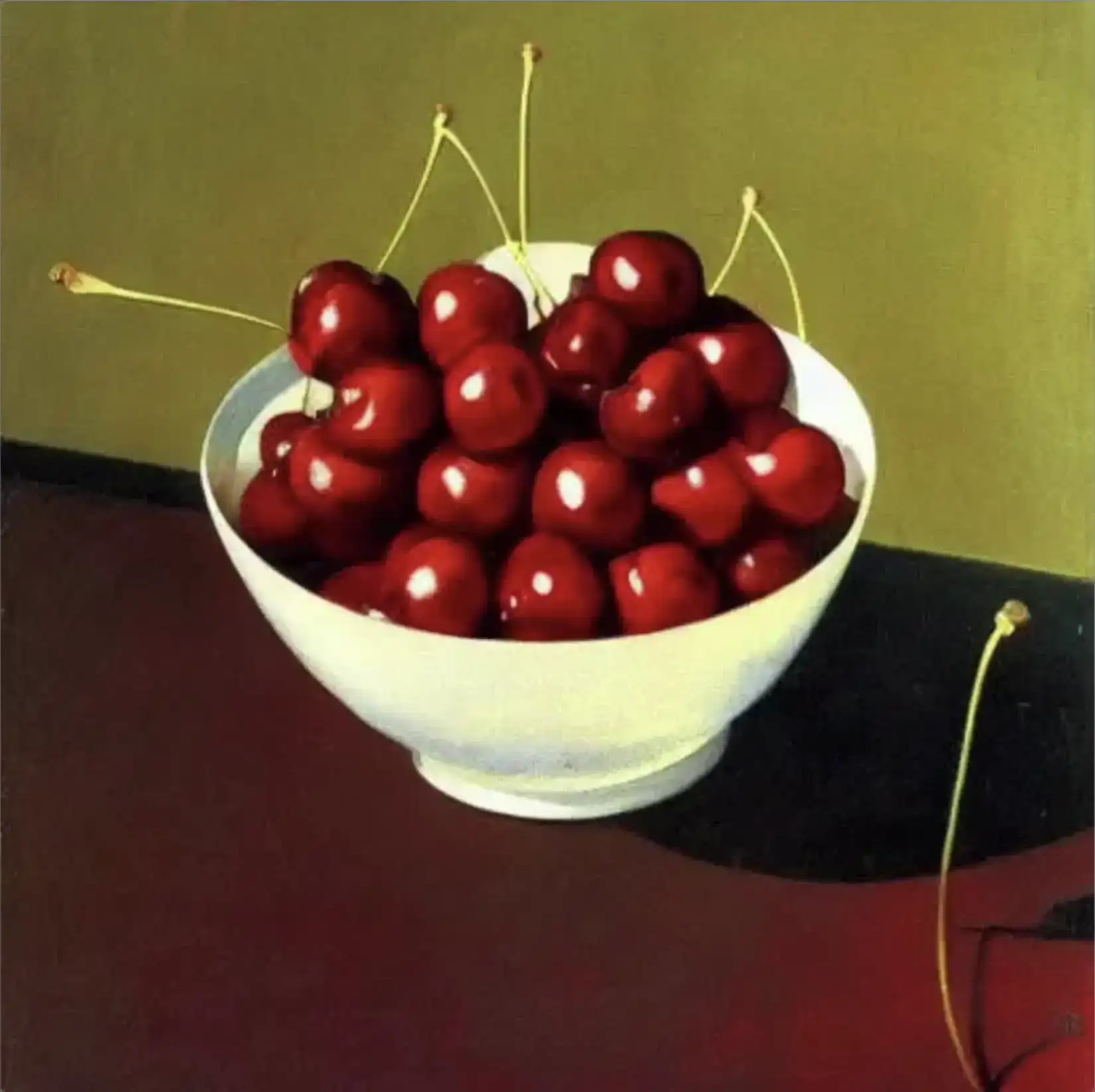
a bowl of oranges
The agent gathers these inputs and preferences in the conversation before it starts.
attach the image you want to edit
Tell AI how you want to transform the selected area
Transform your images with precision and creativity using our advanced AI-powered editing tool.
attach the image you want to edit
Mark the specific area you want to modify
Tell AI how you want to transform the selected area
Get your edited image with natural-looking changes
Advanced AI technology for precise object editing
Easy-to-use brush tool for marking areas
Maintains image quality and background consistency
Quick results with real-time preview
Our AI Image Editor is designed to serve a wide range of users, from creative professionals to everyday content creators.
Perfect for retouching photos, removing unwanted elements, and enhancing image composition.
Create unique artistic effects, modify textures, and experiment with creative transformations.
Quickly edit and enhance content for social media posts and stories.
Create professional marketing visuals and modify product images efficiently.
Enhance product photos and create consistent product imagery for online stores.
Edit and customize images for blogs, websites, and digital content.
Mark areas carefully, staying within boundaries
Be specific in describing desired changes
Make one change at a time for better control
Specify what you don't want to see in the result
You can change colors, add or remove objects, modify textures, change styles, and much more - any visual aspect that can be described in words.
Our AI produces highly accurate and natural-looking results, especially when given clear prompts and precise area selection.
Yes, you can edit multiple areas by making separate edits for each area, giving you more control over the final result.
We support common image formats including JPG, PNG, and WebP. For best results, use high-quality images.


