Diverse AI Model Suite
Experiment with leading models, each offering unique artistic capabilities and strengths.

Create stunning images using advanced AI technology. Transform your ideas into visual masterpieces with multiple AI models.
Reference media and sample results for this task.
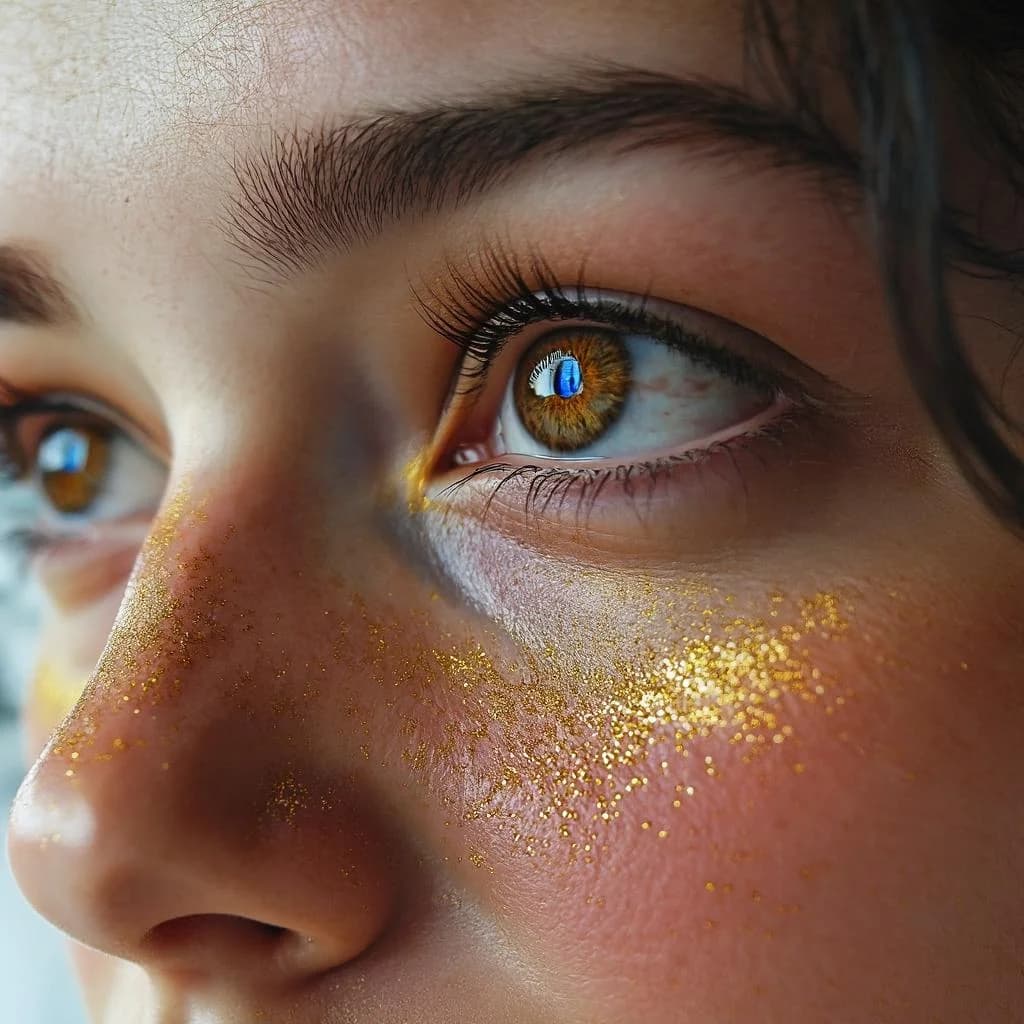
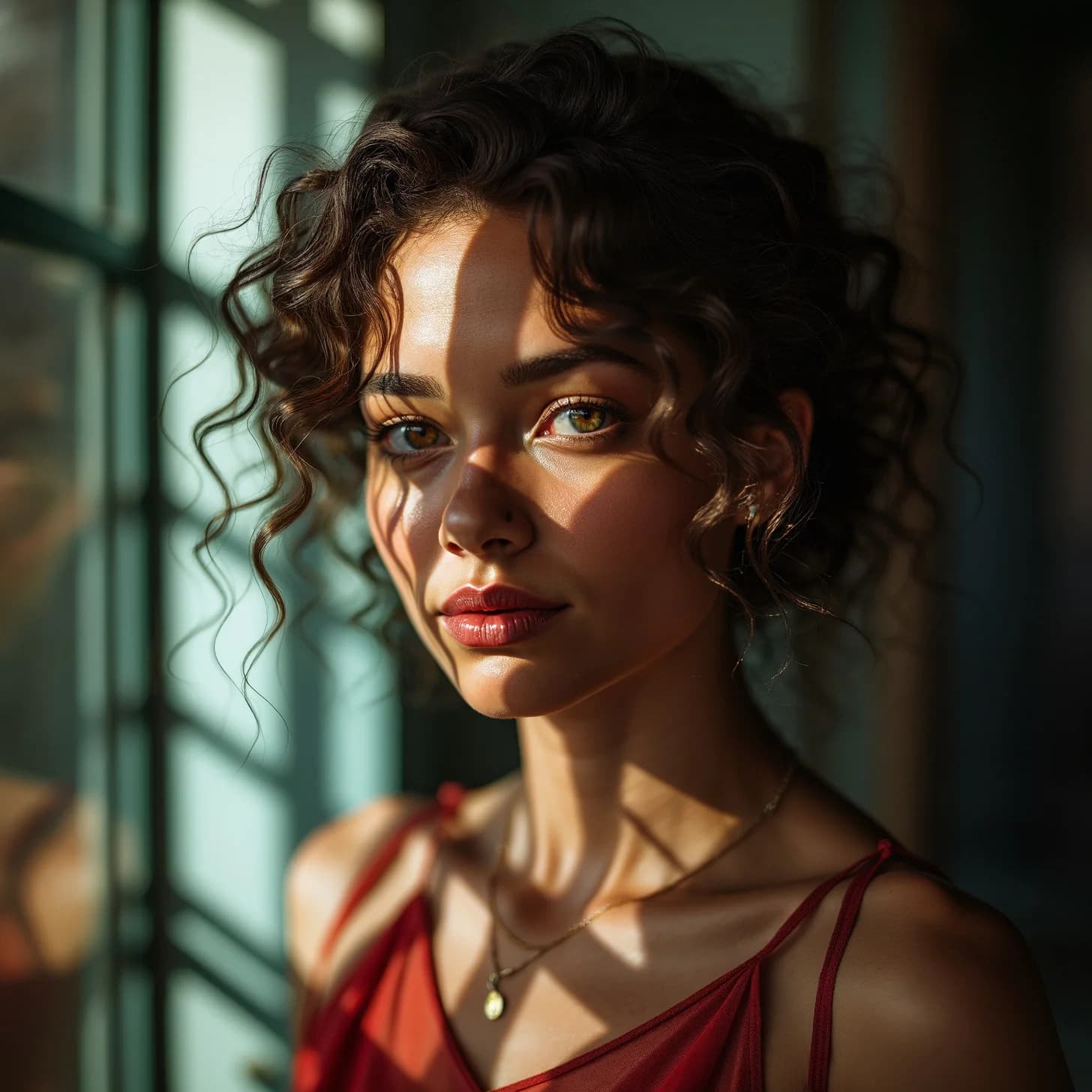
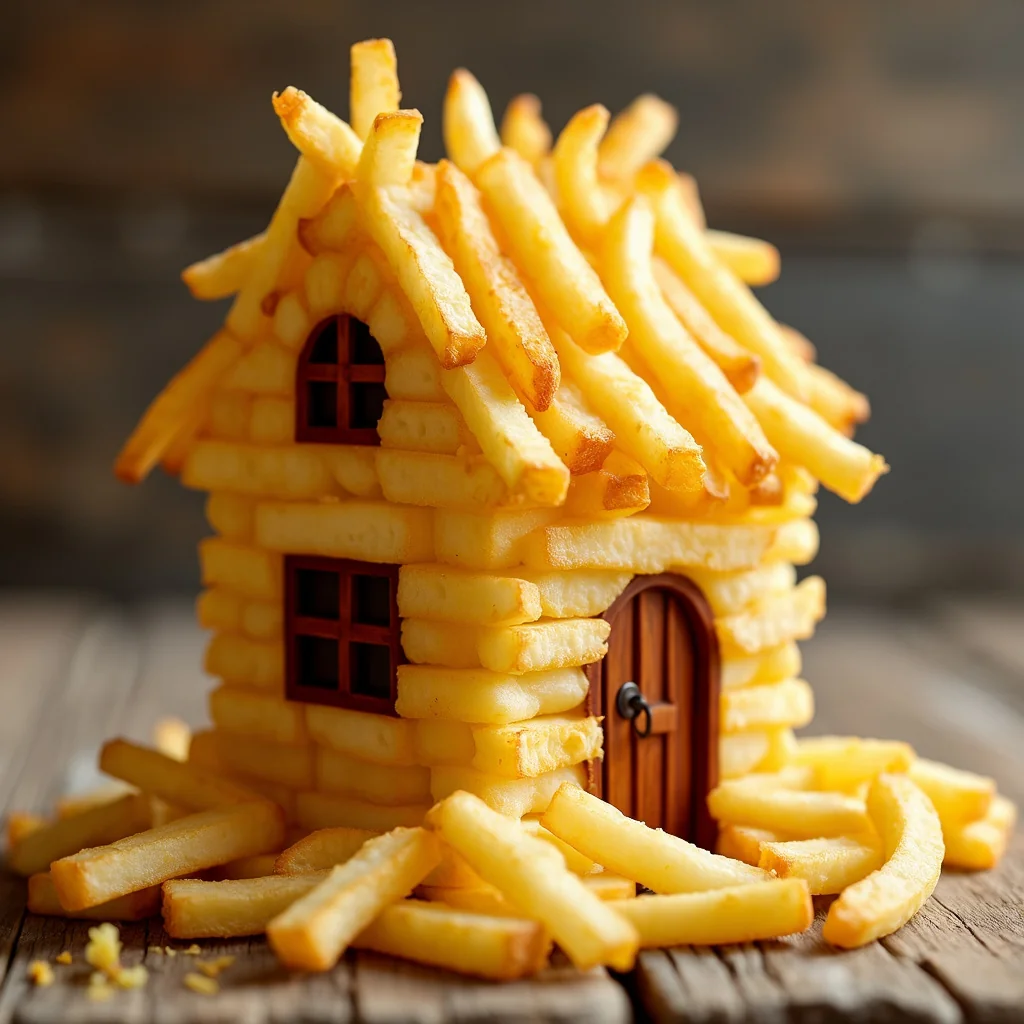
Leverage cutting-edge AI to transform your text prompts into stunning, unique visuals. Our platform offers unparalleled flexibility and quality, making professional-grade image creation accessible to everyone.
Creating captivating AI-generated images is straightforward with our intuitive tool. Follow these simple steps to bring your ideas to life:
Write a detailed description of the image you envision. Include style, mood, elements, and composition details for best results. Use our 'Improve prompt' feature for prompt enhancement suggestions.
Choose the AI model that best suits your desired style. Configure aspect ratio, and the number of images.
Click the 'Generate Image(s)' button. Our AI will process your request, typically within seconds. Review the generated images, refine your prompt if needed, or download your favorites.
Easily download individual images or use the 'Download All' button for batch downloads. Images are provided in high resolution, ready for use.
Experiment with leading models, each offering unique artistic capabilities and strengths.
Generate images in standard aspect ratios (1:1, 16:9, 9:16) and high resolutions, perfect for social media, web content, print, and more.
Maximize efficiency by generating multiple image variations at once and downloading them all with a single click.
Stuck for ideas? Use our 'Improve prompt' feature to get AI-powered suggestions for improving your image descriptions.
Benefit from helpful tooltips, clear settings, and example prompts to easily navigate the image generation process.
Gain full ownership and commercial usage rights for every image you create, empowering your projects without limitations.
Our versatile AI image generator empowers a wide range of users to create stunning visuals effortlessly.
Rapidly prototype concepts, generate unique assets, explore diverse artistic styles, and create mood boards or reference images.
Produce eye-catching visuals for blog posts, social media updates, thumbnails, presentations, and online advertisements without needing stock photos.
Create compelling imagery for marketing campaigns, email newsletters, landing pages, and ad creatives quickly and cost-effectively.
Generate placeholder images, custom icons, backgrounds, and UI elements tailored to specific design requirements.
Quickly create visual assets for prototypes, demos, or applications without needing dedicated design resources.
Visualize characters, scenes, book covers, or concepts from stories, bringing narratives to life visually.
The more detail you provide, the better the AI understands your vision. Mention artistic style (e.g., 'impressionist painting', 'cyberpunk illustration'), lighting ('cinematic lighting', 'soft morning light'), mood ('dreamy', 'energetic'), and camera angles ('wide-angle shot', 'close-up').
Don't stick to just one model. Try generating the same prompt with different models to see varied results.
Specify what you *don't* want in the image (e.g., 'no text', 'avoid blurry background'). This helps refine the output and exclude unwanted elements. Check model-specific options.
Mentioning specific art movements ('Art Nouveau style'), artists ('in the style of Van Gogh'), or even camera types ('shot on IMAX') can significantly influence the final look.
Your first generation might not be perfect. Analyze the output, identify what works and what doesn't, and refine your prompt accordingly. Small tweaks can lead to big improvements.
Use the 'Improve prompt' feature to explore different ways to phrase your idea and discover new descriptive keywords.
You can generate multiple images simultaneously from a single prompt, depending on the selected model and your preference. This allows for efficient exploration of variations.
Each generated image has an individual download button. If you generate multiple images, a 'Download All' button will appear, allowing you to save all variations at once.
Effective prompts are detailed and descriptive. Include the subject, setting, actions, artistic style, mood, lighting, composition, and specific details. Example: 'A photorealistic image of a red panda wearing a tiny astronaut helmet, sitting on Mars surface during a purple sunset, wide-angle shot, cinematic lighting'. Using negative prompts (excluding elements) can also help refine results.
Yes, several image generation models support image-to-image generation. You can attach a starting image and use a prompt to guide the transformation. Some models also support mask inputs for targeted edits (inpainting/outpainting). Check the specific model's options.
This AI-powered feature analyzes your current prompt and suggests several alternative, often more detailed or creative, prompts based on your initial idea. It's a great way to overcome writer's block or explore different angles for your image concept.


