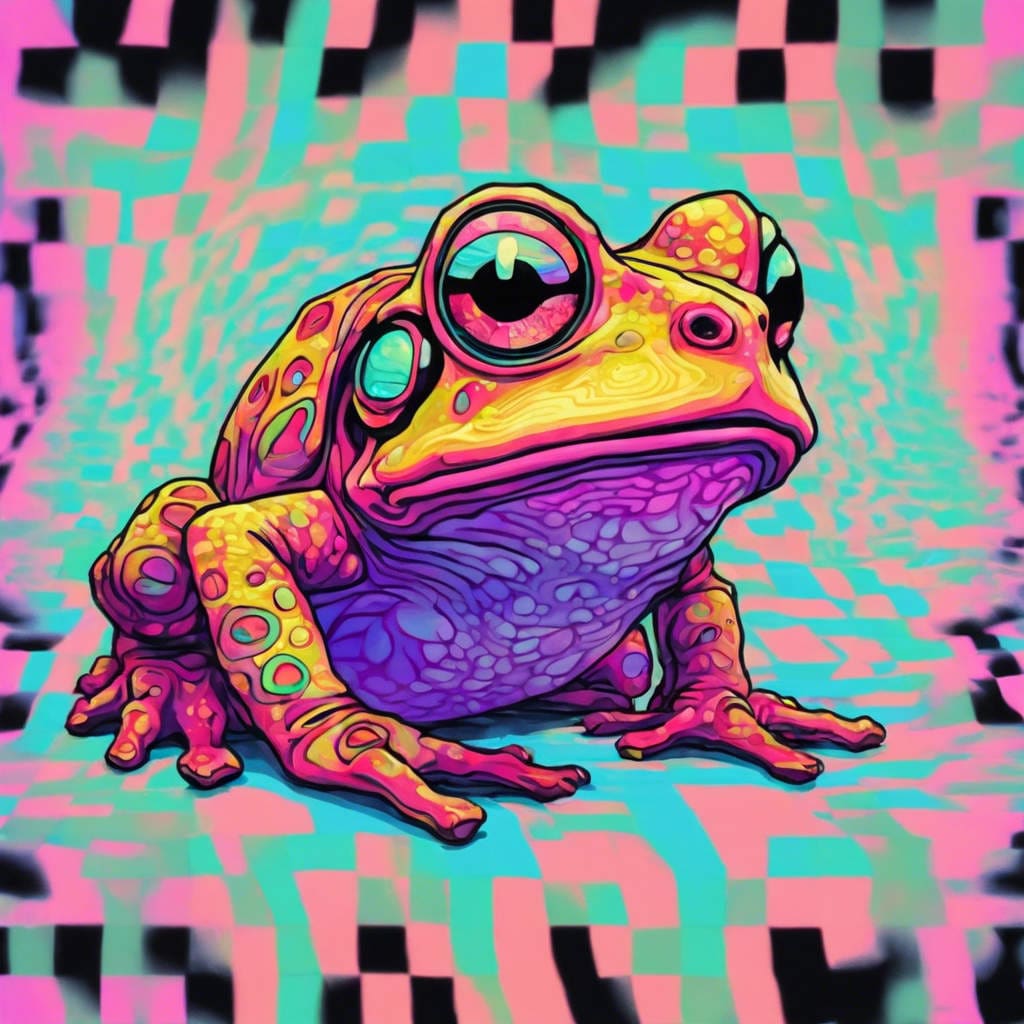
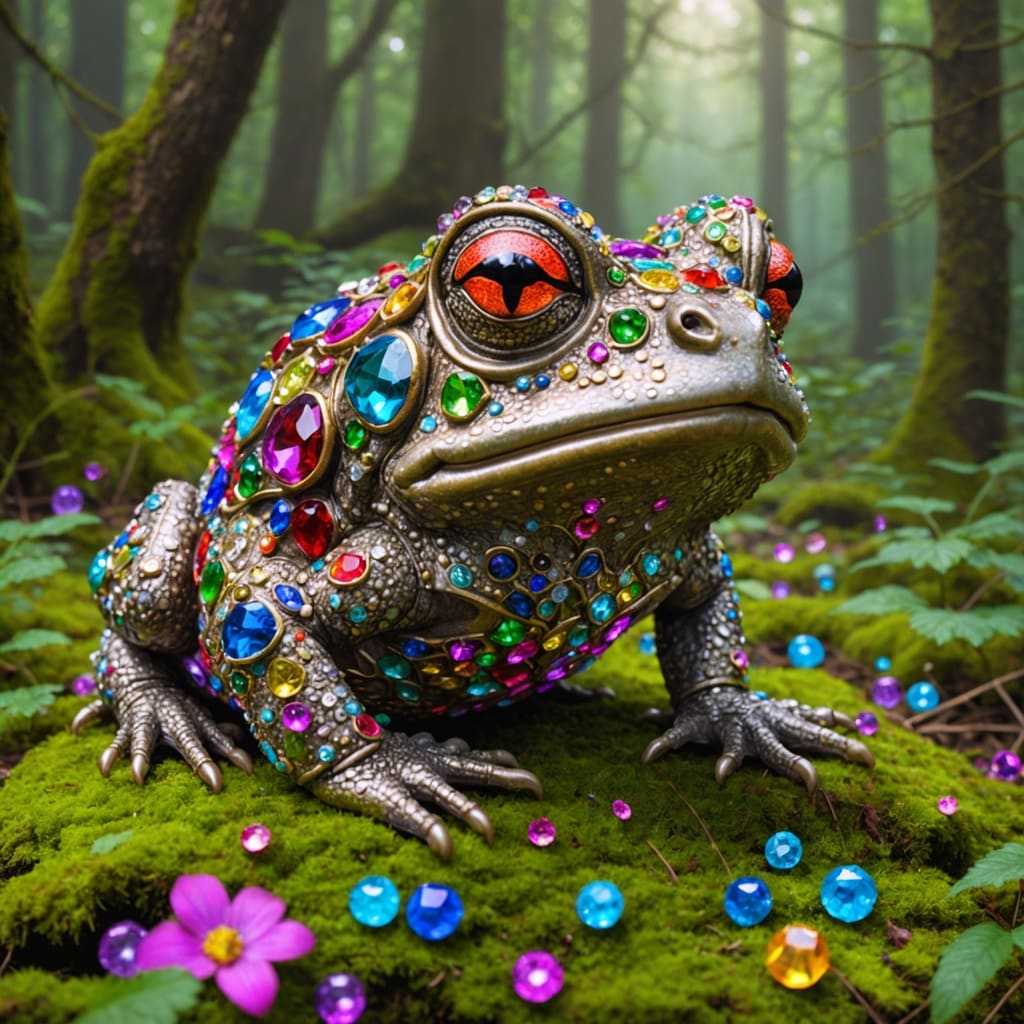
Compare the source image with each finished result.
Source image
Result
What Magica will ask for
The agent gathers these inputs and preferences in the conversation before it starts.
Describe the transformation
Transformation Strength
Choices: Subtle (Keep Close to Original), Medium (Balanced), Strong (More Creative), Extreme (Maximum Change)
Why Choose Our AI Image to Image Transformer?
Transform any image into stunning new variations with the power of AI. Create artistic styles, change moods, reimagine compositions, and explore endless creative possibilities—all while maintaining the essence of your original image.
Transform images into any artistic style instantly
Adjustable transformation strength for precise control
Maintains image composition while adding creative changes
Perfect for artistic exploration and experimentation
Professional-quality output for all use cases
Works with photos, illustrations, and digital art
High-resolution image generation
Fast processing in 20-40 seconds
Unlimited creative possibilities
No design skills required
How Our AI Image to Image Transformer Works
Our advanced AI analyzes your image and applies intelligent transformations to create stunning new variations in three simple steps.
01
Attach Your Image
Upload any photo, illustration, or digital artwork you want to transform
02
Describe Transformation
Tell the AI how you want your image transformed—change style, mood, colors, or anything else
03
Get Transformed Image
Download your professionally transformed image with your desired creative changes
Key Features of AI Image to Image
AI-Powered Transformation
Advanced neural networks understand your intent and apply intelligent transformations while preserving image quality
Unlimited Style Options
Transform images into any style—watercolor, oil painting, anime, vintage, modern, cinematic, and more
Adjustable Strength
Control transformation intensity from subtle tweaks to dramatic changes with four strength levels
Lightning Fast
Get your transformed image in 20-40 seconds—perfect for rapid creative iteration
Composition Preservation
Maintains your original image's layout and key elements while applying creative transformations
Professional Quality
Generate high-resolution, publication-ready images suitable for any professional use
Who Can Benefit from AI Image to Image?
This Magica workflow is designed for creatives, professionals, and anyone who wants to explore new artistic possibilities with their images.
Artists & Designers
Explore different artistic styles and create unique variations of your artwork for portfolios and exhibitions
Photographers
Transform photographs into artistic interpretations, experiment with moods, and create stunning visual effects
Content Creators
Generate unique, eye-catching visuals for social media, YouTube thumbnails, and blog posts
Marketing Professionals
Create multiple variations of marketing visuals for A/B testing and different campaign styles
E-commerce Businesses
Transform product images to match different brand aesthetics and seasonal campaigns
Students & Educators
Explore artistic concepts, create educational materials, and demonstrate style transformations
Tips for Best Results
Tip 1
Be Specific with Descriptions
Provide detailed descriptions of the transformation you want. Instead of 'make it artistic', say 'transform into a watercolor painting with soft pastel colors'.
Tip 2
Start with Medium Strength
Begin with the medium transformation strength to see balanced results. Adjust to subtle or strong based on your needs.
Tip 3
Use High-Quality Source Images
Better source images produce better transformations. Use clear, well-lit photos with good resolution for optimal results.
Tip 4
Experiment with Styles
Try different artistic styles and moods. The same image can look dramatically different with various transformations.
Tip 5
Mention Specific Elements
If you want certain elements emphasized or changed, mention them specifically in your description for targeted transformations.
Tip 6
Combine Style and Mood
Get best results by combining artistic style with mood—e.g., 'oil painting style with warm sunset atmosphere'.
Tip 7
Save Multiple Variations
Generate several variations with different descriptions or strengths. This helps you find the perfect transformation.
Frequently Asked Questions
What is AI Image to Image transformation?
AI Image to Image transformation uses advanced artificial intelligence to take your existing image and transform it based on your description. It can change artistic styles, moods, colors, and overall aesthetics while maintaining the core composition of your original image. It's perfect for creative exploration and generating unique variations.
What types of transformations can I create?
You can create virtually any transformation—convert photos to artistic styles (watercolor, oil painting, anime, sketch), change time of day (sunset, night), alter weather conditions, modify color schemes, apply vintage effects, create cinematic looks, and much more. The possibilities are limited only by your imagination.
How long does it take to transform an image?
Image transformation typically takes 20-40 seconds depending on the complexity of your description and the selected AI model. You'll see a progress indicator during processing, and you can download your transformed image immediately once complete.
What does the transformation strength setting do?
Transformation strength controls how dramatically the AI modifies your image. 'Subtle' keeps changes minimal and close to the original, 'Medium' provides balanced transformations (recommended for most uses), 'Strong' applies significant creative changes, and 'Extreme' allows for maximum artistic interpretation.
Will my original image composition be preserved?
Yes! The AI is designed to maintain your original image's core composition, layout, and key elements while applying the requested transformations. The overall structure remains recognizable even with dramatic style changes.
What image formats can I upload?
You can upload images in common formats including JPG, JPEG, PNG, and WebP. The tool works with photographs, digital art, illustrations, and any other image type you want to transform.
Can I use this for commercial projects?
Yes! Images transformed with our AI Image to Image tool can be used for commercial purposes including marketing materials, social media content, product designs, client work, and more. You own the rights to the transformed images you generate.
How detailed should my transformation description be?
More detailed descriptions generally produce better, more targeted results. Include information about the style you want, colors, mood, atmosphere, and any specific elements you want changed. However, even simple descriptions like 'make it look like an oil painting' work well.
Can I transform already edited or filtered images?
Absolutely! You can transform any image—whether it's a raw photo, an already edited image, a filtered photo, or even AI-generated art. The tool works with any visual input.
What if I don't get the result I wanted?
If the result isn't what you expected, try refining your description with more specific details, adjust the transformation strength, or try different phrasings. You can generate multiple variations by experimenting with these parameters until you achieve your desired look.
Can I create multiple versions with different styles?
Yes! You can attach the same image multiple times with different transformation descriptions to generate various artistic interpretations. This is perfect for exploring creative options and finding the best style for your project.
Does this work with black and white images?
Yes! The tool works with both color and black-and-white images. You can even transform black-and-white images into colorized versions by describing colors in your transformation description.
What resolution are the transformed images?
Transformed images are high-resolution and suitable for professional use, printing, and digital publication. The output quality is optimized to maintain detail and clarity regardless of the transformation applied.
Can I use this to fix or enhance poor quality images?
While this tool is primarily designed for creative transformations rather than restoration, certain transformations can improve the aesthetic quality of images. For specific enhancements like sharpening or upscaling, we recommend using our dedicated enhancement tools.
Is my uploaded image kept private?
Yes, your privacy is our priority. Uploaded images are processed securely and are only used to generate your transformation. We don't share your images or transformed results with third parties. You maintain full ownership and control of your content.