Description
Describe what you want to create...

Create stunning jewelry mockup with AI
Reference media and sample results for this task.
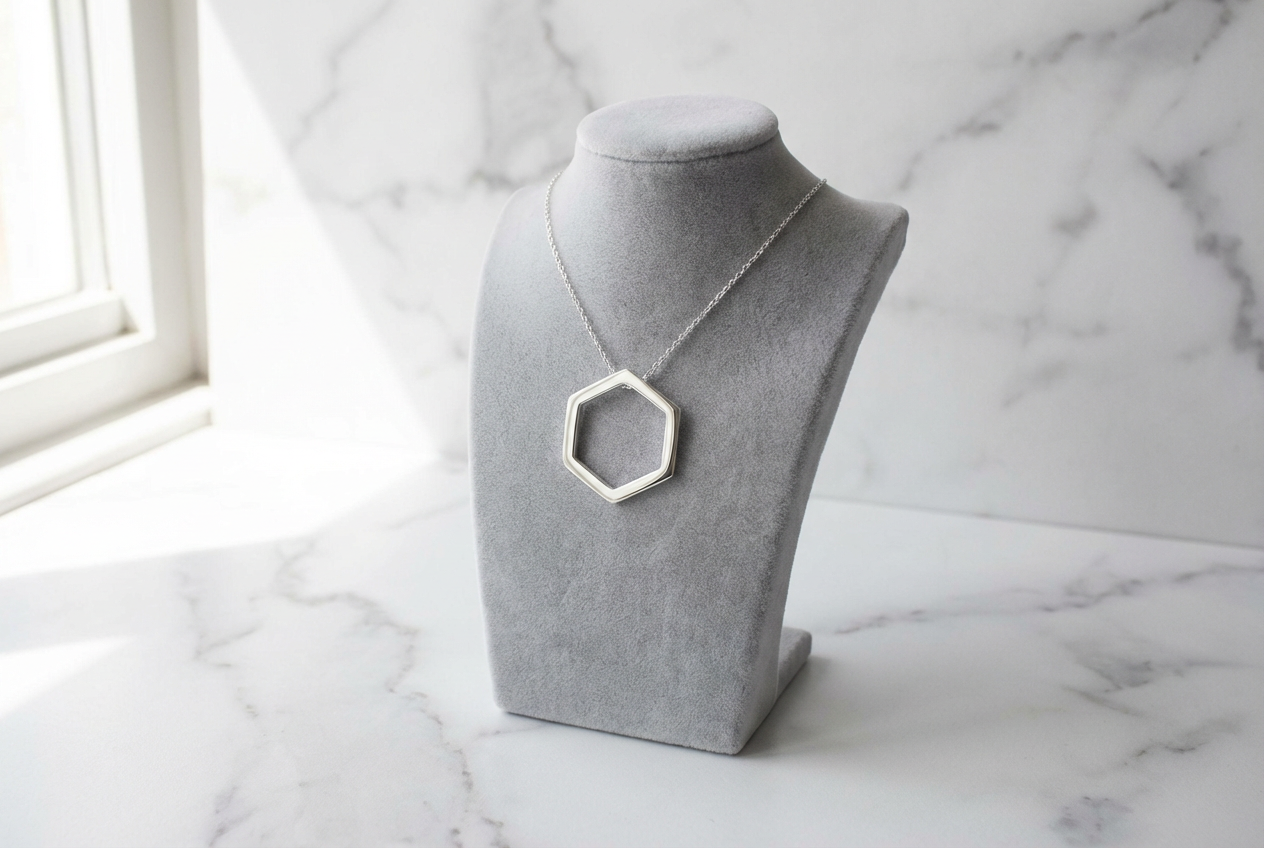
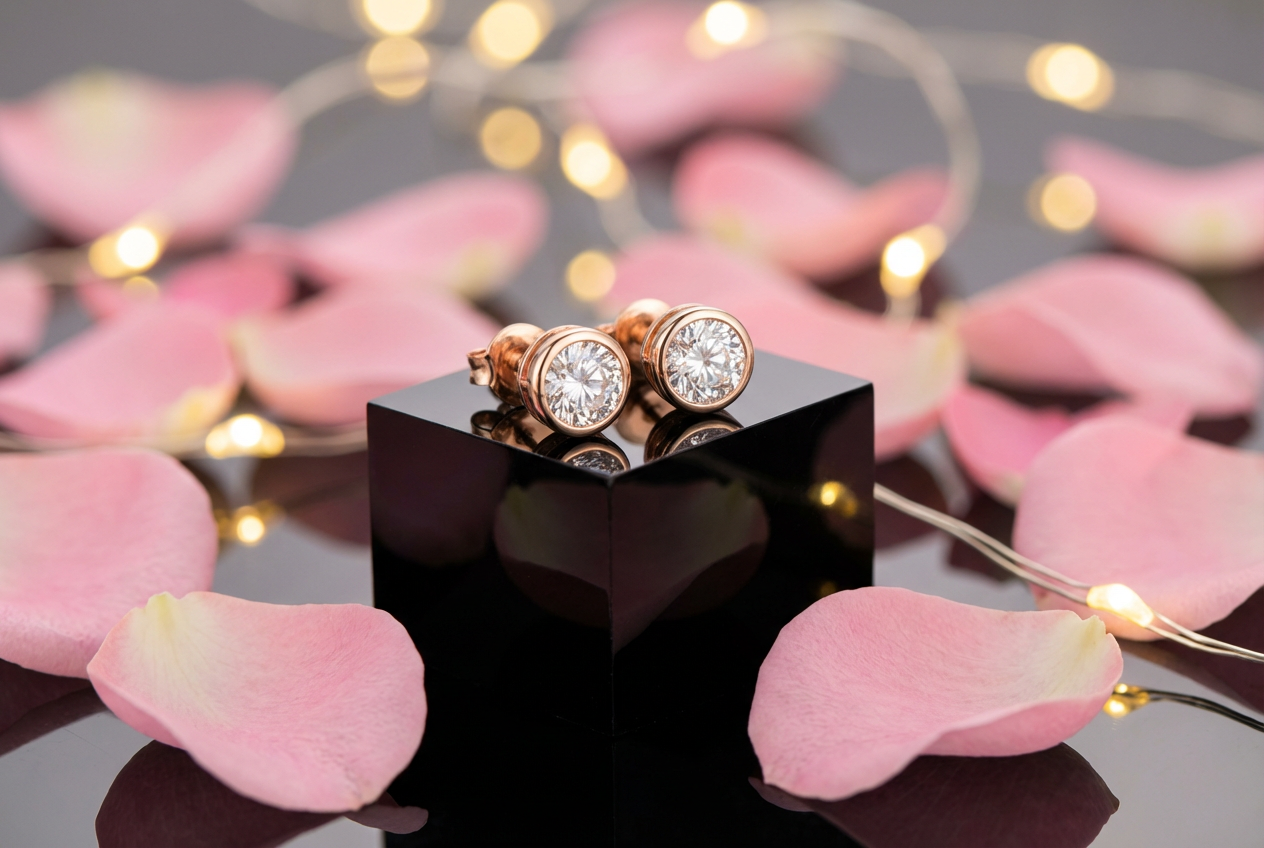
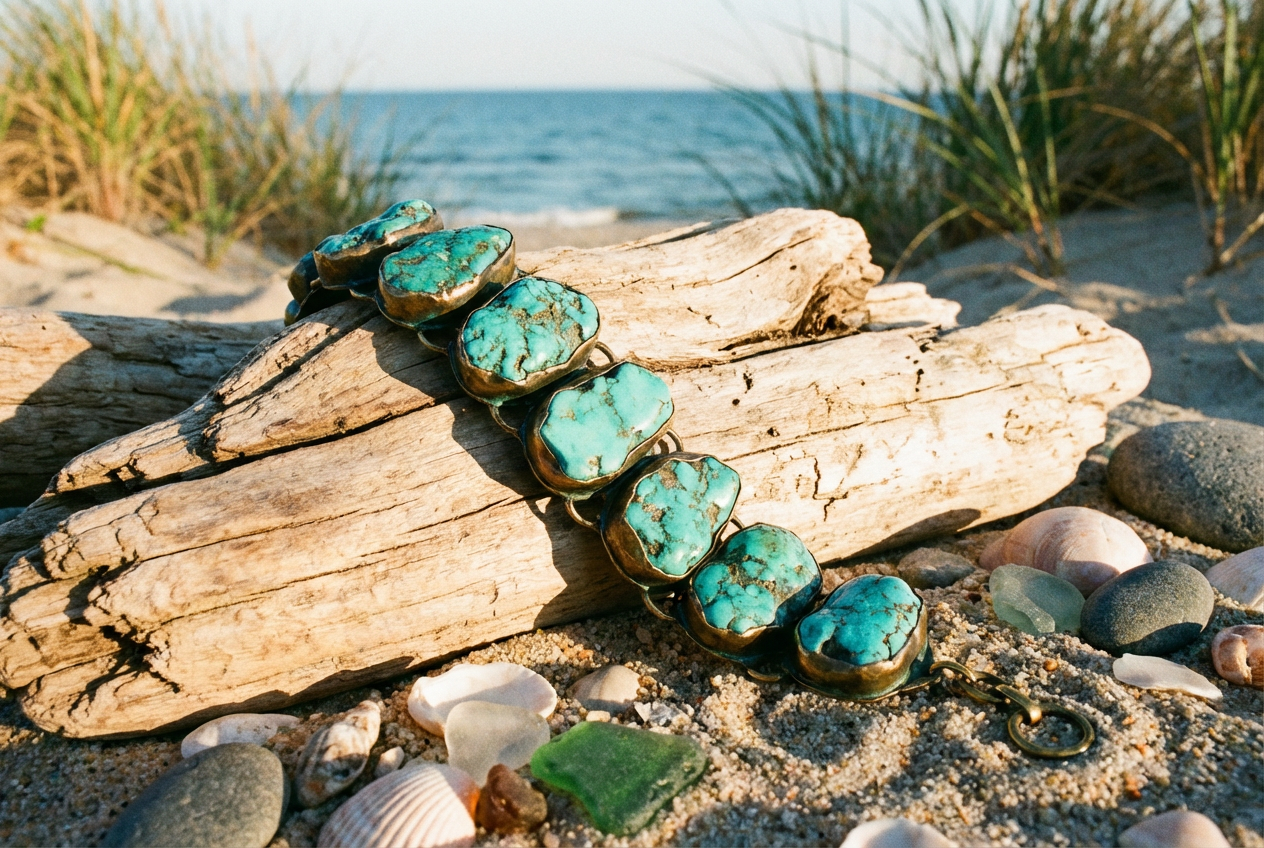
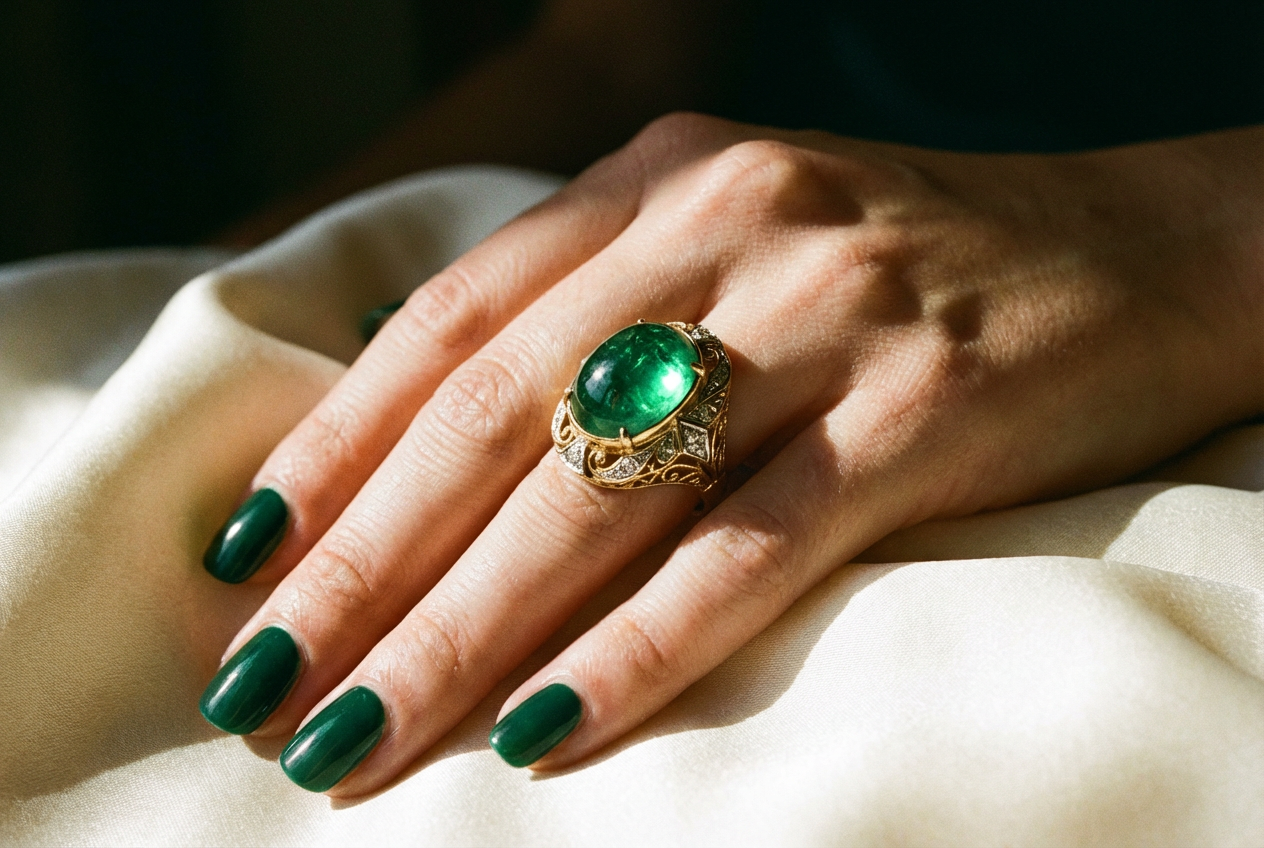
The agent gathers these inputs and preferences in the conversation before it starts.
Describe what you want to create...
Choices: Any Type, Ring, Necklace, Earrings, Bracelet, Pendant, Brooch, Anklet, Tiara, Cufflinks
Choices: Any Metal, Yellow Gold, White Gold, Rose Gold, Platinum, Sterling Silver, Palladium, Titanium
Choices: Any Stone, Diamond, Ruby, Sapphire, Emerald, Pearl, Opal, Amethyst, Topaz, No Stones
Choices: Any Setting, Prong, Bezel, Channel, Pavé, Tension, Flush, Cluster, Invisible
Create professional, photorealistic jewelry mockups instantly with AI technology.
Create stunning jewelry mockups in three simple steps:
Enter a detailed description of your desired jewelry piece.
Select jewelry type, materials, stones, and style preferences.
Let AI create photorealistic mockups based on your specifications.
Generate mockups for rings, necklaces, earrings, bracelets, and more.
Choose from various metals and precious stones for your designs.
Get high-quality, realistic mockups perfect for presentations.
Generate different angles and perspectives of your jewelry piece.
Create stunning product visualizations for online stores.
Quickly visualize new designs before production.
Show clients previews of custom pieces.
Generate professional product images for marketing materials.
Create portfolio-ready jewelry visualizations.
Generate high-quality product images for online stores.
Include detailed descriptions of materials, stones, and design elements.
Specify the size and proportions of your jewelry piece.
Consider how different materials reflect light for realistic renders.
Mention specific jewelry styles or designers that inspire you.
Specify how stones should be set and any particular mounting preferences.
Our generator supports a wide range of jewelry types including rings, necklaces, earrings, bracelets, pendants, brooches, and more. Each type can be customized with different materials and stones.
Yes! You can choose from various metals like gold (yellow, white, rose), platinum, silver, and different precious stones including diamonds, rubies, sapphires, and more.
Our AI generates highly photorealistic mockups with accurate material properties, reflections, and lighting. The results are suitable for professional presentations and marketing materials.
Yes, you can generate different angles and perspectives of your jewelry design to show all its details and features.
The mockups are generated in high resolution, suitable for both digital display and print materials. The exact resolution depends on your selected options.
Include details about the type of jewelry, materials, stones, style, and any specific design elements. The more specific your description, the better the results.
Yes! All mockups generated by our AI Jewelry Generator are 100% free for commercial use. You can use them in your online store, marketing materials, or any other commercial projects.
No, there are no restrictions on how you can use the generated mockups. You own full rights to the images you generate and can modify, share, or sell them as you wish.


