Description
Describe what you want to create...

Create adorable kawaii-style emoji and cute characters with AI
Reference media and sample results for this task.
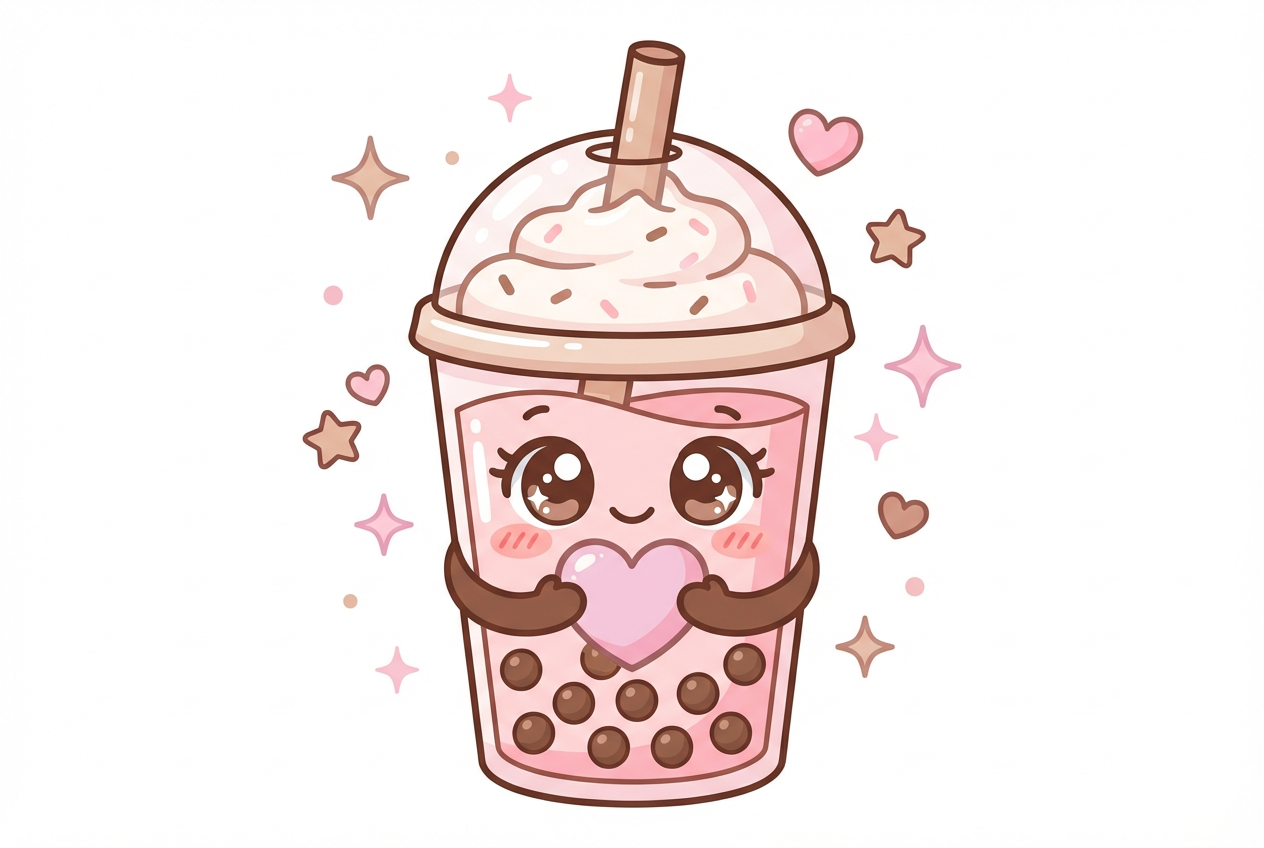
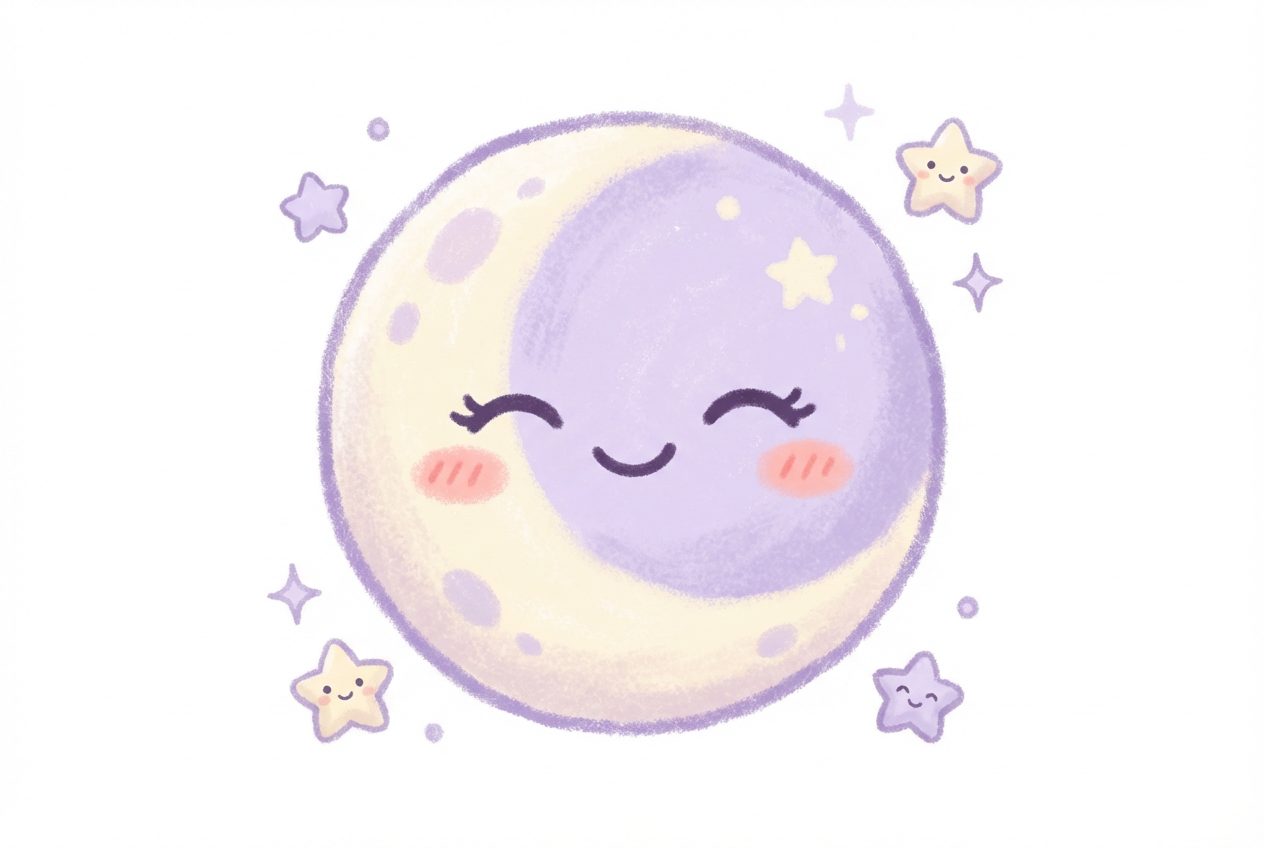
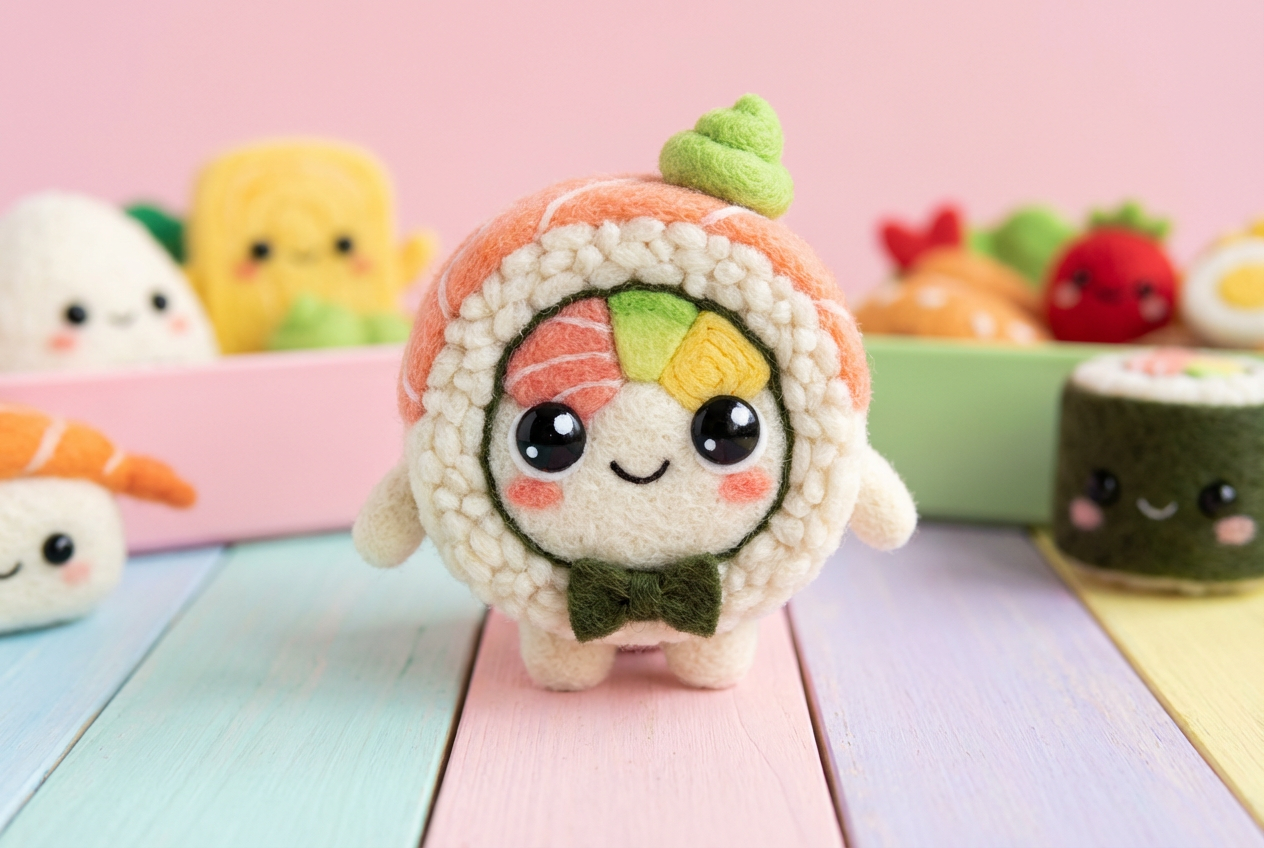
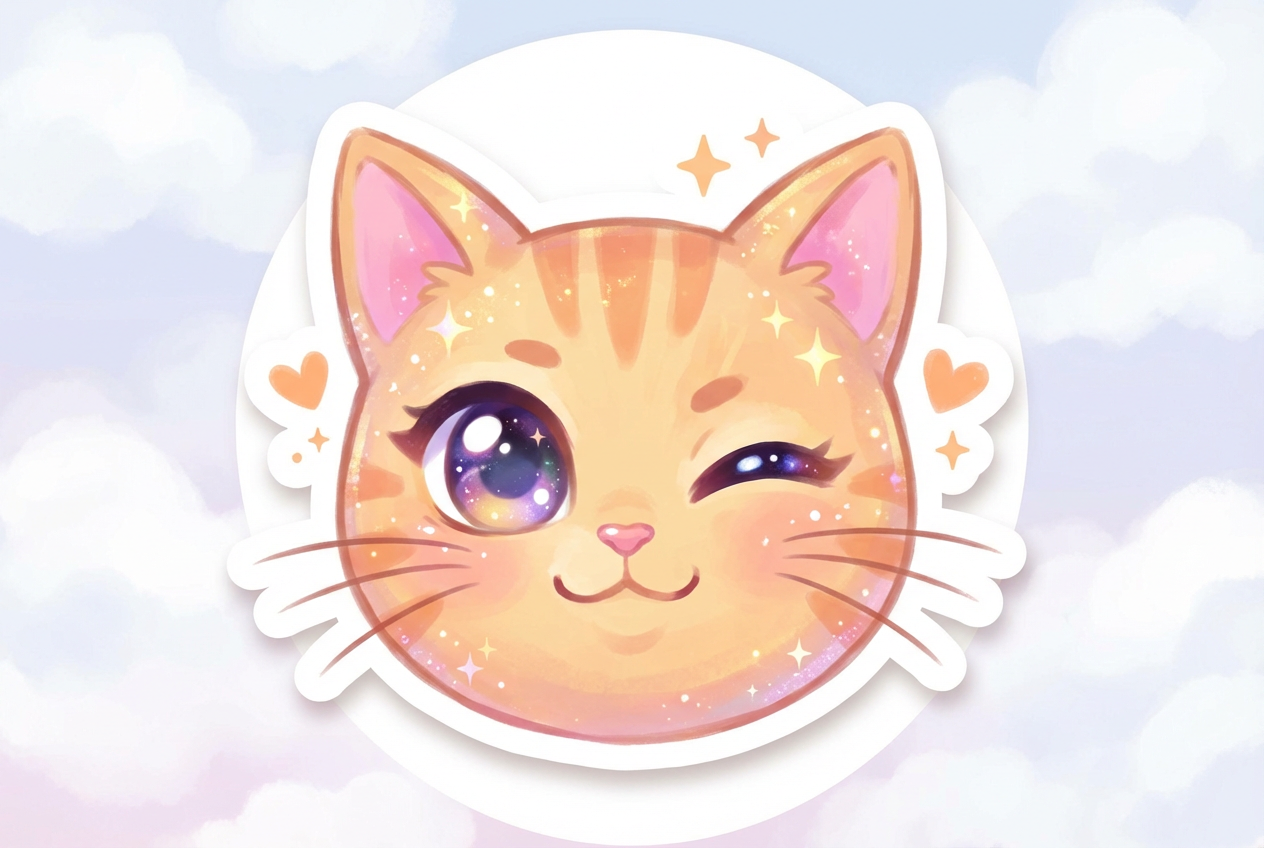
The agent gathers these inputs and preferences in the conversation before it starts.
Describe what you want to create...
Choices: Any Type, Cute Face, Kawaii Food, Kawaii Animal, Cute Object, Kawaii Character, Sweet Dessert, Nature Element
Choices: Any Expression, Happy/Smiling, Excited, Super Cute, Sleepy, Love/Hearts, Surprised, Shy/Blushing, Playful
Choices: Any Colors, Pastel Colors, Rainbow, Pink Theme, Blue Theme, Mint Green, Peach/Coral, Purple/Lavender
Create the cutest emoji designs with authentic Japanese kawaii aesthetics for any digital platform.
Create your adorable emoji in three simple steps:
Enter what you want to make kawaii - a face, food, animal, or object.
Select emoji type, expression, kawaii style, and color theme.
Get your cute kawaii emoji instantly for messaging, stickers, or designs.
Create cute faces, kawaii food, adorable animals, and charming objects.
Choose from happy, excited, shy, love, playful, and many more expressions.
Generate in classic kawaii, chibi, pastel, or bubbly styles.
Use pastel, rainbow, pink, blue, mint, or custom color schemes.
Create custom emoji for messaging apps, social media, and chat.
Download emoji perfect for sticker packs and digital communication.
Perfect for digital creators and kawaii culture enthusiasts
Generate cute emoji for posts, stories, and social media engagement.
Create kawaii sticker packs for messaging apps and digital platforms.
Add cute emoji elements to designs, branding, and creative projects.
Design kawaii emoji for merchandise, prints, and product lines.
Create custom emoji sets for apps, games, and digital products.
Generate adorable emoji for personal use and kawaii collections.
The hallmark of kawaii is large, sparkling eyes that convey innocence and cuteness.
Kawaii works best with simple, clean designs. Less detail often means more cuteness.
Pastel pinks, blues, yellows, and mint create the signature kawaii aesthetic.
Small pink blush marks on cheeks enhance the cute, innocent appearance.
Even everyday objects become cute with kawaii features - add faces to food, objects, and nature.
Kawaii (Japanese for 'cute') emoji feature large sparkling eyes, simple rounded shapes, soft pastel colors, small blush marks, and adorable expressions. They embody Japanese cute culture aesthetics.
You can create cute faces, kawaii food (like smiling sushi or happy donuts), adorable animals, cute everyday objects, kawaii characters, sweet desserts, and charming nature elements.
Yes! The generated kawaii emoji are perfect for creating custom sticker packs for WhatsApp, Telegram, LINE, Discord, and other messaging platforms.
Yes! All generated kawaii emoji are 100% free for commercial use. Create sticker packs, merchandise, app designs, or any commercial products without restrictions.
Classic kawaii is traditional Japanese cute style, chibi is super-deformed with large heads, pastel uses soft colors, bubbly features round shapes, simple is minimal, and detailed adds more features.
Absolutely! Select 'Kawaii Food' and add cute faces, expressions, and features to any food item - perfect for creating adorable food emoji.
Pastel colors are most authentic for kawaii, but rainbow, pink, mint, peach, and lavender themes all work beautifully. Choose based on your project needs.
Use large eyes, add blush marks, choose happy or shy expressions, use pastel or pink color themes, keep designs simple and rounded, and add small kawaii details.
No restrictions! You have full commercial rights to use the kawaii emoji for sticker packs, merchandise, digital products, or any other purpose.
Yes! Generate multiple emoji with consistent style and color themes to create cohesive sticker packs and emoji collections for various platforms.


