Kid Description
Describe the kid portrait you want to generate...

Create adorable and natural kid portraits with AI
Reference media and sample results for this task.
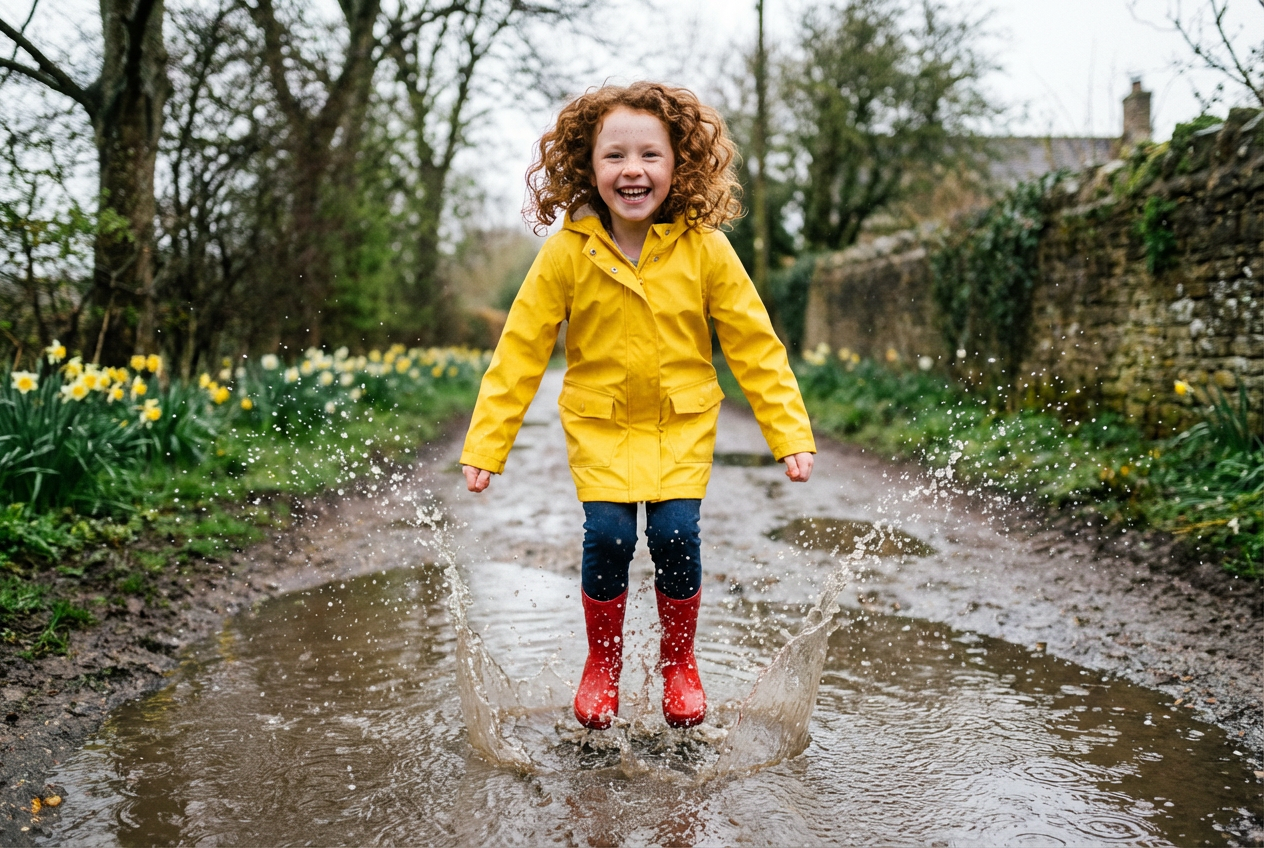
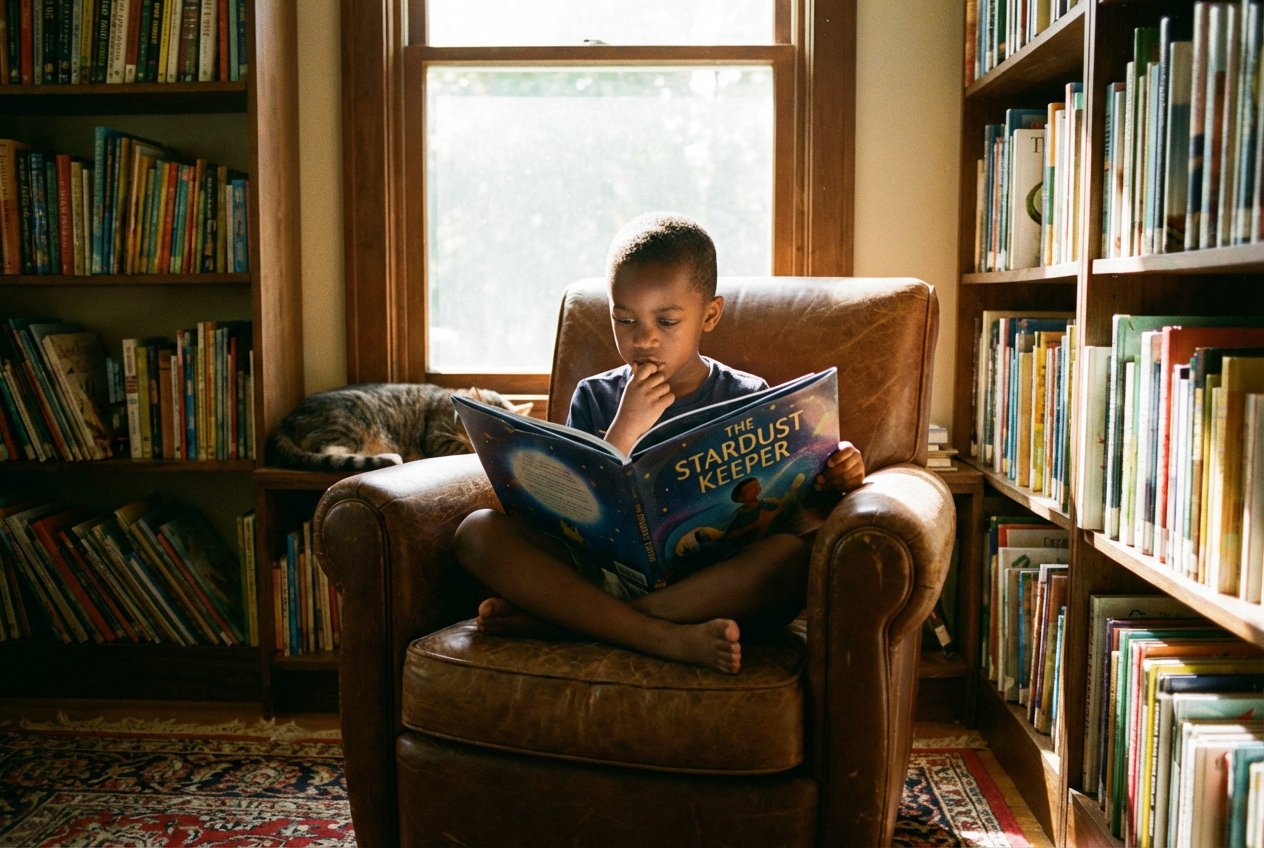
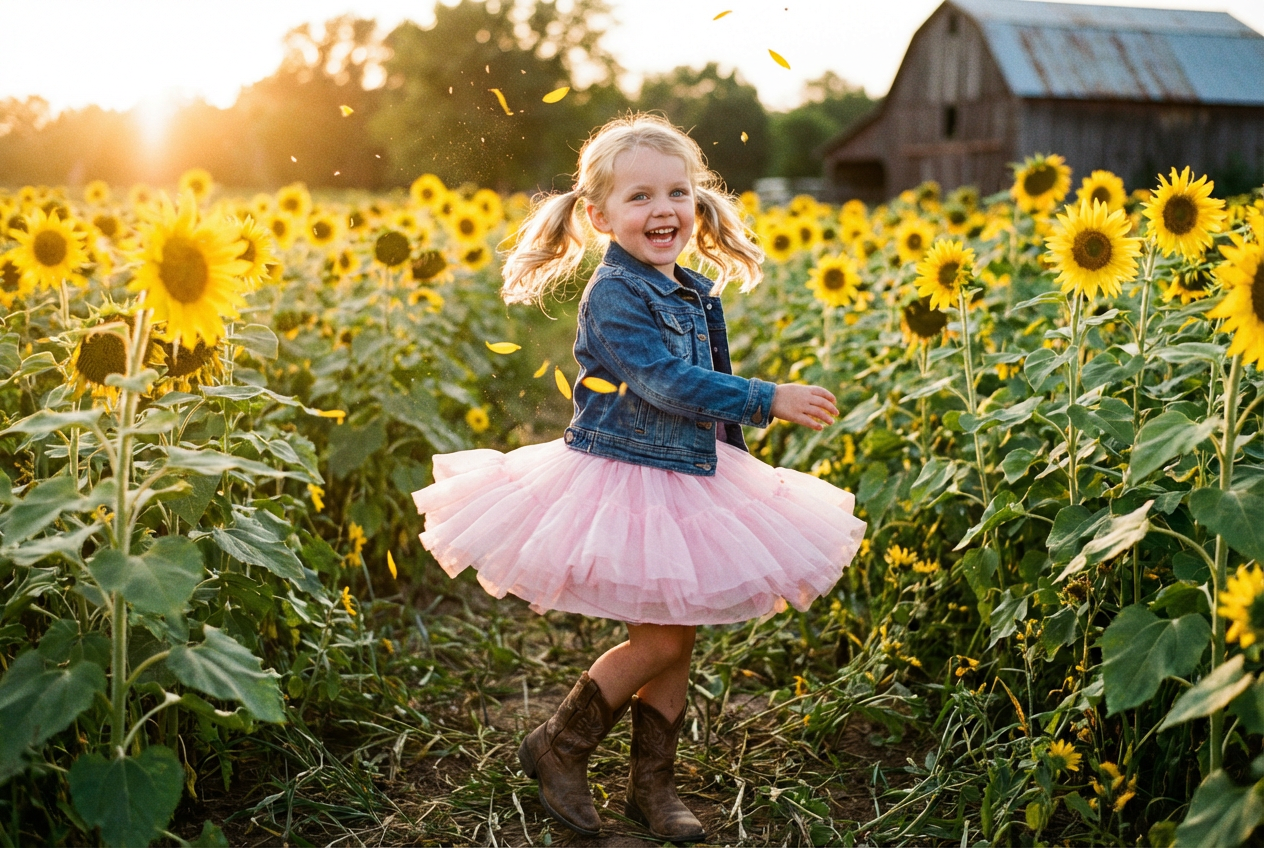
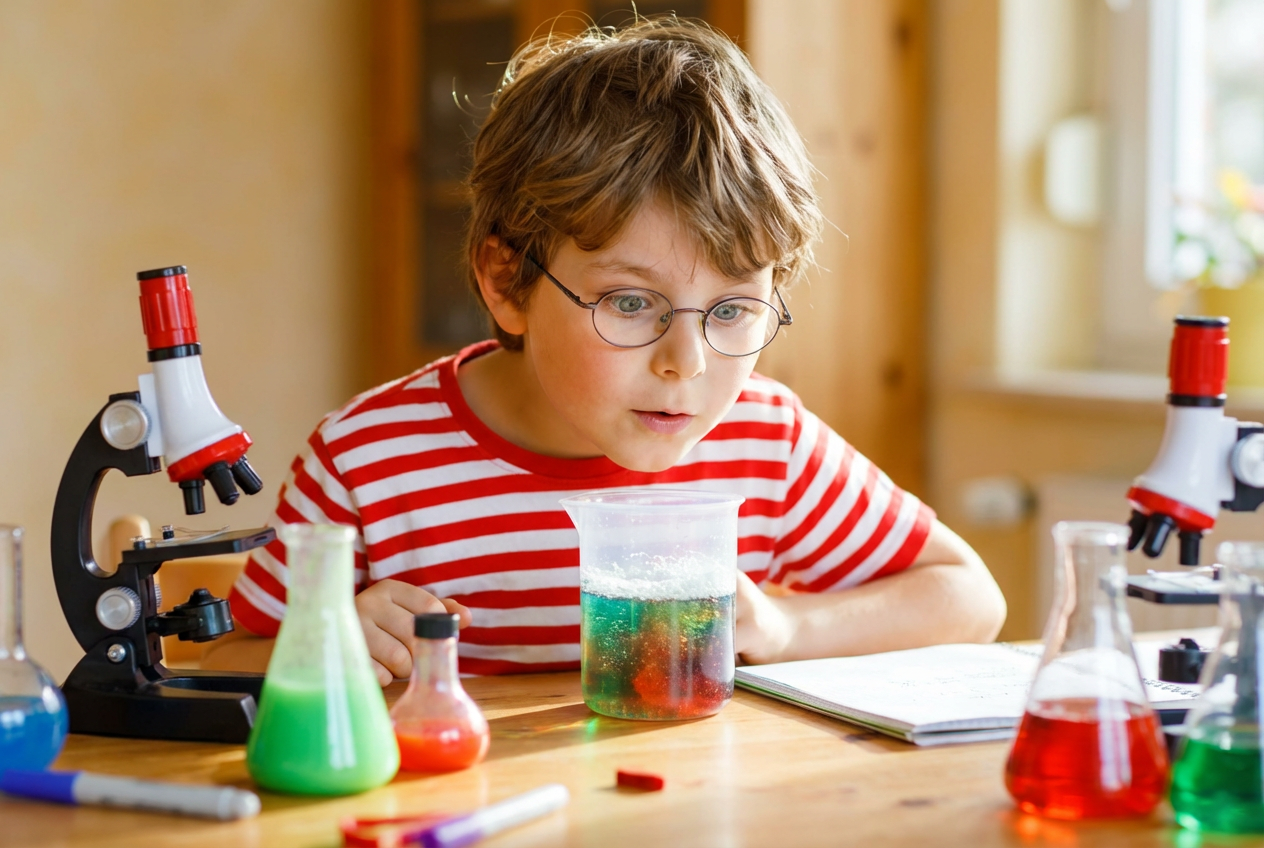
The agent gathers these inputs and preferences in the conversation before it starts.
Describe the kid portrait you want to generate...
Choices: Any Age, 1-2 years, 3-4 years, 5-6 years, 7-8 years, 9-10 years, 11-12 years
Choices: Any Expression, Happy, Laughing, Excited, Curious, Thoughtful, Playful, Peaceful
Choices: Any Pose, Standing, Sitting, Playing, Running, Jumping, Reading, Drawing
Choices: Any Style, Casual, Formal, Sporty, School Uniform, Party Wear, Traditional, Seasonal
Choices: Any Background, Playground, School, Park, Home, Beach, Garden, Studio, Library
Create beautiful, natural-looking portraits of children with customizable features.
Generate perfect kid portraits in three simple steps:
Enter a detailed description of the kid portrait you want to create.
Select age, expression, pose, clothing, and background preferences.
Let AI create natural, high-quality portraits based on your specifications.
Choose from different age ranges to perfectly capture the desired stage.
Select from various natural expressions to capture the right mood.
Multiple pose options from casual to formal for perfect composition.
Customize clothing and background to match your vision.
Create memorable portraits of their children at different ages.
Generate reference images for children's book illustrations.
Explore pose and composition ideas for child photography.
Create personalized portraits for family albums and gifts.
Include details about hair color, eye color, and other distinctive features.
Choose backgrounds that complement the child's age and activity.
Select age-appropriate poses and activities for natural results.
Describe the desired emotion or mood for more engaging portraits.
Mention preferred lighting conditions for the desired atmosphere.
Yes, our AI is trained on appropriate content and follows strict ethical guidelines for generating child portraits. We prioritize safety and respect in all generated images.
Yes, you can customize age range, expressions, poses, clothing styles, and background settings to create your perfect portrait.
Our AI produces highly realistic portraits while maintaining appropriate and natural features for children of different ages.
Yes, you can generate multiple versions of your portrait with different variations in pose, expression, or setting.
You can easily download the generated portraits in high quality and share them with family and friends.
Include details about age, expression, pose, clothing, and setting. The more specific your description, the better the results.
Yes! All portraits generated by our AI Kid Generator are 100% free for commercial use. You can use them in your projects, portfolios, or commercial work without any licensing restrictions.
While there are no commercial restrictions, we expect users to maintain ethical standards and use the tool responsibly, especially since it involves children's portraits.


