Landscape Description
Describe the landscape scene you want to create...

Create stunning landscape photographs with AI
Reference media and sample results for this task.
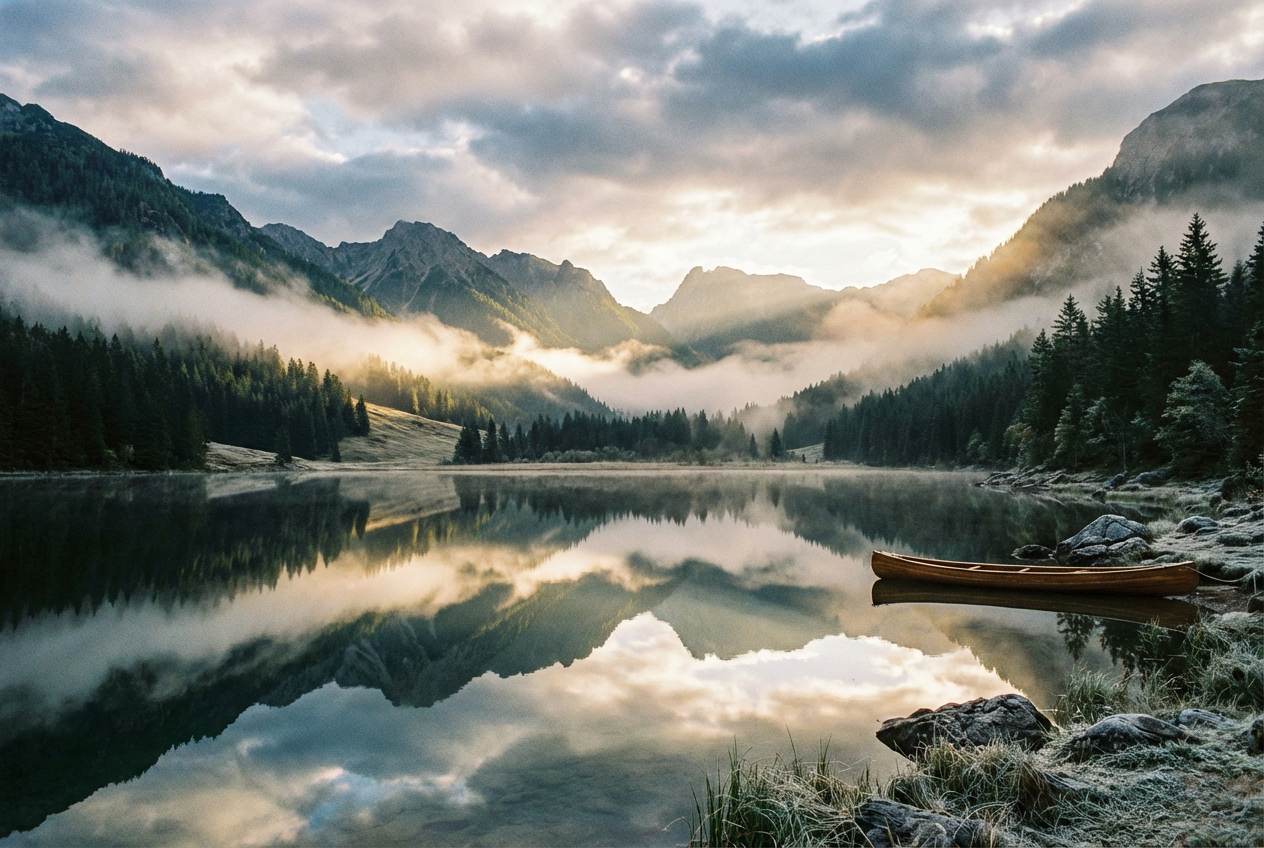
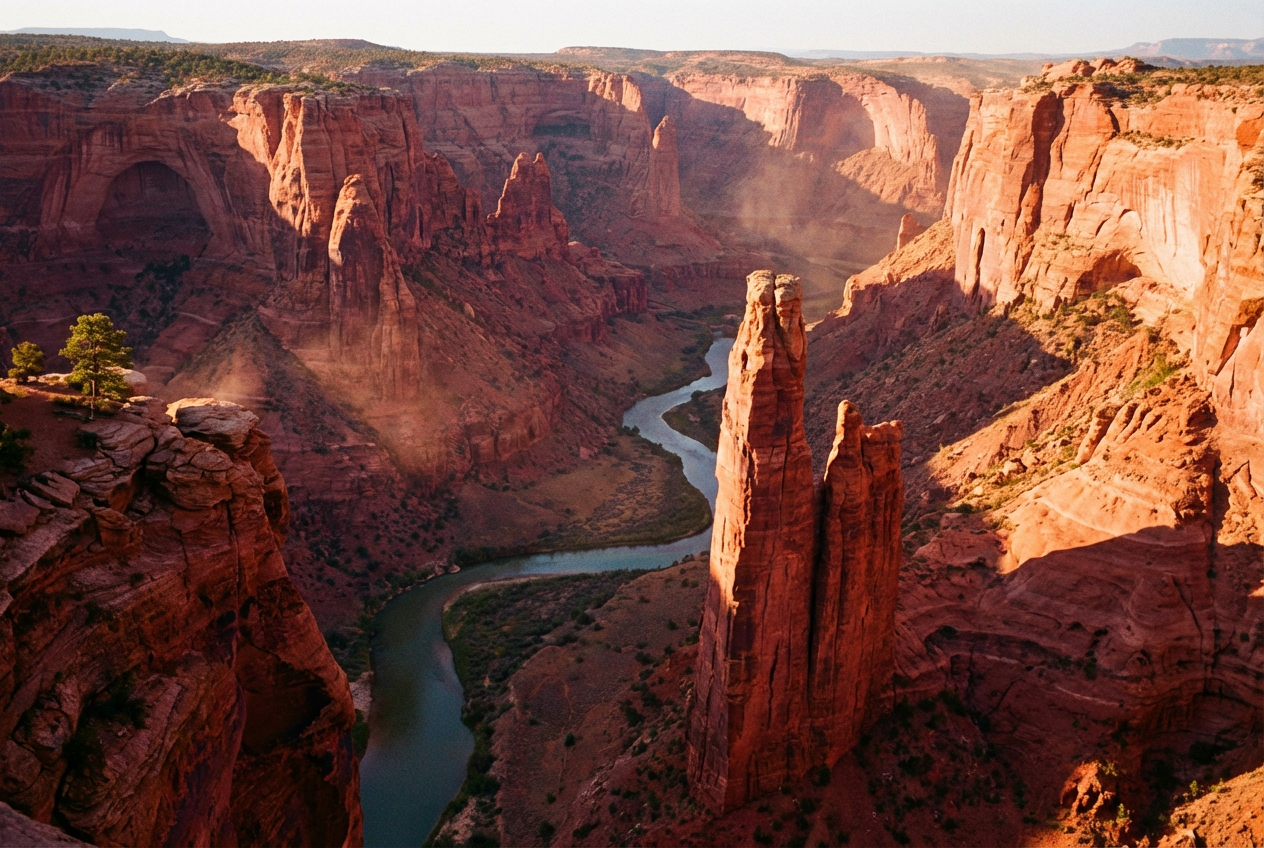
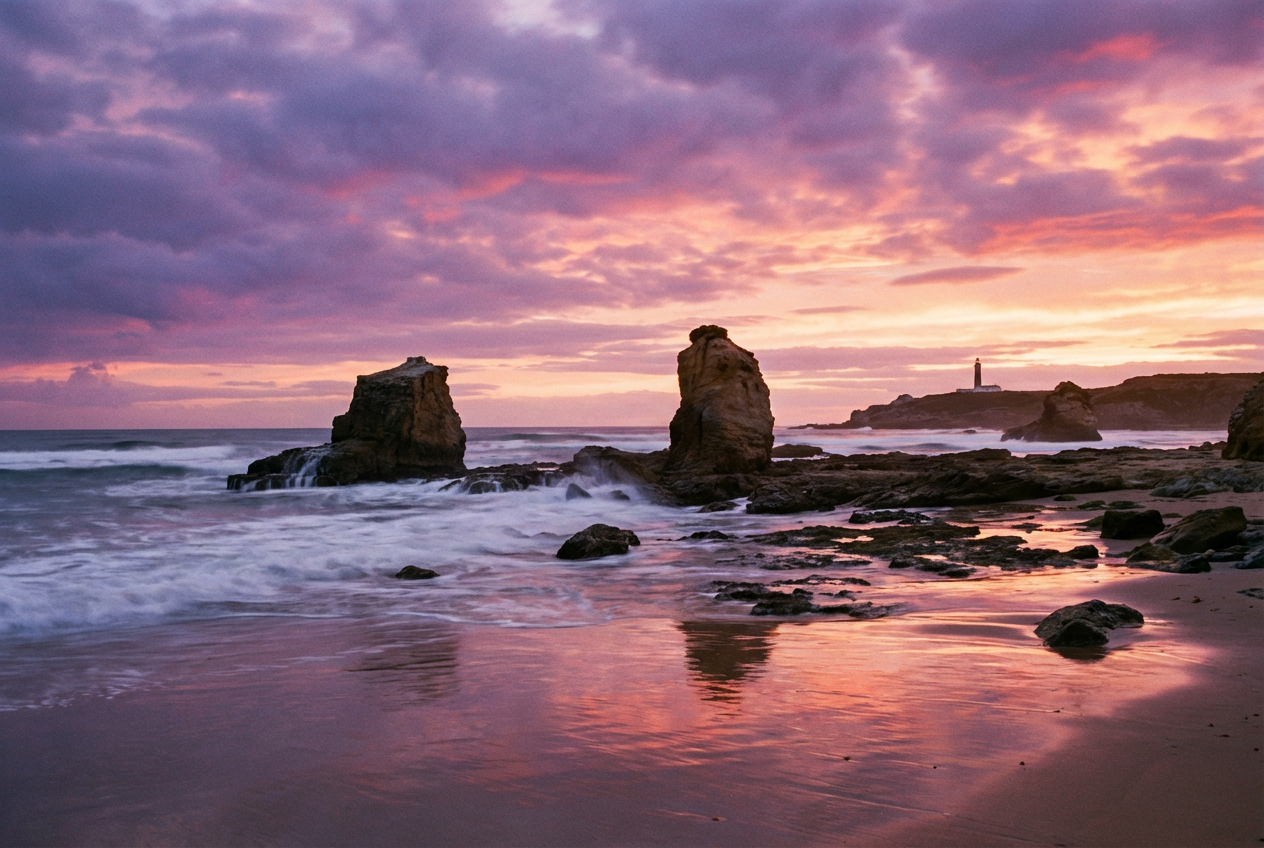
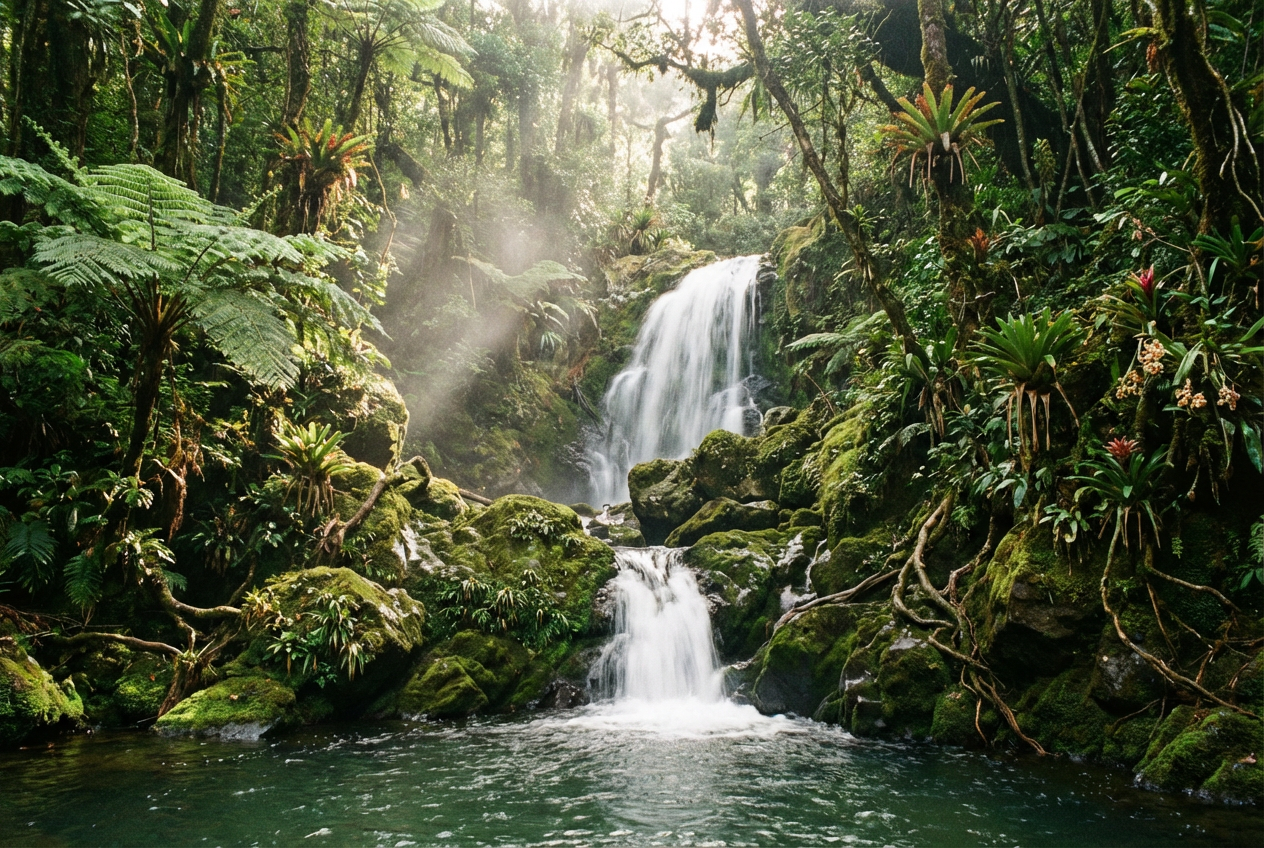
The agent gathers these inputs and preferences in the conversation before it starts.
Describe the landscape scene you want to create...
Choices: Any Time, Sunrise, Morning, Midday, Afternoon, Sunset, Dusk, Night
Choices: Any Weather, Clear, Cloudy, Stormy, Foggy, Misty, Rainy, Snowy
Choices: Any Season, Spring, Summer, Autumn, Winter
Choices: Auto Lighting, Natural, Golden Hour, Blue Hour, Dramatic, Soft, Harsh
Choices: Any Mood, Peaceful, Dramatic, Mysterious, Serene, Majestic, Melancholic
Create stunning landscape photographs with advanced AI technology.
Create beautiful landscapes in three simple steps:
Enter a detailed description of the landscape you want to create.
Adjust style, time of day, weather, season, and mood preferences.
Let AI create stunning landscape photographs based on your specifications.
Choose from photorealistic, cinematic, aerial, and other professional styles.
Customize time of day, weather conditions, and seasonal effects.
Add mood and atmosphere with lighting and weather options.
Download your landscapes in high resolution for various uses.
Generate reference images and explore composition ideas.
Create reference materials for landscape paintings and artwork.
Generate unique landscape visuals for social media and content.
Visualize destinations and create travel inspiration.
Create beautiful natural scenes for personal enjoyment.
Generate landscape backgrounds for presentations and projects.
Include details about terrain, vegetation, and key landscape elements.
Specify time of day and lighting conditions for dramatic effects.
Include weather and mood details for more dynamic scenes.
Consider how the landscape might change with different seasons.
Mention elements that give a sense of scale to your landscape.
You can create any type of landscape, from mountains and forests to beaches and deserts. The AI can generate both natural and urban landscapes with various atmospheric conditions.
Yes! You can specify different times of day (sunrise, sunset, etc.) and weather conditions (clear, cloudy, stormy, etc.) to achieve your desired atmosphere.
Our AI generates high-resolution images suitable for various uses, from digital displays to print materials.
Yes, you can generate multiple versions of your landscape to explore different interpretations and styles.
Provide detailed descriptions, specify lighting and weather conditions, and use the advanced options to fine-tune your results.
We offer various styles including photorealistic, cinematic, aerial, panoramic, minimalist, dramatic, and ethereal.
Yes! All landscapes generated by our AI are 100% free for commercial use. You can use them in your projects, publications, or any other commercial work without any licensing restrictions.
No, there are no restrictions on how you can use the generated landscapes. You own full rights to the images you generate and can modify, share, or sell them as you wish.


