Layout Description
Describe your desired layout design...

Create professional UI/UX layouts with AI assistance
Reference media and sample results for this task.
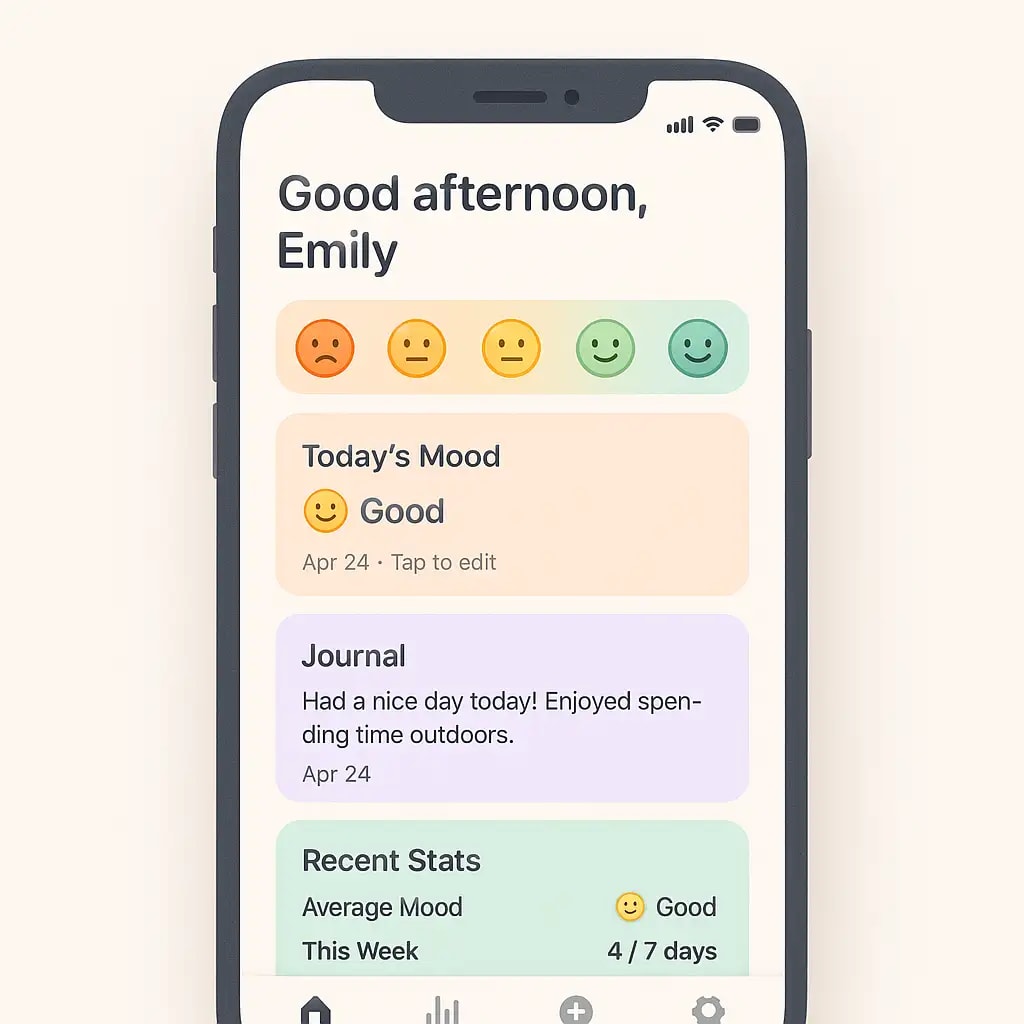
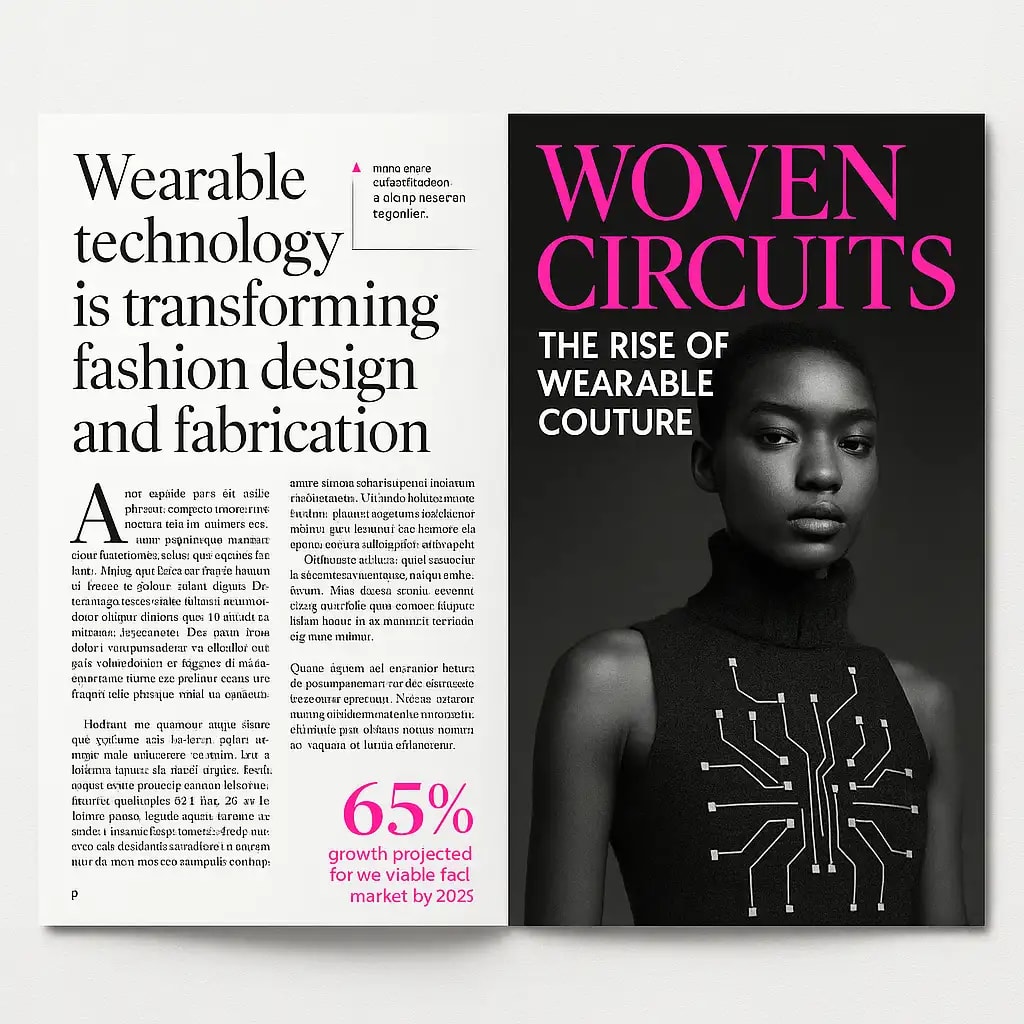
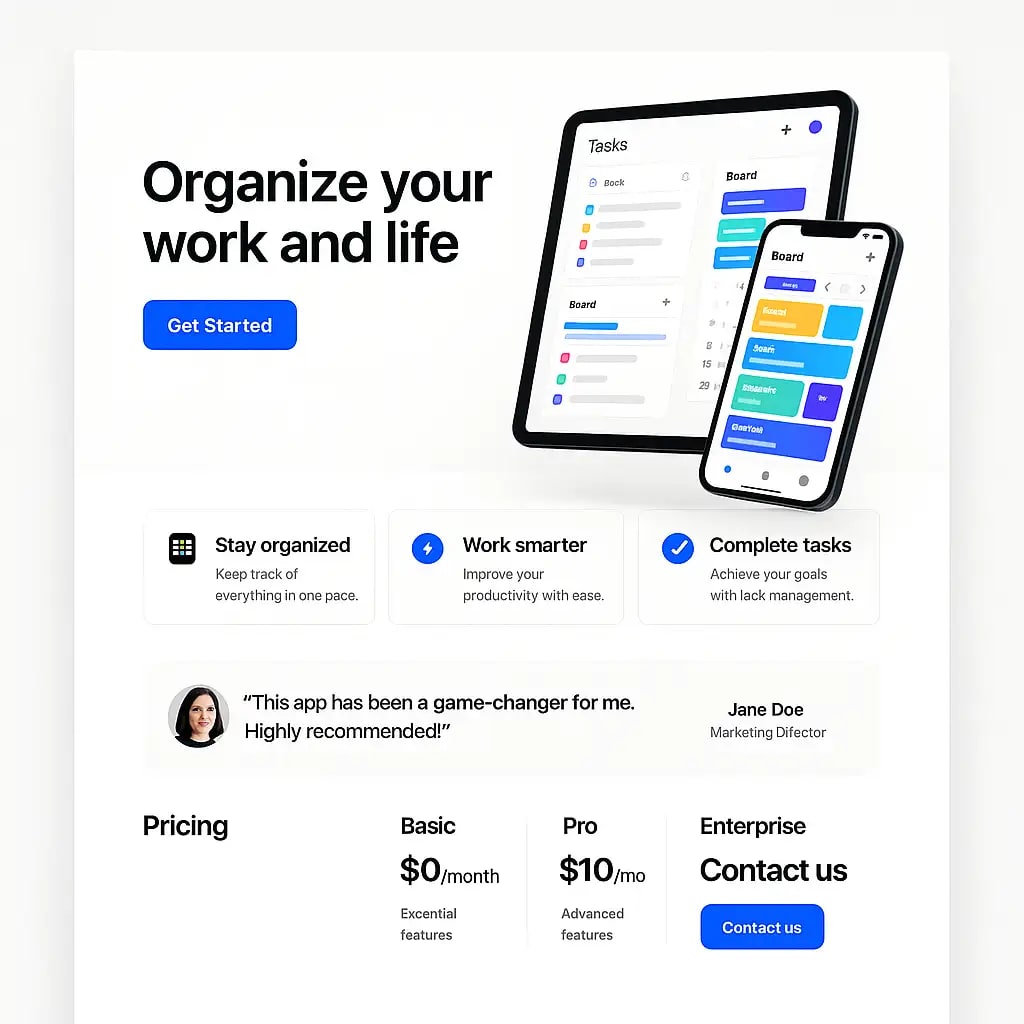
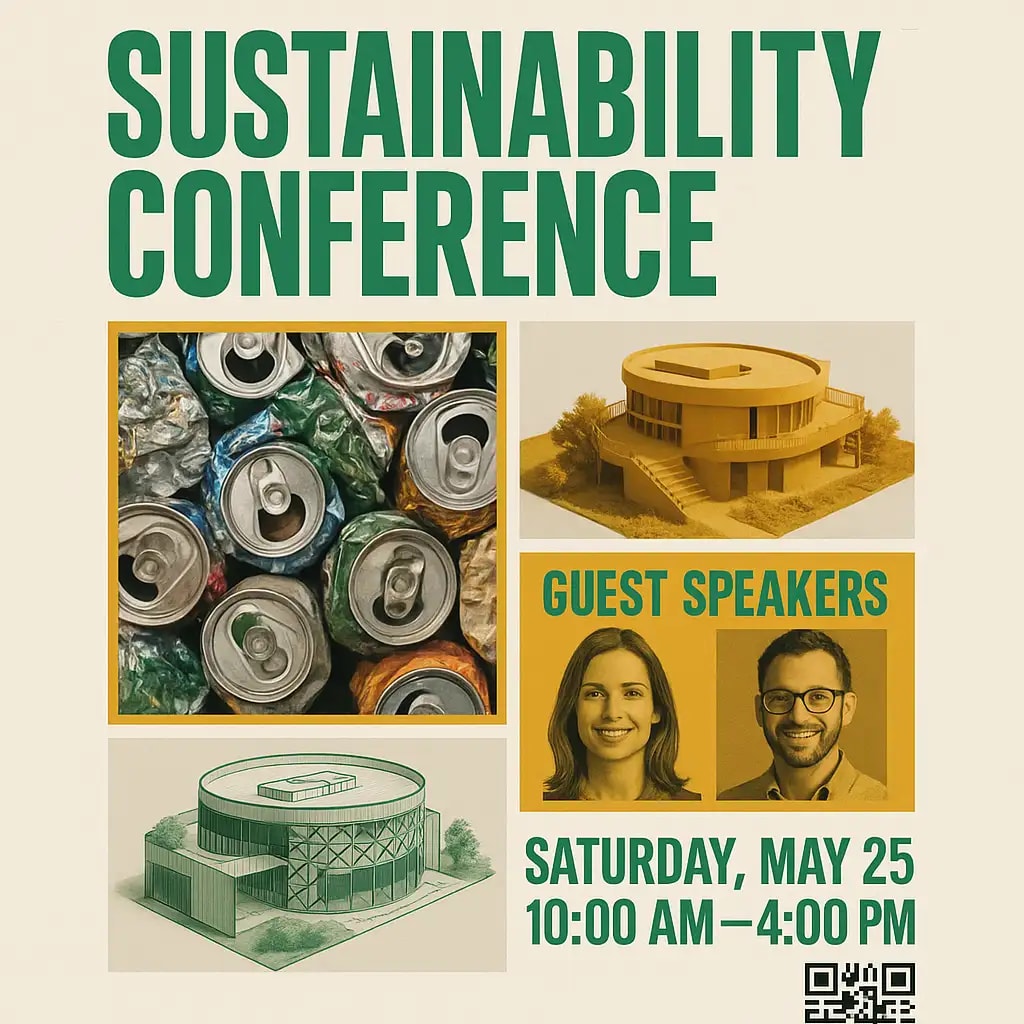
The agent gathers these inputs and preferences in the conversation before it starts.
Describe your desired layout design...
Choices: Any Layout, Website, Mobile App, Dashboard, Landing Page, Portfolio, Blog, E-commerce, Social Media, Admin Panel, Presentation
Choices: Any Colors, Monochrome, Light Theme, Dark Theme, Colorful, Pastel, Earth Tones, Corporate, Vibrant, Minimal
Choices: Auto Density, Sparse, Balanced, Dense, Minimal
Create professional, modern layouts for any digital platform with AI assistance.
Create your perfect layout in three simple steps:
Enter a detailed description of your desired layout and its purpose.
Select layout type, style, color scheme, and content density preferences.
Let AI create professional layouts based on your specifications.
Generate layouts for websites, mobile apps, dashboards, and more.
Choose from modern, minimalist, corporate, and other design styles.
Download your layouts instantly for use in your design workflow.
Get AI-powered suggestions for better layout organization and hierarchy.
Quickly generate layout concepts and explore design variations.
Get visual references for implementing user interfaces.
Create professional layouts for various digital projects.
Design layouts for websites and marketing materials.
Generate quick layout mockups for client presentations.
Visualize product interfaces and user flows quickly.
Describe the purpose, content types, and key elements needed in your layout.
Think about how users will navigate through your layout.
Specify the importance of different content sections for better organization.
Select content density based on your target platform and user needs.
Consider how your layout will adapt to different screen sizes.
You can create layouts for websites, mobile apps, dashboards, landing pages, portfolios, blogs, e-commerce sites, and more. Each type is optimized for its specific use case.
Yes! You can choose from various styles including minimalist, modern, corporate, creative, futuristic, and more. Each style comes with its own design principles and aesthetic.
The layouts are designed with responsive principles in mind, but you'll need to implement the actual responsive behavior in your code or design tool.
Yes, you can generate multiple versions of your layout to explore different interpretations and arrangements.
You can download the layouts and use them as references or starting points in your favorite design tool or development environment.
Include details about the purpose, target audience, key content sections, and any specific design preferences. The more specific you are, the better the results.
Yes! All layouts generated by our AI Layout Generator are 100% free for commercial use. You can use them in your projects, client work, or any other commercial applications.
Yes, you can choose from various color schemes including light, dark, monochrome, colorful, pastel, and more to match your brand or project needs.


