Line Art Description
Describe what you want to create...

Transform your ideas into beautiful line art illustrations with AI
Reference media and sample results for this task.
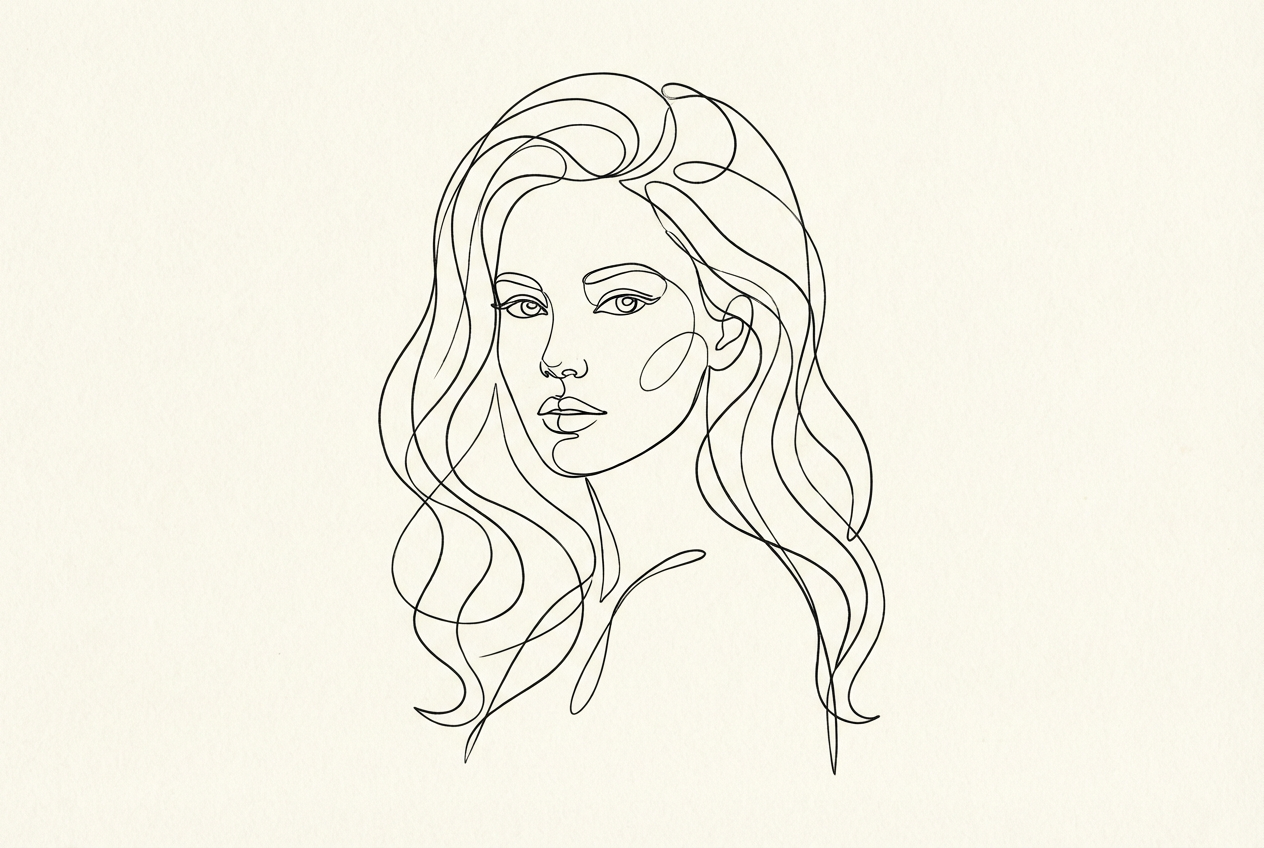
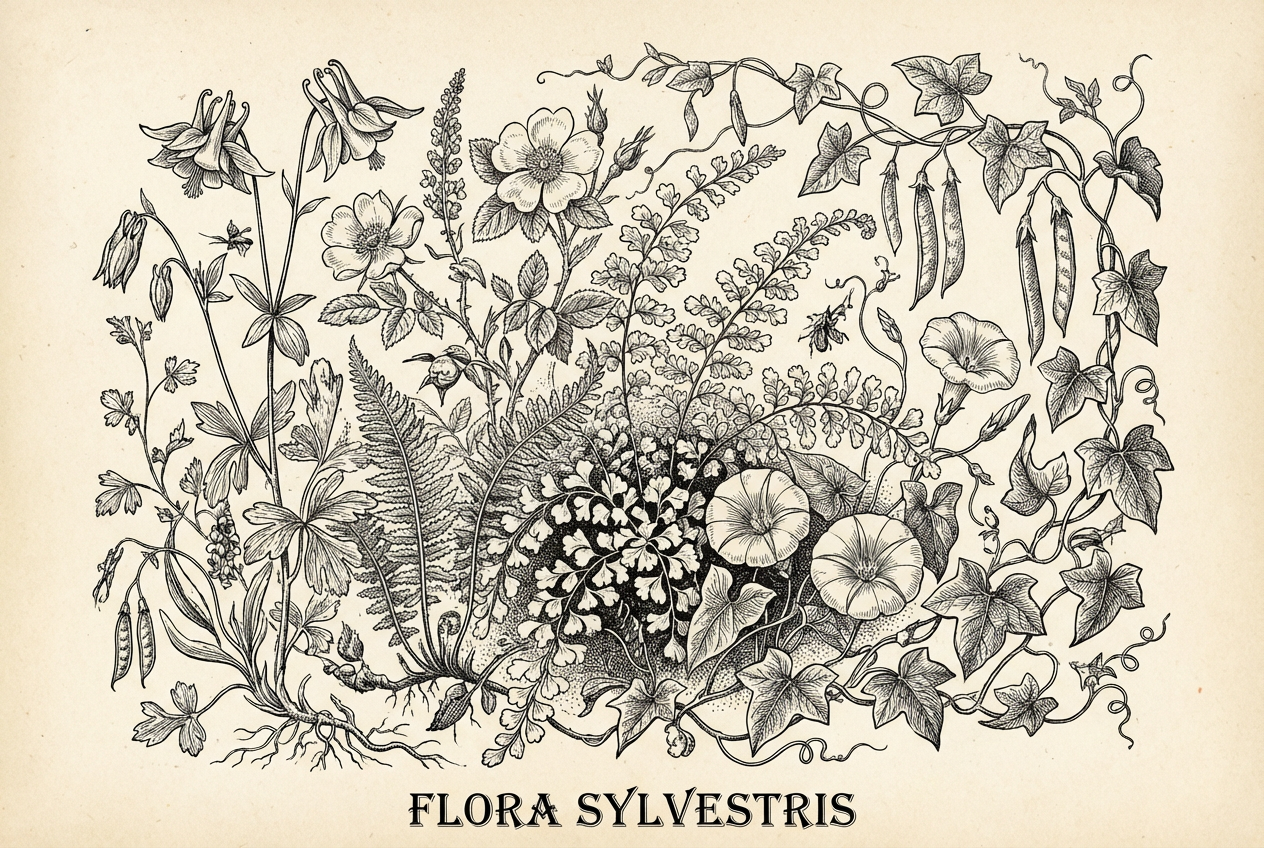
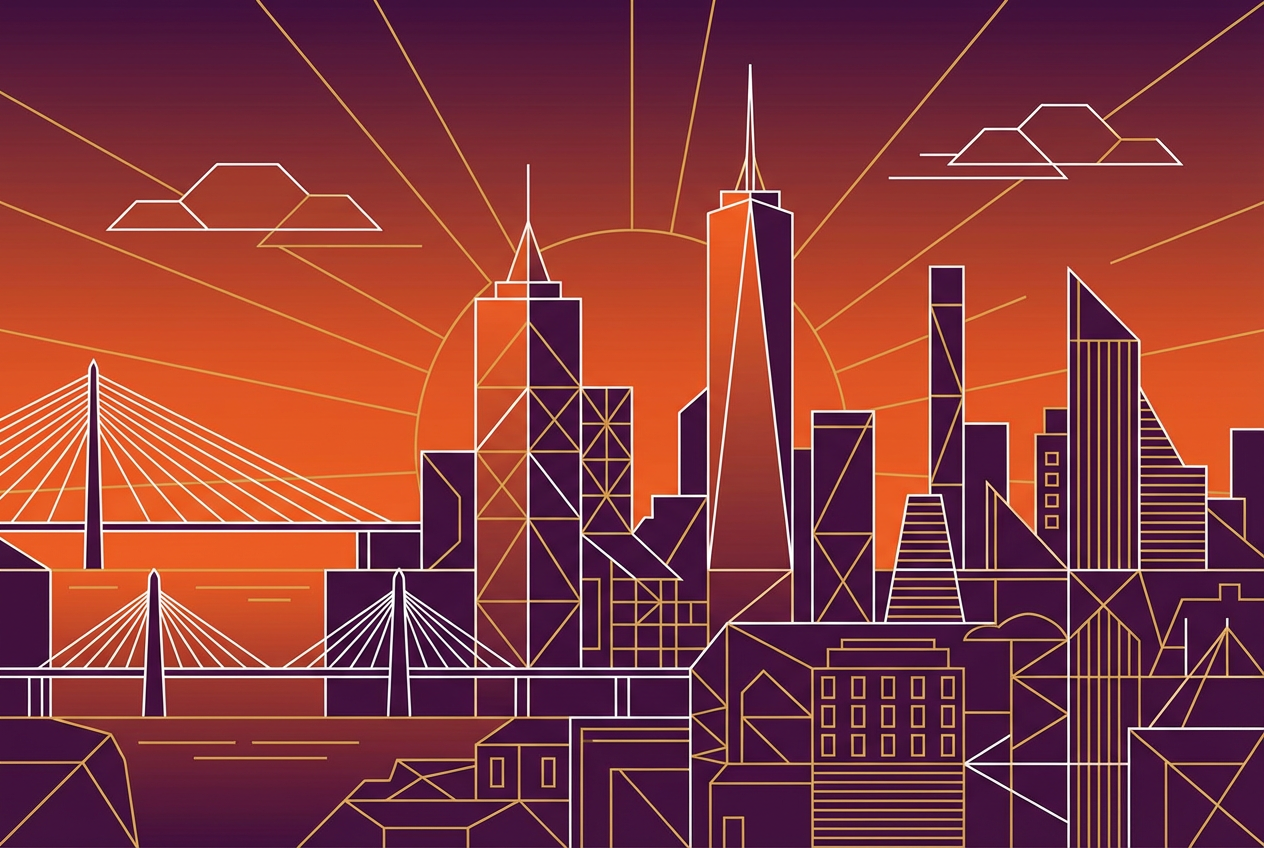
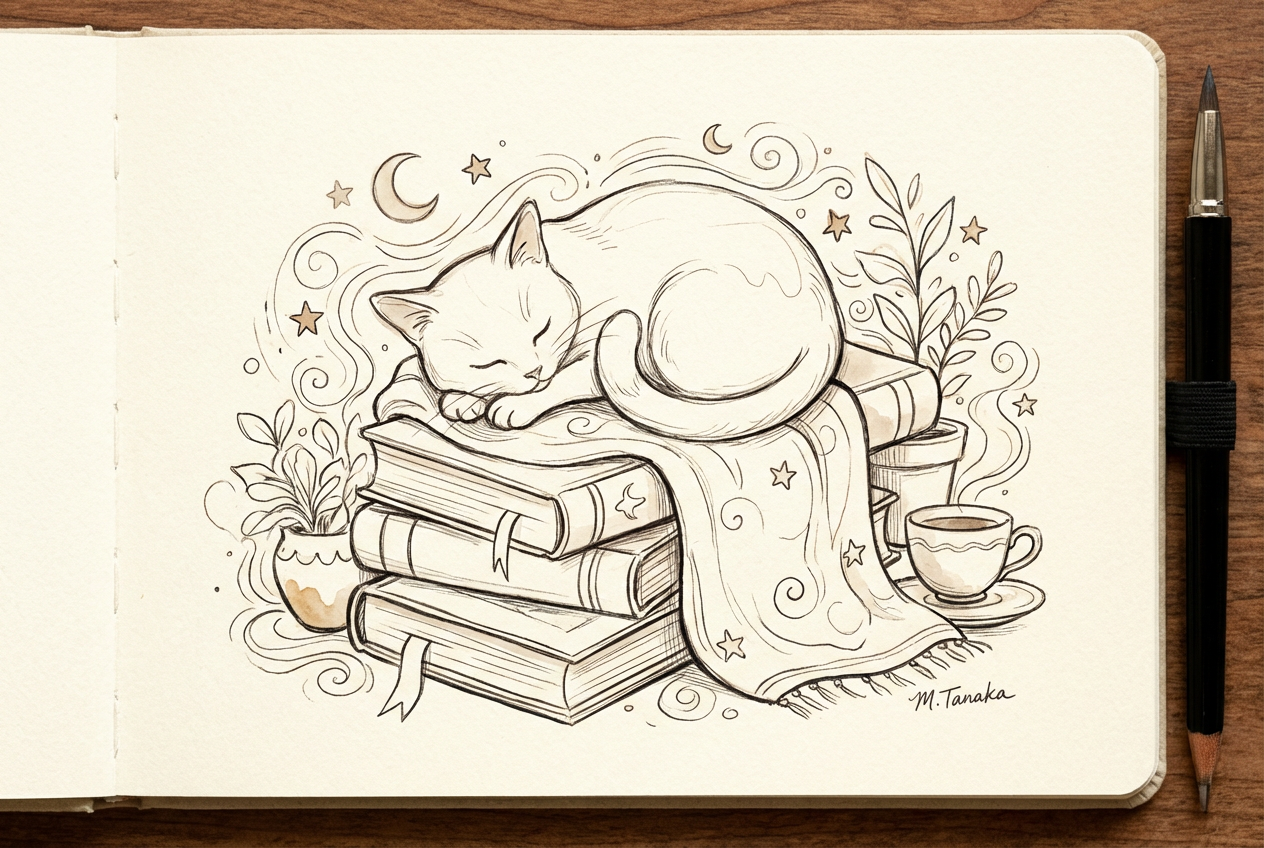
The agent gathers these inputs and preferences in the conversation before it starts.
Describe what you want to create...
Choices: Any Stroke Style, Thin Lines, Thick Lines, Varied Weight, Smooth Lines, Rough Lines
Choices: Auto Complexity, Simple, Moderate, Complex, Highly Detailed
Choices: Auto Background, White, Black, Transparent, Textured
Create stunning line art illustrations with advanced AI technology.
Create beautiful line art in three simple steps:
Enter a detailed description of the line art you want to create.
Select style, stroke type, complexity, and background preferences.
Let AI create unique line art illustrations based on your specifications.
Choose from minimalist, detailed, geometric, and other popular line art styles.
Control line weight and style to achieve your desired aesthetic.
Download your designs instantly in high resolution.
Choose from various background styles to complement your art.
Get inspiration and create base sketches for your artwork.
Create clean line art for logos, illustrations, and designs.
Practice and study line art techniques with AI assistance.
Generate professional line art for branding and marketing.
Create beautiful line art for personal projects.
Generate unique line art illustrations for your content.
Describe the subject matter and style you want in detail.
Match the complexity level to your intended use case.
Select stroke styles that complement your subject matter.
Consider how negative space will work in your composition.
Choose a background that enhances your line art without overwhelming it.
Our generator supports multiple styles including minimalist, detailed, geometric, sketchy, architectural, botanical, and more. Each style has its own unique characteristics.
Yes! You can choose different stroke styles including thin, thick, varied weight, smooth, and rough lines to achieve your desired look.
All line art is generated in high-quality PNG format, perfect for both digital use and printing.
Yes, you can generate multiple versions of your line art to explore different interpretations and styles.
Yes! All line art generated by our AI is 100% royalty-free and can be used for both personal and commercial purposes.
Include details about the subject matter, desired style, level of detail, and any specific elements you want to emphasize.
Yes, you can download and edit the generated line art in any image editing software to further customize it.
No, there are no restrictions on how you can use the generated line art. You own full rights to the artwork you generate.


