Describe your linocut artwork
Enter your linocut description...

Create linocut print style artwork with AI featuring bold lines, carved textures, and relief print aesthetics
Reference media and sample results for this task.
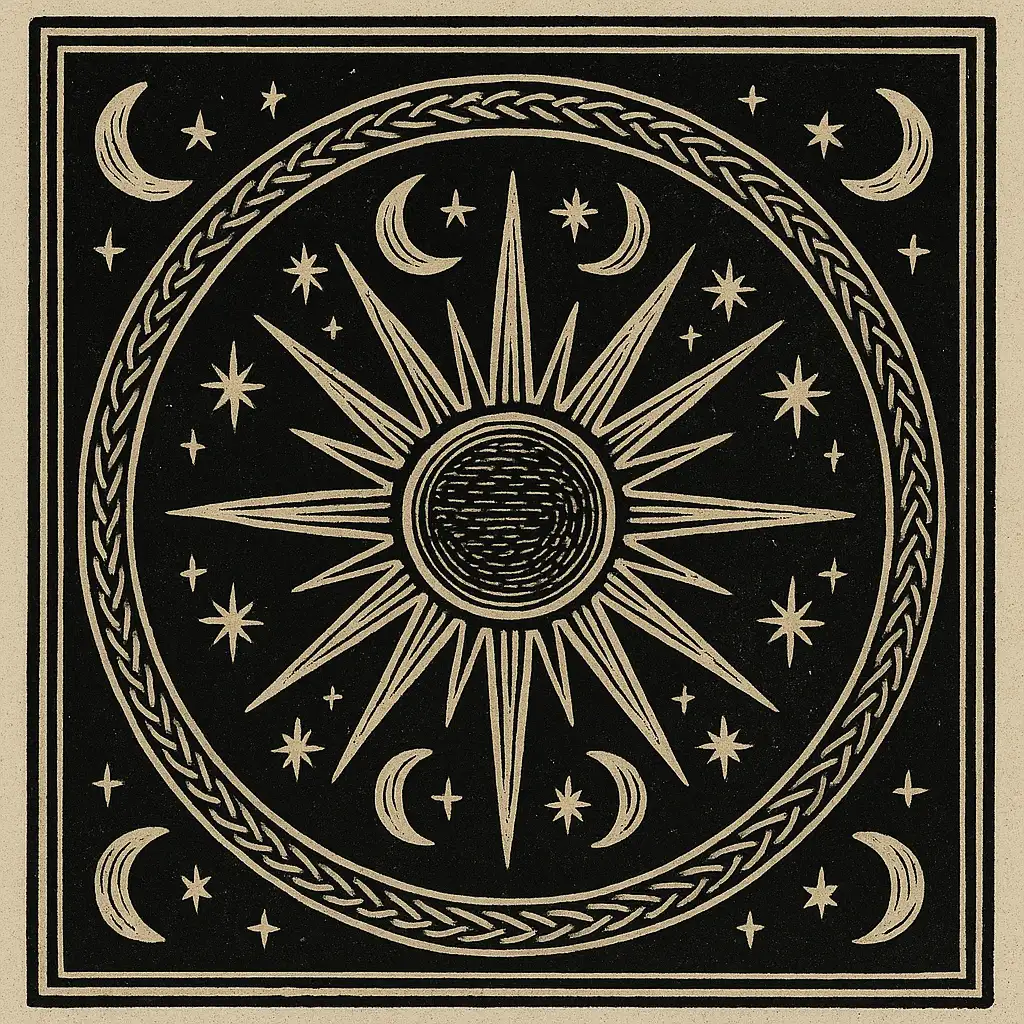
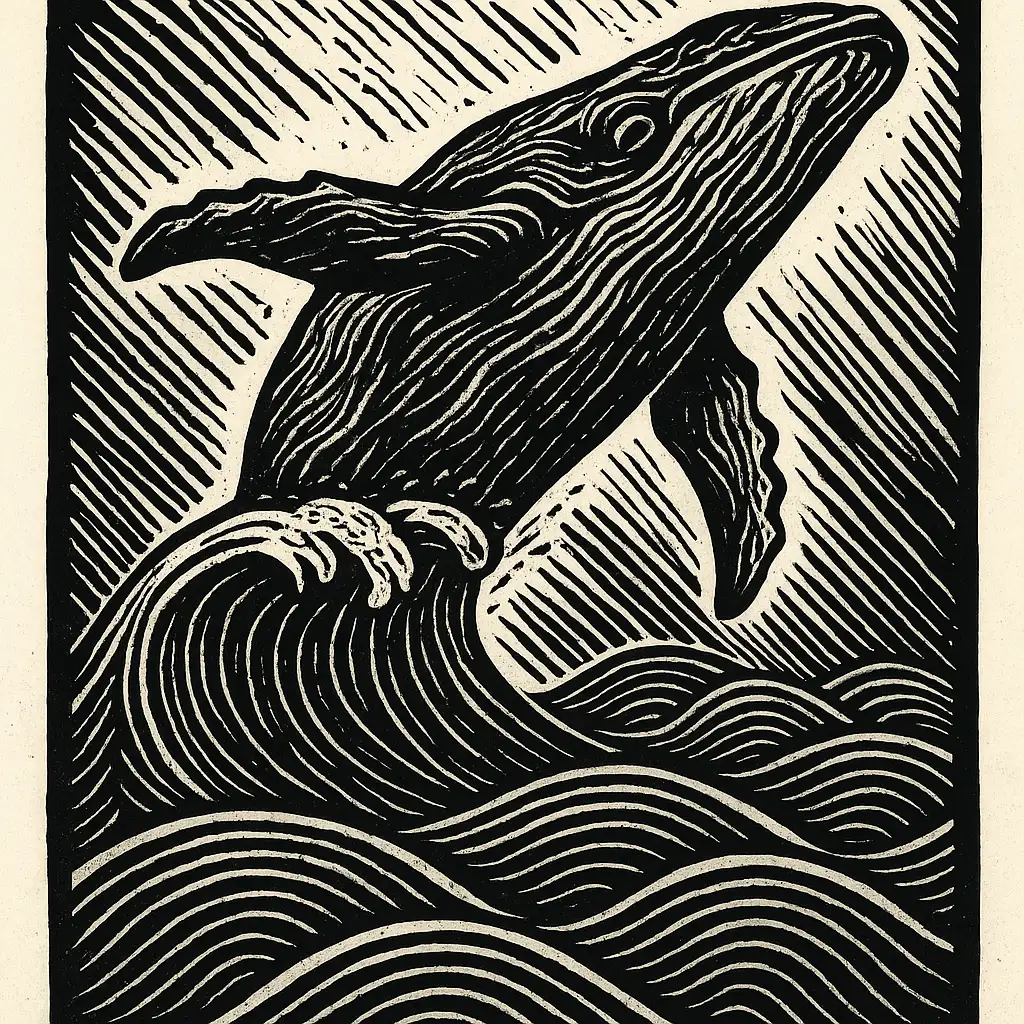
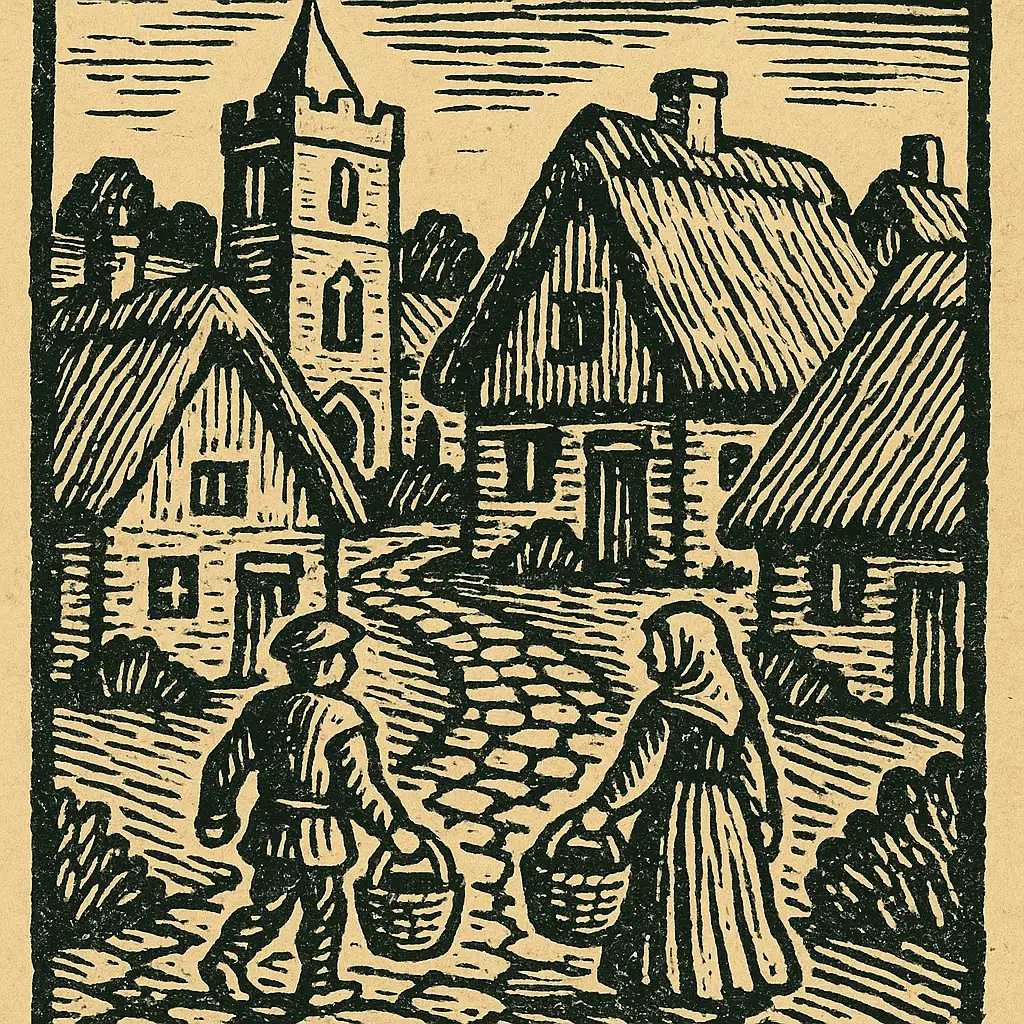
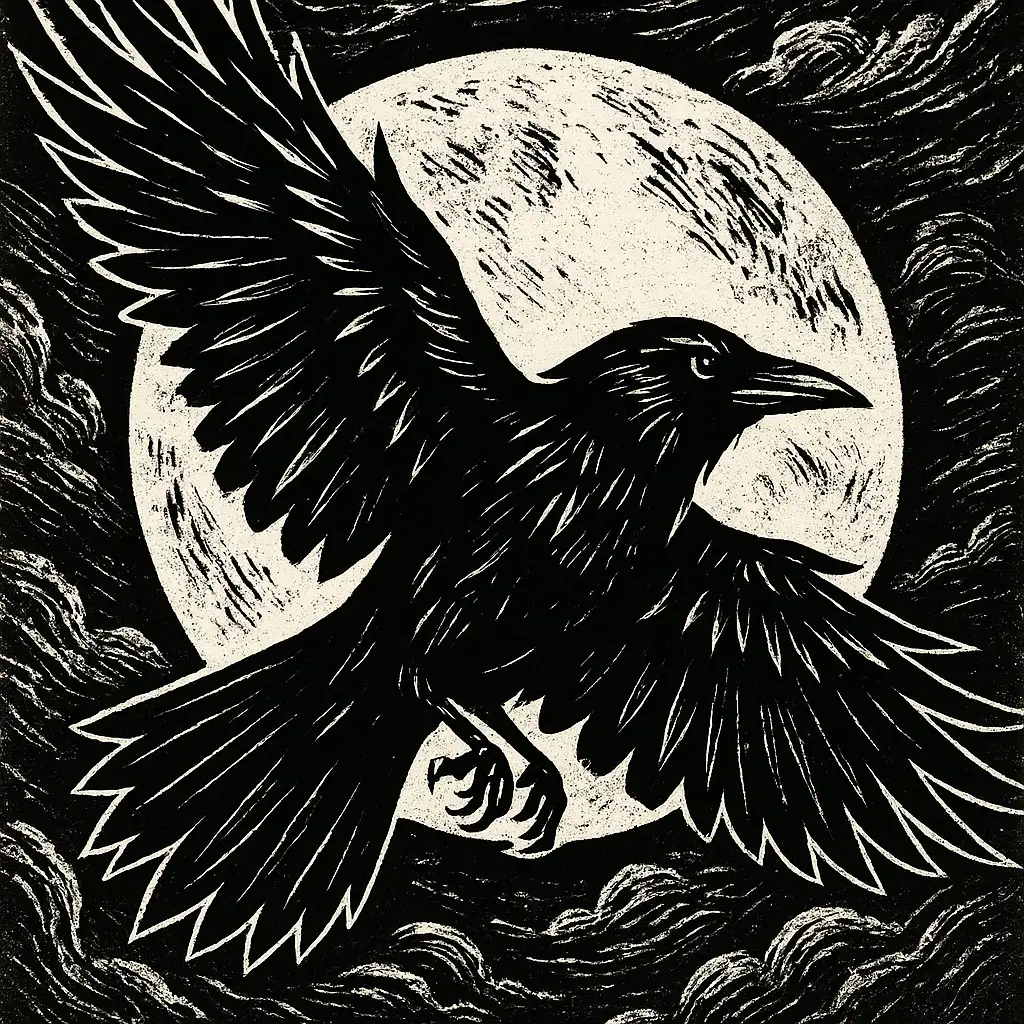
The agent gathers these inputs and preferences in the conversation before it starts.
Enter your linocut description...
Choices: Any Print Style, Traditional Linocut, Modern Linocut, Woodcut Style, Block Print, Reduction Print, Multi-Layer Print
Choices: Any Color Scheme, Black and White, Monochromatic, Two-Color, Three-Color, Multi-Color, Sepia Tone, Vibrant Colors
Choices: Any Line Weight, Fine Lines, Medium Lines, Bold Lines, Thick Lines, Varied Line Weight
Choices: Any Texture, Smooth, Moderate Texture, Heavy Texture, Rough Carved, Detailed Carving
Create authentic relief print artwork with traditional linocut aesthetics
Create your linocut artwork in three simple steps:
Enter details about the subject or scene you want to create in linocut style.
Select print style, color scheme, line weight, and texture level to match your vision.
Let AI create your linocut print with authentic relief printing characteristics.
Generate artwork with bold carved lines, relief textures, and hand-cut appearance.
Choose from black and white, monochromatic, two-color, multi-color, or vibrant schemes.
Create traditional linocut, woodcut, block print, reduction, or multi-layer styles.
Generate detailed linocut artwork perfect for prints, posters, and illustrations.
Get inspiration and design references for actual linocut carving projects.
Create bold, distinctive artwork with authentic relief print aesthetics.
Explore linocut style for illustrations, posters, and decorative artwork.
Generate unique linocut-style illustrations for book covers and interior art.
Linocut works best with bold contrasts between carved and uncarved areas.
Reduce subjects to essential shapes and lines for authentic linocut aesthetics.
Remember that carved areas won't print - think about what you want to show vs. remove.
Match line weight to your subject - fine details for delicate work, bold for dramatic impact.
Start with traditional black and white, then explore multi-color reduction prints.
Linocut is a printmaking technique where a design is carved into a linoleum block, inked, and pressed onto paper. It creates bold, high-contrast images with distinctive carved lines and textures.
You can generate traditional linocut, modern linocut, woodcut style, block print, reduction print, and multi-layer print styles.
Yes! Choose from black and white, monochromatic, two-color, three-color, multi-color, sepia tone, or vibrant color schemes.
Select from fine, medium, bold, thick, or varied line weights to match your artistic vision.
Absolutely! Choose from smooth, moderate texture, heavy texture, rough carved, or detailed carving to get the look you want.
Yes, these images work excellently as design references and inspiration for actual linocut carving projects.


