Source media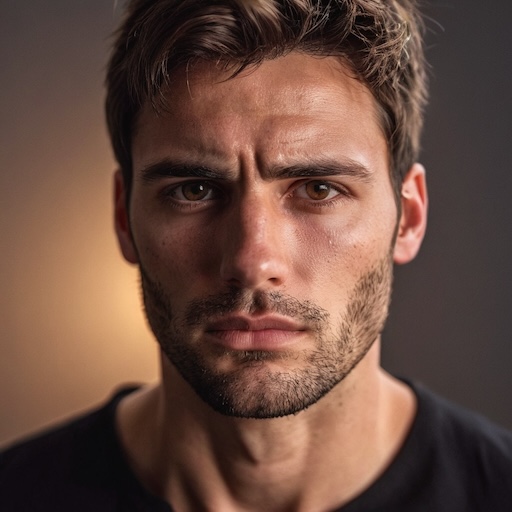
Input image Driving video
Generated video

Compare each source or prompt with its generated video.
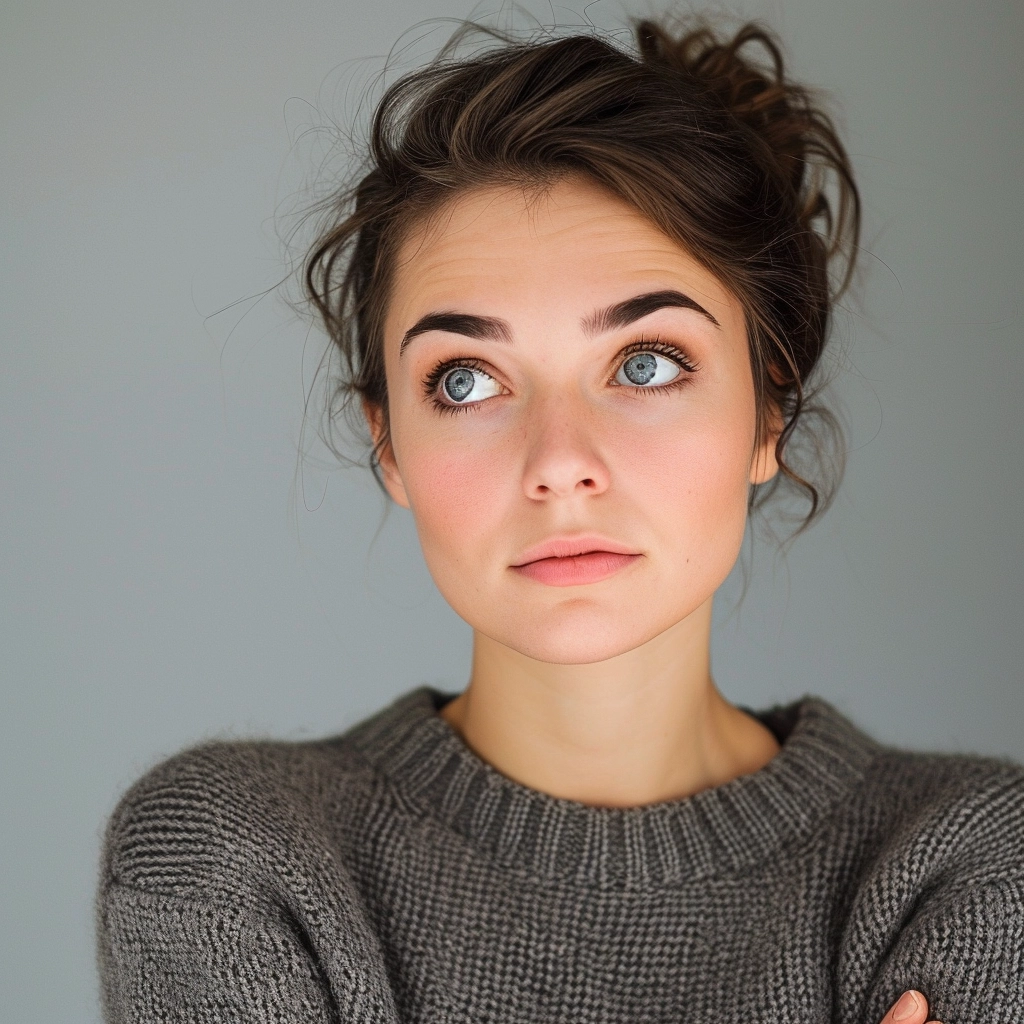
The agent gathers these inputs and preferences in the conversation before it starts.
Reference photo for the live portrait
Video that provides expressions and movements
Transform static images into dynamic, lifelike videos with advanced AI technology.
Bring your photos to life in simple steps:
Select the photo you want to animate
Provide a video with the expressions you want
Fine-tune facial movements with optional sliders
AI creates your live portrait video
Natural facial movements and expressions
Fine-tune blinks, smiles, and other movements
Professional-grade animated videos
Animate portraits, headshots, or artistic images
Perfect for content creators, marketers, and anyone wanting to add life to static images.
Create engaging animated content from photos
Make static posts more dynamic and engaging
Add motion to your digital artworks
Clear, front-facing photos with visible facial features work best. Portraits and headshots produce the most realistic results.
We support MP4, MOV, WebM, and AVI formats for the driving video.
Video duration affects credit cost. Longer videos cost more credits based on the duration.
The sliders let you fine-tune facial movements like blinks, eyebrow raises, smiles, and pupil positions for more control over the animation.


