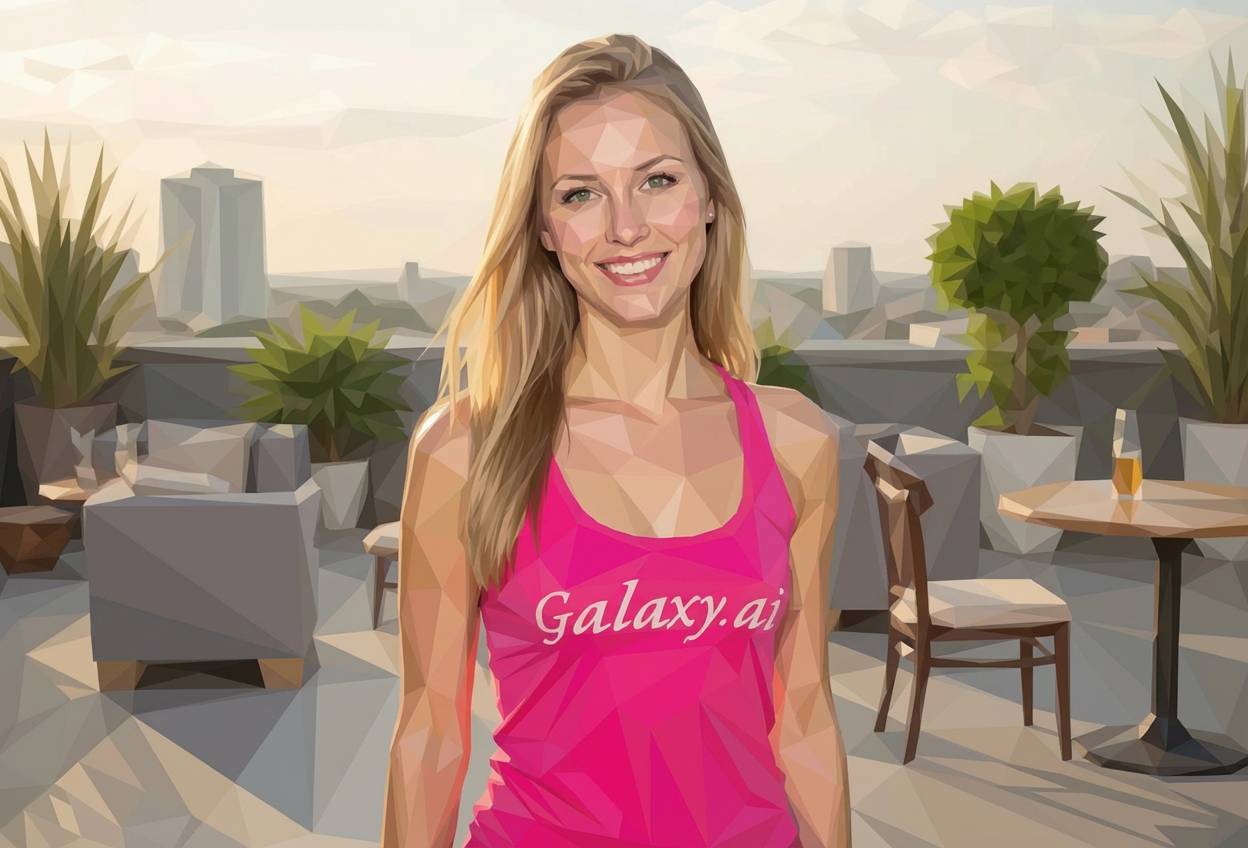
Choices: Auto Background, Solid Color, Gradient, Transparent, Matching Theme, Contrasting
Edge Style
Choices: Auto Edges, Sharp, Smooth, Highlighted, Glowing, Shadow
Why Choose Our AI Low Poly Art Generator?
Create stunning geometric artwork with advanced AI-powered polygon generation.
Advanced AI models specialized in low poly art style
Multiple polygon density options for different levels of detail
Customizable color palettes and edge styles
Perfect for modern digital art and design projects
How Our Low Poly Art Generator Works
Create beautiful low poly art in three simple steps:
01
Describe Your Vision
Enter a description of the image you want to transform into low poly art.
02
Customize Settings
Choose polygon density, color palette, and style preferences.
03
Generate Art
Let AI create unique low poly interpretations of your concept.
Key Features of Low Poly Art Generator
Multiple Art Styles
Choose from geometric, abstract, realistic, and other popular low poly styles.
Color Customization
Select from vibrant, pastel, monochrome, and other color palettes.
Easy Export
Download your designs instantly in high resolution for any use.
Edge Control
Fine-tune your artwork with different edge styles and polygon densities.
Who Can Benefit from Our Low Poly Art Generator?
Digital Artists
Create unique low poly artworks for personal or commercial projects.
Graphic Designers
Generate modern geometric designs for logos and branding.
Game Developers
Create stylized low poly assets for game development.
Marketing Teams
Design eye-catching visuals for marketing materials.
Art Enthusiasts
Experiment with modern digital art techniques.
Content Creators
Generate unique thumbnails and visual content.
Tips for Better Low Poly Art
Tip 1
Choose the Right Density
Match polygon density to your subject - fewer polygons for simple subjects, more for complex ones.
Tip 2
Consider Color Harmony
Select color palettes that complement your subject matter.
Tip 3
Edge Style Impact
Use sharp edges for modern looks, smooth edges for softer appearances.
Tip 4
Background Matters
Choose backgrounds that enhance your main subject without overwhelming it.
Tip 5
Style Consistency
Maintain consistent style choices for cohesive artwork series.
Frequently Asked Questions About Low Poly Art Generator
What is low poly art?
Low poly art is a style that uses polygonal shapes to create images, giving them a distinctive geometric appearance. It's popular in modern digital art and game design.
Can I customize the polygon density?
Yes! You can choose from various density levels, from very low (large polygons) to very high (small polygons) to achieve your desired look.
What color options are available?
We offer multiple color palette options including vibrant, pastel, monochromatic, duotone, and more. You can also choose gradient and neon effects.
Can I generate multiple variations?
Yes, you can generate multiple versions of your design to explore different interpretations and styles.
What formats can I download?
You can download your generated artwork in high-quality formats suitable for both digital use and printing.
What makes a good low poly prompt?
Include details about the subject, desired style, color preferences, and any specific geometric elements you want to emphasize.
Can I use the generated art commercially?
Yes! All designs generated by our AI Low Poly Art Generator are 100% free for commercial use. You can use them in your projects, products, or any commercial applications without restrictions.