Describe the low poly artwork you want to create
A low poly mountain landscape with geometric trees...

Create stunning low poly art and geometric designs with AI
Reference media and sample results for this task.
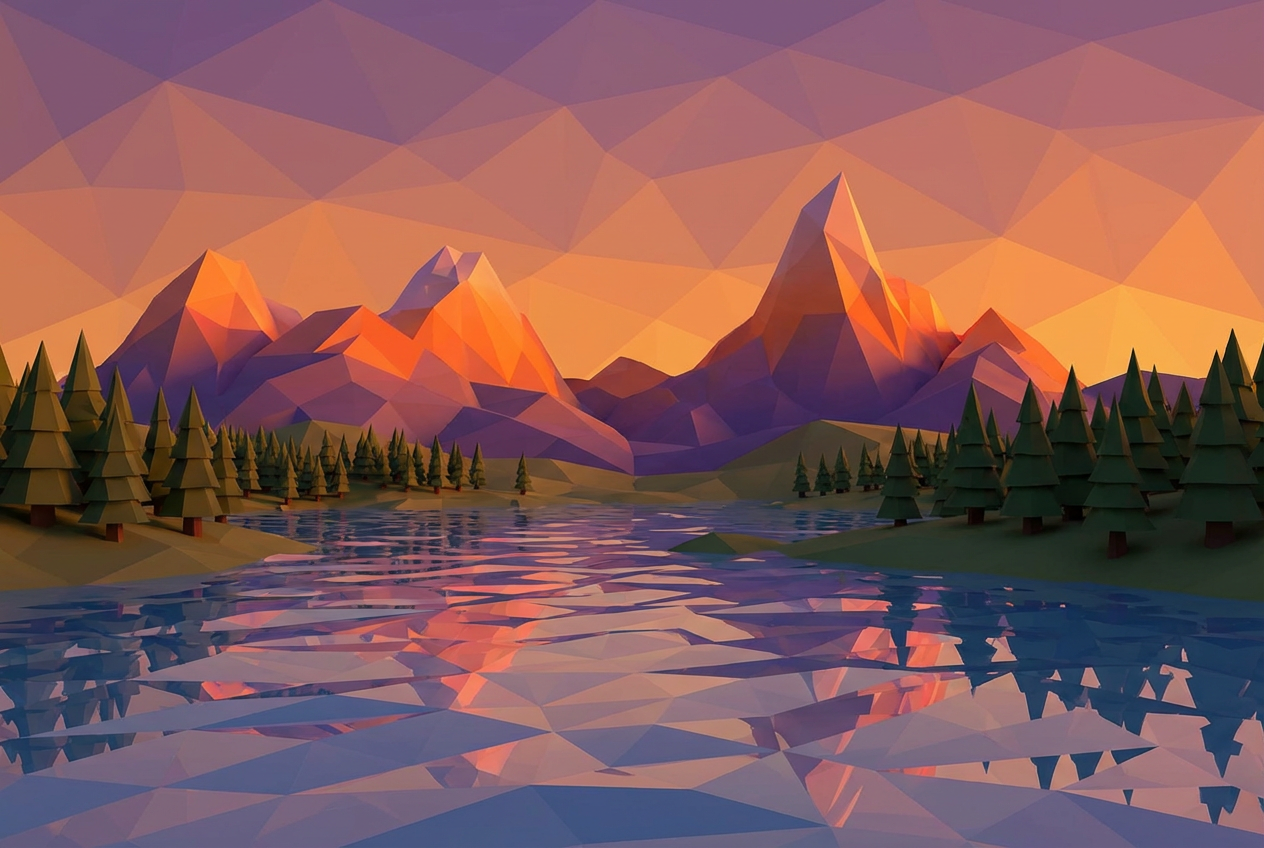
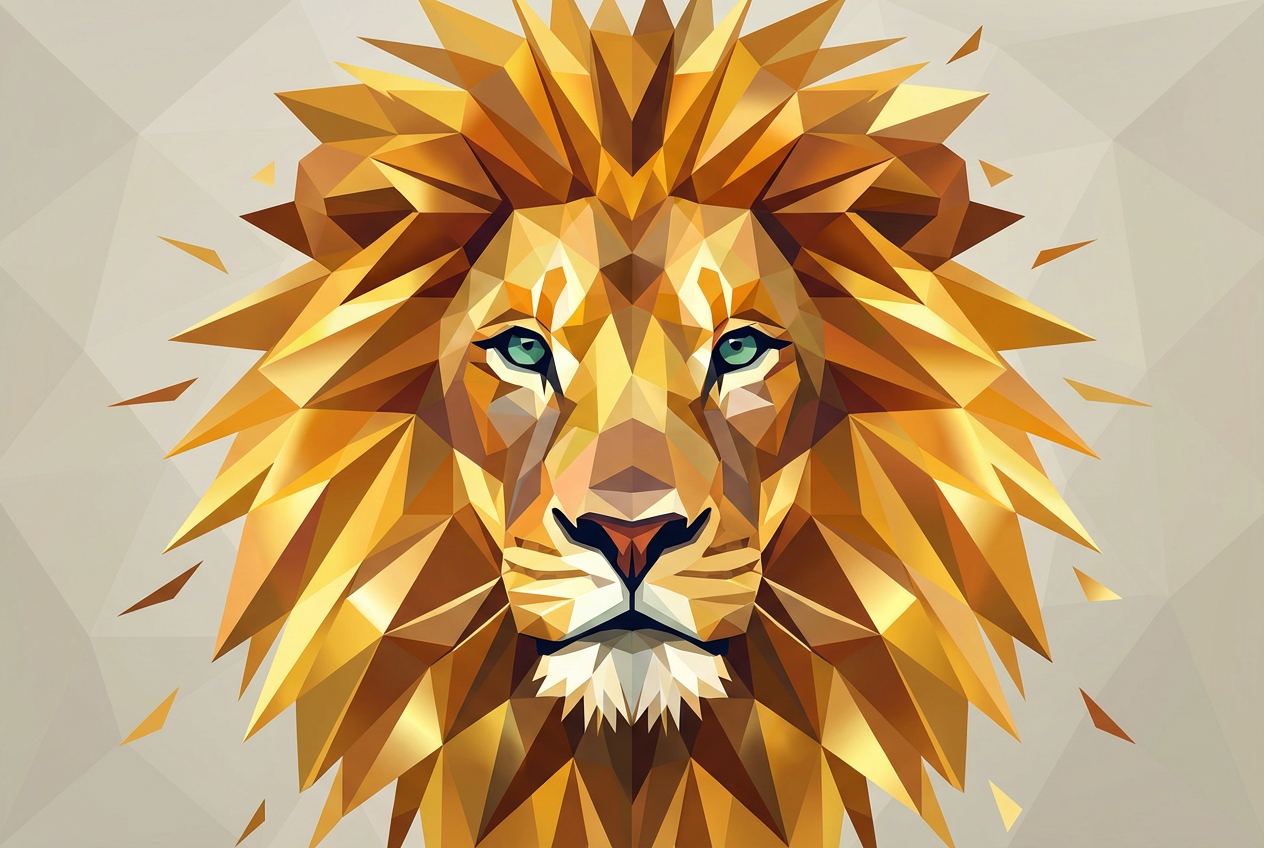
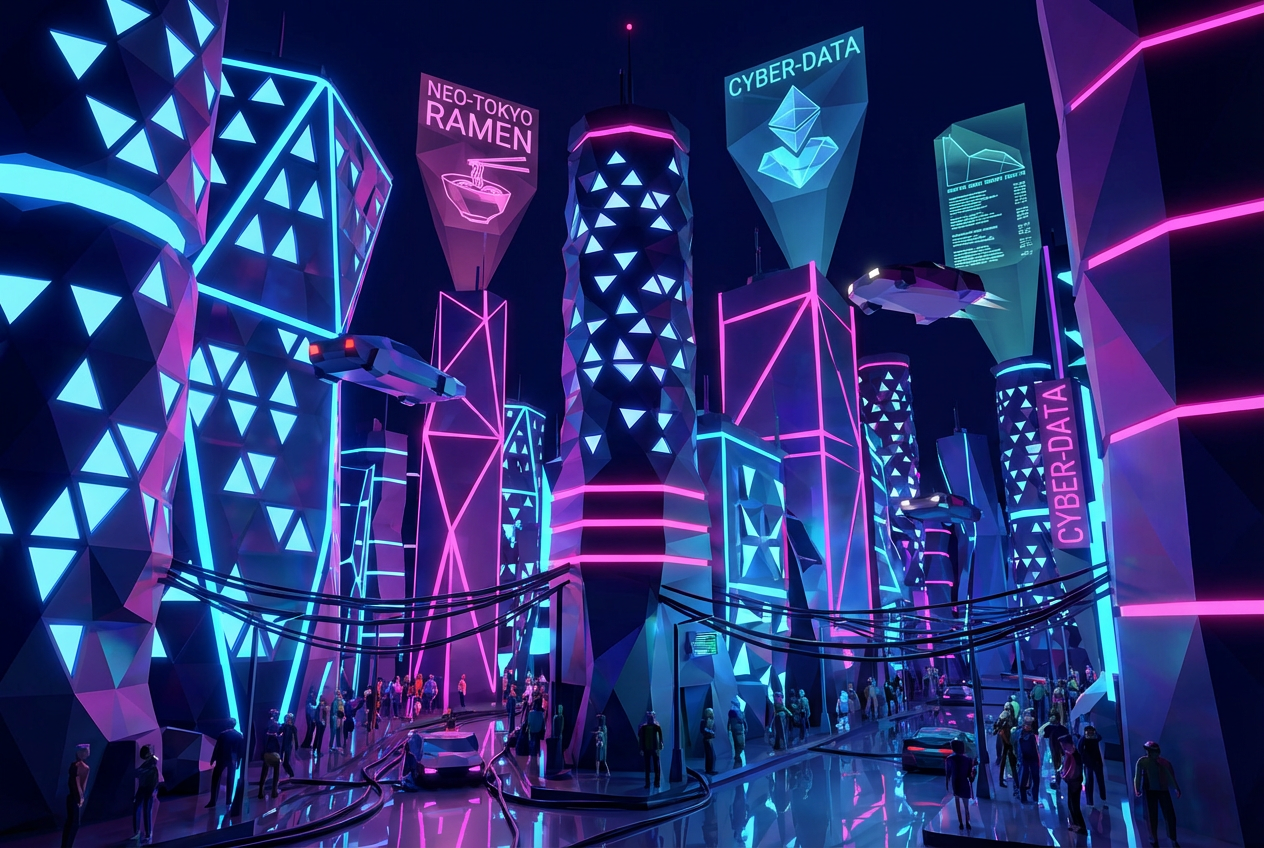
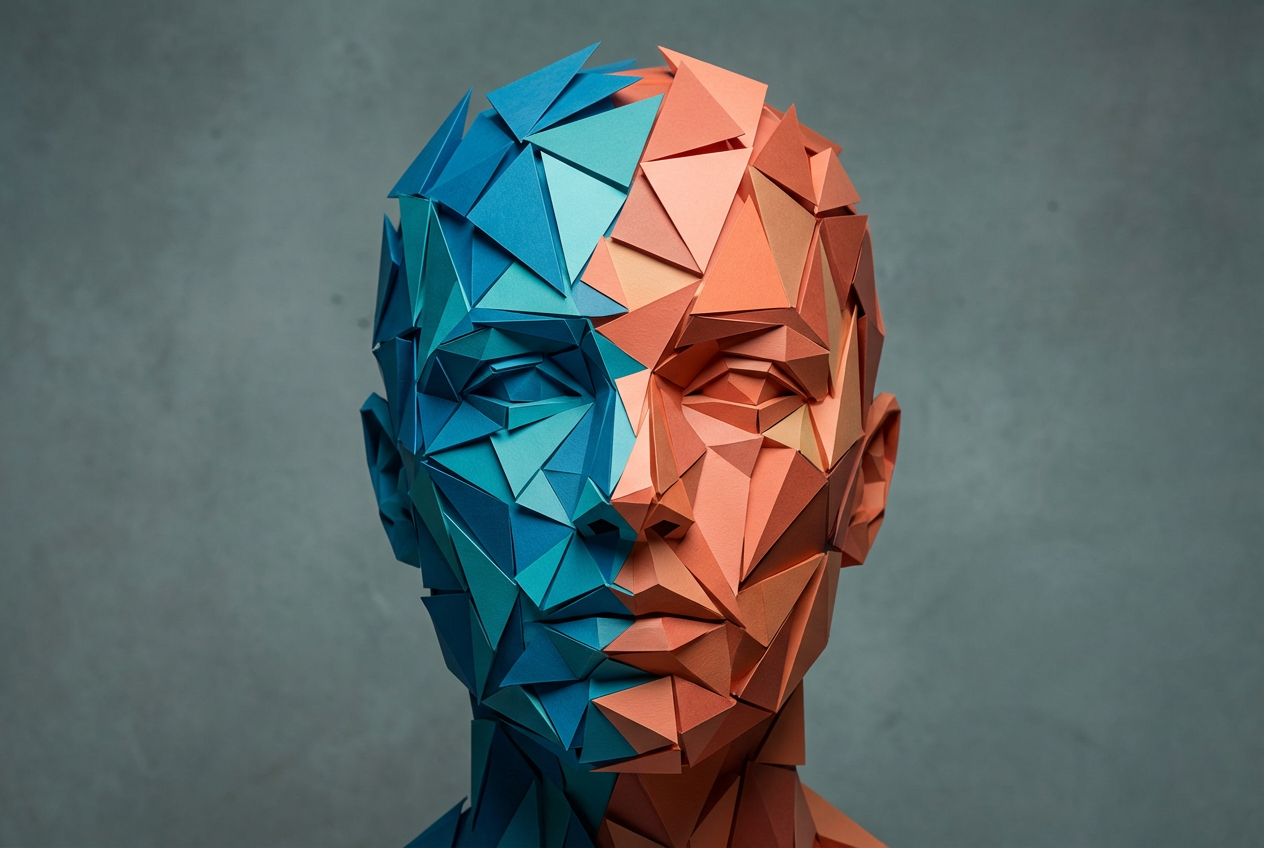
The agent gathers these inputs and preferences in the conversation before it starts.
A low poly mountain landscape with geometric trees...
Choices: Any Subject, Landscape, Animal, Character, Building, Vehicle, Abstract, Nature Scene, Portrait, Object
Choices: Any Complexity, Very Low (Minimal), Low (Simple), Medium (Balanced), High (Detailed)
Choices: Any Colors, Vibrant, Pastel, Monochrome, Warm Tones, Cool Tones, Neon, Earth Tones
Choices: Any Background, Gradient, Solid Color, Geometric Pattern, Transparent, Minimal, Abstract
Choices: Any Lighting, Flat/Ambient, Directional, Dramatic, Soft, Rim Lighting
Choices: Any Perspective, Isometric, Front View, Side View, 3/4 View, Top Down
Choices: Any Texture, Smooth, Matte, Glossy, Metallic, Rough
Create stunning geometric and polygonal artwork with advanced AI technology
Create geometric low poly art in three simple steps
Select the subject and describe the low poly artwork you want to create
Set polygon complexity, colors, style, and perspective preferences
Get your geometric low poly artwork ready for use in projects
From minimal geometric shapes to detailed faceted surfaces with precise control
Vibrant, pastel, monochrome, warm, cool, neon, and earth tone palettes
Landscapes, animals, characters, buildings, vehicles, and abstract designs
Isometric, front view, side view, 3/4 view, and top-down perspectives
Smooth, matte, glossy, metallic, and rough surface treatments
Flat, directional, dramatic, soft, and rim lighting options
Perfect for anyone creating modern geometric art and digital designs
Create low poly game assets, characters, environments, and props for indie games
Generate modern geometric artwork for branding, logos, and design projects
Create contemporary art pieces, portfolio work, and geometric illustrations
Design modern interface elements, icons, and geometric design components
Generate unique geometric content for social media, blogs, and digital platforms
Create modern, eye-catching visuals for campaigns and brand materials
Use low complexity for abstract designs, medium for characters, high for detailed landscapes
Vibrant colors work great for characters, earth tones for landscapes, monochrome for minimalist designs
Isometric perspective is perfect for game assets, UI elements, and technical illustrations
Flat lighting for clean designs, dramatic for artistic pieces, rim lighting for depth
High complexity for art pieces, low complexity for game assets, medium for general graphics
Low poly art uses minimal polygons to create geometric, faceted designs. It's popular in games, modern art, and digital design for its clean, angular aesthetic and efficient rendering.
Very low for minimalist art and icons, low for game assets, medium for balanced detail, high for artistic pieces and detailed visualizations.
Yes! Select 'character' or 'animal' subject and choose appropriate complexity. Medium to high complexity works best for recognizable characters.
Vibrant colors for playful designs, earth tones for natural subjects, monochrome for sophisticated looks, and neon for futuristic themes.
Select 'isometric' perspective and pair it with geometric or crystalline style. This is perfect for game assets and technical illustrations.
Absolutely! Choose 'landscape' or 'nature scene' subjects with medium to high complexity for detailed environmental low poly art.
Flat lighting for clean, minimalist designs, directional for depth and dimension, dramatic for artistic emphasis, and rim lighting for edge definition.
Use low to medium complexity, choose appropriate subjects like characters or objects, select isometric or 3/4 view perspective, and use vibrant or earth tone colors.
Yes! Select 'abstract' subject with geometric or crystalline style. Use interesting color schemes and experiment with different perspectives.
Smooth for clean modern looks, matte for soft designs, glossy for futuristic themes, metallic for sci-fi, and rough for organic subjects.


