Describe your make-up look
E.g., glamorous evening make-up with smokey eyes and red lips...

Create stunning make-up looks with AI-powered visualization
Reference media and sample results for this task.
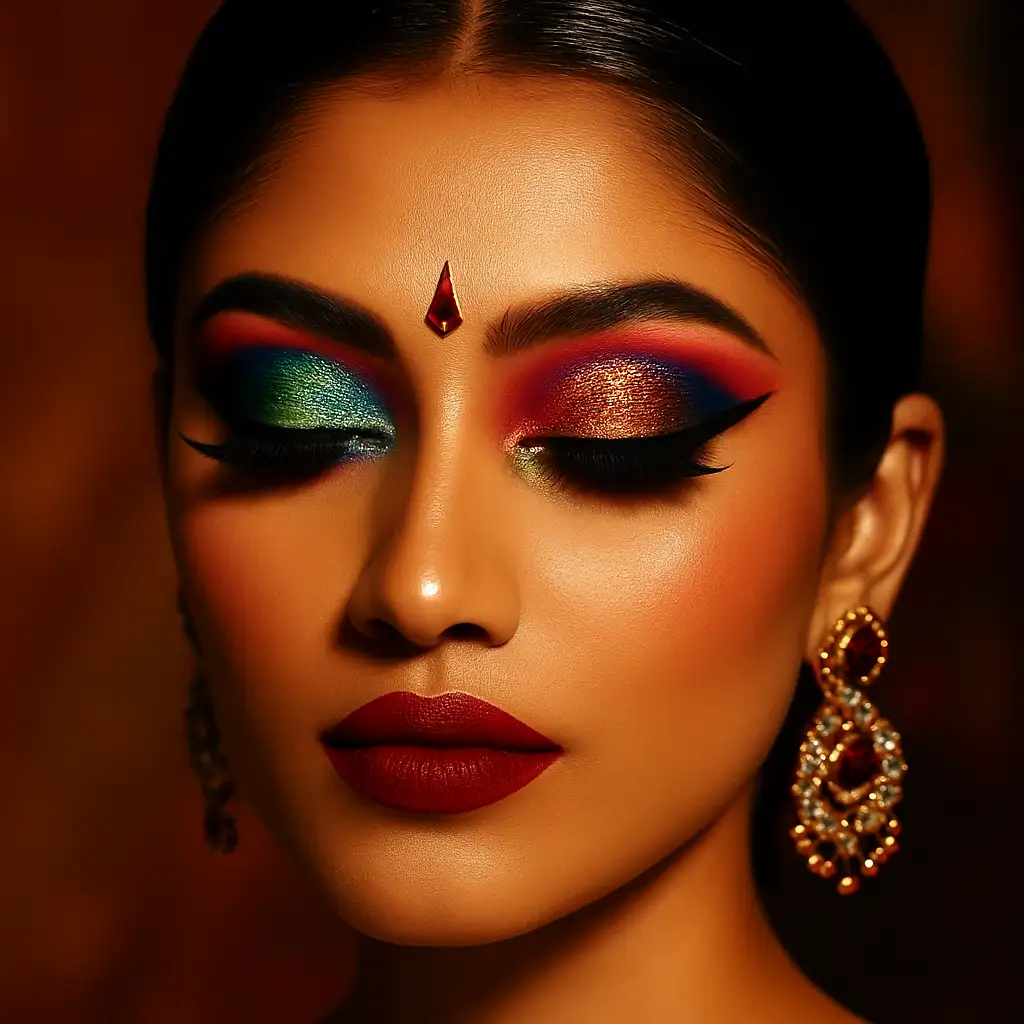
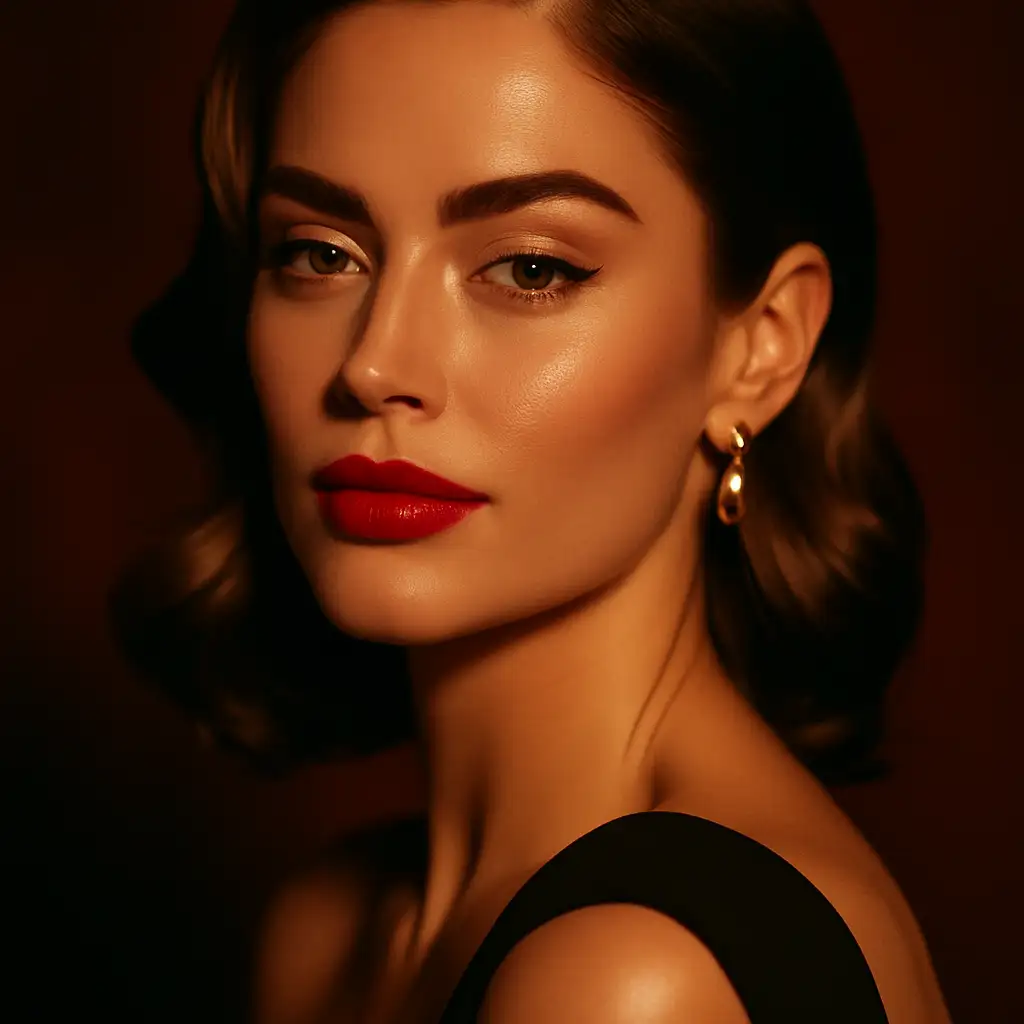
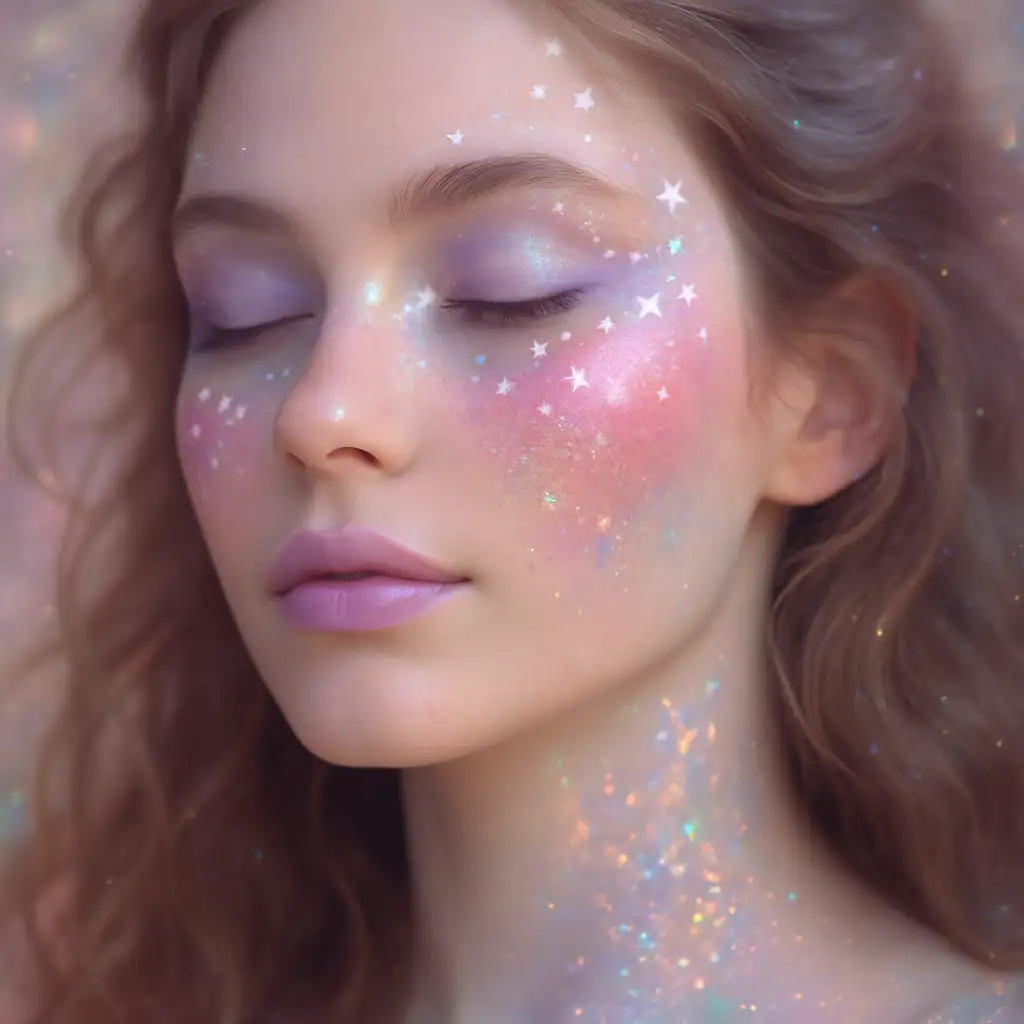
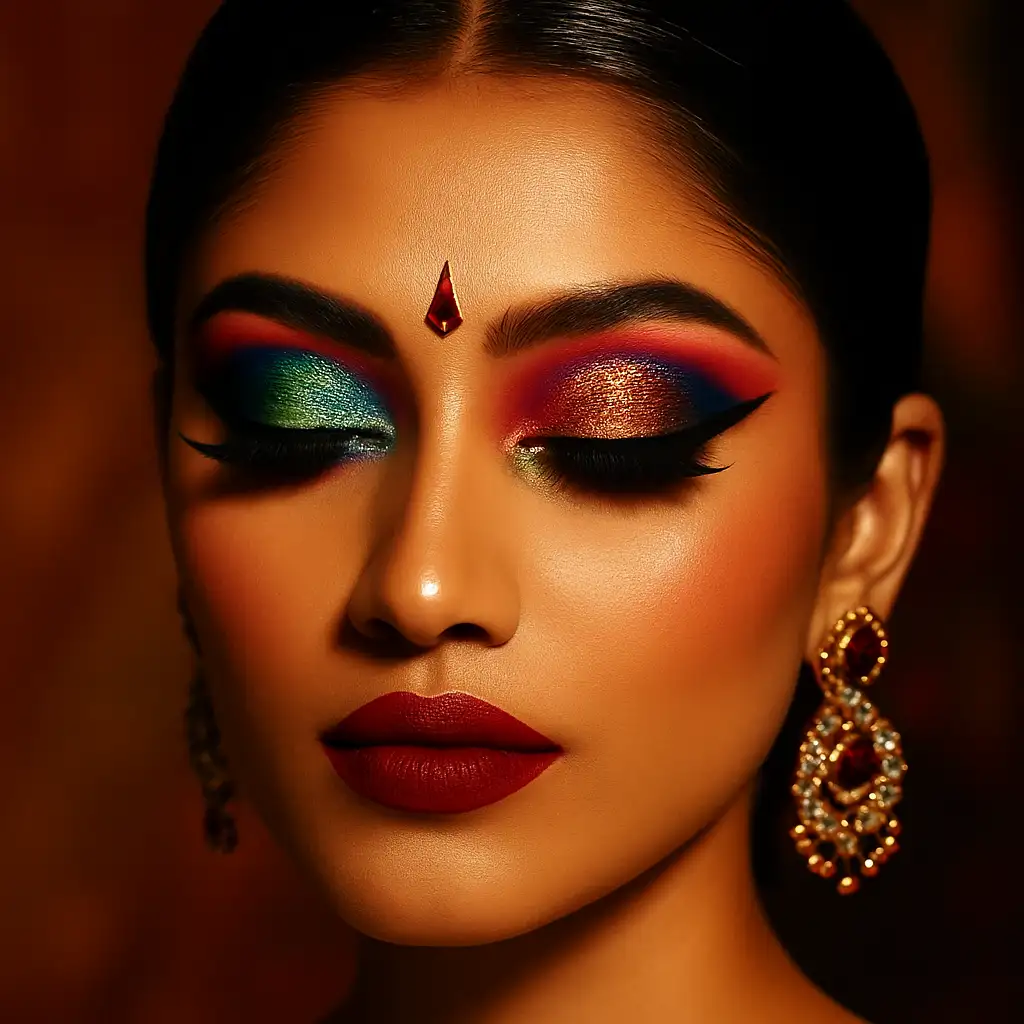
The agent gathers these inputs and preferences in the conversation before it starts.
E.g., glamorous evening make-up with smokey eyes and red lips...
Choose your preferred make-up style
Choices: Any Style, Natural/Everyday, Glamorous Evening, Smokey Eye, Bold and Colorful, Bridal, Editorial/High Fashion, Gothic/Dark, Festival/Artistic
Select the skin tone for accurate make-up matching
Choices: Any Skin Tone, Fair, Light, Medium, Olive, Tan, Deep
Choose lighting to visualize make-up appearance
Choices: Standard Lighting, Natural Daylight, Soft Studio, Dramatic Side Lighting, Evening Warm Light
Visualize and experiment with make-up looks before application using advanced AI technology.
Create stunning make-up looks in three simple steps:
Describe the make-up look you want - eye shadow colors, lip style, contouring, and overall aesthetic.
Select make-up style, skin tone, and lighting conditions to match your needs.
Let AI create a professional, detailed visualization of your make-up concept with realistic application.
From natural everyday looks to dramatic editorial styles, explore all make-up aesthetics.
Perfect eye shadow blending, eyeliner precision, and mascara application visualization.
Accurate foundation and concealer matching for various skin tones and undertones.
Realistic contouring, highlighting, and blending techniques like a professional MUA.
Perfect lip color application, ombre effects, and various lip styles from nude to bold.
Download your make-up visualizations for reference or sharing on social media.
Perfect for anyone interested in make-up artistry and beauty visualization.
Visualize client looks, create portfolios, and experiment with new techniques safely.
Try different make-up looks before purchasing products or committing to a style.
Generate make-up content for tutorials, beauty blogs, and social media inspiration.
Create marketing materials showcasing product applications and looks.
Visualize bridal, prom, or special occasion make-up before the big day.
Mention exact colors or color families for eye shadow, lips, and cheeks for accurate results.
Include make-up techniques like cut crease, winged liner, or ombre lips for specific styles.
Select the appropriate skin tone setting for realistic foundation and color matching.
Specify if it's for everyday, evening, bridal, or editorial to get appropriate intensity.
Indicate if you want to emphasize eyes, lips, or cheeks as the focal point of the look.
This tool generates make-up visualizations. For applying make-up to your own photos, consider our AI makeover tools.
Natural everyday, glamorous evening, smokey eye, bold colorful, bridal, editorial, gothic, and festival styles are available.
Very realistic! Our AI generates professional-quality make-up with proper blending, color matching, and application techniques.
Yes! Select from fair, light, medium, olive, tan, or deep skin tones for accurate make-up matching.
Yes, choose from natural daylight, studio, dramatic, or evening lighting to see how make-up appears in various settings.
Absolutely! MUAs can use this to show clients potential looks, create portfolio pieces, and experiment with new techniques.
Yes! Select the editorial style and describe bold, artistic, or avant-garde make-up for fashion-forward looks.
Use them for inspiration, client consultations, portfolio building, social media content, or make-up planning.


