Mall Description
Describe your desired mall design...

Generate realistic shopping mall and retail center designs with AI
Reference media and sample results for this task.
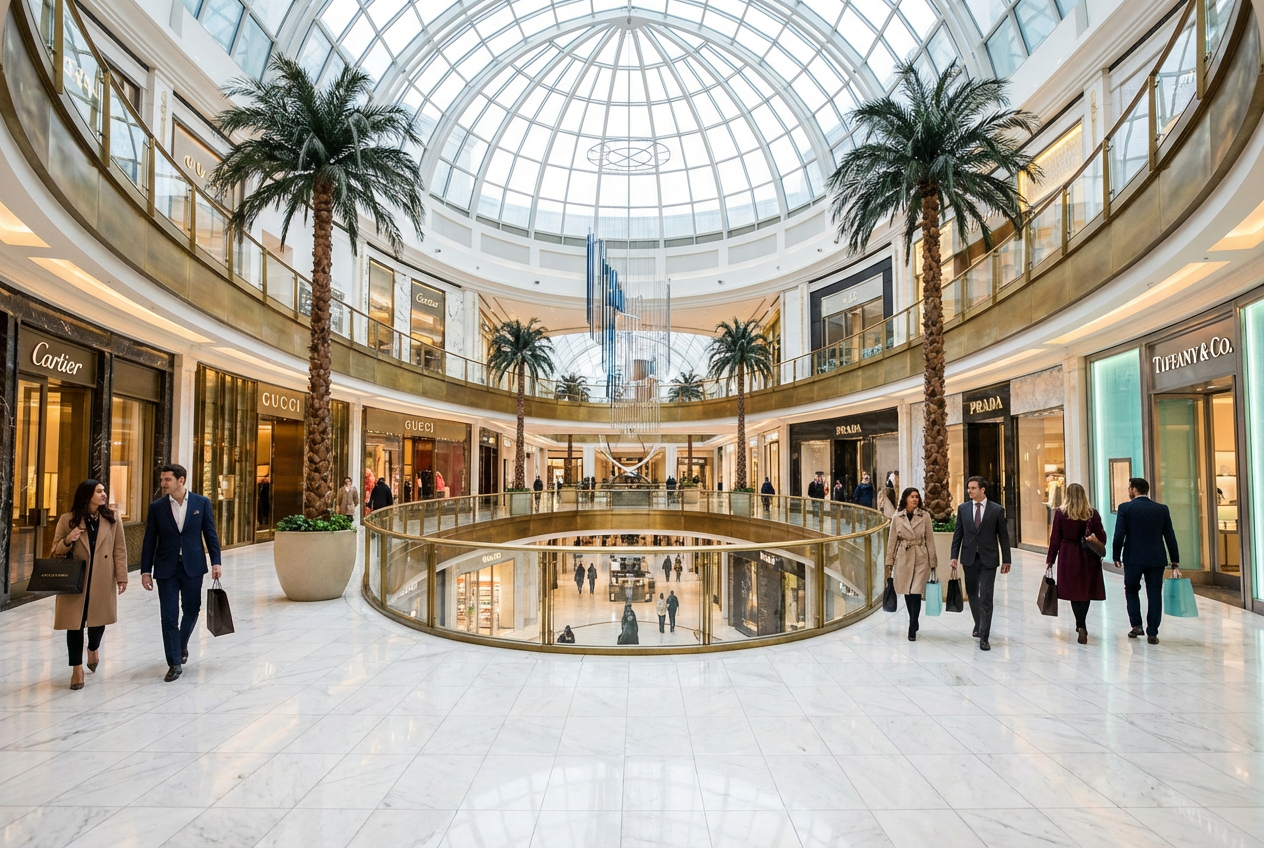
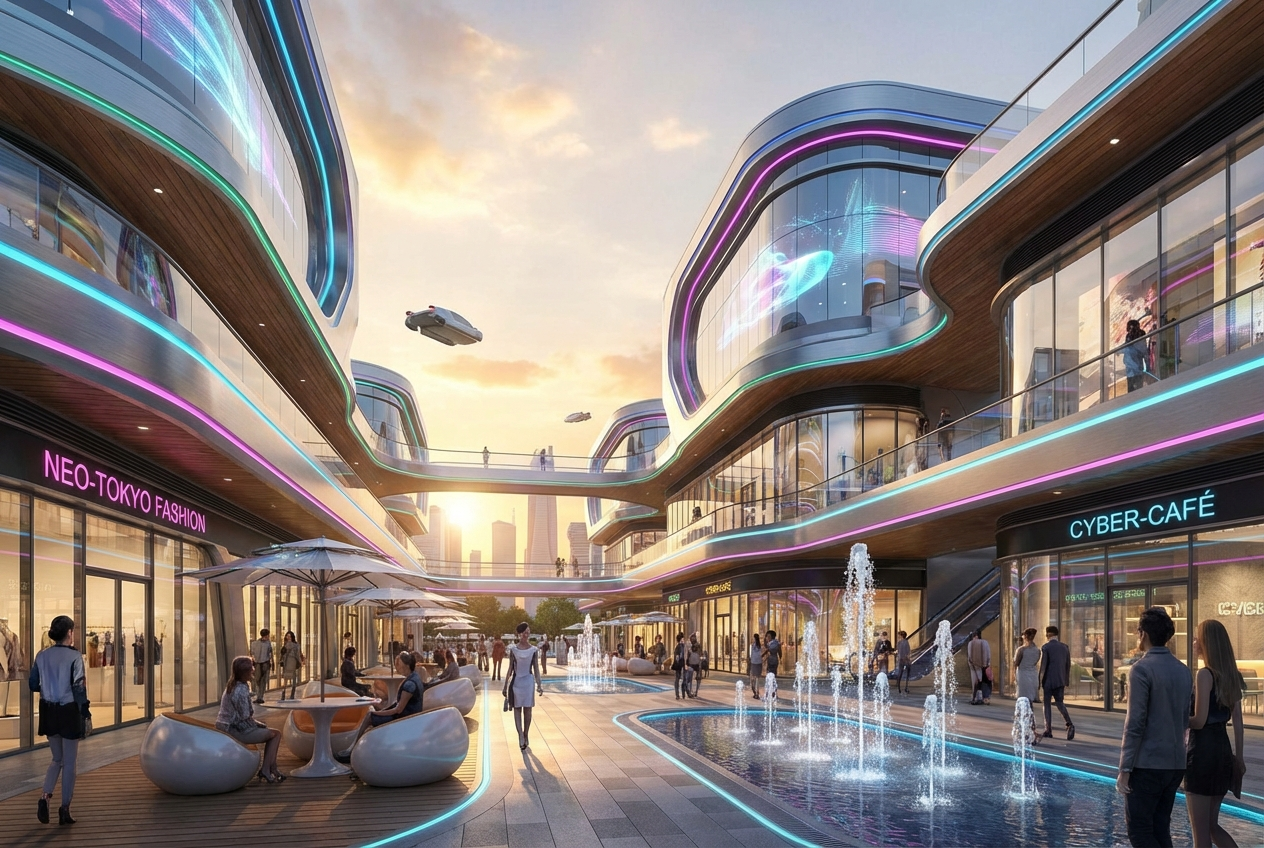
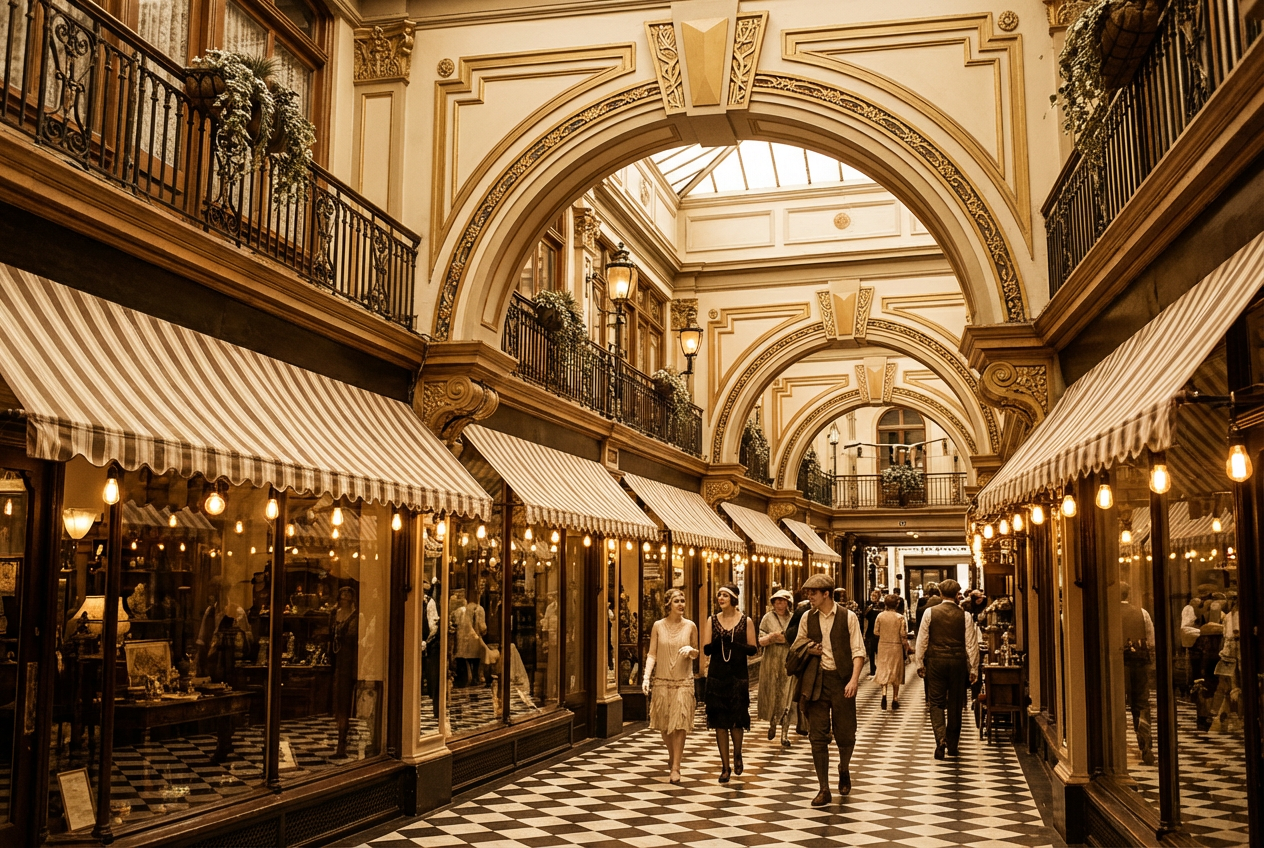
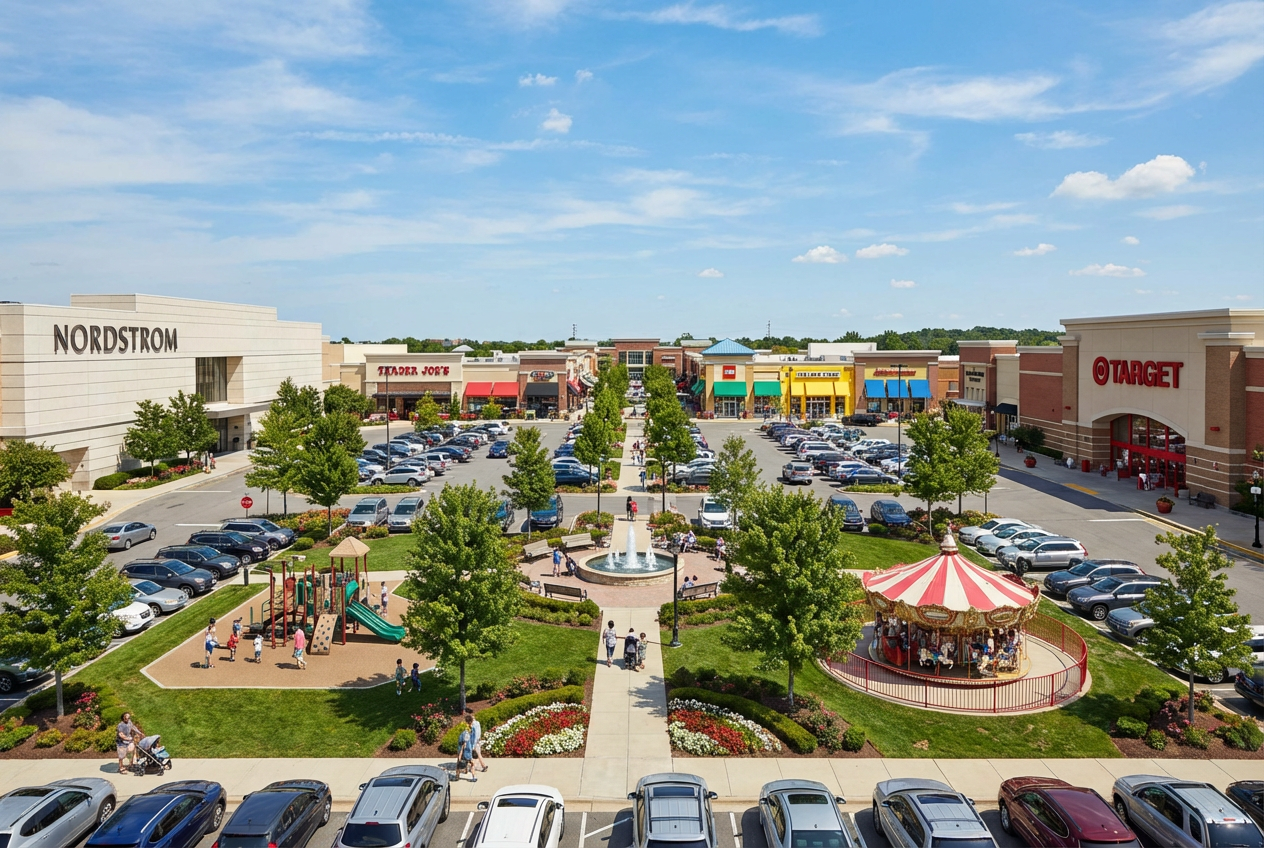
The agent gathers these inputs and preferences in the conversation before it starts.
Describe your desired mall design...
Choose the type of shopping mall
Choices: Any Type, Regional Mall, Super Regional Mall, Lifestyle Center, Outlet Mall, Strip Mall, Luxury Mall, Entertainment Mall
Choose the architectural style
Choices: Any Style, Modern, Contemporary, Futuristic, Traditional, Luxury, Minimalist
Choose the viewing perspective
Choices: Any View, Exterior, Interior Atrium, Shopping Corridor, Food Court, Main Entrance, Aerial View
Choose the mall atmosphere
Choices: Any Atmosphere, Bustling, Quiet, Festive, Elegant, Family-Friendly
Create professional shopping mall designs and retail center visualizations with AI technology.
Create professional mall designs in three simple steps:
Enter details about the shopping mall you want to create, including type, size, and special features.
Select mall type, architectural style, view type, and atmosphere for your visualization.
Let AI create stunning mall designs based on your specifications. Download instantly.
Generate regional malls, super regional centers, lifestyle centers, outlets, strip malls, luxury malls, and entertainment complexes.
Create malls in modern, contemporary, futuristic, traditional, luxury, or minimalist styles.
Generate exterior, interior atrium, shopping corridor, food court, entrance, or aerial perspectives.
Create bustling, quiet, festive, elegant, or family-friendly mall atmospheres.
Generate high-resolution visualizations suitable for presentations, proposals, and marketing.
Perfect for real estate development, retail planning, architecture, and commercial projects.
This tool is perfect for various professionals in retail and development:
Visualize mall projects, assess site potential, and create investor presentations for retail developments.
Create conceptual mall designs, explore retail space layouts, and present ideas to clients.
Generate visualizations for retail strategy, space planning, and commercial feasibility studies.
Visualize commercial zones, assess retail infrastructure, and integrate malls into city planning.
Create promotional materials, showcase retail spaces, and develop marketing campaigns for malls.
Visualize renovations, plan improvements, and showcase mall facilities to prospective tenants.
Mention anchor stores, atriums, skylights, escalators, or other defining features of your mall design.
Include information about store types, brand levels, or retail categories to create appropriate visual context.
Describe pathways, corridors, and how people move through the space for realistic mall layouts.
Mention food courts, entertainment areas, parking, or other amenities that enhance the mall experience.
Include details about lighting, decorations, or seasonal themes to create the desired atmosphere.
You can generate regional malls, super regional malls, lifestyle centers, outlet malls, strip malls, luxury malls, and entertainment-focused shopping centers.
Yes! You can generate exterior views, interior atriums, shopping corridors, food courts, main entrances, or aerial perspectives.
Choose from modern, contemporary, futuristic, traditional, luxury, minimalist, and other architectural styles.
Absolutely! You can create bustling, quiet, festive, elegant, or family-friendly atmospheres to match your vision.
Yes, the AI generates professional-quality visualizations suitable for real estate proposals, investor presentations, and architectural planning.
Yes, describe the mall's scale, number of floors, or square footage in your description for appropriate size visualization.
Describe specific features like anchor stores, specialty shops, food courts, entertainment zones, or parking facilities in your description.
Yes, select the 'Luxury Mall' type and describe premium finishes, high-end stores, and upscale design elements.
Choose the 'Bustling' atmosphere and mention shoppers, activity, or busy retail scenes in your description.
The generated images are perfect for conceptual visualization and planning. For actual construction, work with licensed architects and comply with local building codes and retail regulations.


