Describe the man
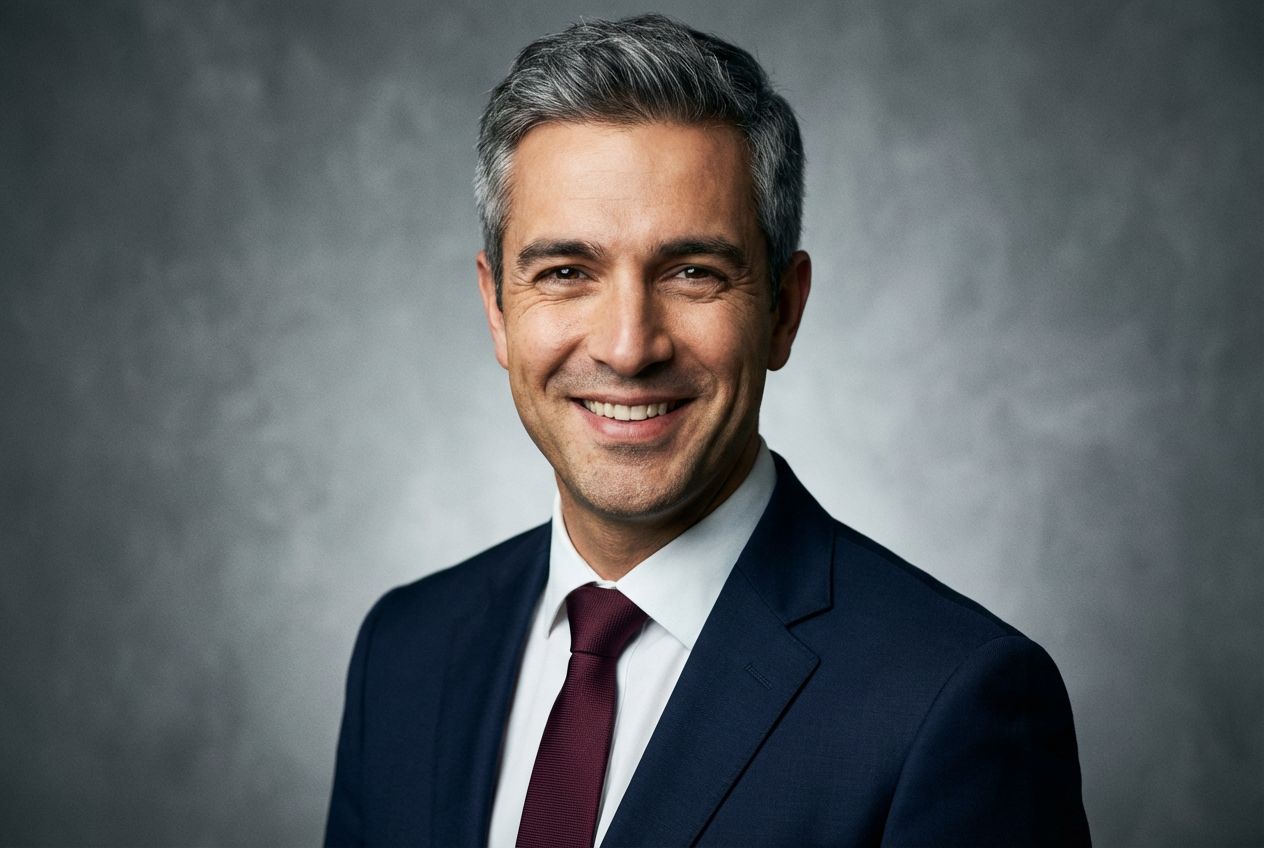
A confident businessman in a navy suit with brown hair...

Generate realistic men, male portraits, and masculine characters with AI
Reference media and sample results for this task.
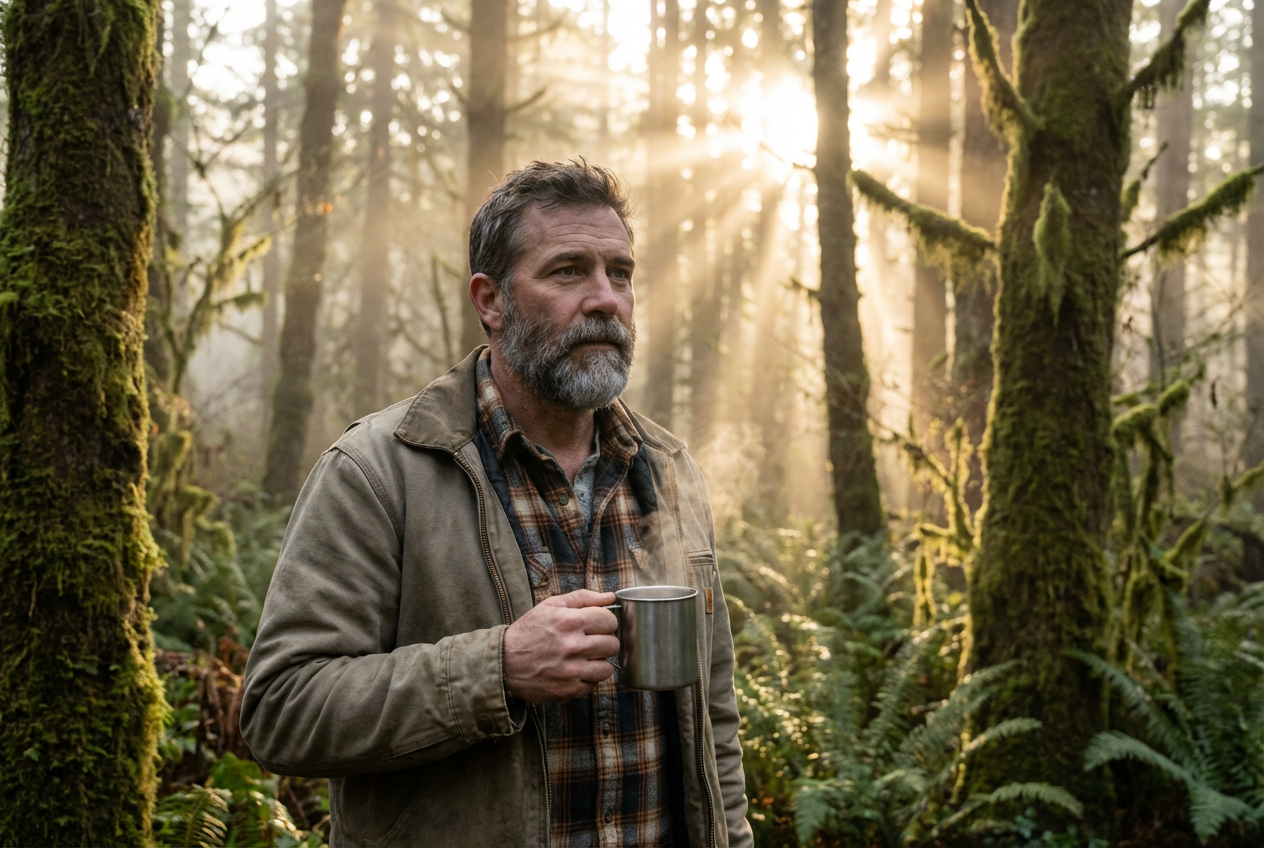
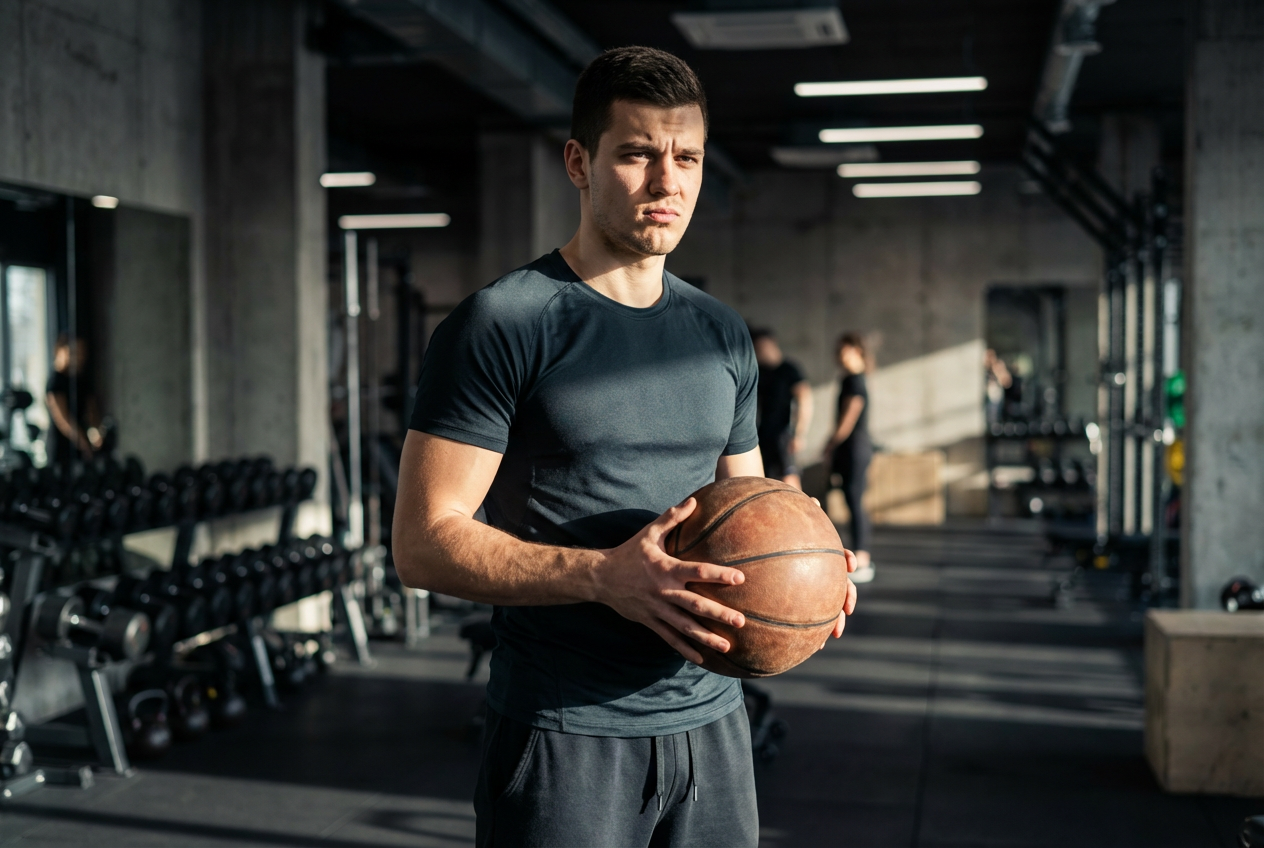
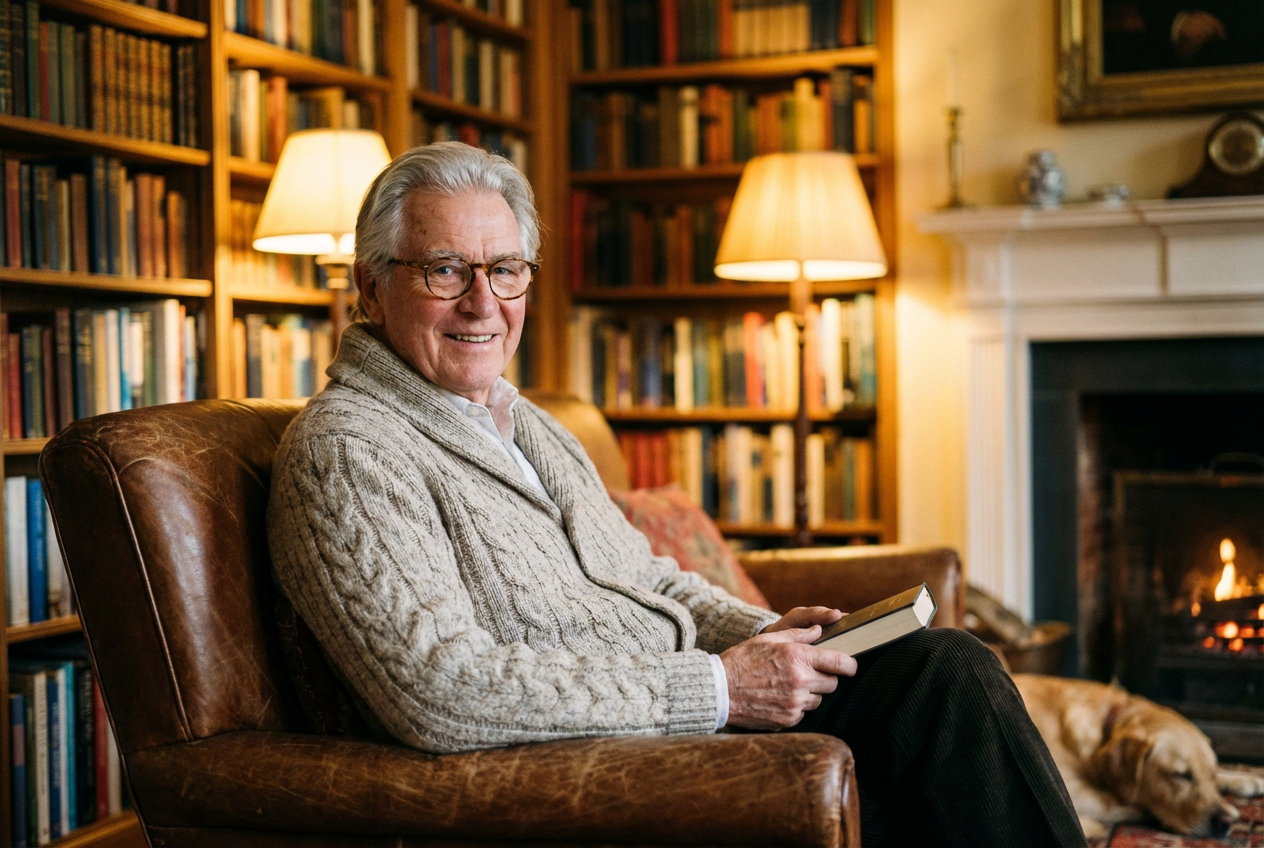
The agent gathers these inputs and preferences in the conversation before it starts.
A confident businessman in a navy suit with brown hair...
Choices: Any Age, Young Adult (18-25), Adult (26-35), Middle-aged (36-50), Mature (51-65), Elderly (65+)
Choices: Any Ethnicity, Caucasian, African, Asian, Hispanic, Middle Eastern, Mixed Heritage
Choices: Any Hair Style, Short Hair, Medium Length, Long Hair, Bald, Curly Hair, With Beard
Choices: Any Clothing, Business Suit, Casual Wear, Formal Attire, Sportswear, Uniform, Vintage Style
Choices: Any Expression, Neutral, Smiling, Serious, Confident, Friendly, Thoughtful
Choices: Any Pose, Headshot, Portrait (Chest Up), Full Body, Side Profile, Three Quarter View
Choices: Any Background, Studio Background, Office Setting, Outdoor, Urban Environment, Neutral/Plain
Choices: Any Lighting, Natural Light, Studio Lighting, Dramatic Lighting, Soft Lighting, Golden Hour
Create realistic and diverse male portraits with professional quality and artistic detail
Create realistic male portraits in three simple steps
Specify age, appearance, clothing, and style preferences for your male character
Our AI creates a realistic male portrait based on your detailed specifications
Get your high-quality male portrait ready for any professional or creative use
Generate men from young adults to elderly with age-appropriate features
Create men from various ethnic backgrounds and mixed heritage
Choose from business, casual, formal, sports, and vintage clothing styles
Studio-quality lighting and photography for professional headshots
Customize expressions from neutral to confident, friendly, or serious
Highly detailed facial features, hair styles, and realistic skin textures
Perfect for professionals, creatives, and businesses
Create professional headshots for websites, LinkedIn, and corporate materials
Generate male character references for design projects and marketing materials
Create male character concepts and avatar options for games
Generate diverse male characters for videos, stories, and social media
Visualize male characters for books, novels, and storytelling projects
Create diverse male models for advertising campaigns and brand materials
Include details about hair color, facial hair, eye color, and distinctive features for accurate results
Select clothing styles that match the intended use - business for professional, casual for personal
Match facial expressions to the purpose - confident for business, friendly for social media
Use headshots for profiles, portrait view for general use, full body for character design
Choose studio lighting for professional use, natural light for casual portraits
Yes, all generated male portraits can be used for commercial projects including websites, marketing materials, games, and business applications.
Our AI creates highly realistic male portraits with detailed facial features, natural skin textures, and lifelike appearances suitable for professional use.
Yes, describe specific features like hair color, eye color, facial hair, age, build, and other physical characteristics in your prompt.
Choose from business suits, casual wear, formal attire, sportswear, uniforms, and vintage styles to match your project needs.
Absolutely! Our generator supports diverse ethnicities including Caucasian, African, Asian, Hispanic, Middle Eastern, and mixed heritage.
Generated images are high-quality PNG files suitable for professional use, web display, and print applications.
Yes, select the professional headshot style with studio lighting and business attire for corporate-quality portraits.
Use detailed, consistent descriptions across generations and save successful prompts for creating character variations.
Yes, describe the profession or role in your prompt to influence clothing, expression, and overall appearance appropriately.
Headshot focuses on face and shoulders only, while portrait view includes chest area and provides more context.


