Map Description
Describe the map you want to create...

Create custom maps and cartographic designs with AI
Reference media and sample results for this task.
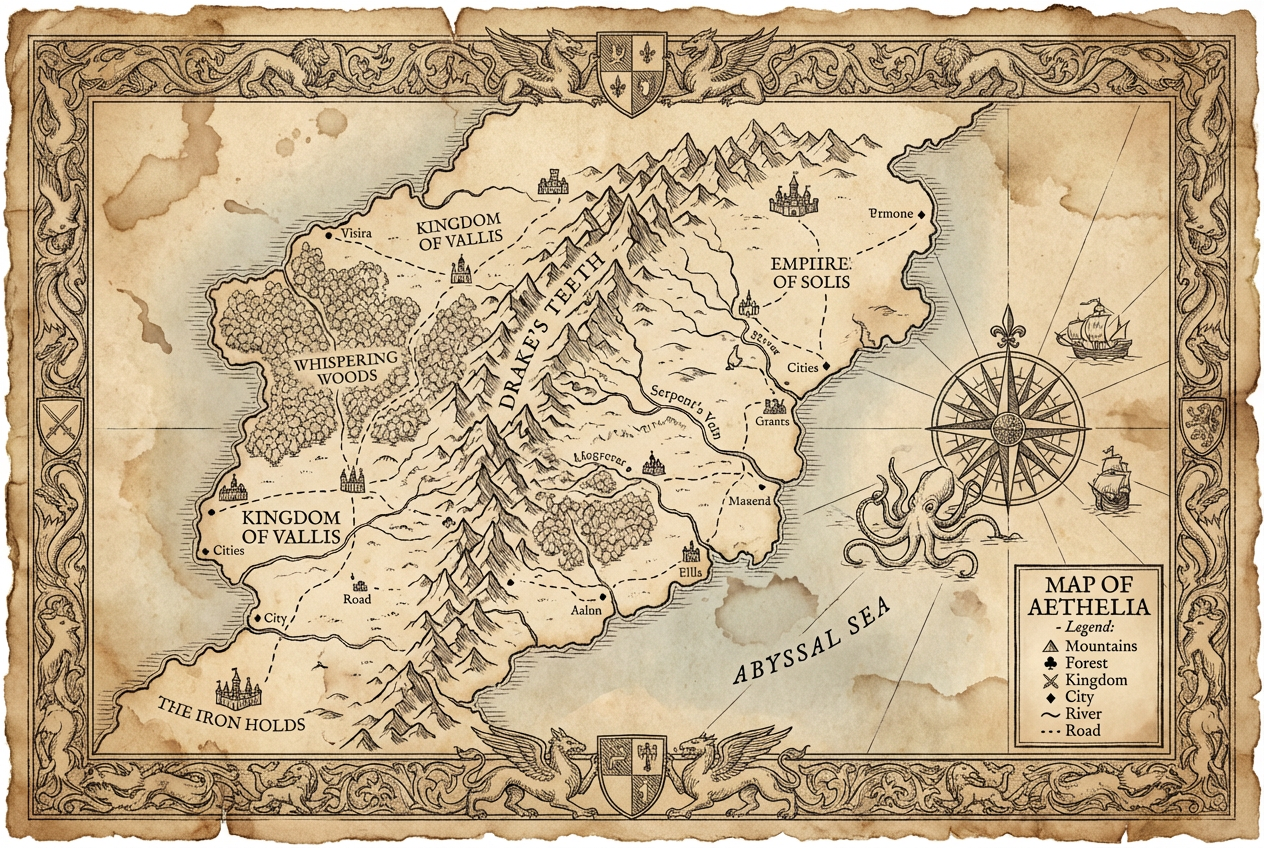
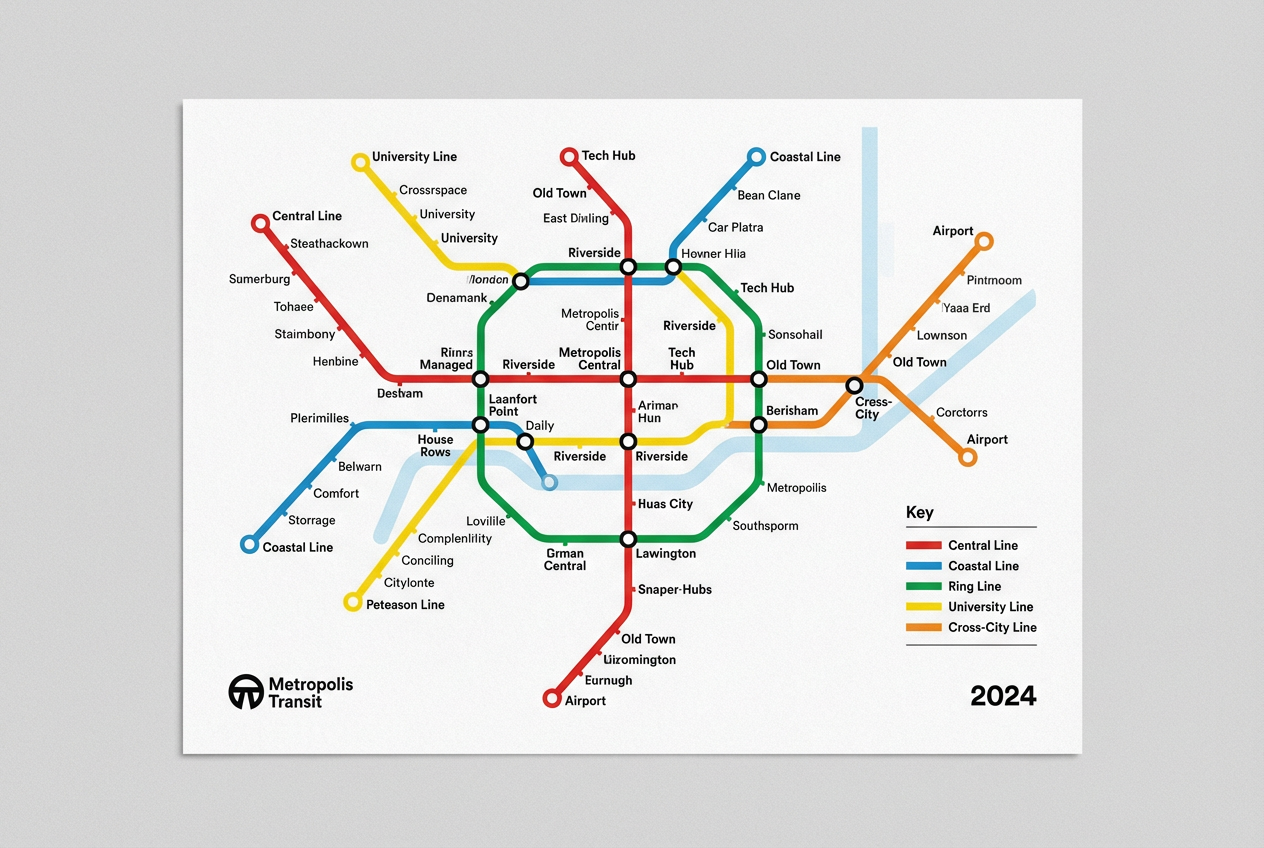
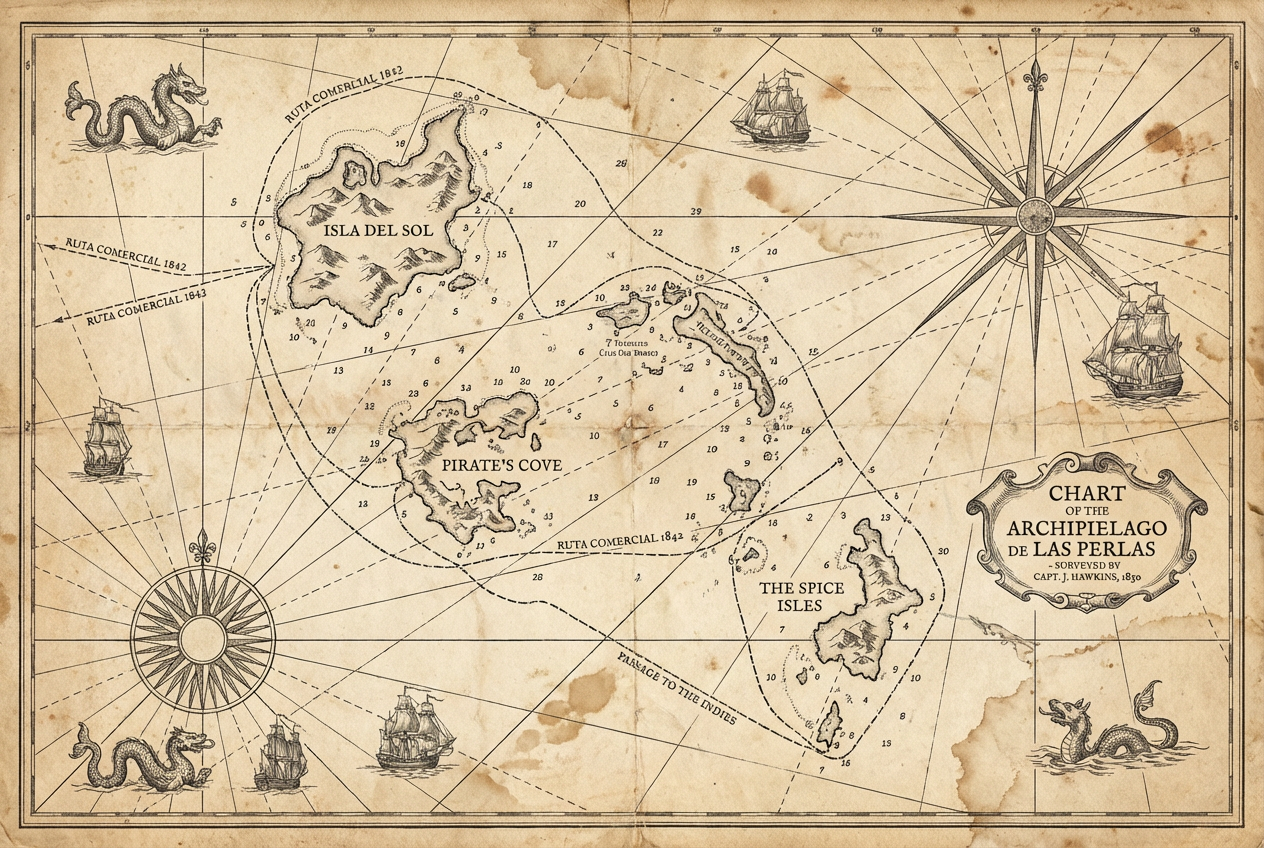
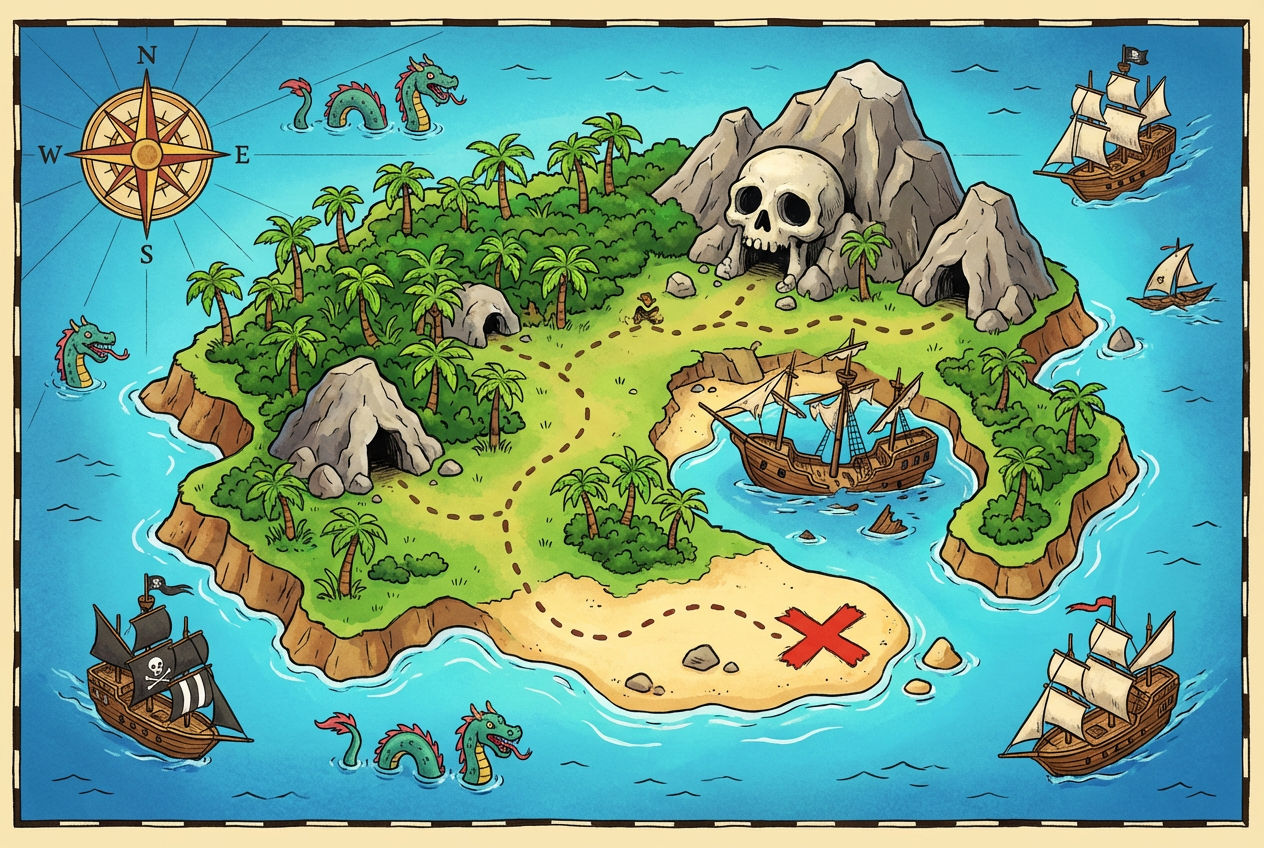
The agent gathers these inputs and preferences in the conversation before it starts.
Describe the map you want to create...
Choices: Any Type, Road Map, Terrain, Political, Physical, City Layout, Transit, Hiking, Weather, Demographic
Choices: Any Theme, Classic, Dark, Light, Retro, Nature, Urban, Nautical
Choices: Auto Detail, High Detail, Medium Detail, Low Detail, Schematic
Choices: Any Colors, Monochrome, Earth Tones, Vibrant, Pastel, Grayscale, Sepia
Create professional, customized maps for any purpose with advanced AI technology.
Create your custom map in three simple steps:
Enter a detailed description of the map you want to create.
Select style, type, theme, and other map preferences.
Let AI create detailed map visualizations based on your specifications.
Create road maps, terrain maps, city layouts, and more.
Choose from various styles and color schemes to match your needs.
Download your maps instantly in high resolution.
Adjust the level of detail to suit your purpose.
Create custom venue maps and location guides.
Generate property location maps and neighborhood layouts.
Design tourist maps and travel route visualizations.
Create educational maps for teaching purposes.
Generate fantasy maps and game world layouts.
Create location maps and service area visualizations.
Include key landmarks, boundaries, and important features you want to highlight.
Specify the area coverage and level of detail needed for your purpose.
Choose appropriate style and features for your intended use.
Mention surrounding areas or reference points for better orientation.
Consider what symbols and markers need to be included in your map.
You can create various types including road maps, terrain maps, city layouts, transit maps, hiking maps, and more. Each type can be customized with different styles and features.
Yes! You can choose from different detail levels ranging from schematic to high detail, depending on your needs.
While our AI creates visually appealing maps, they should be used for illustrative purposes. For precise navigation, please use official mapping services.
Yes, you can generate multiple versions of your map to explore different styles and layouts.
The maps can be used for presentations, websites, publications, game design, educational materials, and more. They're perfect for illustrative purposes.
Include details about the area coverage, important features, style preferences, and intended use. The more specific you are, the better the results.
Yes! All maps generated by our AI Map Generator are 100% free for commercial use. You can use them in your business, publications, or any other commercial projects.
No, there are no restrictions on how you can use the generated maps. You own full rights to the maps you generate and can modify, share, or sell them as you wish.


