Upload Design Image
attach the design or artwork you want to showcase

Generate realistic mockups of your product with AI
See how the two source images inform one polished result.
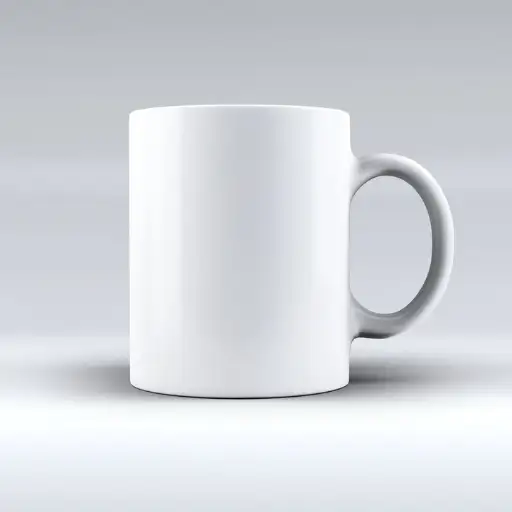
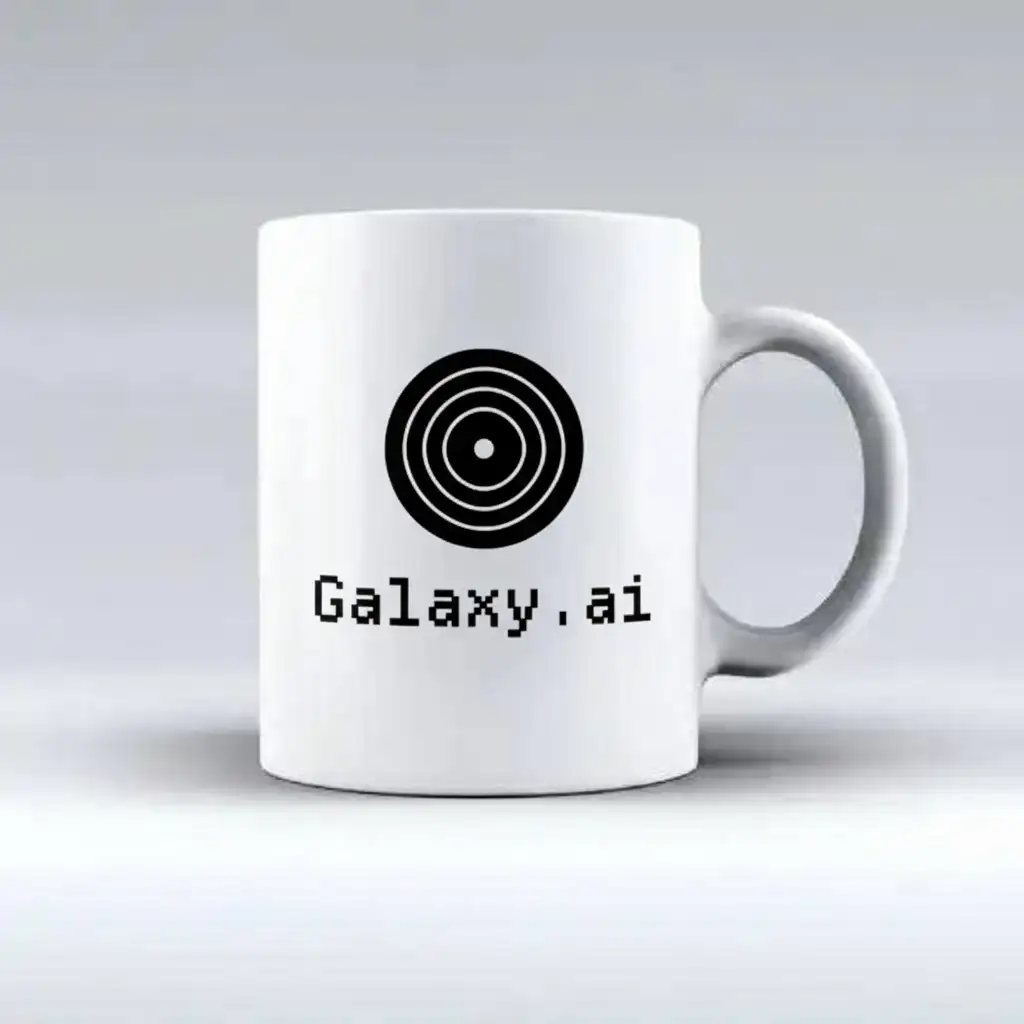
The agent gathers these inputs and preferences in the conversation before it starts.
attach the design or artwork you want to showcase
attach a mockup template image (e.g., t-shirt, poster, phone screen)
Create professional product mockups instantly using advanced AI technology that places your products in realistic environments and contexts.
Create professional mockups in just a few simple steps
attach a reference image showing the desired mockup style and context
attach your product image that needs to be placed in the mockup
Our AI analyzes both images and creates a realistic integration
Get your professional mockup in high resolution, ready for use
Intelligently places products in context while maintaining realism
Matches lighting and shadows to create natural-looking results
Works with various product types from electronics to packaging
Generates professional-quality mockups for marketing use
This Magica workflow is designed for businesses and professionals who need to showcase their products in professional, contextual environments.
Create professional product presentations for online stores quickly.
Generate high-quality mockups for client presentations and campaigns.
Showcase UI/UX designs in realistic device contexts.
Create engaging product visuals for social media and content marketing.
Visualize products in different contexts before production.
Enhance product photography with professional context and environments.
An AI Mockup Generator is a sophisticated tool that uses artificial intelligence to automatically place your product images into realistic contexts and environments. It handles perspective, lighting, and shadows to create professional-looking product presentations without the need for manual photo editing.
This Magica workflow is incredibly user-friendly! You simply need to upload two images - a reference image showing the desired mockup style and your product image. The AI handles all the complex work of integrating your product realistically into the scene. No technical or design skills are required.
Our AI Mockup Generator works with a wide range of products including electronics, packaging, books, clothing, accessories, digital products, and more. The tool is versatile enough to handle different product sizes and types while maintaining realistic results.
For best results, upload product images in JPG, PNG, or WebP format with a transparent background if possible. The images should be well-lit and high-resolution (at least 1000px on the longest side) to ensure quality output.
Our AI analyzes the lighting conditions in the reference image and automatically adjusts your product's lighting, shadows, and reflections to match. This includes understanding light direction, intensity, and color temperature to create natural-looking integration.
Yes, you can use any clear, high-quality reference image that shows the context where you want your product to appear. The AI works best with well-lit, professional photographs that have clear focal points for product placement.
Most mockups are generated within 15-30 seconds, depending on the complexity of the images and the desired integration. Complex scenes or high-resolution outputs may take slightly longer to process for optimal results.
Yes, all generated mockups can be downloaded immediately. The tool maintains a history of your recent generations, allowing you to access and download previous mockups. The output files are in high resolution, suitable for further editing if needed.
Yes, all mockups generated with this Magica workflow can be used for commercial purposes including marketing materials, e-commerce listings, and advertising. Just ensure you have the necessary rights to use both the product and reference images.
Yes, we prioritize data security. All uploaded images and generated mockups are processed through encrypted connections. We use enterprise-grade security measures to protect your data, and you retain full ownership of all your uploads and generated content.


