Monogram Description
Enter initials or describe your monogram design...

Create elegant, personalized monogram designs with AI
Reference media and sample results for this task.
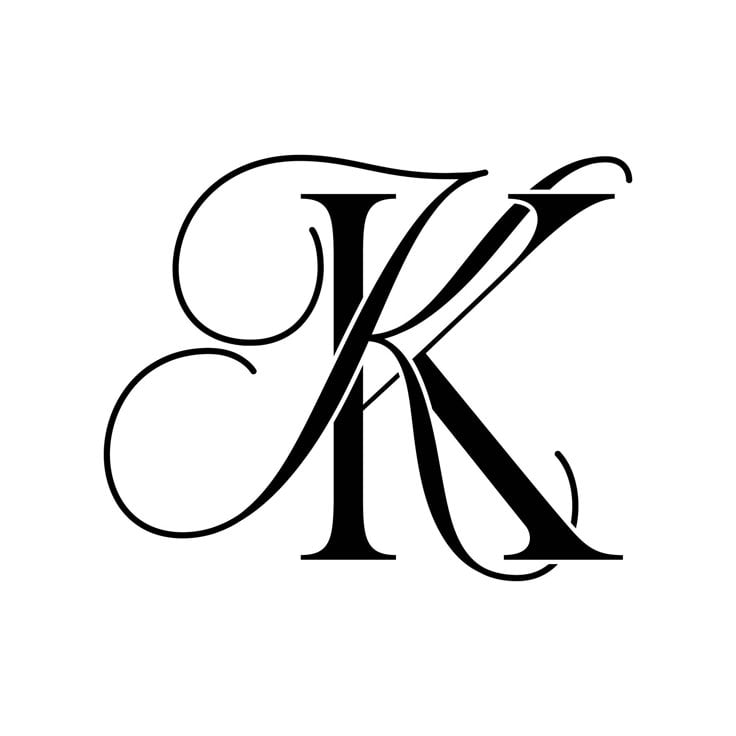
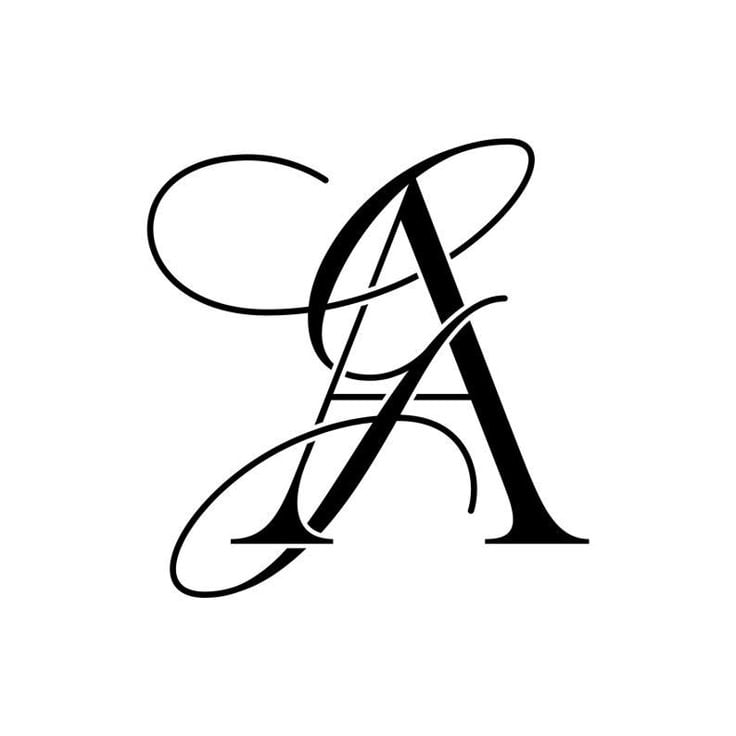
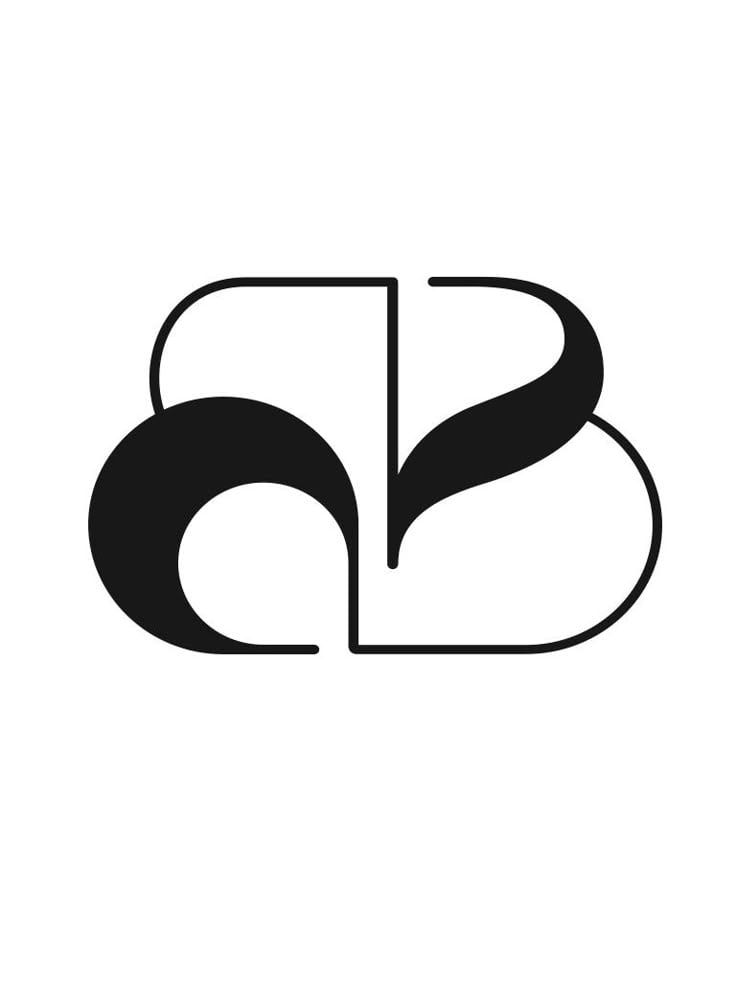
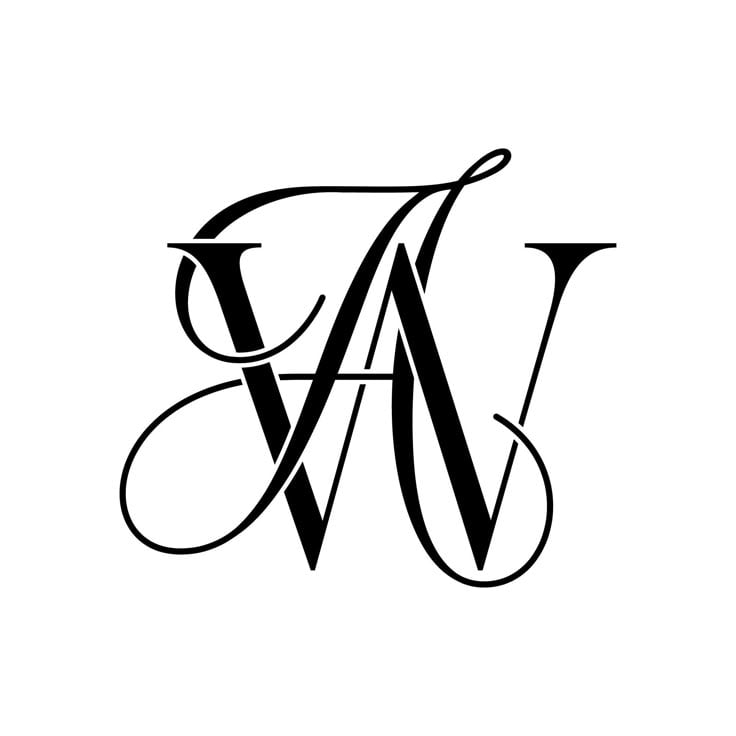
The agent gathers these inputs and preferences in the conversation before it starts.
Enter initials or describe your monogram design...
Choices: Any Font Style, Serif, Sans Serif, Script, Calligraphy, Gothic, Decorative
Choices: Any Border, Circular, Square, Shield, Floral, Geometric, No Border
Choices: Any Ornaments, Floral, Geometric, Scrollwork, Minimal, No Ornaments
Choices: Any Colors, Monochrome, Gold, Silver, Navy and Gold, Black and White
Create sophisticated, personalized monogram designs tailored to your style.
Create your perfect monogram in three simple steps:
Input the letters you want to include in your monogram.
Select style, font, borders, and color scheme preferences.
Let AI create unique monogram designs based on your specifications.
Choose from classic, modern, vintage, and other popular monogram styles.
Explore designs in various color schemes including metallic finishes.
Download your designs instantly for various applications.
Customize borders, ornaments, and typography to match your vision.
Create elegant monograms for wedding stationery and decor.
Generate custom monograms for client projects and branding.
Design professional monograms for business branding.
Create personalized monograms for special events.
Design personal monograms for various uses.
Generate monograms for DIY projects and personalized items.
Select letters that work well together and maintain readability.
Think about where you'll use the monogram to guide style choices.
Ensure decorative elements don't overwhelm the letters.
Select a style that fits your brand or personal aesthetic.
Choose colors that complement your intended application.
We offer multiple styles including classic, modern, vintage, minimalist, ornate, art deco, Victorian, and elegant designs.
Yes! You can choose from various color schemes including monochrome, gold, silver, and custom color combinations.
You'll receive high-resolution images suitable for both digital use and printing.
Yes, you can generate multiple versions of your monogram to explore different styles and designs.
You can create monograms with one to three letters, traditional for personal and wedding monograms.
Yes! All generated monograms are free for both personal and commercial use.
Include the letters you want to use, preferred style, and any specific elements or themes you'd like to incorporate.
No, you have full rights to use the generated monograms in any way you wish.


