Describe the mosaic artwork you want to create
A colorful mosaic of a peacock with intricate tile patterns...

Create stunning mosaic art and tile-based artwork with AI
Reference media and sample results for this task.
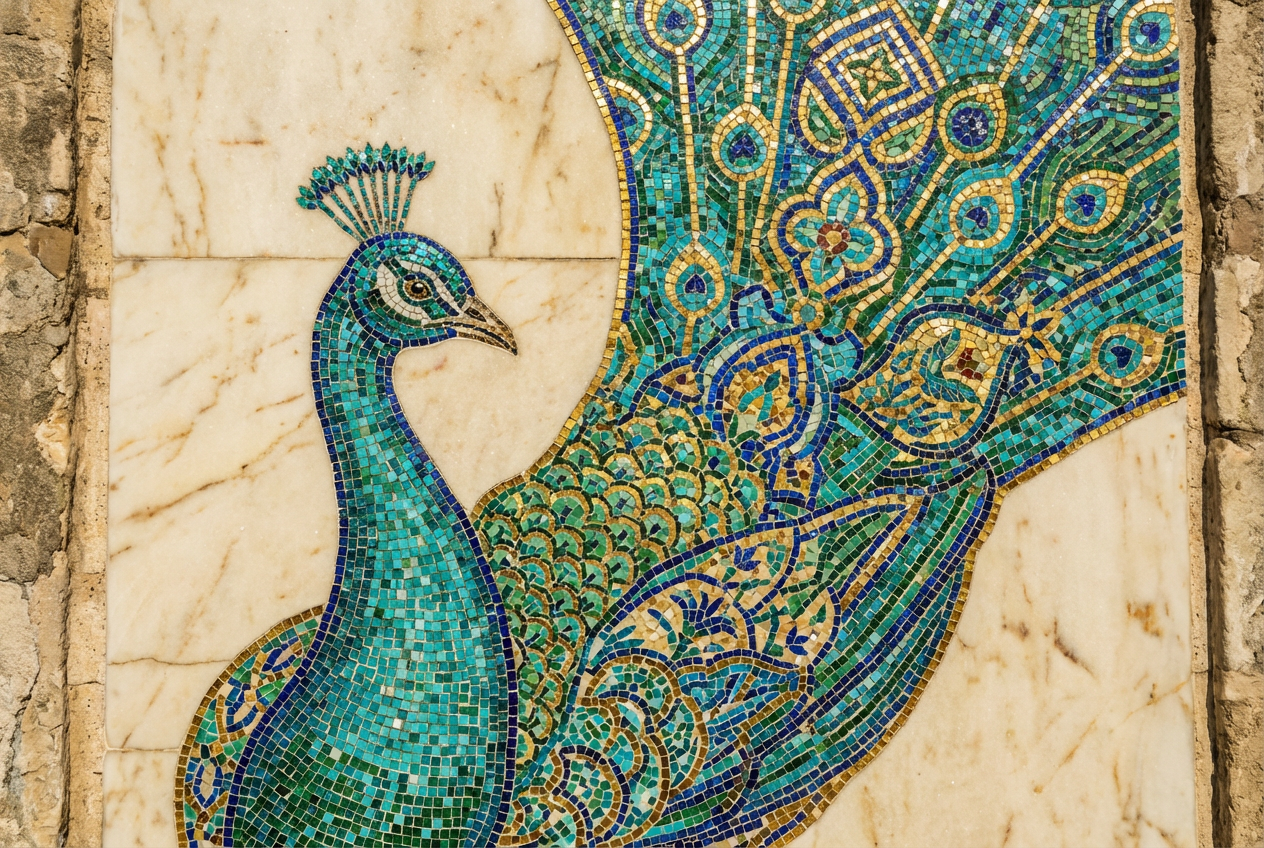
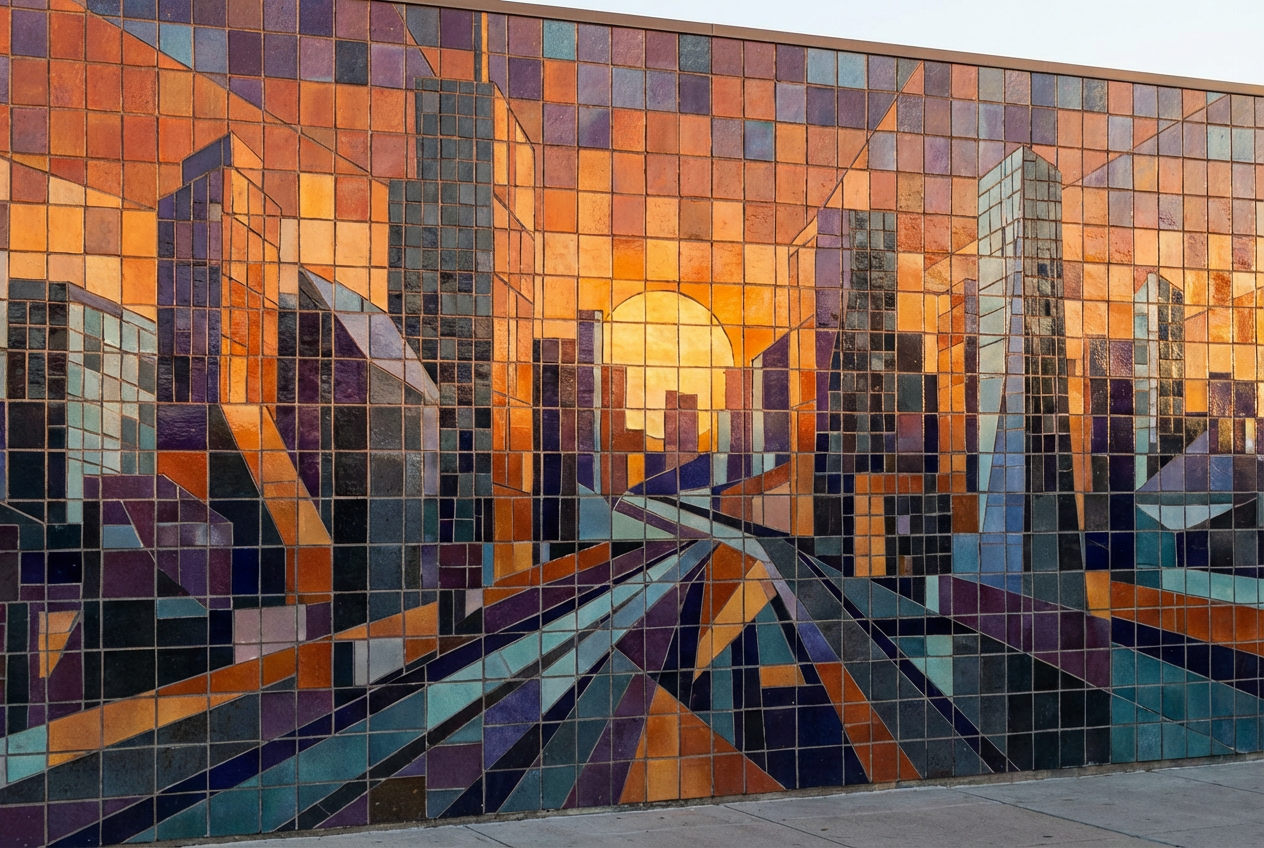
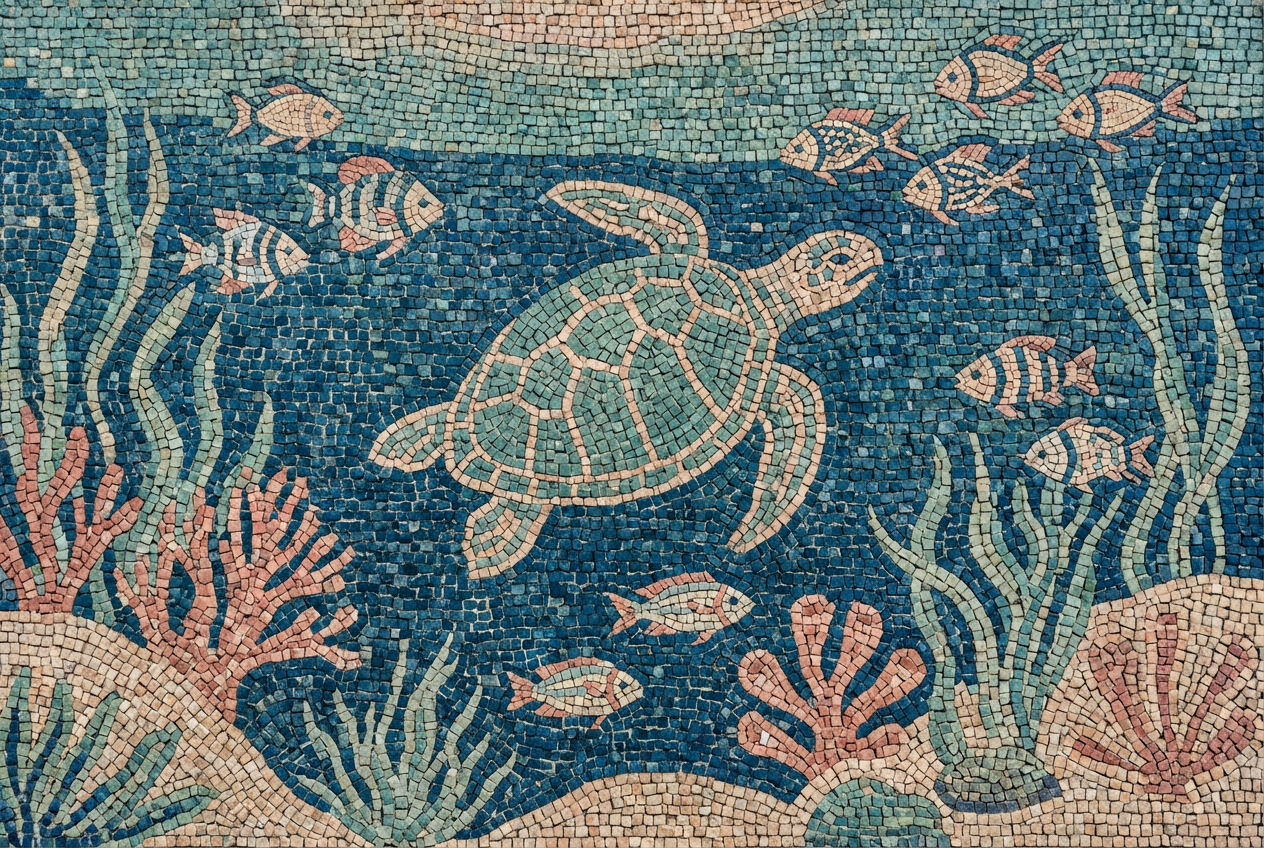
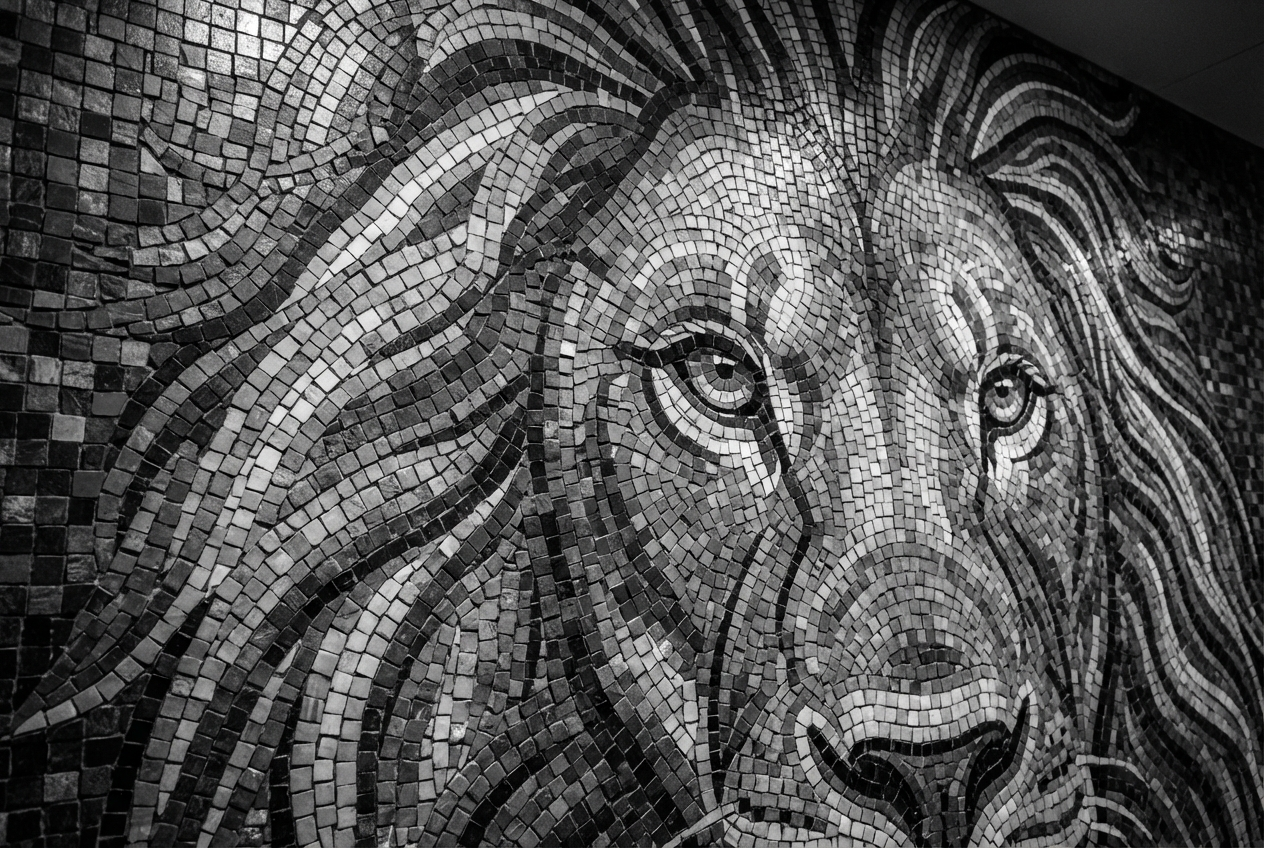
The agent gathers these inputs and preferences in the conversation before it starts.
A colorful mosaic of a peacock with intricate tile patterns...
Choices: Any Subject, Portrait, Animal, Landscape, Abstract Pattern, Geometric Design, Floral Pattern, Religious/Sacred, Architectural Element
Choices: Any Style, Roman Classical, Byzantine, Modern Contemporary, Art Nouveau, Islamic Geometric, Pixel Art Style, Stained Glass
Choices: Any Material, Ceramic, Glass, Natural Stone, Marble, Metal, Mixed Materials
Choices: Any Size, Micro (Detailed), Small, Medium, Large, Mixed Sizes
Choices: Any Colors, Vibrant & Bold, Earth Tones, Jewel Tones, Pastel, Monochrome, Gold Accented, Cool Tones, Warm Tones
Choices: Any Complexity, Simple, Moderate, Complex, Highly Intricate
Choices: Any Grout, Minimal Grout, Visible Grout Lines, Contrasting Grout, Seamless
Choices: Any Finish, Glossy, Matte, Textured, Iridescent, Aged/Weathered
Choices: Any Lighting, Natural Light, Dramatic, Soft Ambient, Backlit, Spotlight
Create stunning mosaic artwork and decorative tile designs with advanced AI technology
Create beautiful mosaic art in three simple steps
Select the subject and describe the mosaic artwork you want to create
Choose mosaic style, tile material, size, colors, and pattern complexity
Get your stunning mosaic artwork ready for display or inspiration
Roman classical, Byzantine, modern, Art Nouveau, Islamic geometric, and pixel art styles
Ceramic, glass, stone, marble, metal, and mixed material combinations
Vibrant, earth tones, jewel tones, pastels, monochrome, and gold-accented options
From simple designs to highly intricate patterns with detailed tessellation
Micro detailed work to large tiles, with mixed size options for artistic variation
Glossy, matte, textured, iridescent, and aged finish options
Perfect for anyone interested in decorative arts, interior design, and mosaic craftsmanship
Create mosaic concepts for bathrooms, kitchens, pools, and decorative wall features
Generate design inspiration, test color combinations, and plan complex mosaic projects
Visualize mosaic elements for buildings, public spaces, and architectural features
Study mosaic techniques, historical styles, and pattern design principles
Plan DIY mosaic projects, backsplashes, garden art, and decorative pieces
Create mosaic patterns for textiles, wallpapers, and decorative design elements
Glass for luminous effects, stone for natural looks, ceramic for durability, marble for elegance
Jewel tones for luxury, earth tones for natural themes, vibrant colors for modern designs
Intricate patterns work well for small areas, simpler designs for large installations
Micro tiles for detailed portraits, medium tiles for general designs, large tiles for bold patterns
Backlit glass mosaics glow beautifully, dramatic lighting emphasizes texture and depth
Roman classical for traditional designs, Byzantine for religious themes, modern contemporary for current aesthetics, Islamic geometric for mathematical patterns, and Art Nouveau for organic flowing designs.
Glass for luminous, light-catching effects; ceramic for durability and versatility; stone for natural, earthy looks; marble for luxury and elegance; metal for modern, industrial aesthetics.
Micro tiles (detailed work) for portraits and intricate designs, small tiles for moderate detail, medium for balanced designs, large tiles for bold patterns, and mixed sizes for artistic variation.
Earth tones for natural settings, jewel tones for luxury spaces, vibrant colors for modern interiors, pastels for soft atmospheres, and monochrome for sophisticated minimalist designs.
Yes! Select 'religious/sacred' subject with Byzantine or classical styles. These work beautifully with gold accents and jewel tone color palettes for authentic spiritual artwork.
Choose 'Islamic geometric' style with 'geometric design' subject. Use complex or intricate pattern complexity with vibrant or jewel tone colors for authentic Islamic mosaic patterns.
Minimal grout creates seamless appearance, visible grout lines define each tile, contrasting grout makes patterns pop, and seamless creates smooth, unified surfaces.
Absolutely! Select 'pixel art style' with simple to moderate complexity. Use vibrant colors and medium to large tile sizes for authentic pixelated mosaic effects.
Natural light shows true colors, dramatic lighting emphasizes texture and depth, backlit works beautifully with glass tiles, and spotlight creates focal emphasis.
Use stone or ceramic materials with visible or contrasting grout, choose earth tones or vibrant weather-resistant colors, and select matte or textured finishes for durability.


