Movie Title & Description
Describe your movie and its key elements...

Create stunning movie posters with AI
Reference media and sample results for this task.
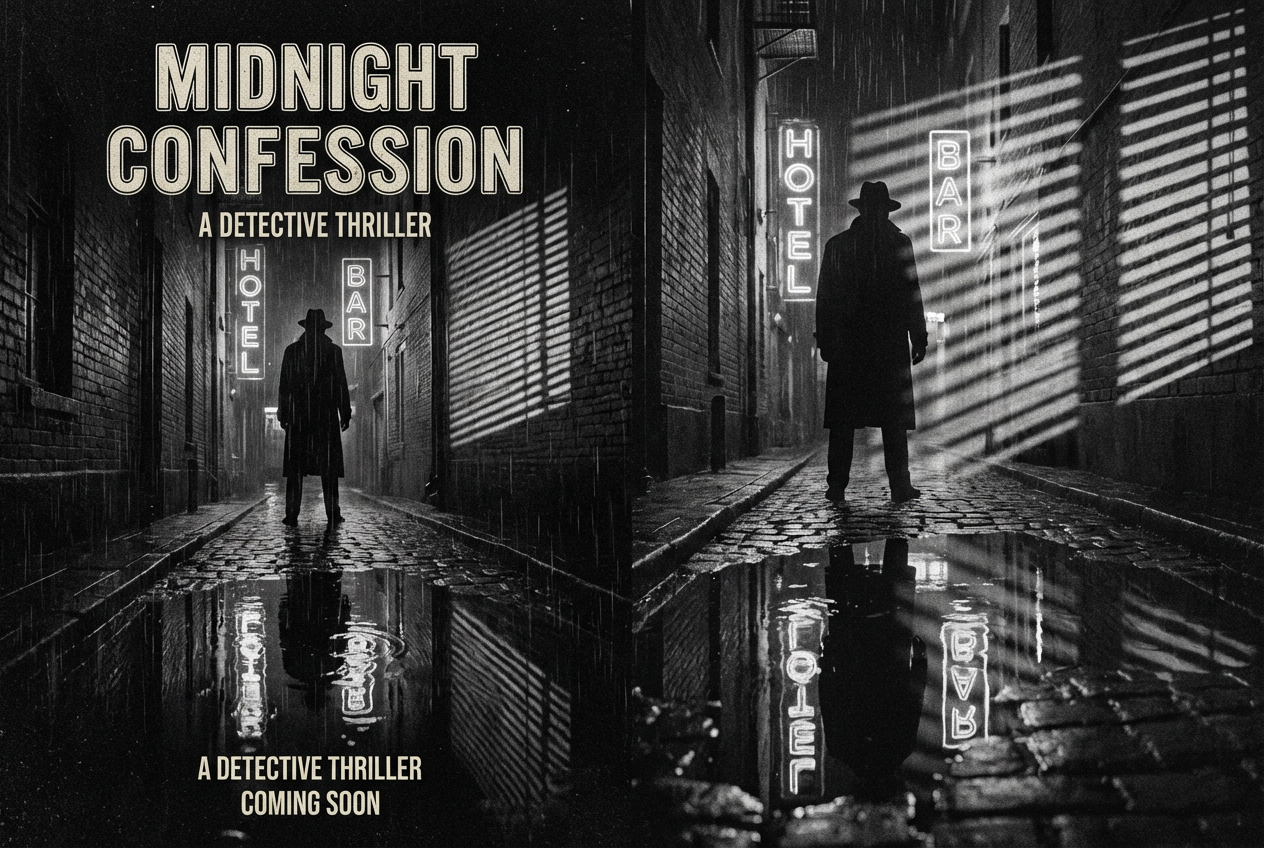
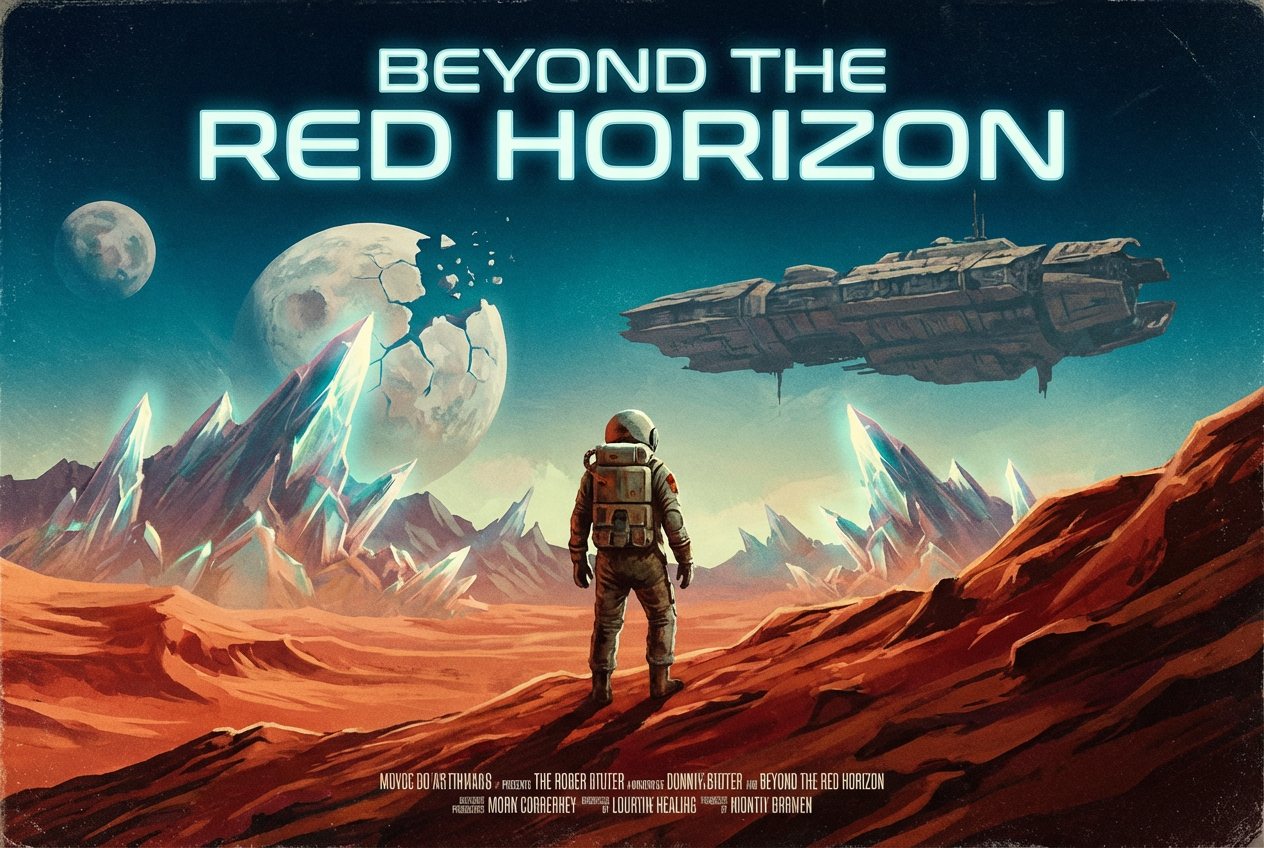
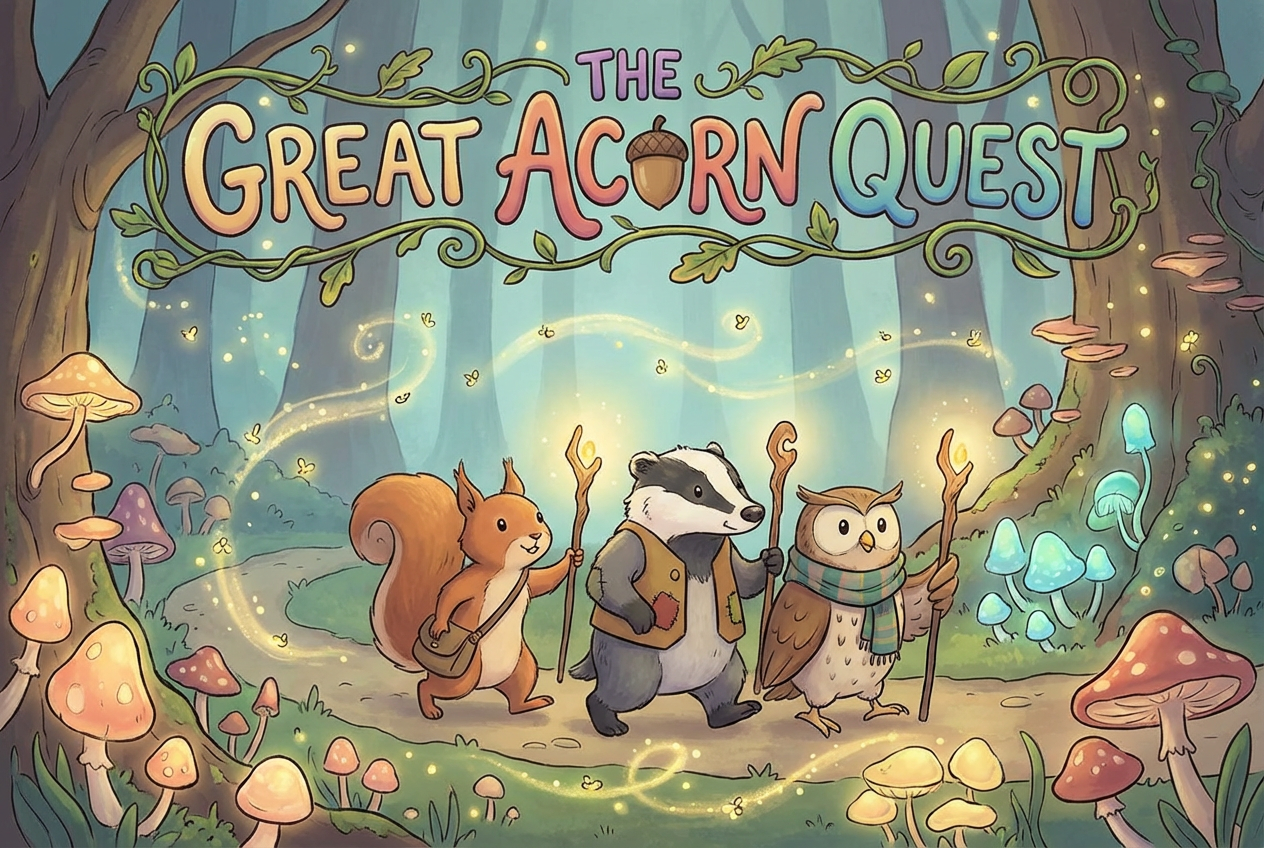
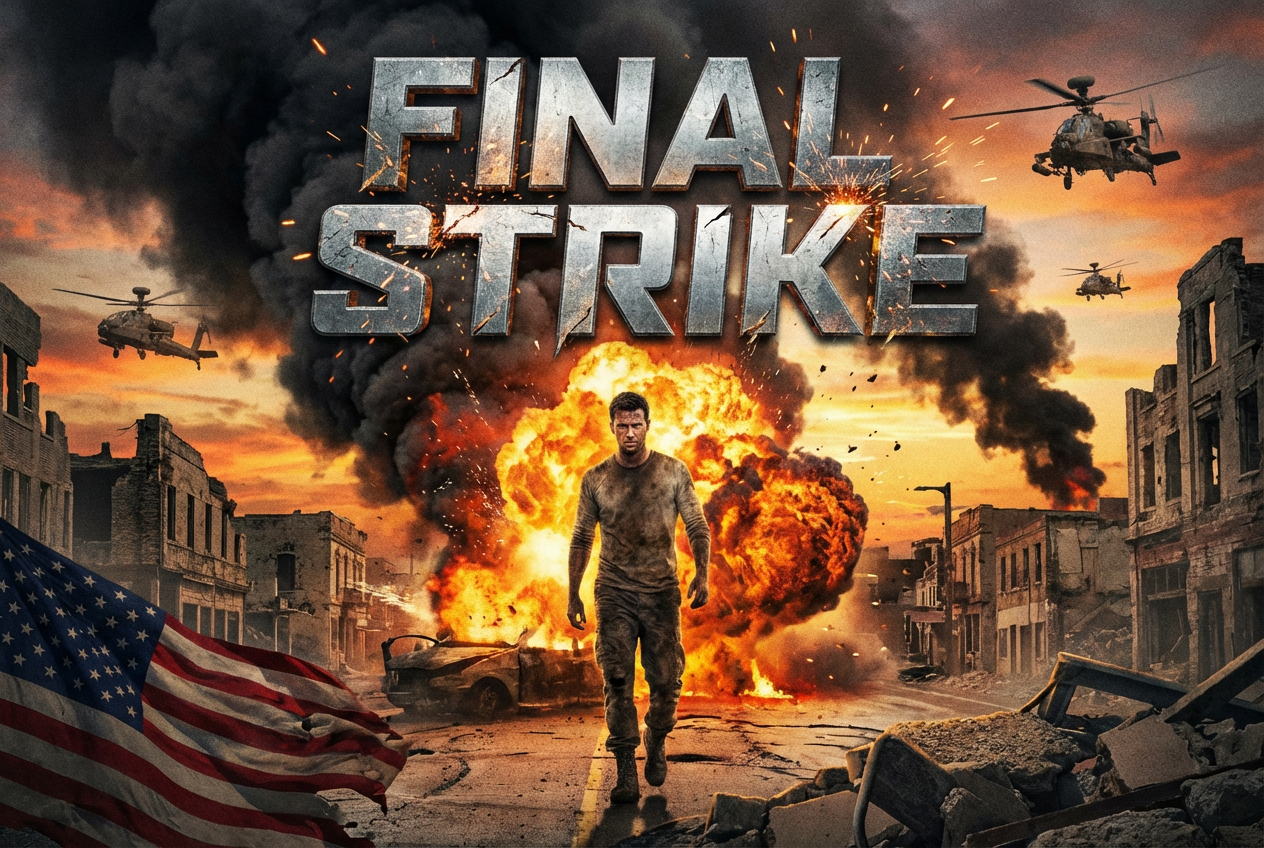
The agent gathers these inputs and preferences in the conversation before it starts.
Describe your movie and its key elements...
Choices: Any Genre, Action, Drama, Comedy, Horror, Science Fiction, Fantasy, Romance, Thriller, Adventure, Mystery
Choices: Auto Focus, Character, Scene, Symbol, Typography, Landscape
Choices: Any Mood, Dramatic, Mysterious, Energetic, Romantic, Dark, Uplifting
Choices: Any Colors, Vibrant, Dark, Monochromatic, Warm, Cool, Neon
Create professional-quality movie posters that capture the essence of your film.
Create your perfect movie poster in three simple steps:
Input your movie title and description.
Select genre, style, mood, and other preferences.
Let AI create unique poster designs based on your specifications.
Choose from modern, vintage, minimalist, and other popular poster styles.
Select from various color palettes to match your movie's mood.
Industry-standard poster layouts with perfect typography.
Download your posters instantly in high resolution.
Create professional posters for your films and projects.
Design eye-catching thumbnails and promotional materials.
Generate posters for film school projects and assignments.
Create quick concepts for client presentations.
Design promotional materials for film campaigns.
Generate inspiration and starting points for custom designs.
Ensure your movie title is prominent and easily readable.
Choose colors and styles that reflect your movie's genre.
Highlight the most important visual element of your story.
Select appropriate mood settings to convey your film's atmosphere.
Consider font styles that complement your movie's theme.
We support multiple styles including modern, vintage, minimalist, illustrated, photographic, abstract, and retro. Each style has its own unique characteristics.
Yes! Our generator creates posters in standard movie poster dimensions (2:3 aspect ratio) optimized for both digital and print use.
Yes, all generated posters are in high resolution suitable for both digital use and professional printing.
Yes, you can generate multiple versions of your poster to explore different interpretations and styles.
Include your movie's title, genre, key visual elements, and desired mood. Also mention if you prefer specific colors or styles.
Yes! All posters generated by our AI Movie Poster Generator are 100% free for commercial use.
Focus on a strong central image, clear typography, and appropriate color scheme for your genre. Use our advanced options to fine-tune these elements.


