Character Description
A middle-aged detective with a stern expression...

Create realistic character mugshots and portrait photos with AI
Reference media and sample results for this task.
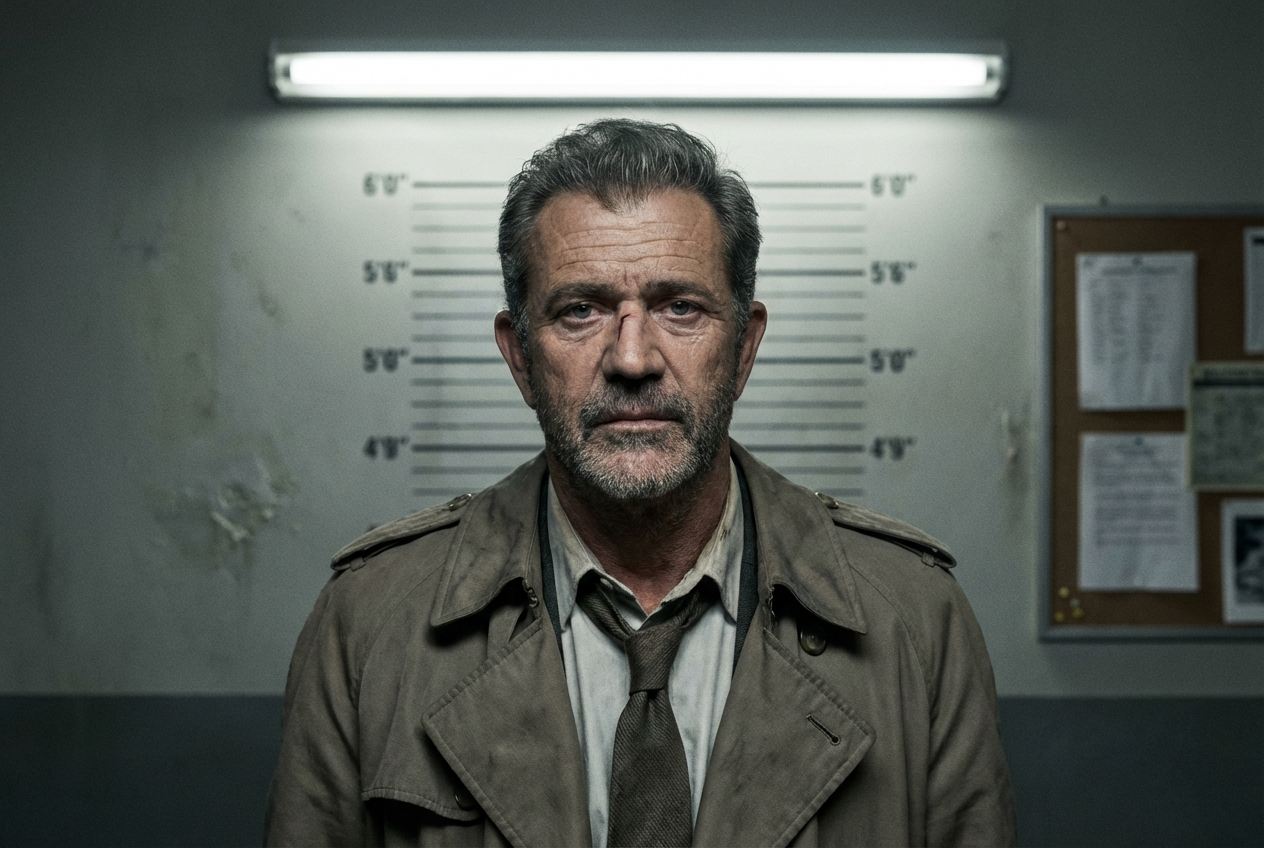
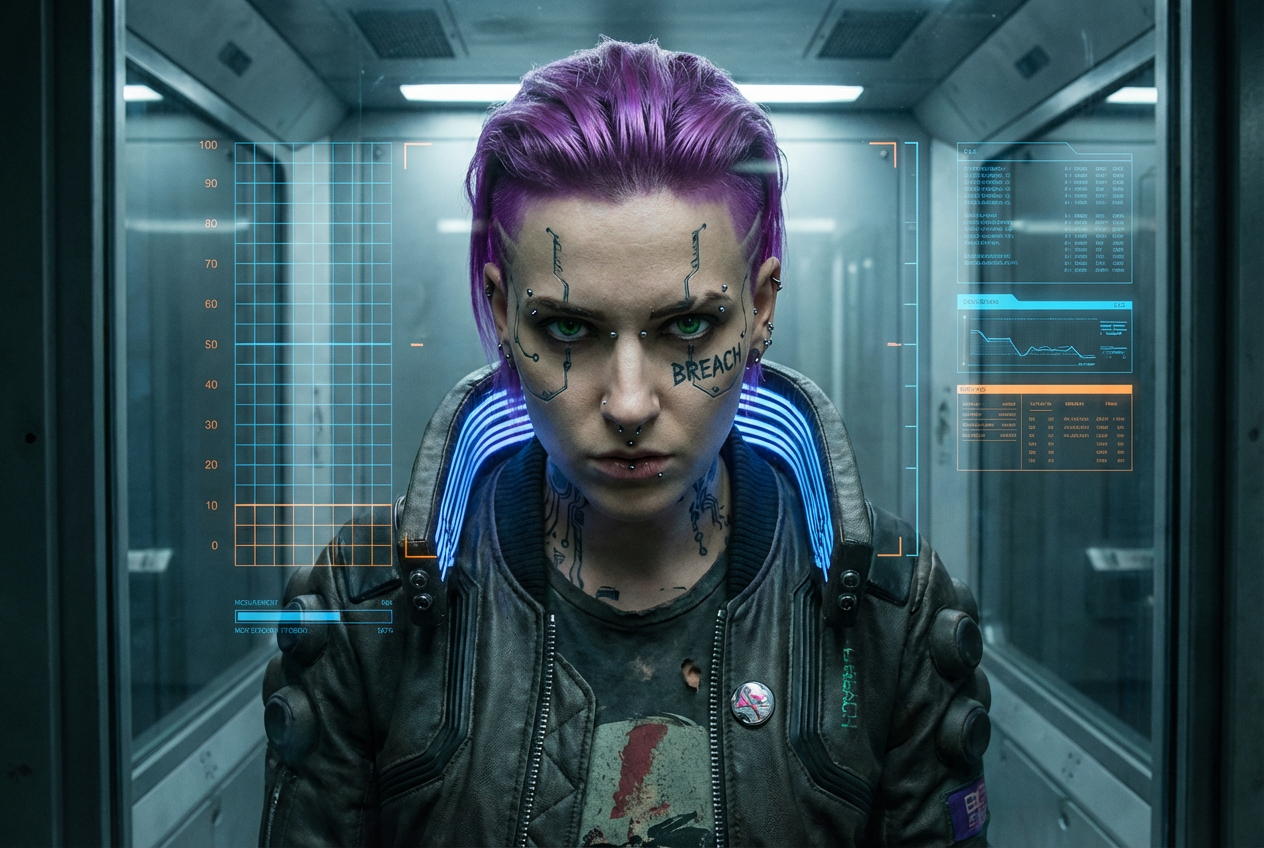
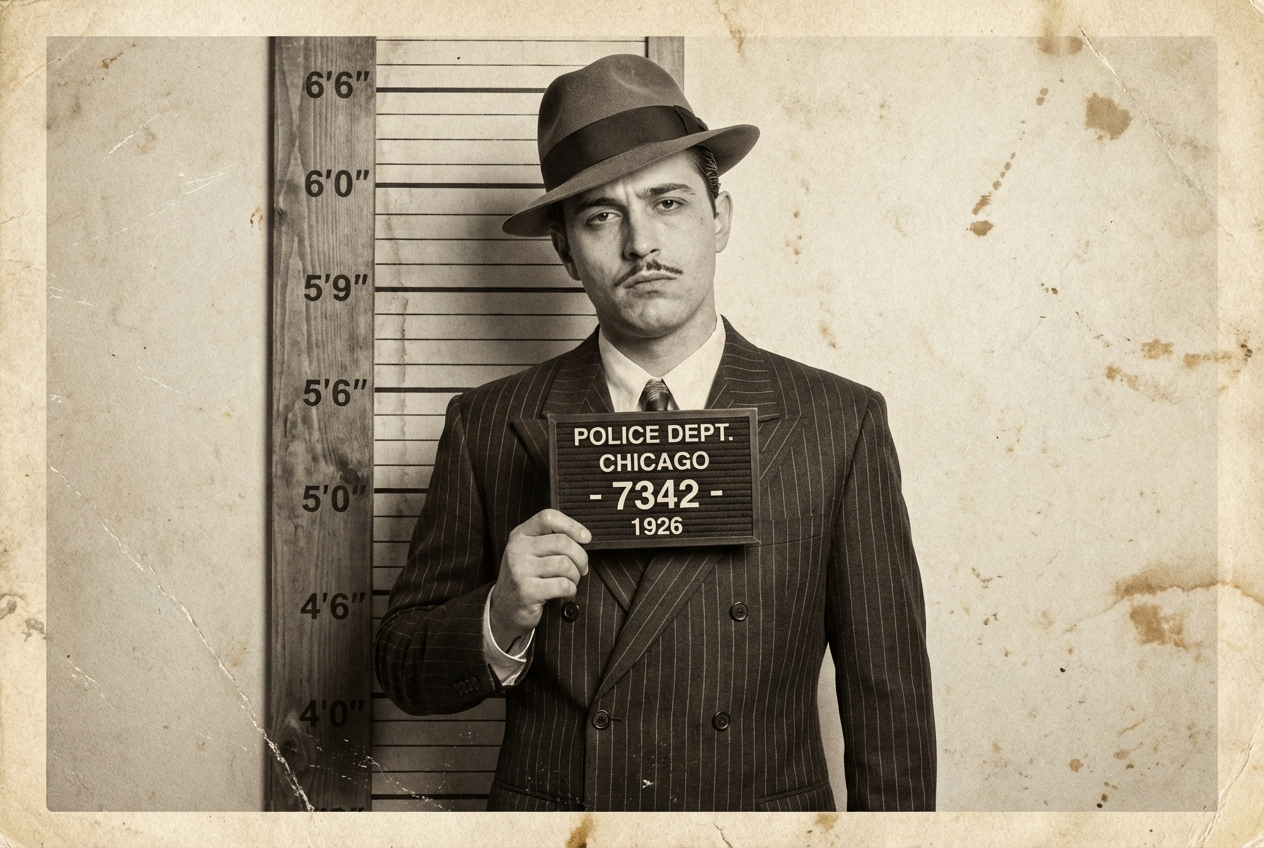
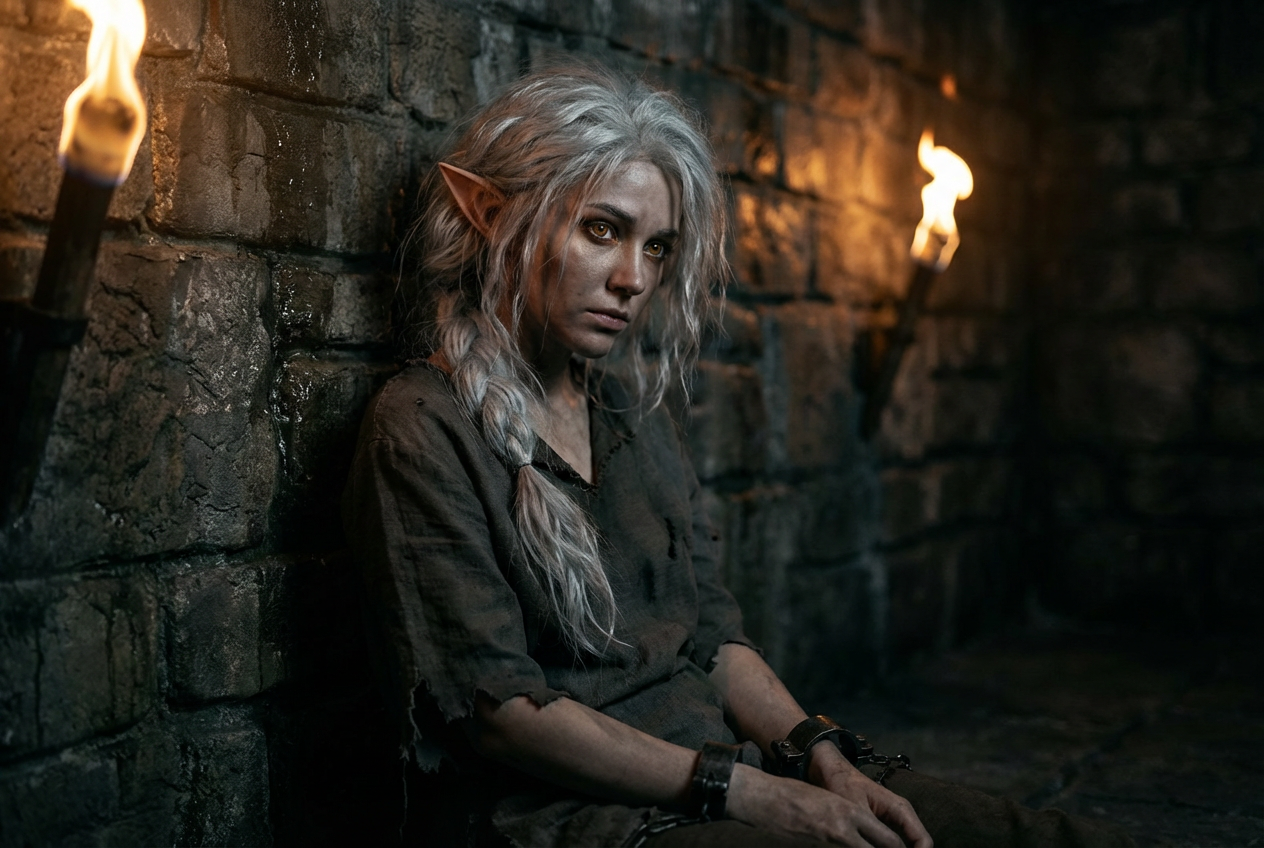
The agent gathers these inputs and preferences in the conversation before it starts.
A middle-aged detective with a stern expression...
Choose the type of portrait photo
Choices: Any Type, Police Mugshot, ID Photo, Passport Photo, Yearbook Photo, Professional Headshot, Casual Portrait, Vintage Portrait, Criminal Database, Military ID, Corporate Badge
Choices: Any Gender, Male, Female, Androgynous
Choices: Any Age, Teenager (13-19), Young Adult (20-30), Adult (30-45), Middle Aged (45-60), Senior (60+)
Choices: Any Ethnicity, Caucasian, African, Asian, Hispanic/Latino, Middle Eastern, Native American, Pacific Islander, Mixed Ethnicity
Choices: Any Expression, Neutral, Serious, Smiling, Stern, Tired, Angry, Sad, Confident, Nervous
Choices: Any Hair Style, Short, Medium Length, Long, Bald, Buzz Cut, Curly, Wavy, Straight, Mohawk, Ponytail
Choices: Any Color, Black, Brown, Blonde, Red/Ginger, Gray, White, Dyed/Colorful
Choices: Any, Clean Shaven, Stubble, Mustache, Beard, Goatee, Full Beard
Choices: Any Clothing, Prison Uniform, Casual Clothes, Formal Attire, Business Suit, Work Uniform, Street Wear, Military Uniform, Medical Scrubs
Choices: Any Background, Police Height Chart, Plain Gray, Plain White, Plain Blue, Brick Wall, Concrete Wall, Office Setting, Outdoor
Describe any unique features, scars, tattoos, or accessories
Add identification placard with number
Show both front and profile views
Create realistic character portraits and mugshots instantly with AI - perfect for storytelling, games, and creative projects
Create character portraits in three simple steps
Enter a description of the character you want to create
Select age, gender, ethnicity, expression, and other characteristics
Ask Magica to create your character portrait instantly
Create characters of any age, gender, ethnicity, and appearance
From police mugshots to professional headshots, ID photos to vintage portraits
Customize hair, facial hair, expressions, and distinguishing features
Choose from prison uniforms, casual wear, business attire, and more
Police height charts, plain backgrounds, or environmental settings
Add identification placards, numbers, and official-looking elements
Our AI tool is perfect for creative professionals and hobbyists
Visualize characters for novels, screenplays, and storytelling projects
Create character portraits for RPGs, visual novels, and adventure games
Generate character concepts for casting and pre-production visualization
Create portraits for tabletop RPG characters and online role-playing
Use as reference or base for character artwork and illustrations
Generate characters for YouTube videos, podcasts, and social media content
Include details about facial structure, build, and unique characteristics for more accurate results
Think about your character's story when choosing clothing, expression, and overall appearance
Choose police mugshot for crime stories, professional for business contexts, or casual for everyday characters
Add scars, tattoos, or accessories to make your character memorable and unique
Create multiple versions of the same character to find the perfect look
Yes, all portraits generated with this Magica workflow can be used for commercial purposes including books, games, films, and other creative projects.
We offer police mugshots, ID photos, passport photos, yearbook photos, professional headshots, casual portraits, vintage portraits, and more.
Yes, this Magica workflow supports diverse character creation including various ethnicities, ages, and appearances to ensure inclusive representation.
Yes, you can describe distinguishing features like scars, tattoos, glasses, piercings, or any unique characteristics in the optional features field.
Yes, we have an option to generate both frontal and profile views of the same character, perfect for complete character references.
Choose from prison uniforms, casual clothes, formal attire, business suits, work uniforms, street wear, military uniforms, and more.
Yes, you can specify age ranges from teenagers to seniors, with appropriate features for each age group.
Options include police height charts, plain colored backgrounds, brick walls, concrete walls, office settings, and outdoor environments.
Absolutely! This Magica workflow is perfect for writers, game developers, filmmakers, and artists who need character visualizations.
Yes, you can add identification placards with numbers to create authentic-looking police or prison mugshots.
Our AI generates highly realistic portraits with proper lighting, proportions, and photographic quality.
Yes, by using the same description and settings, you can generate consistent versions of the same character.


