Mural Description
Describe your desired mural design...

Create stunning mural designs with AI technology
Reference media and sample results for this task.
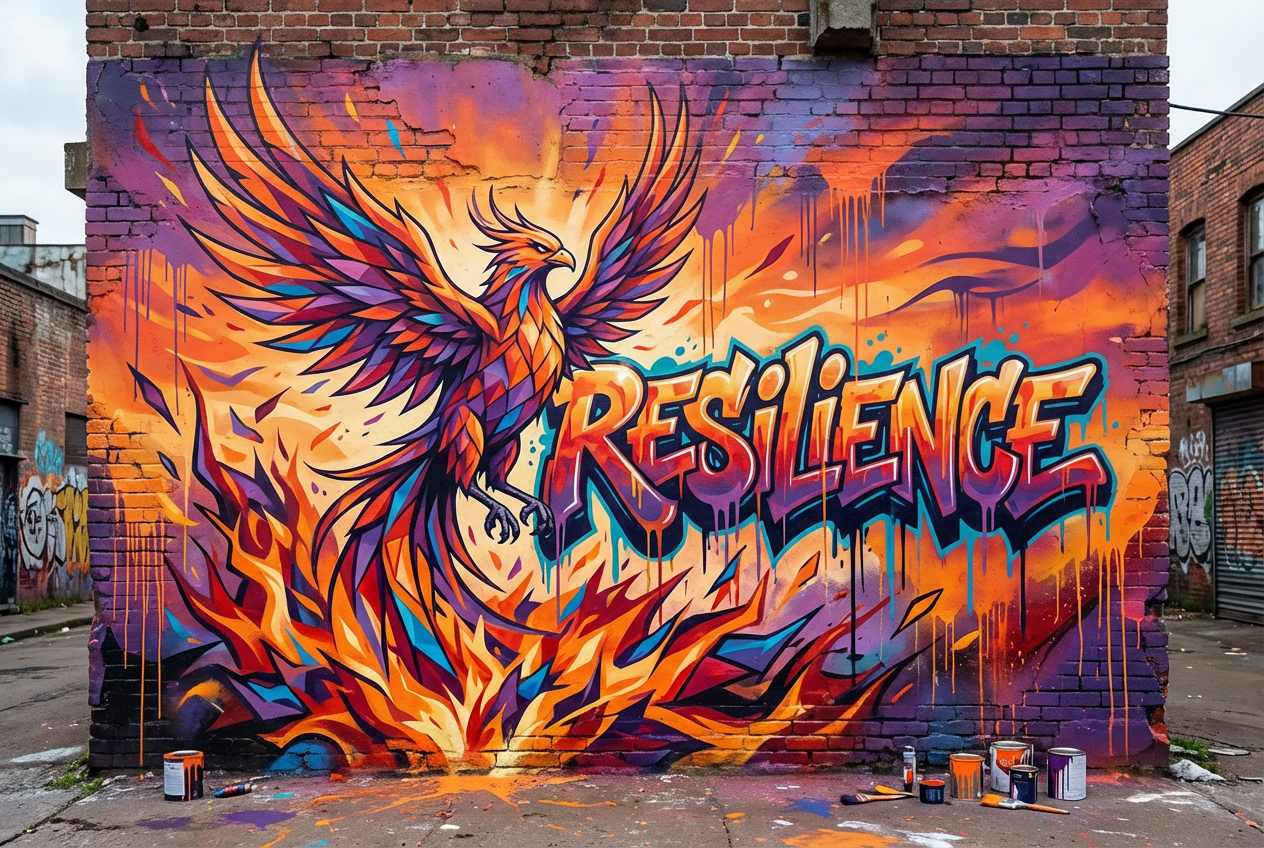
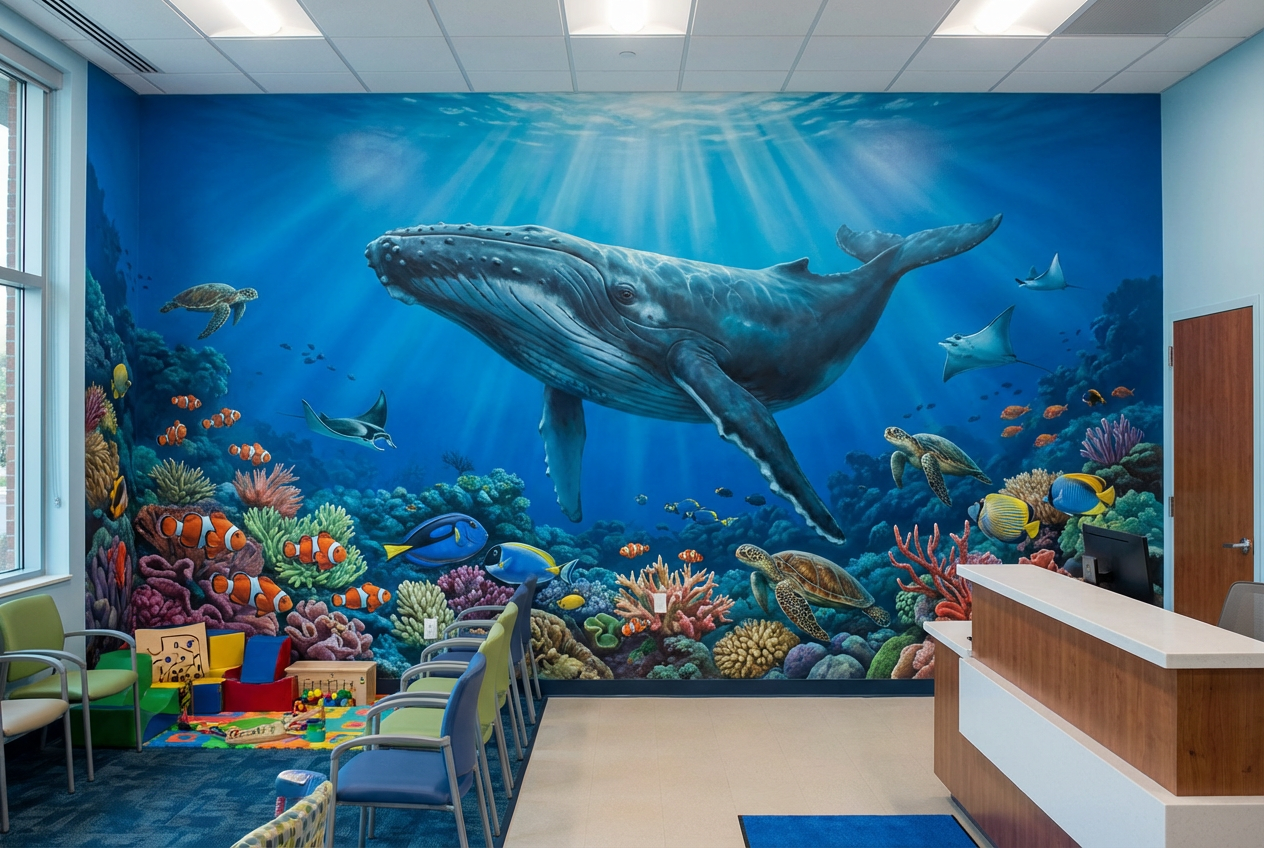
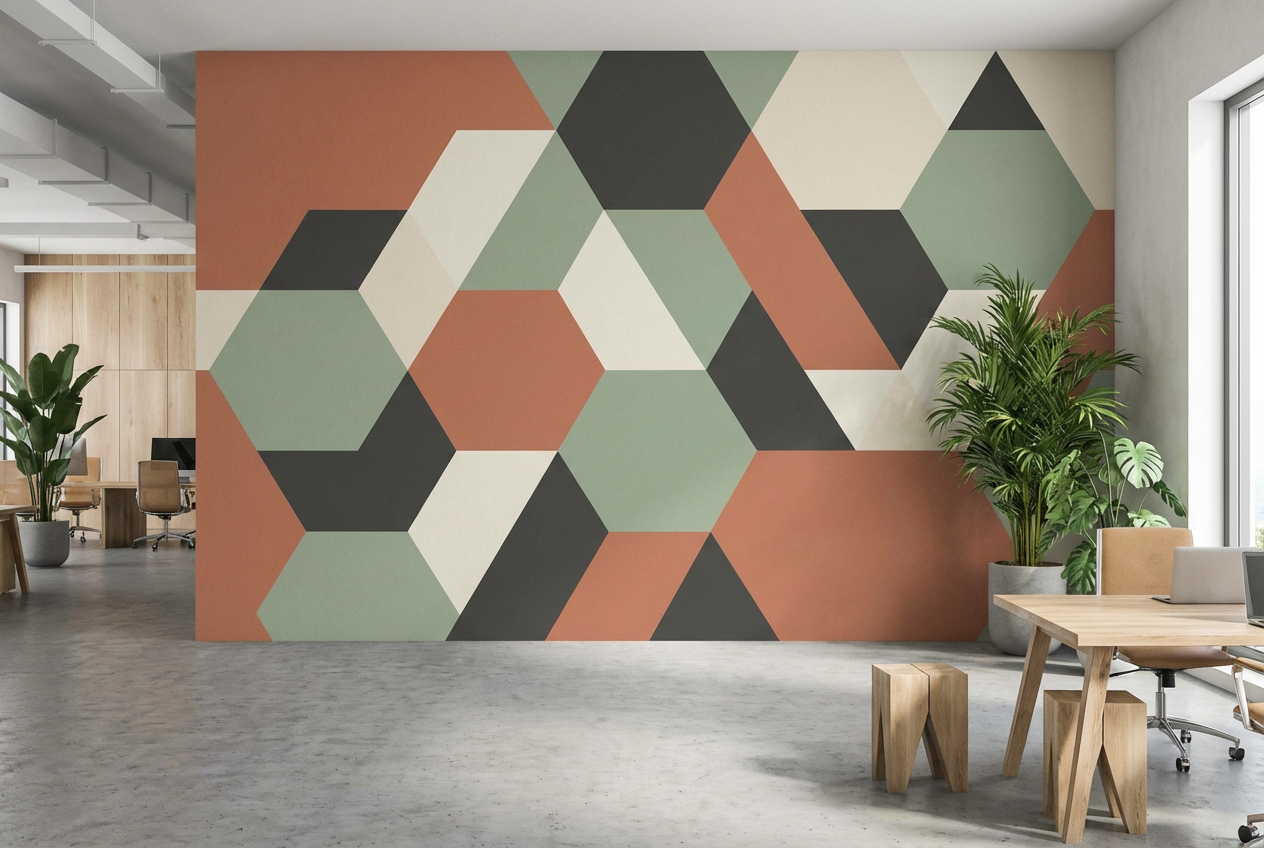
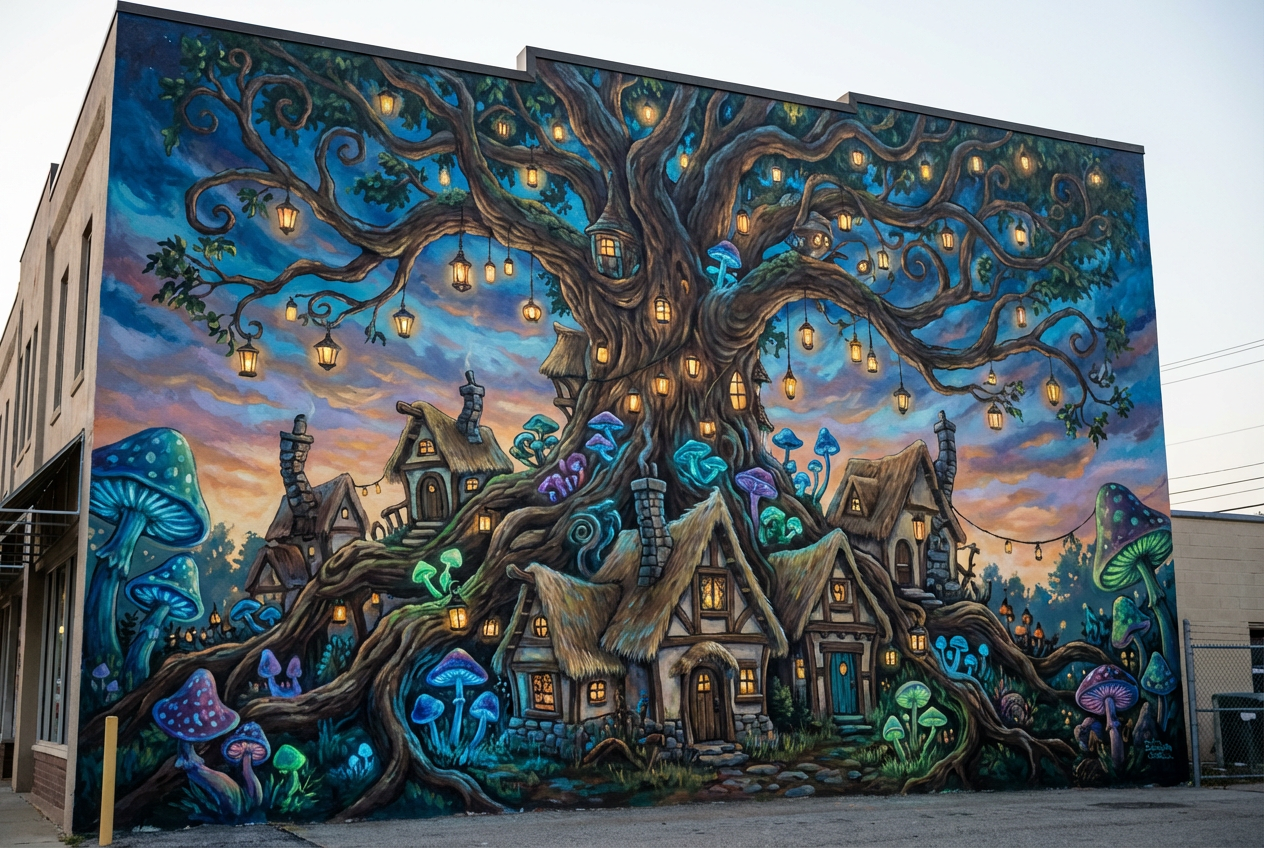
The agent gathers these inputs and preferences in the conversation before it starts.
Describe your desired mural design...
Choices: Any Surface, Brick Wall, Concrete Wall, Plaster Wall, Wood Panel, Metal Surface
Choices: Any Size, Small (under 10ft), Medium (10-20ft), Large (20-40ft), Extra Large (40ft+)
Choices: Any Location, Exterior Wall, Interior Wall, Urban Space, Residential Area, Commercial Space
Choices: Any Colors, Vibrant Colors, Pastel Colors, Monochromatic, Earth Tones, Bold Colors
Choices: Any Technique, Spray Paint, Brush Painting, Stencil Art, Mixed Media, Mosaic
Create personalized, large-scale mural designs tailored to your space.
Design your perfect mural in three simple steps:
Enter a detailed description of your desired mural design.
Select style, surface type, dimensions, and color preferences.
Let AI create unique mural designs based on your specifications.
Choose from street art, contemporary, abstract, and other popular styles.
Explore designs with various color schemes to match your space.
Download your designs instantly to share with clients or artists.
Visualize how your mural will look on different surfaces.
Visualize murals for building enhancement and beautification.
Generate reference designs and explore creative directions.
Create unique branding through custom murals.
Design public art installations and community murals.
Plan large-scale wall art for commercial and residential spaces.
Develop concepts for public art programs and initiatives.
Think about how the design elements will work at large dimensions.
Choose designs that work well with your intended surface type.
Consider the surrounding architecture and environment.
Think about how colors will interact with natural and artificial lighting.
Consider how the mural will be viewed from various distances.
Our generator supports various styles including street art, contemporary, abstract, realistic, geometric, and more. Each style can be customized to your specific needs.
Yes! You can specify different wall dimensions and surface types to ensure your design is suitable for your specific space.
While our AI generates detailed designs, we recommend working with professional mural artists for the actual implementation. The designs serve as comprehensive references.
Yes, you can generate multiple versions of your design to explore different interpretations and styles.
Yes, our designs can be adapted for public spaces. Consider local regulations and permissions when implementing public murals.
Include details about the style, size, location, and any specific elements or themes you want. Also mention if you have specific color preferences or surface requirements.
Yes! All designs generated by our AI Mural Generator are 100% free for commercial use. You can use them for client presentations, implementation references, or any other commercial projects.
You can easily download your generated designs and share them directly with clients or artists for reference and implementation planning.


