Notion-Style AI
Specialized model trained on Notion's unique illustration style.

Create beautiful, minimalist illustrations in Notion's signature style
Reference media and sample results for this task.

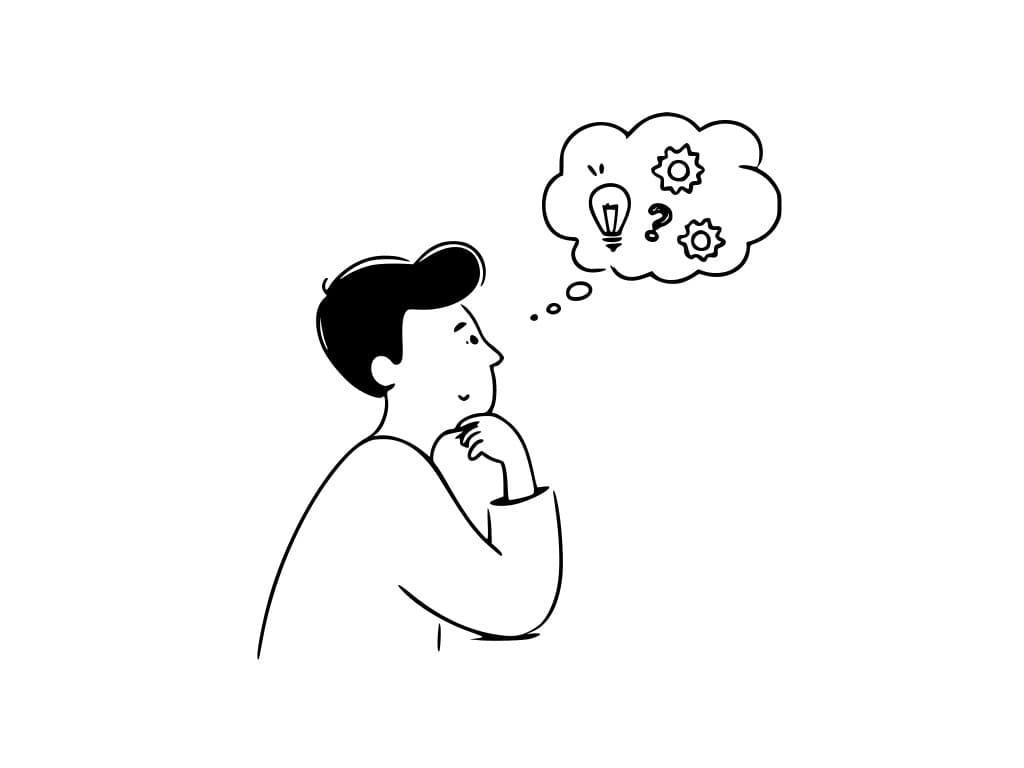
Create beautiful, minimalist illustrations in Notion's signature style.
Create perfect Notion illustrations in three simple steps:
Enter a description of the illustration you want in Notion's style.
Adjust settings to match Notion's minimalist aesthetic perfectly.
Get your vector illustration ready for Notion pages instantly.
Specialized model trained on Notion's unique illustration style.
Get clean, scalable SVG illustrations perfect for any screen size.
Drag and drop directly into your Notion pages.
Maintain Notion's signature look across all your content.
This Magica workflow is perfect for anyone looking to enhance their Notion workspace with professional illustrations:
Create engaging visuals for team wikis, documentation, and project spaces.
Maintain consistent branding across all internal Notion documentation.
Enhance client presentations and business proposals with custom illustrations.
Create visually appealing study notes and research documentation.
Design consistent visuals for blogs, articles, and digital content.
Quickly generate base illustrations for further customization.
Embrace Notion's minimalist style - less is more.
Include terms like 'minimalist', 'clean lines', 'simple shapes' in your prompts.
Focus on black and white designs with minimal color accents.
Describe where the illustration will be used in your Notion page.
Generate multiple versions to find the perfect match for your page.
Our AI generates illustrations that match Notion's signature minimalist aesthetic - clean lines, simple shapes, and a perfect balance of detail and simplicity.
Yes! The illustrations are generated in SVG format, perfect for dropping directly into your Notion pages, wikis, and documents.
Focus on simple, clear descriptions and mention 'Notion-style' or 'minimalist' in your prompts. The AI is trained to understand Notion's aesthetic.
All illustrations are available in both SVG (vector) and PNG formats, optimized for Notion pages and high-resolution displays.
Yes, you have full rights to use the generated illustrations for both personal and commercial purposes in your Notion workspaces and beyond.
Yes, our AI is specifically trained to match Notion's consistent style, ensuring your new illustrations will blend seamlessly with existing Notion content.


