Object Description
A vintage pocket watch with intricate engravings...

Generate any object, item, or thing with AI - from everyday items to fantasy artifacts
Reference media and sample results for this task.
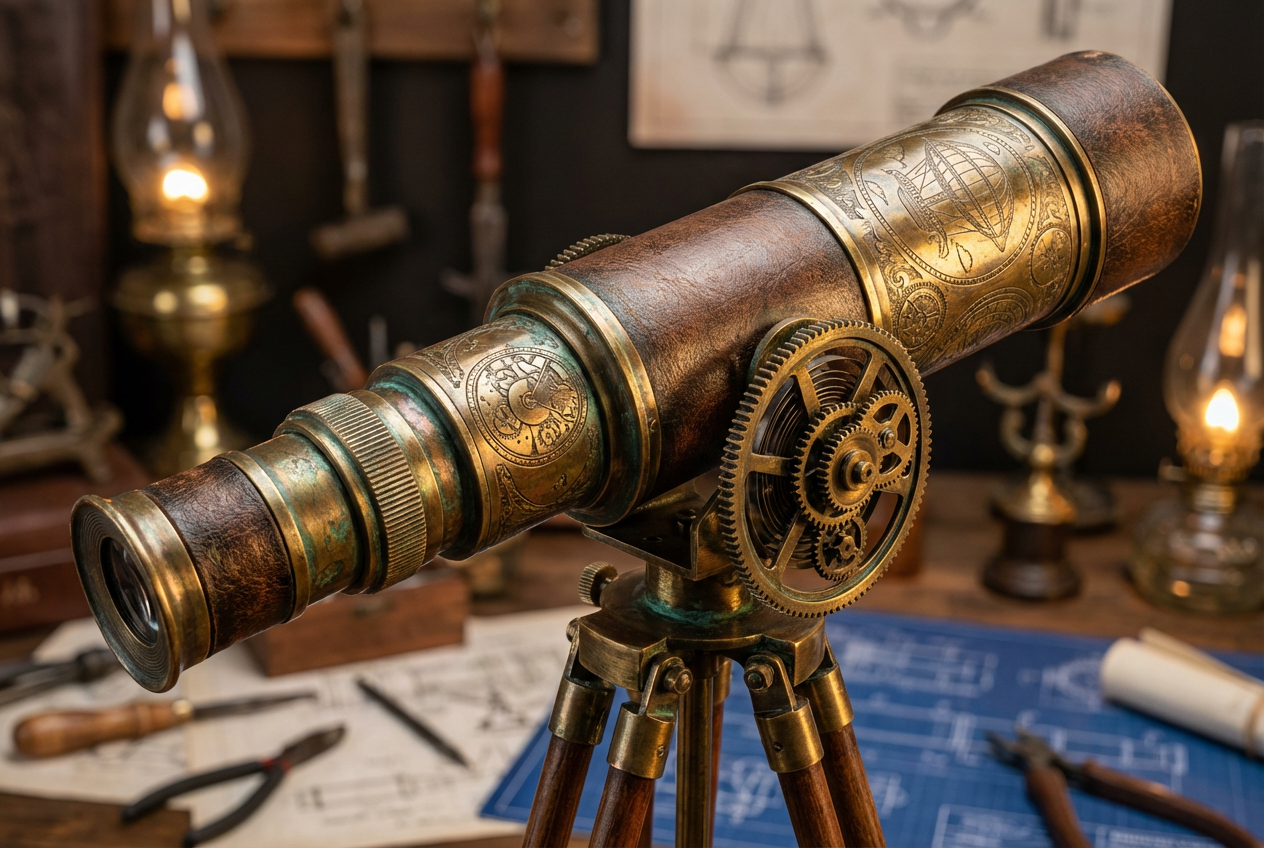
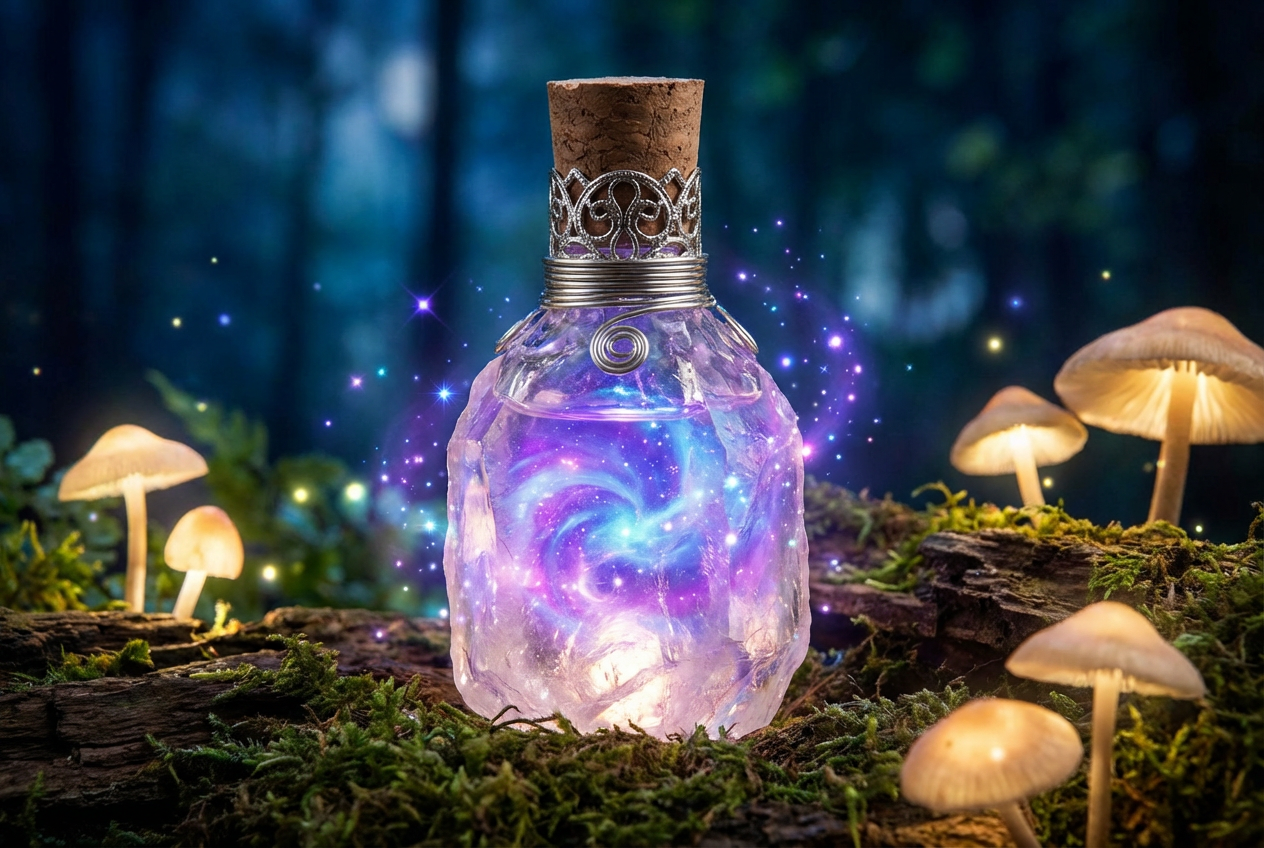
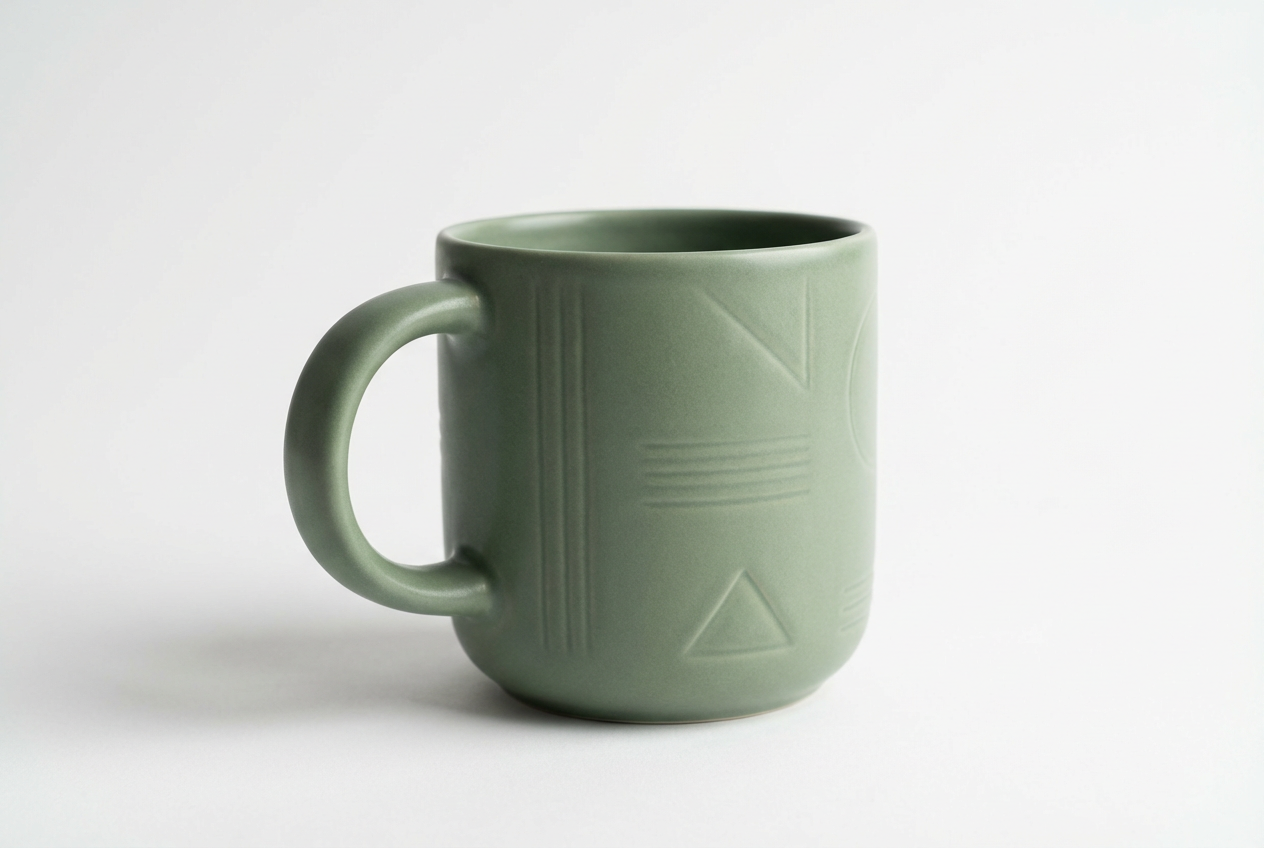
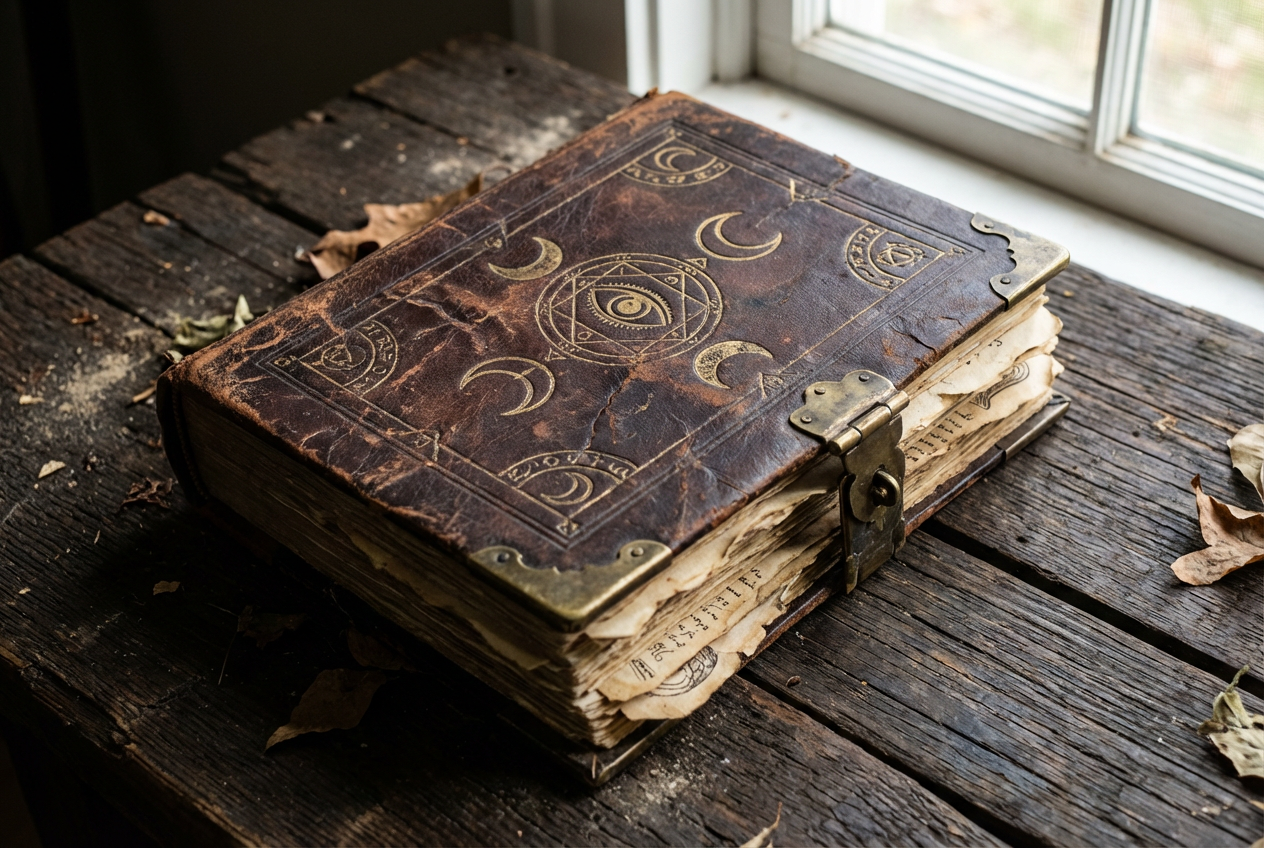
The agent gathers these inputs and preferences in the conversation before it starts.
A vintage pocket watch with intricate engravings...
Choices: Any Category, Everyday Items, Technology/Electronics, Jewelry & Accessories, Tools & Equipment, Weapons & Armor, Magical/Fantasy Items, Furniture & Decor, Food & Beverages, Natural Objects, Toys & Games, Books & Stationery, Clothing & Fashion, Vehicles & Parts, Art & Collectibles
Choices: Any Style, Photorealistic, 3D Render, Illustration, Technical Drawing, Concept Art, Vintage/Retro, Modern/Minimalist, Fantasy Art, Steampunk, Cyberpunk/Futuristic, Cartoon/Stylized, Watercolor
Choices: Any Material, Metal, Wood, Glass, Plastic, Stone, Fabric, Leather, Crystal, Ceramic, Paper, Gold, Silver
Choices: Any Colors, Monochrome, Vibrant/Colorful, Pastel, Dark/Gothic, Metallic, Natural/Earth Tones, Neon/Bright, Gold & Silver
Choices: Any Condition, Brand New, Pristine, Lightly Used, Vintage, Antique, Weathered, Ancient
Choices: Any Size, Tiny/Miniature, Small, Medium, Large, Huge
Choices: Any Background, White Background, No Background, Studio Setting, Natural Environment, Display Case, Gradient Background, In Context/Scene
Choices: Any Lighting, Studio Lighting, Natural Light, Dramatic, Soft/Diffused, Neon/LED, Backlit
Create any object imaginable with our advanced AI technology - perfect for designers, artists, and content creators
Create stunning objects and items in three simple steps with AI
Enter a detailed description of the object you want to create
Select material, style, color, size, and other properties to perfect your object
Ask Magica to create your object and download the high-quality image
From everyday items to fantasy artifacts, create any object you can imagine
Choose from photorealistic, 3D render, illustration, technical drawing, and more
Specify materials like metal, wood, glass, crystal, fabric, and more for realistic textures
Studio, natural, dramatic, or custom lighting setups for perfect presentation
White background, transparent, studio setting, or contextual environments
Generate professional-quality objects in seconds, not hours of modeling
Our AI tool is perfect for professionals and hobbyists across various industries
Create product mockups and visualizations for online stores and catalogs
Generate objects for compositions, mockups, and design projects
Create item icons, props, and collectibles for games
Visualize product concepts and prototype ideas quickly
Generate unique objects for videos, social media, and digital content
Create decorative objects and furniture pieces for design presentations
Include specific details about shape, texture, patterns, and unique features for more accurate results
Match the visual style to your intended use - photorealistic for products, illustration for creative projects
Use white backgrounds for e-commerce, studio settings for professional looks, or contextual scenes for lifestyle shots
Mention primary and secondary materials to achieve realistic textures and reflections
Create variations of the same object to find the perfect angle and composition
You can generate virtually any object - from everyday items like furniture and electronics to fantasy artifacts, jewelry, tools, weapons, food items, vehicles, and much more.
Yes, all objects generated with this Magica workflow can be used for commercial purposes including e-commerce, advertising, and product design.
We offer photorealistic, 3D render, illustration, technical drawing, concept art, vintage, modern, fantasy, steampunk, cyberpunk, cartoon, and watercolor styles.
Yes, you can choose to generate objects with transparent backgrounds, perfect for design work and compositing.
Our AI can generate highly detailed objects with intricate textures, patterns, engravings, and even custom text or logos.
Yes, you can specify the quantity to show multiple instances of the same object, or describe different objects in your prompt.
Images are generated in high resolution suitable for professional use, including print and digital media.
Yes, you can choose color schemes and primary materials, and add specific color and material details in your description.
Absolutely! Our generator is perfect for creating product mockups for e-commerce, presentations, and marketing materials.
Yes, you can specify custom text, inscriptions, or describe logos to be added to your generated objects.
Object generation typically takes just a few seconds, allowing for rapid iteration and experimentation.
Yes, you can specify styles like vintage, antique, modern, or describe specific artistic periods in your prompt.


