Art Description
Describe what you want to create in one-line art style...

Create stunning one-line art designs with AI
Reference media and sample results for this task.
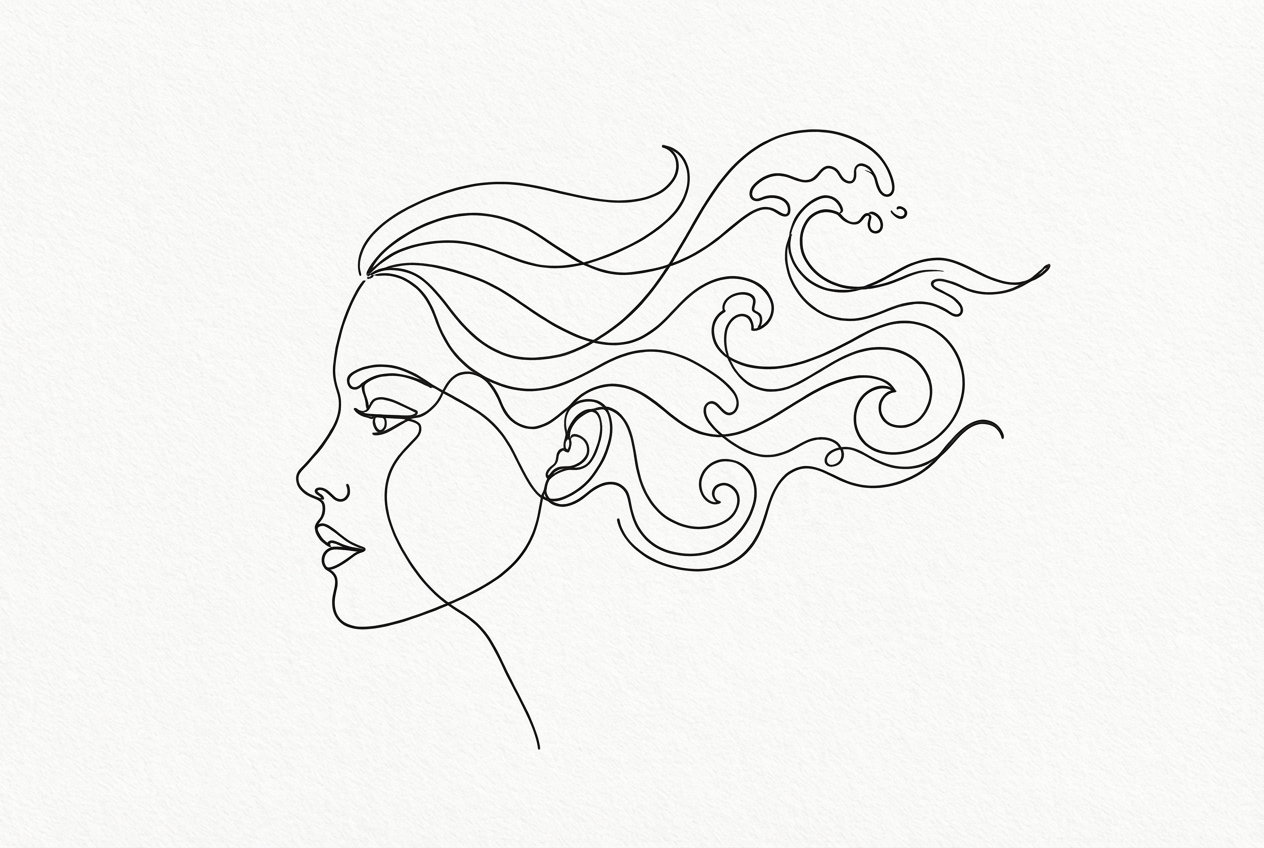
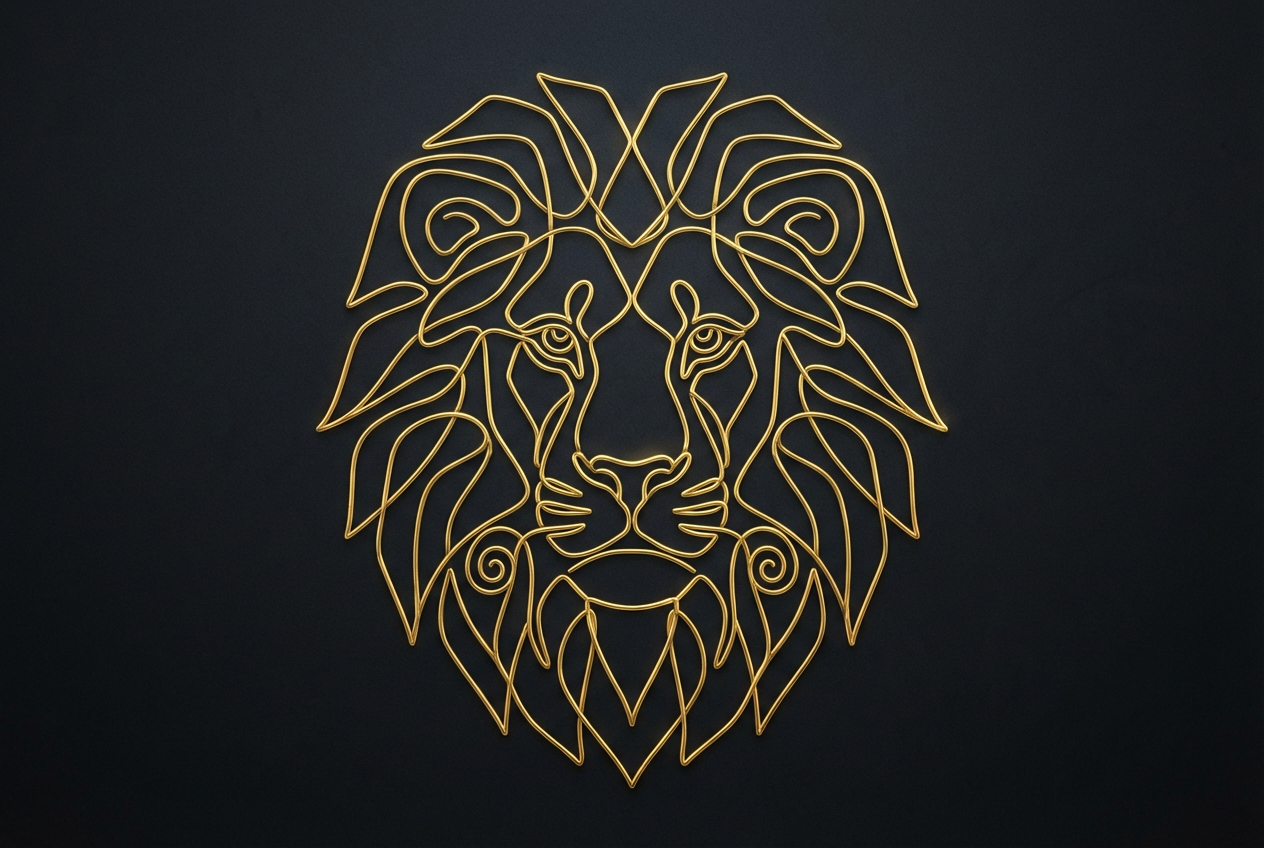
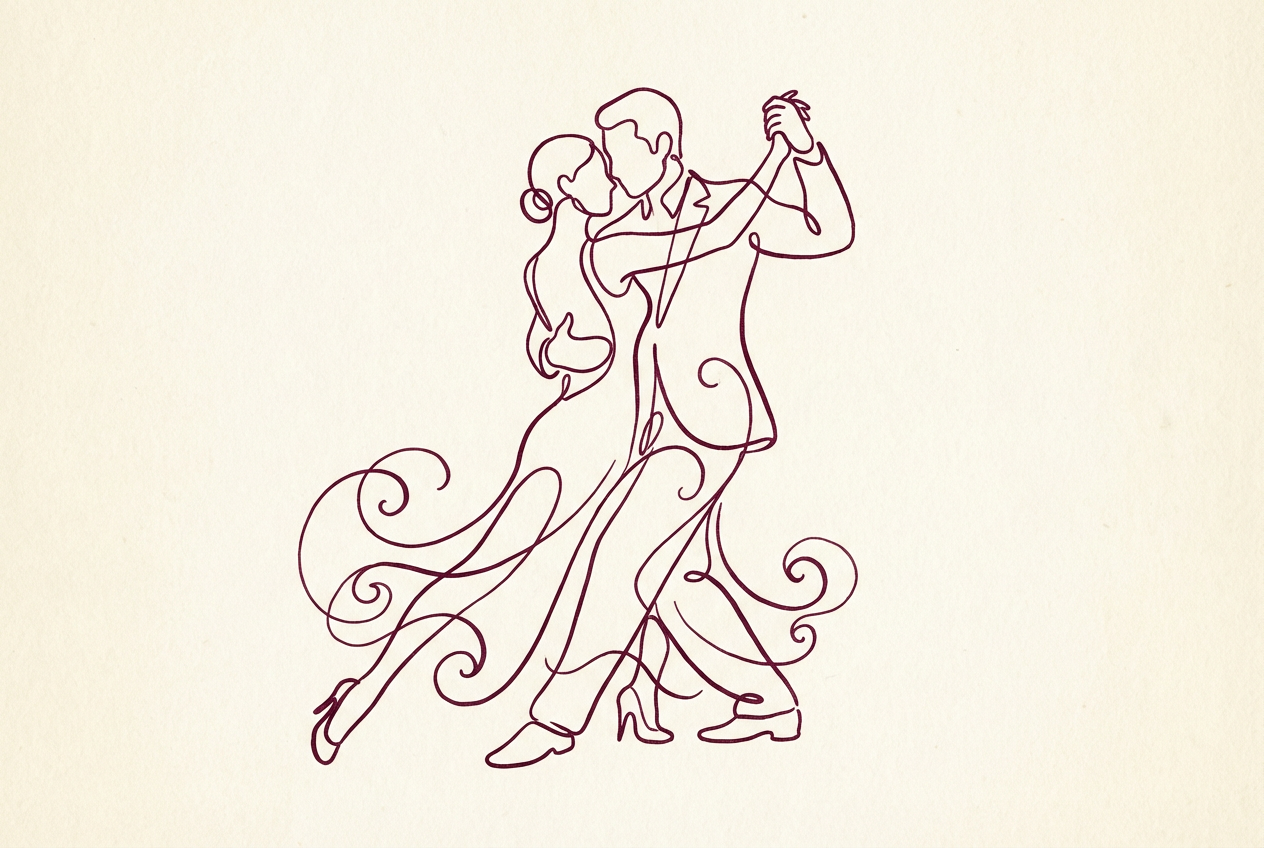
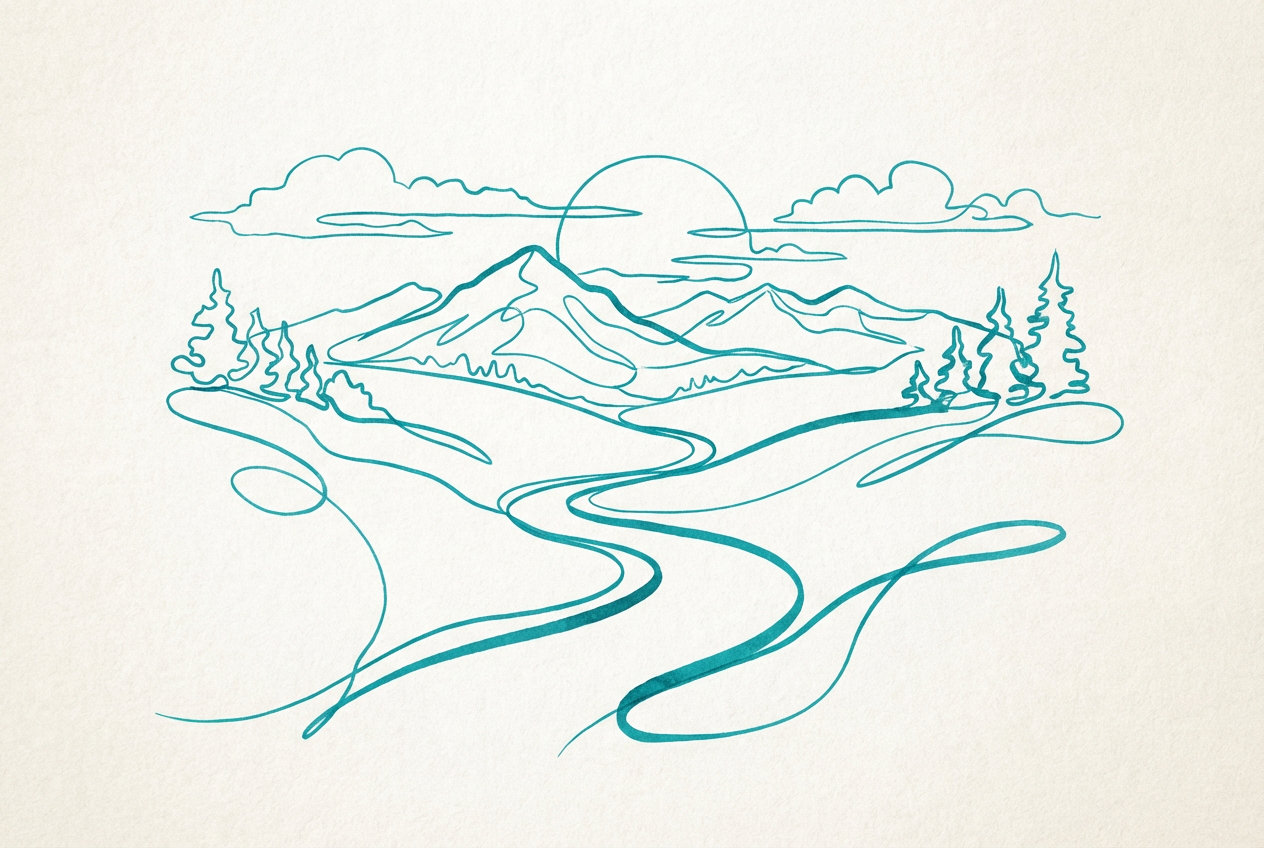
The agent gathers these inputs and preferences in the conversation before it starts.
Describe what you want to create in one-line art style...
Choices: Auto Complexity, Simple, Moderate, Complex, Intricate
Choices: Auto Thickness, Thin, Medium, Thick, Varying
Choices: Auto Background, Clean White, Solid Black, Textured, Gradient, Transparent
Create elegant, continuous line drawings with the power of AI.
Create beautiful one-line art in three simple steps:
Enter a detailed description of what you want to create in one-line style.
Select style, complexity, line thickness, and background preferences.
Let AI create unique one-line drawings based on your specifications.
Choose from minimalist, abstract, geometric, and other artistic styles.
Control line thickness and complexity to match your vision.
Download your designs instantly in high resolution.
Choose from various background styles to enhance your artwork.
Explore new creative possibilities in the one-line art style.
Create unique illustrations for logos, branding, and more.
Learn and practice continuous line drawing techniques.
Generate distinctive artwork for marketing materials.
Create personal art pieces for home decor or gifts.
Generate unique visuals for social media and content.
Begin with basic subjects and gradually increase complexity.
Think about how the continuous line will flow through your design.
Match complexity level to your subject matter.
Try different artistic styles to find what works best.
Choose backgrounds that complement your line art without overwhelming it.
One-line art is a drawing technique where the artwork is created using a single, continuous line without lifting the drawing tool from the surface. Our AI generator creates designs that follow this principle.
We offer multiple styles including minimalist, abstract, geometric, organic, cubist, surreal, modern, and more. Each style brings its own unique interpretation to the one-line technique.
Yes! You can choose from different complexity levels ranging from simple to intricate, allowing you to create exactly the type of design you want.
You can select different line thicknesses or opt for varying thickness to add dynamic elements to your artwork.
The generated artwork can be used for various purposes including logos, illustrations, wall art, tattoo designs, or any creative project you have in mind.
Focus on describing the main subject and any specific style preferences. Consider mentioning if you want the design to be simple or complex, and any particular mood or feeling you want to convey.
Yes! All designs generated by our AI One Line Art Generator are 100% free for commercial use. You can use them in your business, portfolio, or any other commercial projects without any licensing restrictions.
No, there are no restrictions on how you can use the generated designs. You own full rights to the artwork you generate and can modify, share, or sell them as you wish.


