Op Art Description
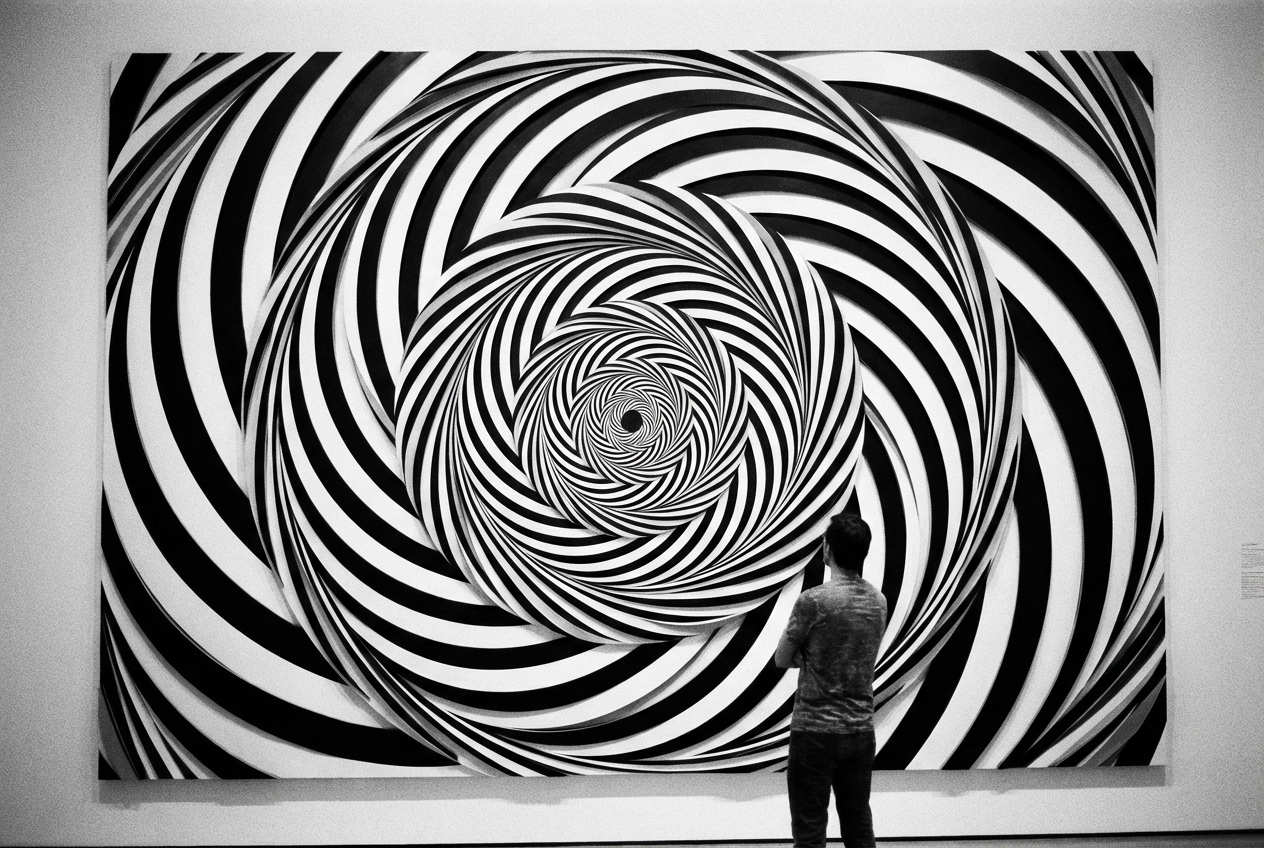
Swirling black and white geometric patterns creating motion illusion...

Create mesmerizing optical illusion art and geometric patterns
Reference media and sample results for this task.
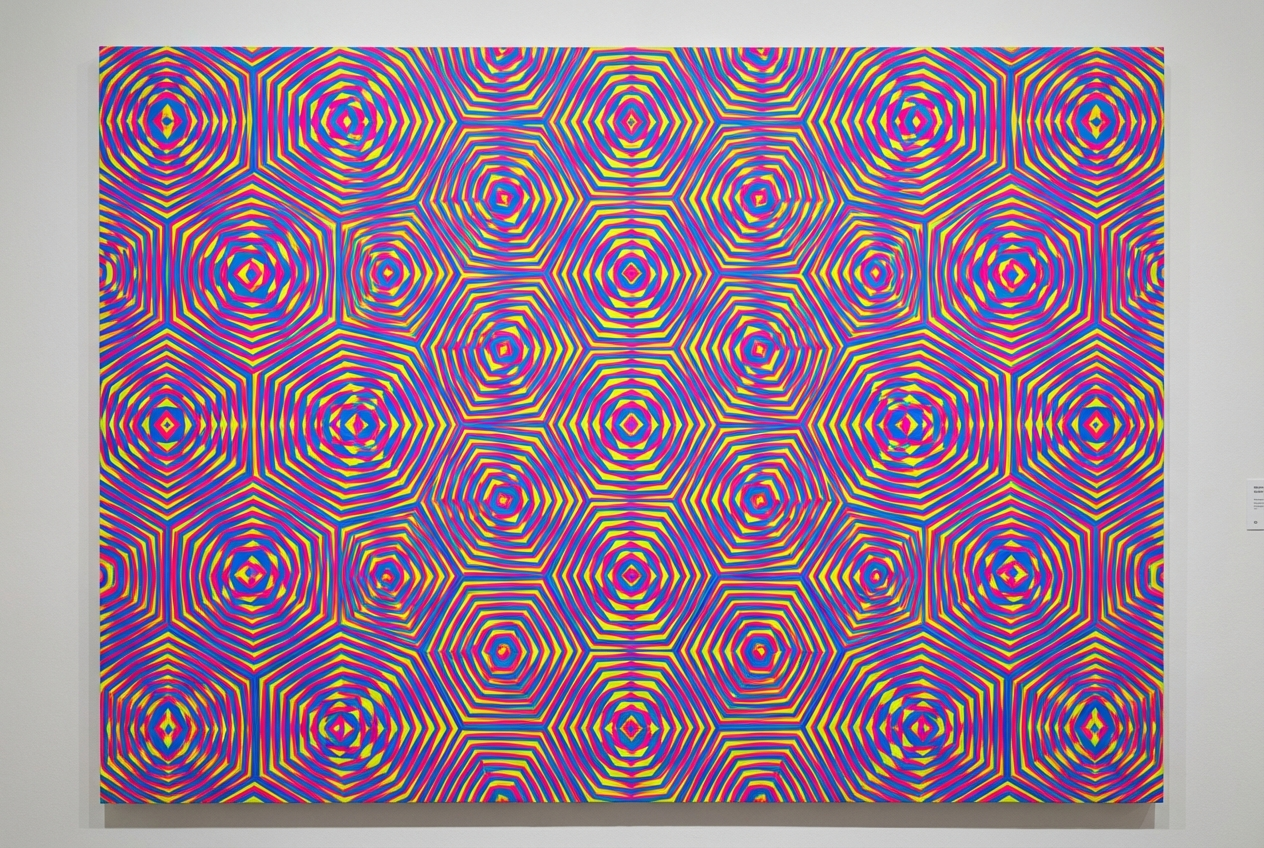
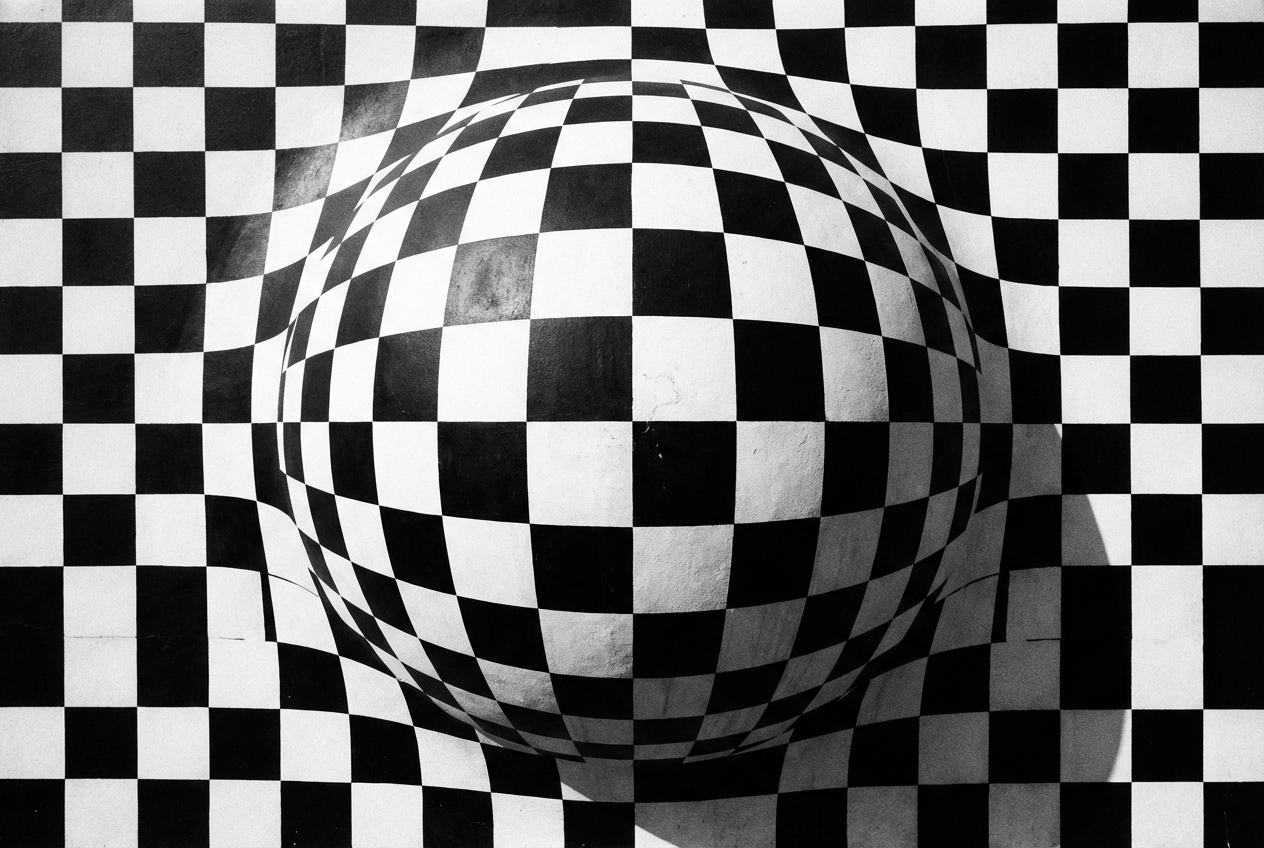
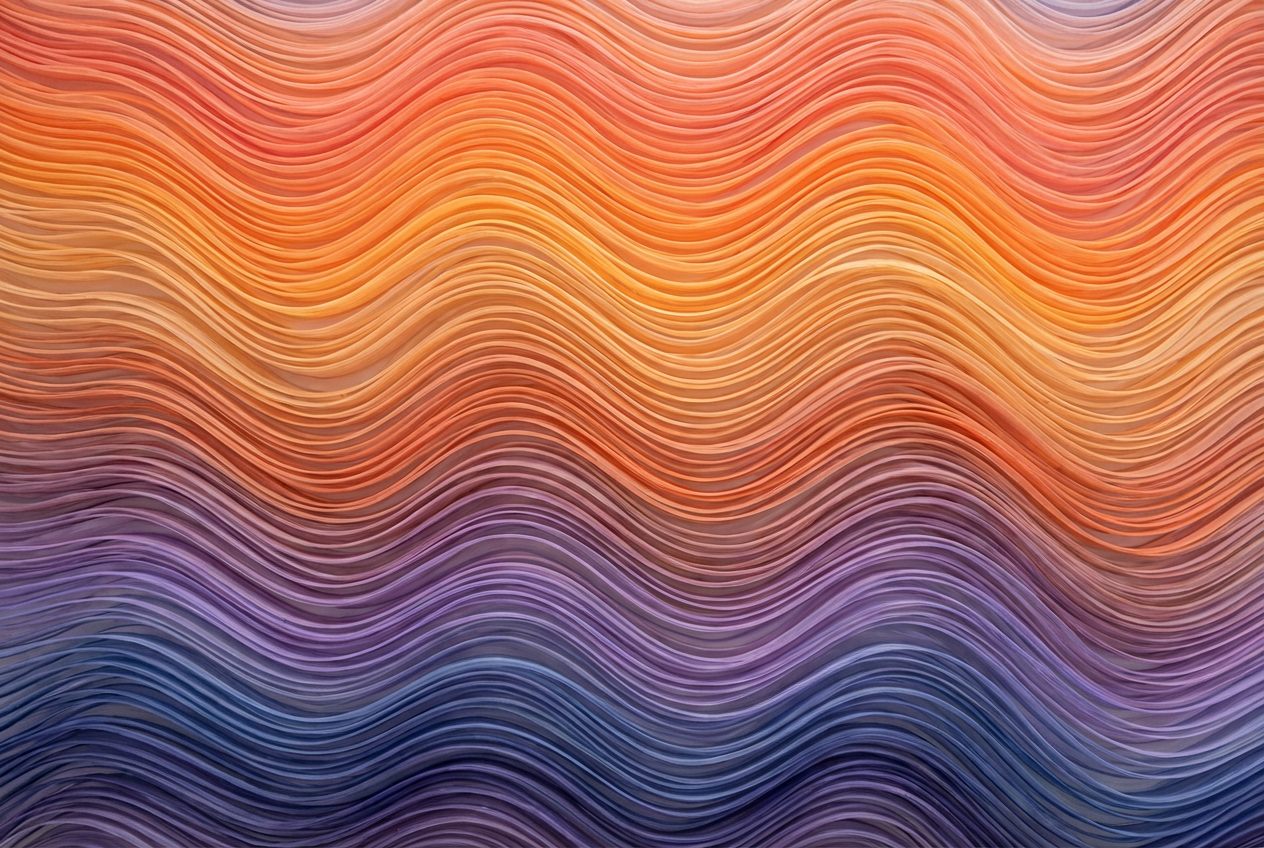
The agent gathers these inputs and preferences in the conversation before it starts.
Swirling black and white geometric patterns creating motion illusion...
Choose the type of optical illusion pattern
Choices: Any Pattern, Geometric, Spiral, Wave, Checkerboard, Stripes, Concentric Circles, Tessellation, Moiré Pattern, Kinetic
Choose the visual illusion effect
Choices: Any Effect, Motion Illusion, 3D Depth, Vibration, Expansion/Contraction, Rotation, Shimmer, Distortion, Pulsing
Choices: Any Colors, Black & White, Monochrome, High Contrast, Complementary, Rainbow, Psychedelic, Neon, Pastel
Choices: Any Complexity, Simple, Moderate, Complex, Hypnotic
Choices: Any Direction, Horizontal, Vertical, Diagonal, Circular, Radial, Chaotic
Choices: Any Thickness, Thin, Medium, Thick, Varied
Add warping or distortion effects
Create stunning optical illusions and geometric patterns with advanced AI technology
Create your perfect optical illusion in three simple steps
Enter details about the optical illusion or pattern you want to create
Select pattern type, illusion effect, colors, and movement direction
Our AI creates a mesmerizing optical illusion with precise geometric patterns
Create motion, depth, vibration, expansion, rotation, and other optical effects
Geometric, spiral, wave, checkerboard, stripe, and tessellation patterns
From classic black & white to psychedelic and neon color schemes
Horizontal, vertical, diagonal, circular, radial, and chaotic movement illusions
From simple patterns to hypnotic, complex geometric arrangements
Optional warping and distortion effects for enhanced visual impact
Perfect for artists, designers, and anyone fascinated by visual perception
Create contemporary op art pieces for galleries, exhibitions, and art collections
Generate eye-catching patterns for posters, album covers, and digital media
Create striking wall art and decorative elements for modern spaces
Design trippy backgrounds, UI elements, and visual effects for games
Study visual perception and optical illusions for research purposes
Create mesmerizing backgrounds and visual effects for videos and streams
Black and white or high contrast colors create the strongest optical illusions
Spiral patterns work well for rotation, stripes for motion, concentric circles for depth
Some illusions work better when viewed from specific distances - test your designs
Too simple may not create illusions, too complex may be overwhelming
Different movement directions can create unique and unexpected visual effects
Op Art (Optical Art) is a style of visual art that uses optical illusions to create the impression of movement, vibration, or distortion through geometric patterns and contrasting colors.
You can create motion illusions, 3D depth effects, vibration patterns, expansion/contraction effects, rotation illusions, shimmer effects, and distortion patterns.
No! Our AI handles the complex mathematics and geometry behind optical illusions. Just describe what you want and choose your preferences.
High contrast combinations like black & white work best, but you can also use complementary colors, neon, or psychedelic schemes for different effects.
Yes, you can adjust complexity levels from simple to hypnotic, and choose line thickness and distortion effects to control intensity.
While generally safe, some people may experience eye strain or discomfort from intense optical illusions. Take breaks when viewing complex patterns.
Yes, the generated Op Art can be used for commercial purposes including art sales, design projects, and marketing materials.
All Op Art is generated at high resolution suitable for printing, digital display, and professional use.
The generator creates static images, but the patterns are designed to appear to move or pulse when viewed.
Geometric patterns are versatile, spirals create rotation effects, waves suggest motion, and tessellations offer complex repeating illusions.


