Describe the orchard scene you want to create
A blooming apple orchard in spring with rows of fruit trees and blue sky...

Create beautiful fruit orchards and agricultural landscapes with AI
Reference media and sample results for this task.
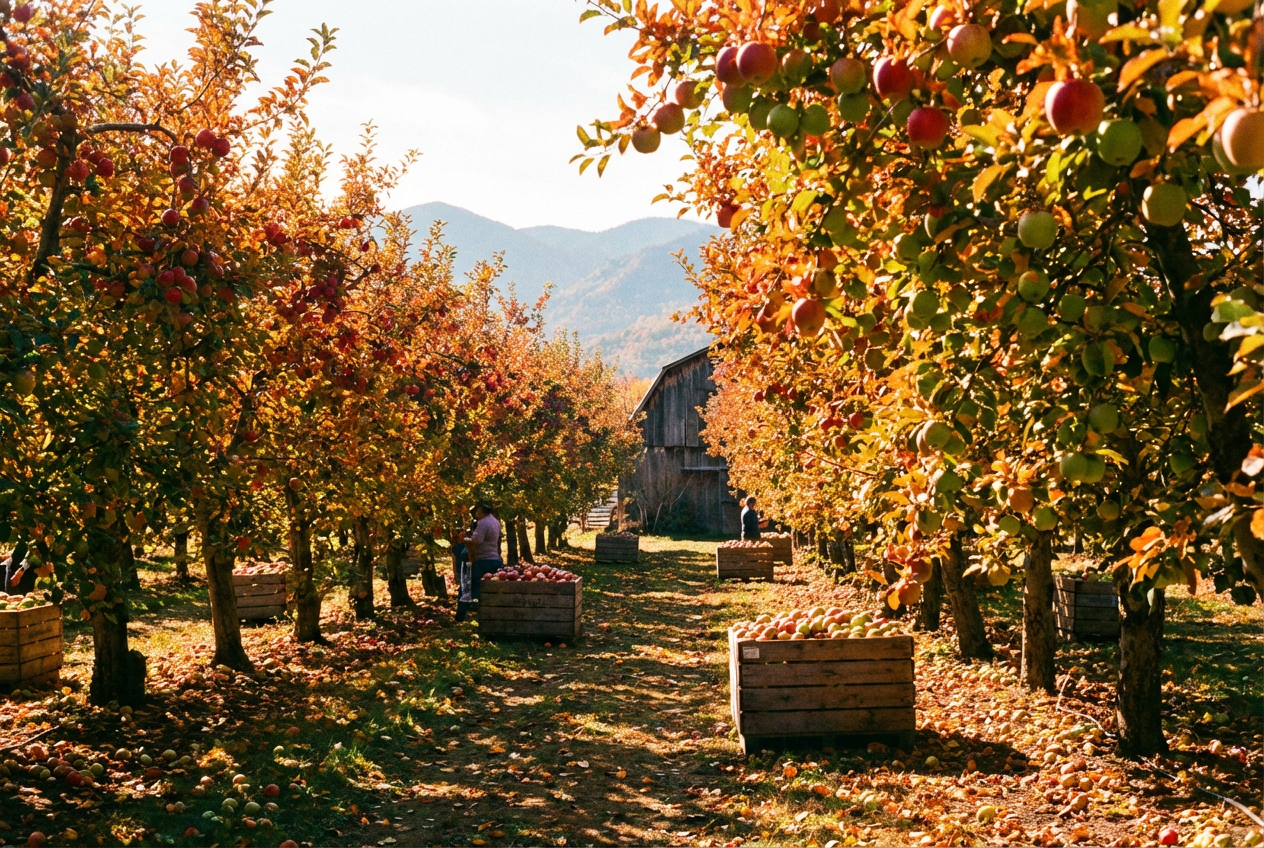
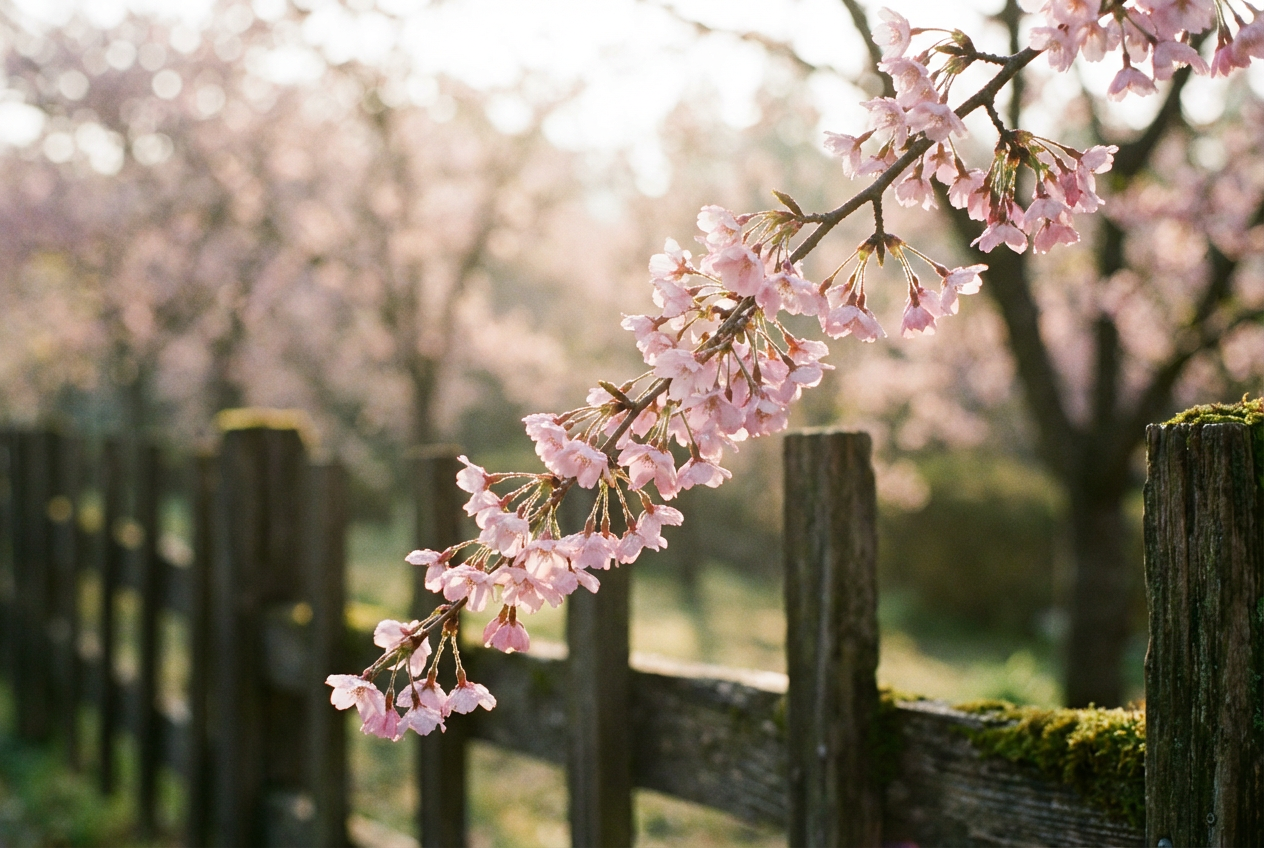
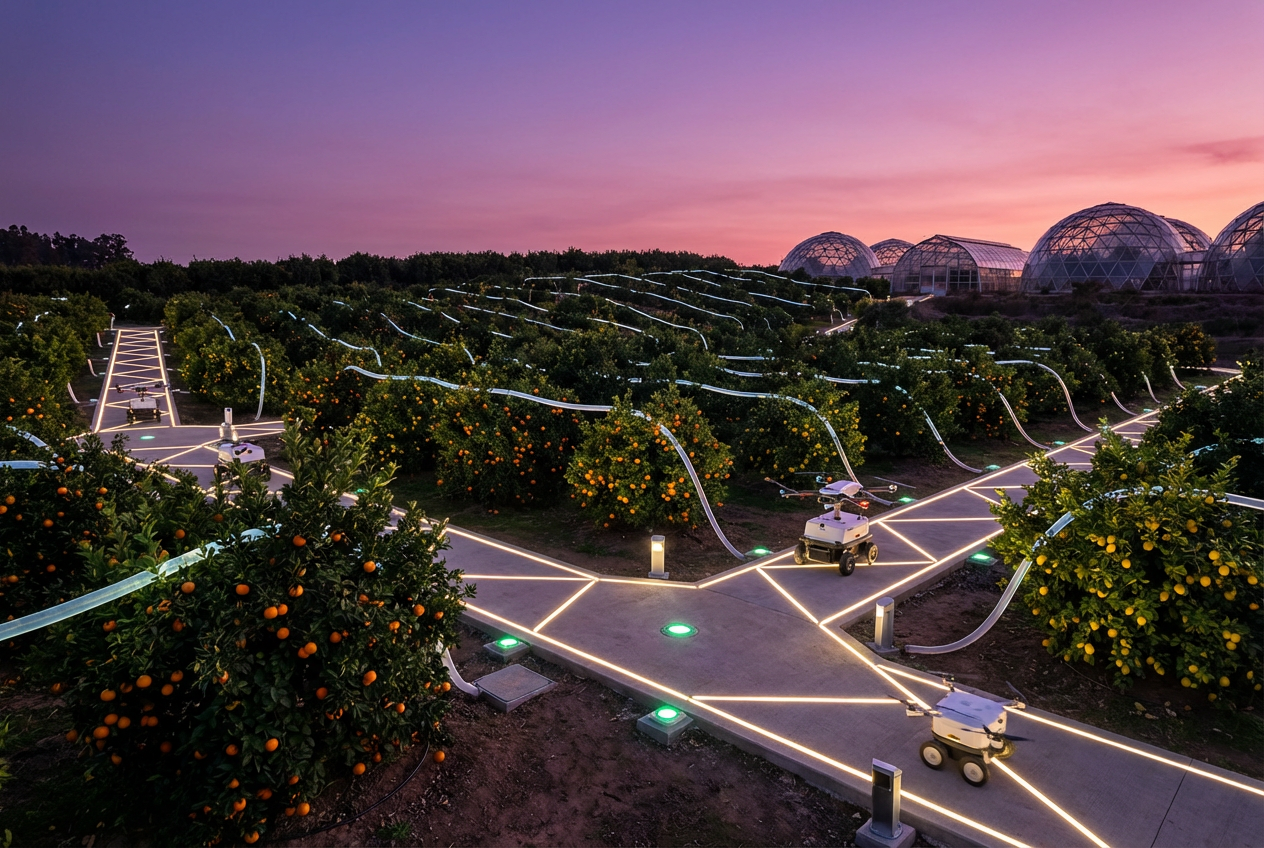
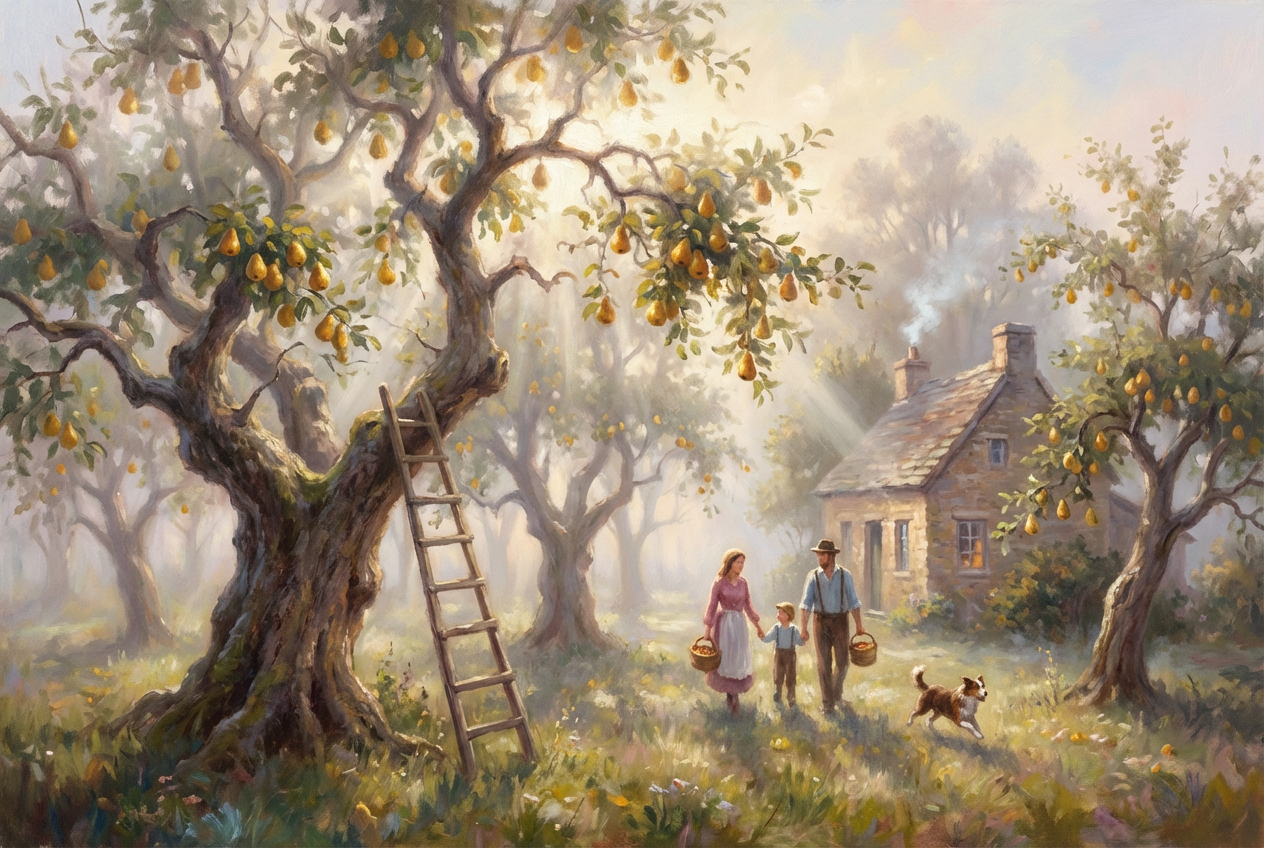
The agent gathers these inputs and preferences in the conversation before it starts.
A blooming apple orchard in spring with rows of fruit trees and blue sky...
Choose the type of fruit trees
Choices: Mixed Fruit Orchard, Apple Orchard, Cherry Orchard, Peach Orchard, Pear Orchard, Orange Grove, Lemon Grove, Plum Orchard, Almond Orchard
Choose the seasonal appearance
Choices: Any Season, Spring Bloom, Summer Green, Harvest Time, Autumn Colors, Winter Dormant
Choices: Traditional Rows, Geometric Pattern, Organic Layout, Terraced Hillside, Circular Groves
Choices: Standard Spacing, Sparse, Moderate, Dense
Choices: Mature Trees, Young Saplings, Mixed Ages, Ancient Trees
Choices: Any Time, Sunrise, Morning, Midday, Afternoon, Sunset
Choices: Clear Sky, Partly Cloudy, Overcast, Misty Morning, Light Rain
Choices: Natural Grass, Wildflowers, Clover, Cultivated Soil, Mulch
Choices: Rolling Hills, Mountains, Farmhouse, Barn, Countryside, Valley
Add people working in the orchard
Include tractors, ladders, or harvest equipment
Display visible fruit on the trees
Create peaceful, idyllic countryside feeling
Create stunning agricultural landscapes with authentic orchard scenes, seasonal beauty, and pastoral charm.
Create beautiful agricultural landscapes in three simple steps
Select fruit type, season, and describe your ideal orchard scene
Set tree arrangement, density, weather, and background scenery
Get your professional agricultural landscape image
Generate apple, cherry, peach, pear, citrus, plum, and almond orchards
Show spring blooms, summer growth, harvest abundance, and winter dormancy
Create traditional rows, geometric patterns, or organic arrangements
Set perfect agricultural lighting from sunrise to golden hour
Include farmhouses, barns, and authentic countryside backgrounds
Add farm workers, equipment, and active farming scenes
Perfect for farmers, agricultural businesses, and anyone needing beautiful farm imagery
Create marketing materials for farm stands and agricultural businesses
Generate imagery for agricultural marketing and product promotion
Create farm-to-table backgrounds and agricultural contexts
Generate rural and agricultural content for blogs and social media
Create pastoral artwork for homes and country-style interiors
Generate teaching materials about agriculture and farming
Spring blooms for stone fruits, summer for berries, autumn for apples and pears
Early morning and late afternoon light create the most beautiful orchard photography
Row layouts work well for aerial views, organic layouts for ground-level scenes
Include blossoms in spring, full foliage in summer, colorful leaves in autumn
Include background scenery like hills, farmhouses, or countryside for authentic feel
You can create apple, cherry, peach, pear, orange, lemon, plum, and almond orchards, or mixed fruit orchards.
Yes, generate spring blooms, summer green growth, harvest time abundance, autumn colors, and winter dormancy.
Choose from traditional rows, geometric patterns, organic layouts, terraced hillsides, or circular groves.
Absolutely! Enable 'Include Farm Workers' to add people tending, harvesting, or working in the orchard.
Include tractors, ladders, harvest bins, pruning tools, and other authentic farm equipment.
Yes, choose from sparse, moderate, or dense tree spacing to match your vision.
Add rolling hills, mountains, farmhouses, barns, countryside views, or valleys as backgrounds.
Enable 'Show Fruit on Trees' to display visible fruit, perfect for harvest season scenes.
This creates a peaceful, idyllic countryside feeling with soft lighting and serene mood.
Yes, all orchard images are professional quality and perfect for agricultural marketing and commercial projects.


