Painting Description
Describe your desired painting...

Transform your ideas into stunning paintings with AI
Reference media and sample results for this task.
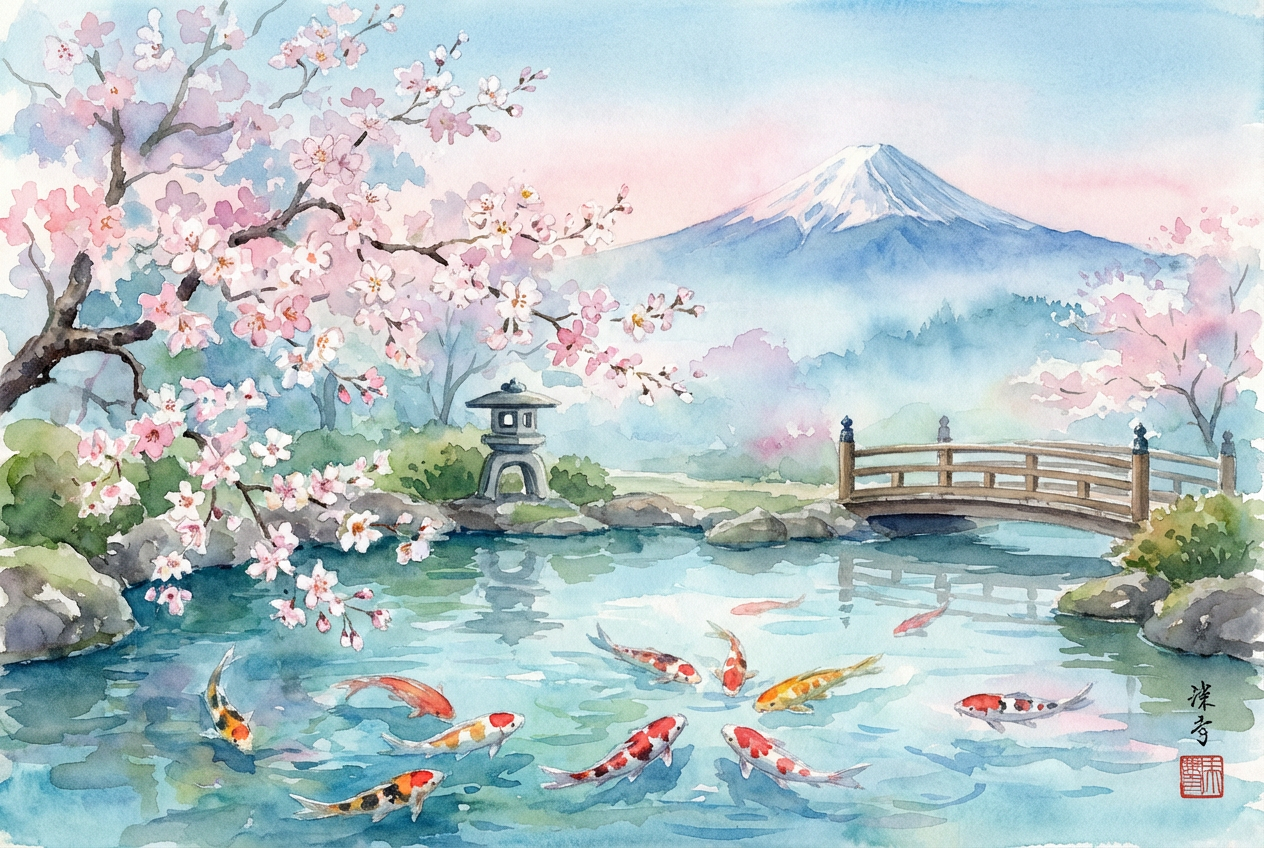
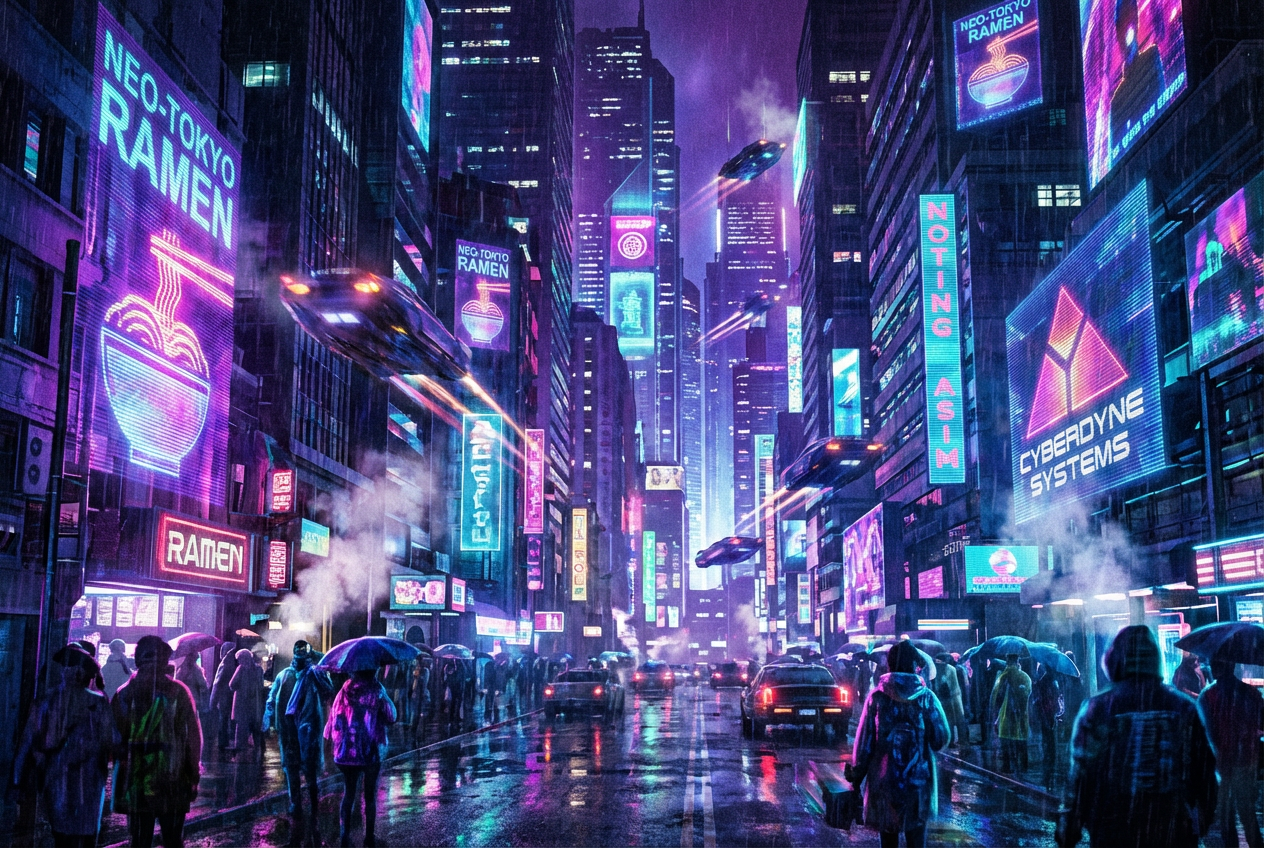
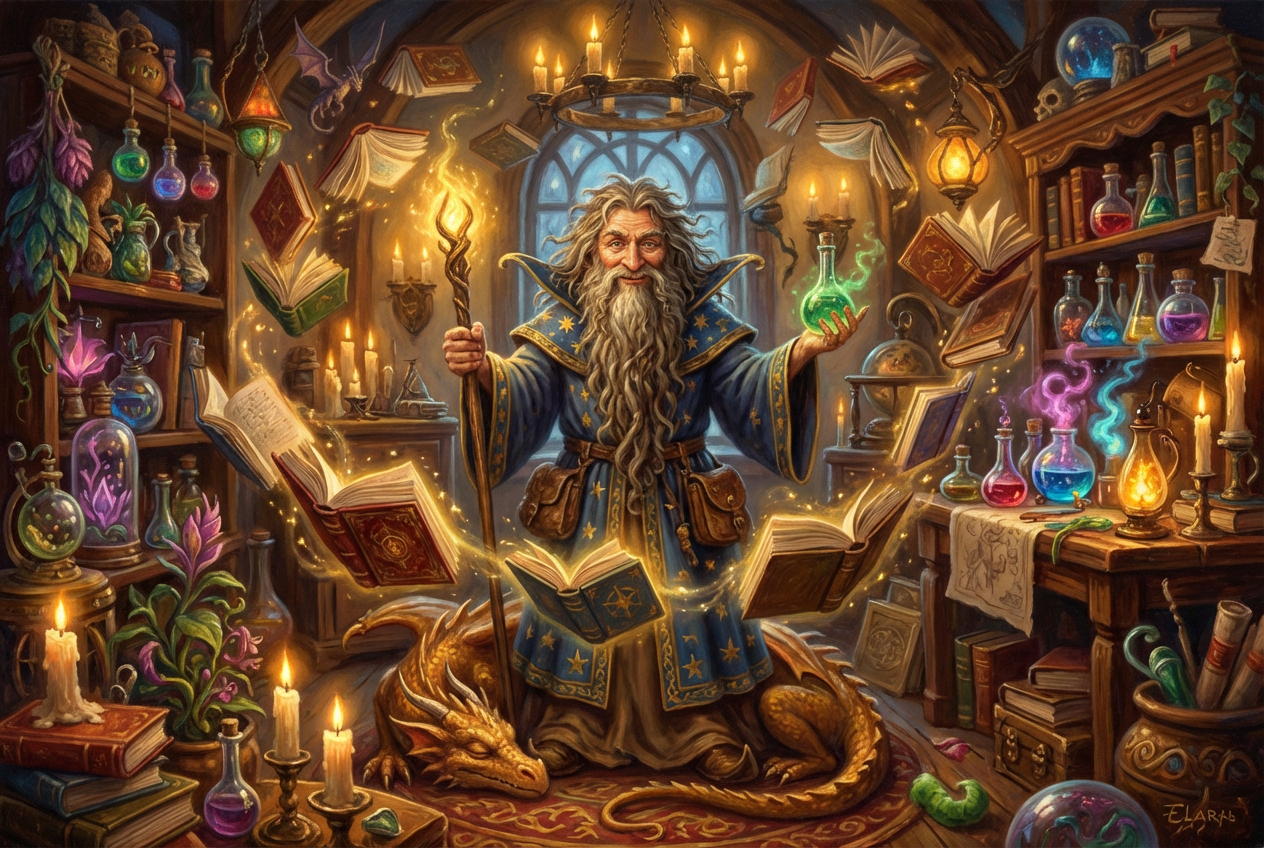
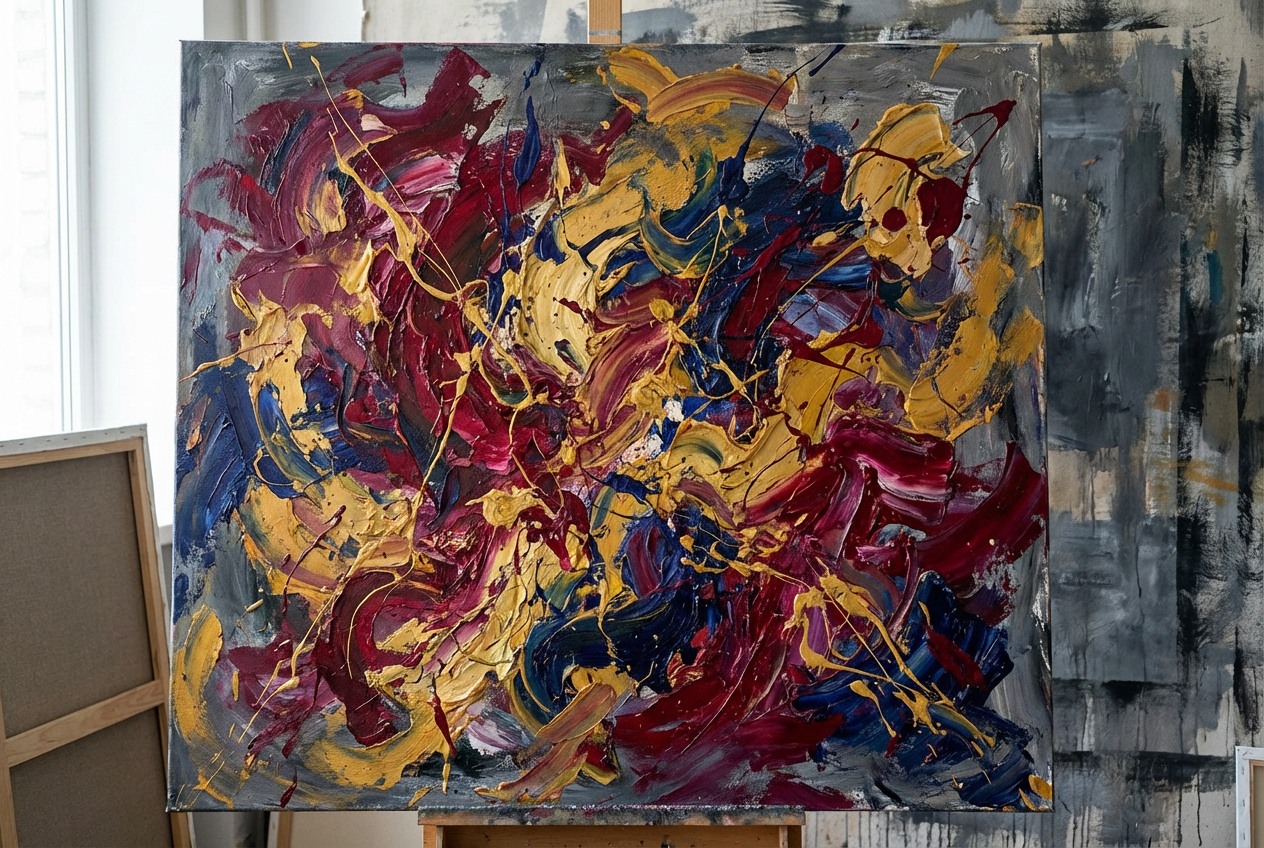
The agent gathers these inputs and preferences in the conversation before it starts.
Describe your desired painting...
Choices: Any Medium, Oil Paint, Acrylic Paint, Watercolor, Gouache, Digital, Pastel, Charcoal, Mixed Media
Choices: Any Technique, Impasto, Glazing, Wet on Wet, Dry Brush, Stippling, Scumbling, Alla Prima
Choices: Any Colors, Warm Colors, Cool Colors, Monochromatic, Complementary, Analogous, Vibrant, Muted
Choices: Any Mood, Peaceful, Dramatic, Mysterious, Energetic, Melancholic, Joyful, Ethereal
Choices: Any Composition, Rule of Thirds, Golden Ratio, Symmetrical, Asymmetrical, Diagonal, Radial
Create stunning, unique paintings in various styles and mediums with AI technology.
Create your masterpiece in three simple steps:
Enter a detailed description of the painting you want to create.
Select style, medium, technique, and other artistic preferences.
Let AI create unique paintings based on your specifications.
Choose from impressionist, abstract, realistic, and many other styles.
Generate paintings in oil, acrylic, watercolor, and more.
Explore different painting techniques and compositions.
Set the emotional tone of your artwork with mood settings.
Get inspiration and explore new artistic directions.
Create custom artwork for specific spaces and themes.
Generate unique pieces for personal collections.
Create original artwork for various projects.
Include specific details about subjects, colors, and mood.
Match the artistic style to your vision and purpose.
Consider the arrangement and focus of elements.
Try different painting techniques for varied effects.
Choose complementary or harmonious color schemes.
We support multiple styles including impressionist, abstract, realistic, surrealist, expressionist, and more. Each style has its unique characteristics.
Yes! You can choose from various mediums including oil, acrylic, watercolor, gouache, and digital painting.
Provide detailed descriptions, specify your preferred style and medium, and experiment with different mood and composition settings.
Yes! All paintings generated by our AI are free for commercial use. You own full rights to use them in any way you wish.
You can generate multiple variations of your painting to explore different interpretations of your description.
Include details about the subject matter, desired style, colors, mood, and composition. The more specific you are, the better the results.


