Describe your park
A peaceful city park with walking paths and a fountain...

Create beautiful parks, gardens, and outdoor recreational spaces with AI
Reference media and sample results for this task.
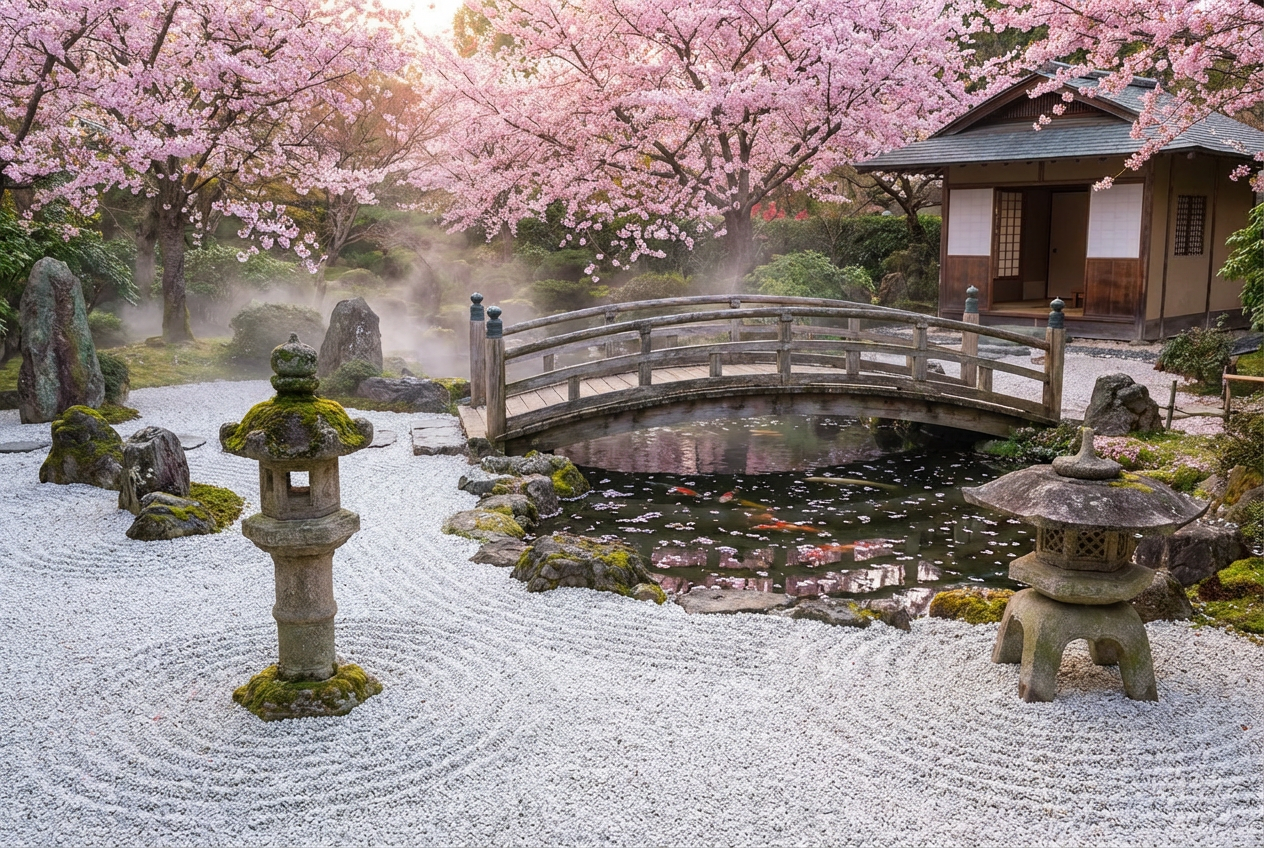
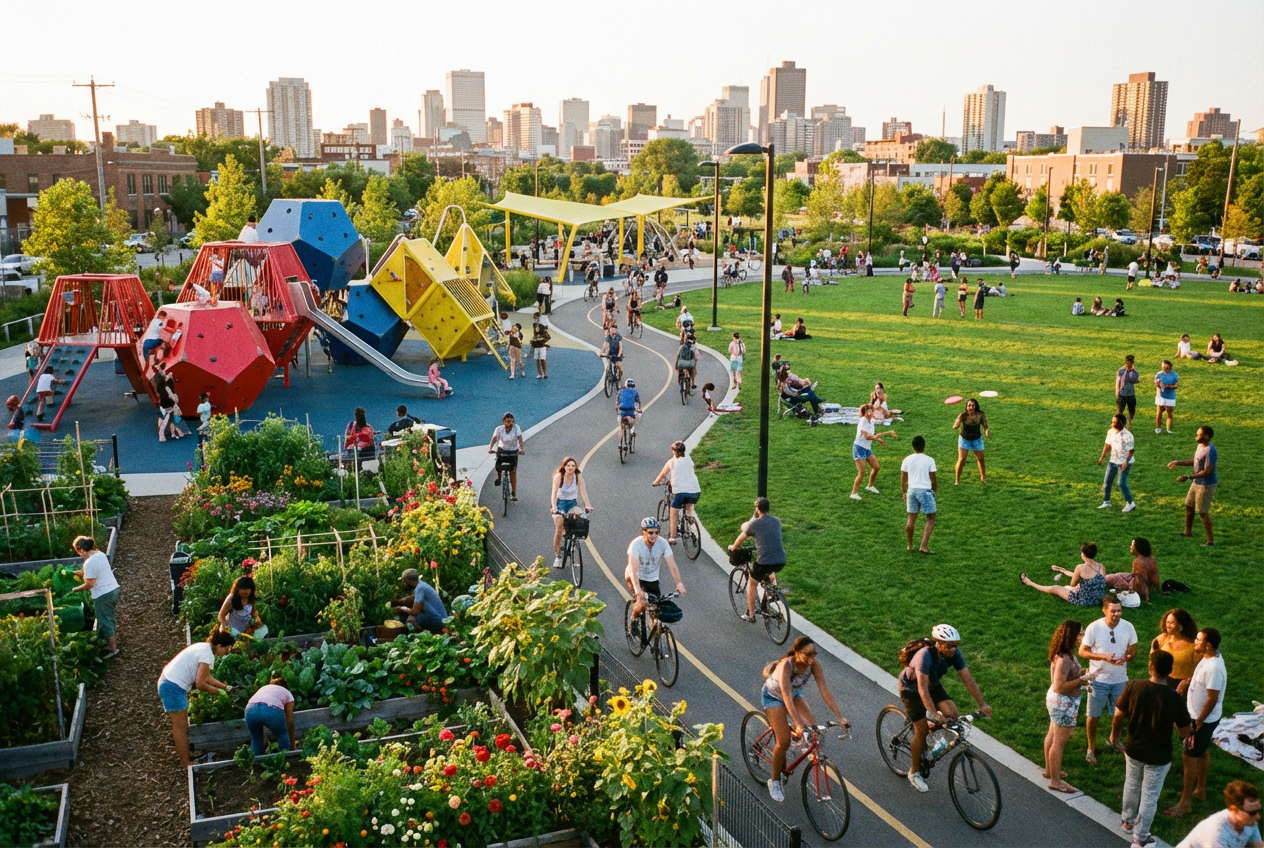
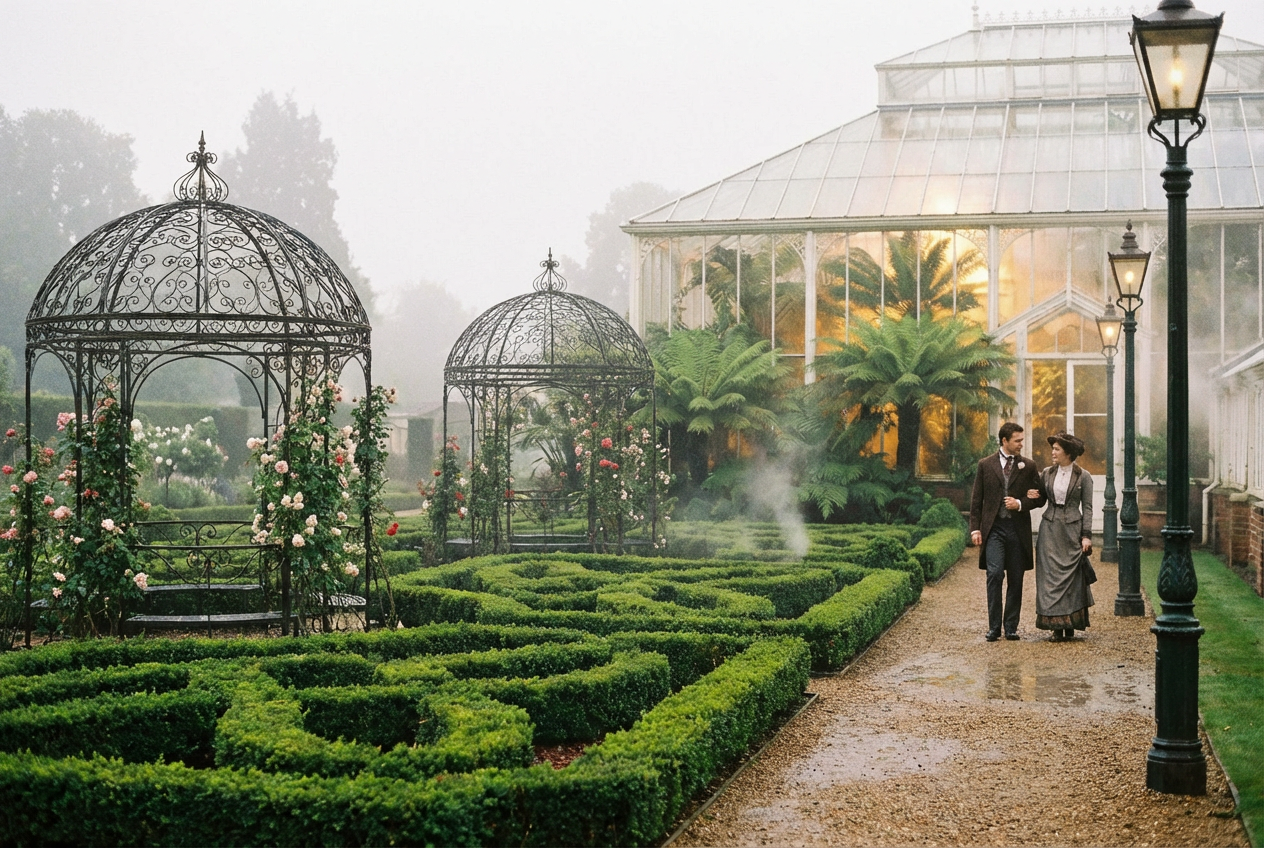
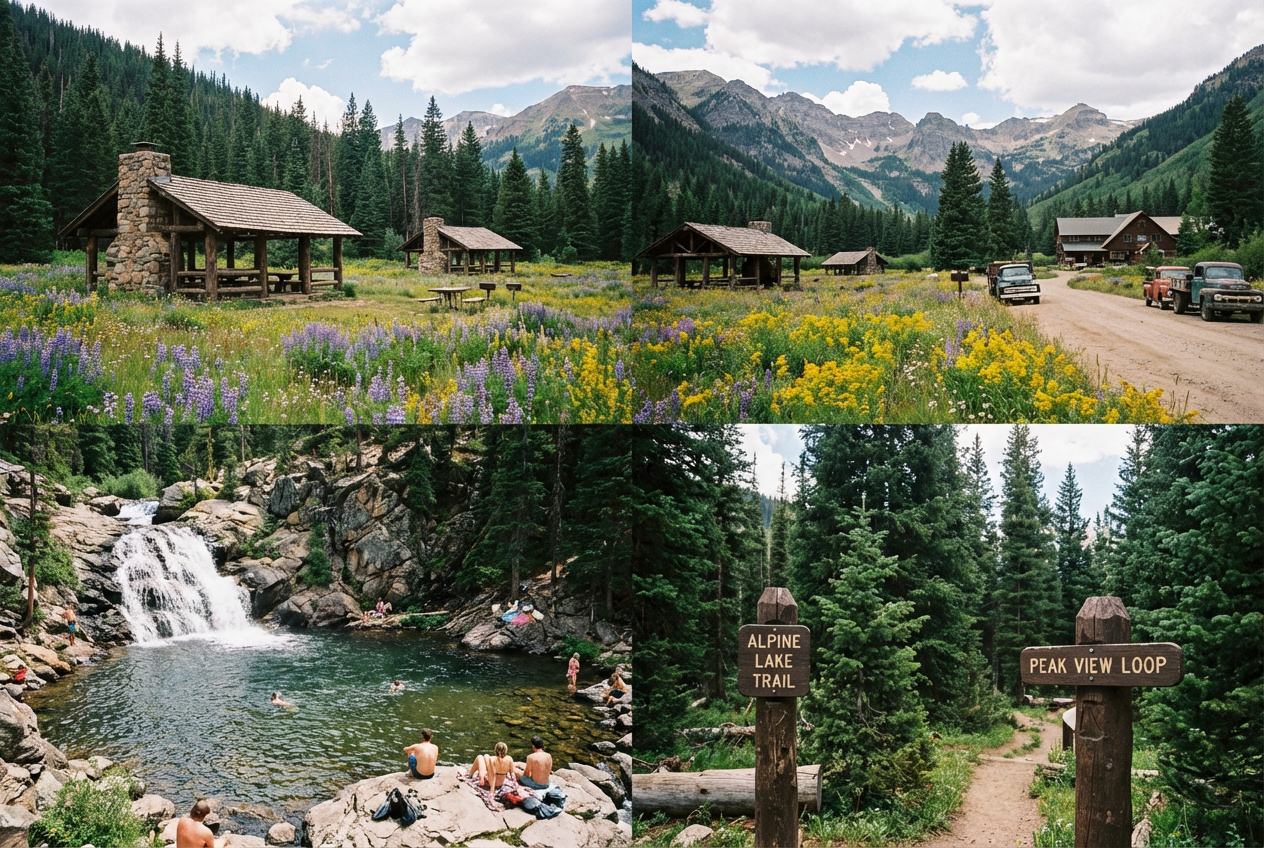
The agent gathers these inputs and preferences in the conversation before it starts.
A peaceful city park with walking paths and a fountain...
Choices: Any Park Type, City Park, National Park, Botanical Garden, Playground Park, Memorial Park, Water Park, Dog Park, Sculpture Garden
Choices: Any Season, Spring, Summer, Autumn/Fall, Winter
Choices: Any Features, Water Fountain, Pond/Lake, Playground Equipment, Park Benches, Gazebo/Pavilion, Walking Paths, Flower Beds, Art Sculptures
Choices: Any Time, Morning, Midday, Afternoon, Golden Hour, Evening, Night (Lit)
Choices: Any Weather, Sunny, Partly Cloudy, Overcast, Light Rain, Misty/Foggy
Choices: Mixed Vegetation, Deciduous Trees, Evergreen Trees, Tropical Plants, Flowering Trees, Native Plants
Choices: Any Perspective, Ground Level, Aerial View, Path Perspective, From Bench, Park Entrance
Create stunning outdoor spaces and recreational areas with professional landscape design
Design beautiful outdoor spaces in three simple steps
Specify the type of park, features, and design elements you want to include
Our AI generates a beautiful park landscape based on your specifications
Get your high-quality park visualization ready for any project or presentation
Create city parks, national parks, botanical gardens, playgrounds, and more
Generate parks in spring bloom, summer greenery, autumn colors, or winter scenes
Add fountains, ponds, lakes, and other water elements to enhance the design
Choose from modern, traditional, Japanese, English, and Mediterranean designs
View parks from ground level, aerial view, pathways, or entrance perspectives
Include people enjoying the park and wildlife to create vibrant, realistic scenes
Perfect for planners, designers, and outdoor space enthusiasts
Visualize park designs and green spaces for city planning projects
Create concept designs and presentations for clients and stakeholders
Showcase planned recreational areas and community spaces
Study landscape design principles and create educational materials
Generate beautiful nature scenes for videos, blogs, and social media
Present park improvement plans and community development proposals
Think about how the park will be used - recreation, relaxation, or special events
Combine natural vegetation with human-made features like benches and pathways
Select seasons that best showcase your design - spring for flowers, autumn for colors
Add people to make the space feel alive and demonstrate its intended use
Use aerial views for overall design, ground level for human experience
Yes, all generated park images can be used for commercial purposes including presentations, marketing materials, and planning documents.
Generate city parks, national parks, botanical gardens, playgrounds, memorial parks, dog parks, sculpture gardens, and more specialized outdoor spaces.
Yes, describe specific trees, flowers, or plants in your prompt to include particular vegetation in your park design.
Our AI creates highly realistic park visualizations suitable for professional presentations and planning purposes.
Absolutely! Specify tropical, temperate, desert, or other climate conditions to generate appropriate vegetation and design elements.
Generated park images are high-quality PNG files suitable for presentations, print materials, and digital use.
Yes, describe themed elements like memorial gardens, children's parks, senior-friendly spaces, or cultural themes in your prompt.
Mention accessibility features like paved paths, ramps, accessible benches, and inclusive playground equipment in your description.
Yes, add fountains, ponds, streams, lakes, or other water elements to enhance your park design.
Formal gardens have structured layouts with geometric patterns, while natural styles emphasize organic shapes and native plantings.


