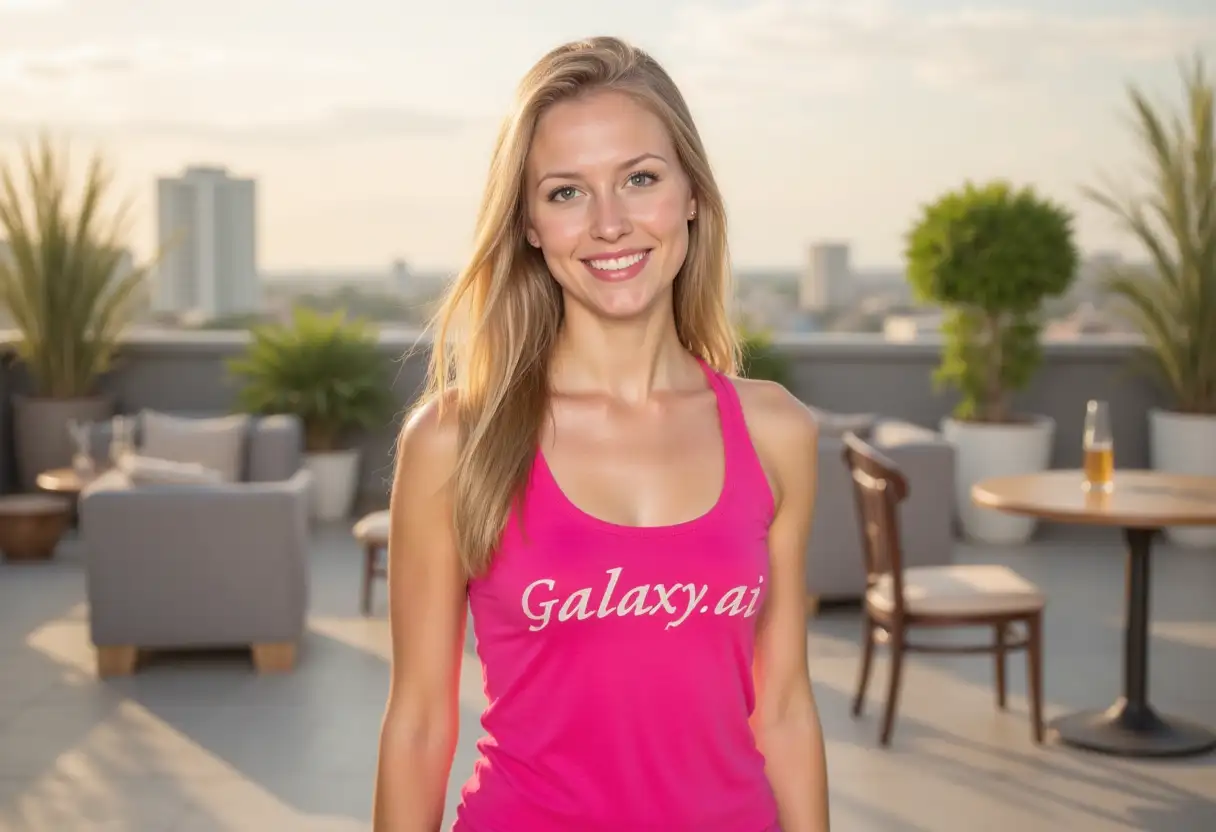
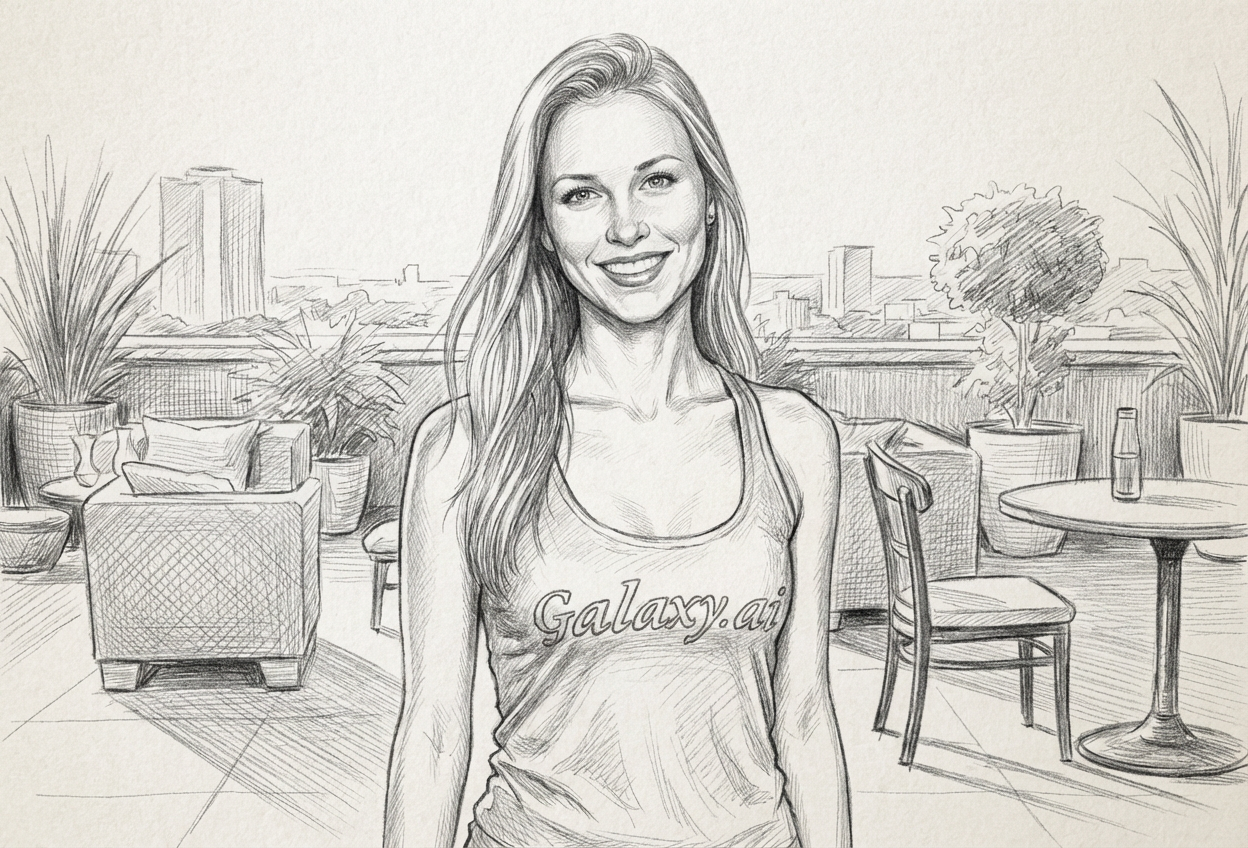
Choices: Any Grade, Hard (H-2H), Medium (HB-B), Soft (2B-4B), Very Soft (5B-9B), Mixed Grades
Shading Technique
Choices: Any Technique, Smooth Blending, Hatching, Cross-hatching, Stippling, Scumbling, Circulism
Contrast Level
Choices: Any Contrast, Low Contrast, Medium Contrast, High Contrast, Dramatic
Paper Texture
Choices: Any Paper, Smooth Paper, Medium Tooth, Rough Paper, Newsprint, Bristol Board
Composition
Choices: Any Composition, Close-up, Medium Shot, Full Figure, 3/4 View, Profile View, Wide View
Lighting
Choices: Any Lighting, Natural Light, Dramatic, Soft Light, Rim Lighting, Chiaroscuro
Finish Level
Choices: Any Finish, Rough Sketch, Study, Refined, Finished Drawing
Why Choose Our AI Pencil Drawing Generator?
Create stunning pencil sketches and graphite artwork with advanced AI technology
Generate pencil drawings of any subject matter
Multiple drawing styles and techniques available
Professional quality graphite artwork
Perfect for art studies and illustrations
Customizable pencil grades and shading
Various paper textures and compositions
High-resolution pencil sketch output
Instant generation with artistic results
From rough sketches to finished drawings
Traditional art techniques digitally recreated
How Our AI Pencil Drawing Generator Works
Create beautiful pencil artwork in three simple steps
01
Describe Your Drawing
Enter details about the subject and style of pencil drawing you want to create
02
Choose Techniques
Select drawing style, pencil grade, shading technique, and composition
03
Generate & Admire
Get your beautiful pencil drawing ready for use or further study
Key Features of AI Pencil Drawing Generator
Multiple Drawing Styles
Realistic, sketch, detailed, loose, cross-hatching, stippling, and contour styles
Pencil Grade Options
From hard H pencils to very soft 9B grades for different effects and techniques
Shading Techniques
Smooth blending, hatching, cross-hatching, stippling, scumbling, and circulism
Paper Textures
Smooth, medium tooth, rough, newsprint, and bristol board paper effects
Lighting Control
Natural, dramatic, soft, rim lighting, and chiaroscuro effects
Subject Variety
Portraits, figures, landscapes, still life, animals, and architectural studies
Who Can Benefit from AI Pencil Drawing Generator?
Perfect for anyone interested in traditional drawing techniques and graphite art
Artists & Students
Create reference drawings, study traditional techniques, and generate artistic inspiration
Art Educators
Generate examples for teaching drawing techniques, shading, and composition
Portrait Artists
Create portrait references and explore different pencil drawing approaches
Illustrators
Generate pencil-style illustrations for books, articles, and design projects
Art Enthusiasts
Explore pencil drawing styles and create personalized graphite artwork
Design Professionals
Create sketch-style graphics for presentations, concepts, and artistic elements
Tips for the Best Results
Tip 1
Match Pencil Grade to Subject
Use hard pencils for architectural details, soft pencils for portraits, mixed grades for varied textures
Tip 2
Choose Appropriate Shading
Smooth blending for portraits, cross-hatching for texture, stippling for detailed work
Tip 3
Consider Lighting Direction
Dramatic lighting for artistic effect, natural light for realistic studies, chiaroscuro for classical style
Tip 4
Select Right Composition
Close-up for detail studies, 3/4 view for portraits, wide view for landscapes
Tip 5
Match Paper to Style
Smooth paper for detailed work, rough paper for expressive sketches, bristol for finished drawings
Frequently Asked Questions
What's the difference between pencil grades in drawings?
Hard pencils (H-2H) create light, precise lines for details. Medium (HB-B) are versatile for general drawing. Soft pencils (2B-9B) create dark, rich tones for shadows and dramatic effects.
Which shading technique should I choose for portraits?
Smooth blending works best for realistic portraits, creating soft skin tones. Cross-hatching adds texture and character, while stippling creates detailed, textured effects.
How do I create dramatic pencil drawings?
Use high contrast settings, dramatic or chiaroscuro lighting, soft pencil grades (4B-9B), and focus on strong light and shadow patterns.
What's the best composition for figure studies?
3/4 view for dynamic poses, profile for classical studies, close-up for detailed anatomy work, and full figure for complete body studies.
Can I create architectural pencil drawings?
Yes! Choose 'architecture' subject with hard or medium pencil grades, use hatching or contour techniques, and select appropriate lighting for structural details.
What paper texture works best for different styles?
Smooth paper for detailed realistic work, medium tooth for general sketching, rough paper for expressive loose drawings, bristol board for finished professional work.
How do I make pencil drawings look more realistic?
Use realistic style, mixed pencil grades, smooth blending or careful hatching, natural lighting, and pay attention to contrast and composition.
What's the difference between sketch and finished drawing styles?
Sketch style is loose and gestural with visible construction lines. Finished drawings are refined with complete shading, clean lines, and full detail development.
Can I create still life pencil drawings?
Absolutely! Select 'still life' subject, use appropriate shading techniques for different textures, and choose lighting that shows form and volume clearly.
What contrast level should I use for different subjects?
Low contrast for gentle portraits, medium for general subjects, high contrast for dramatic effect, and dramatic contrast for artistic, moody drawings.