Advanced AI Model
Trained on millions of professional pencil sketches and drawings.

Transform your ideas into stunning pencil sketches with AI
Reference media and sample results for this task.
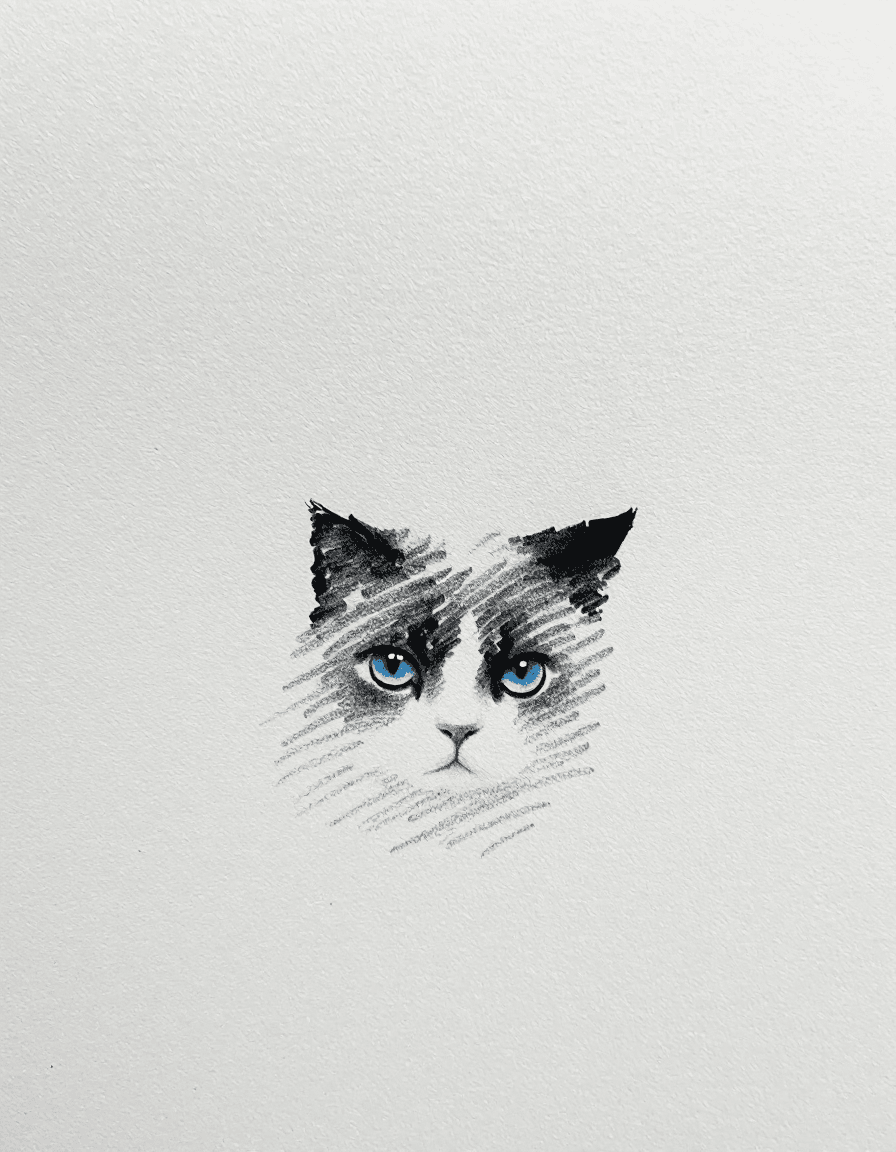
Transform photos into stunning pencil sketches with professional-grade artistic detail.
Create beautiful pencil art in three simple steps:
attach a photo or describe the pencil sketch you want to create.
Choose from various pencil techniques and shading styles.
Get your high-resolution pencil sketch ready for printing or digital use.
Trained on millions of professional pencil sketches and drawings.
Gallery-quality sketches perfect for printing and framing.
Download in multiple formats for any use case.
Multiple pencil techniques from light sketches to detailed drawings.
This Magica workflow is perfect for anyone looking to create beautiful pencil artwork:
Generate reference sketches or base drawings for your artwork.
Create custom sketches for client presentations and concepts.
Design unique sketches for marketing materials and branding.
Study drawing techniques and experiment with different styles.
Generate quick sketches for storyboards and concept art.
Create personal sketches for home decor and gifts.
Describe details about shading, texture, and line work.
Mention techniques like 'cross-hatching', 'stippling', or 'contour drawing'.
Specify light and shadow areas for more dramatic sketches.
Suggest varying line weights for depth and dimension.
Try different sketch styles from quick gestures to detailed renderings.
Our AI model is trained on millions of real pencil drawings, capturing authentic pencil strokes, shading techniques, and textures that mimic traditional hand-drawn artwork.
Yes! All generated sketches come with full commercial rights. You can use them for art prints, merchandise, or any business purpose.
Provide detailed descriptions including desired shading style, line weight, and overall mood. Mention specific drawing techniques you'd like to see in the final piece.
All sketches are available in high-resolution formats suitable for both digital use and professional printing.
Yes, you can download and edit the sketches in your preferred image editing software for further customization.
Yes, each generated sketch is completely unique, even when using the same prompt multiple times.


