
AI Photo Generator
Generate unique AI-powered images with our custom-trained models. Create stunning visuals for your projects with ease.
AI Photo Generator media
Source media and generated results are kept in their original context.
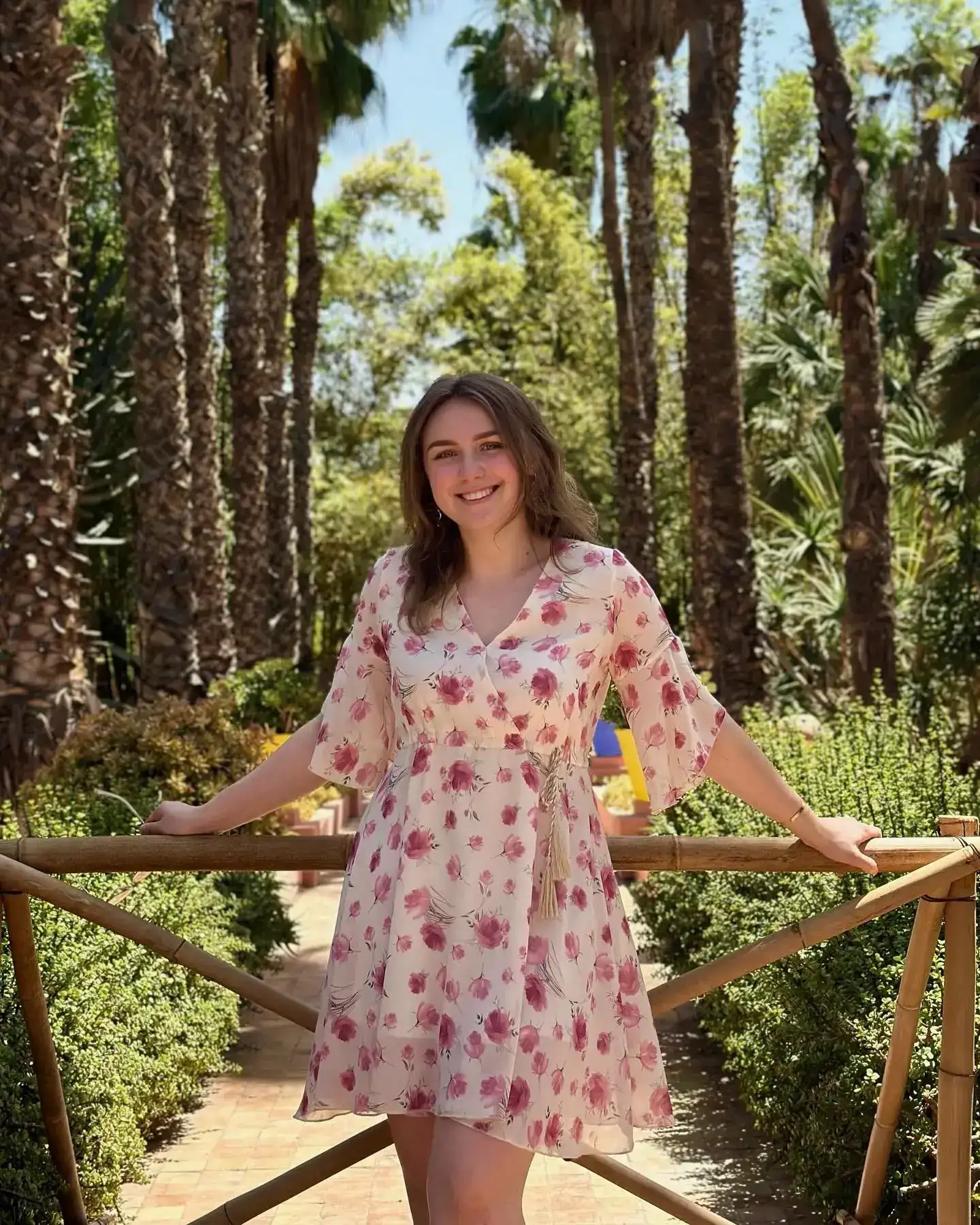
Training photo examples
Representative source photos showing the variety needed to train a personal image model.
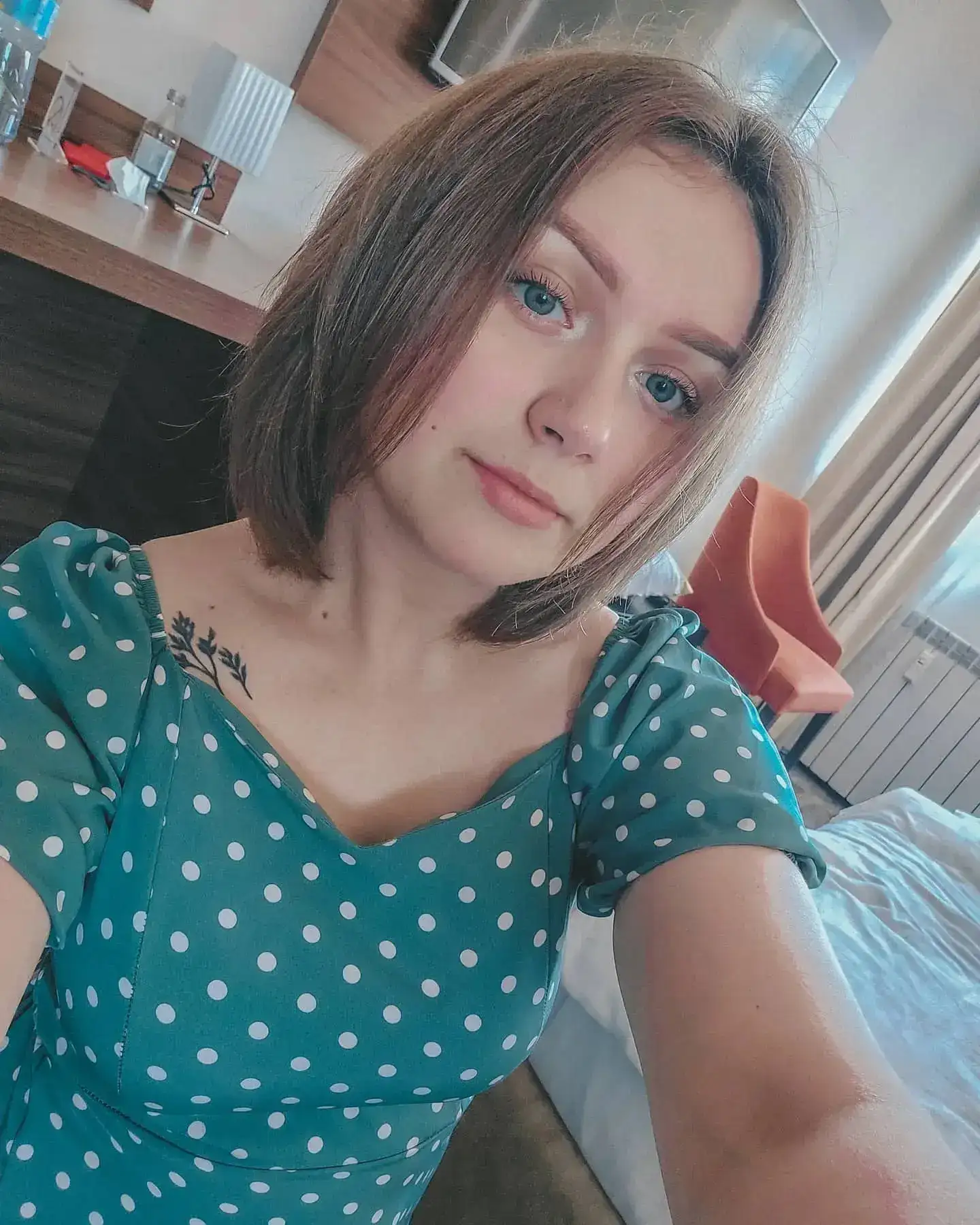
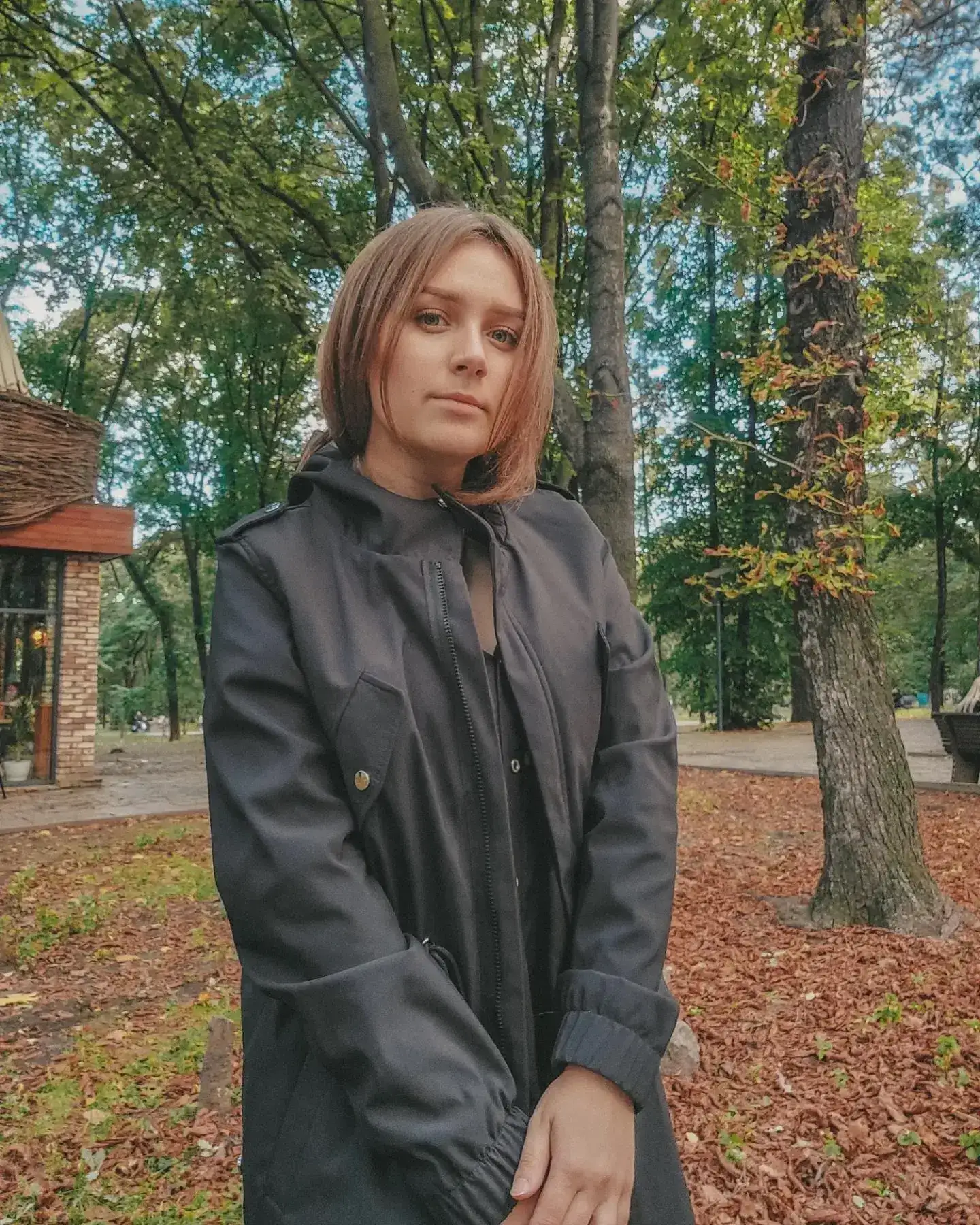
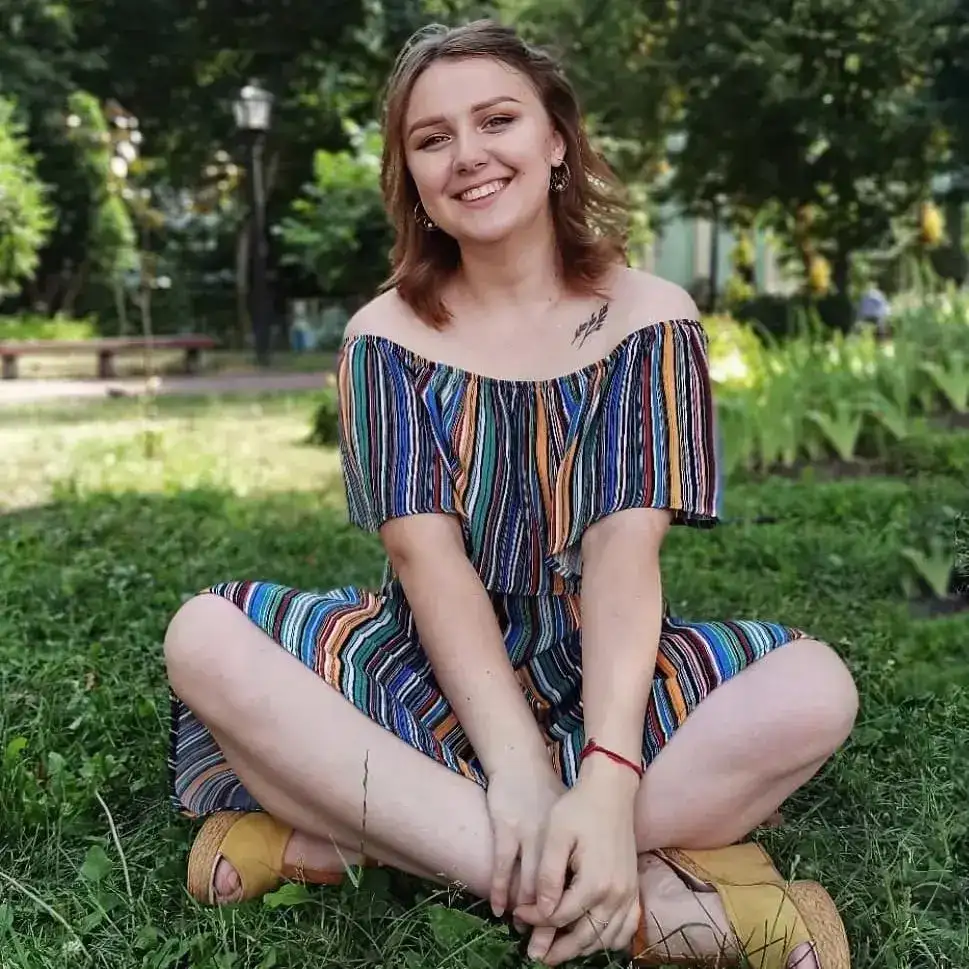
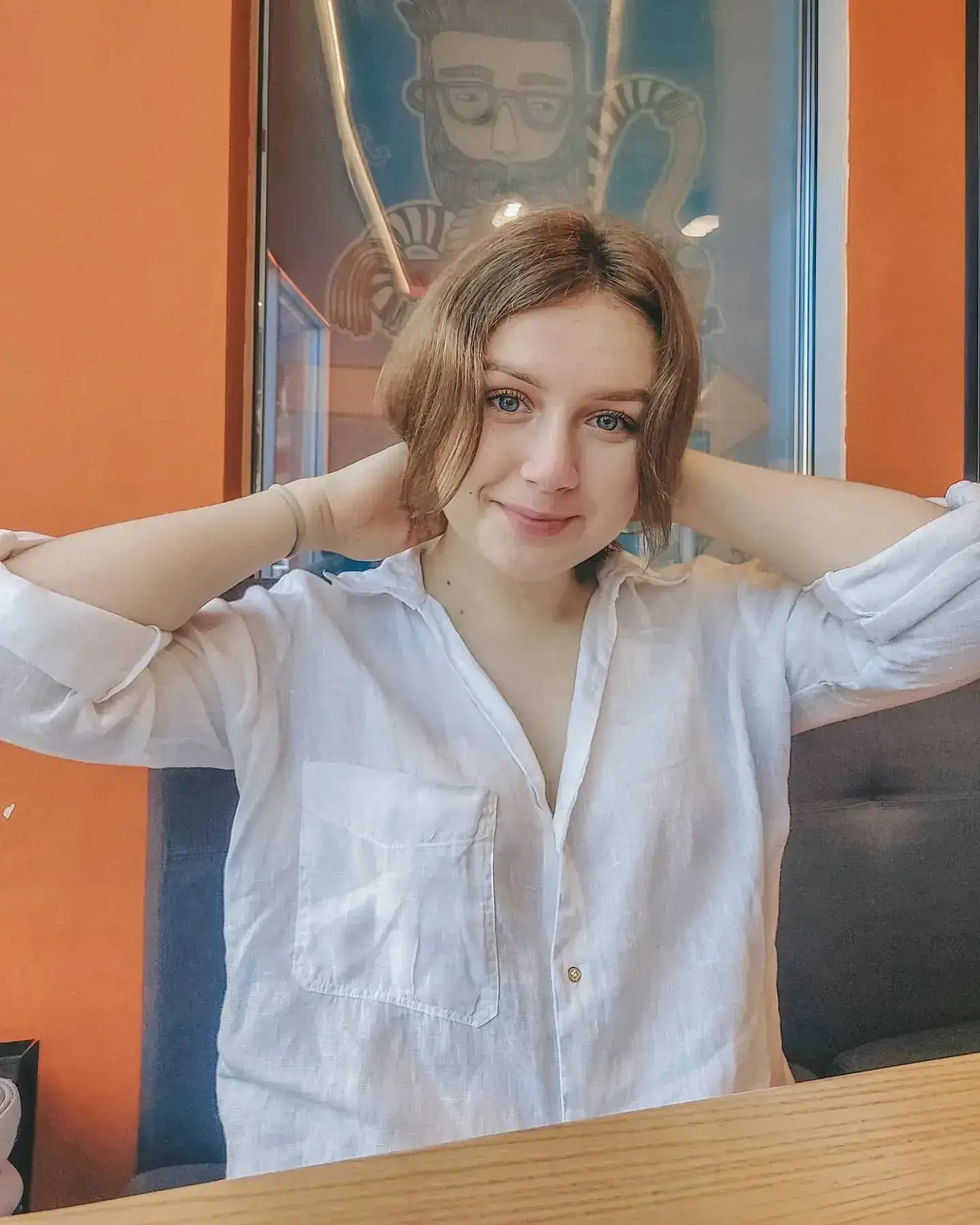
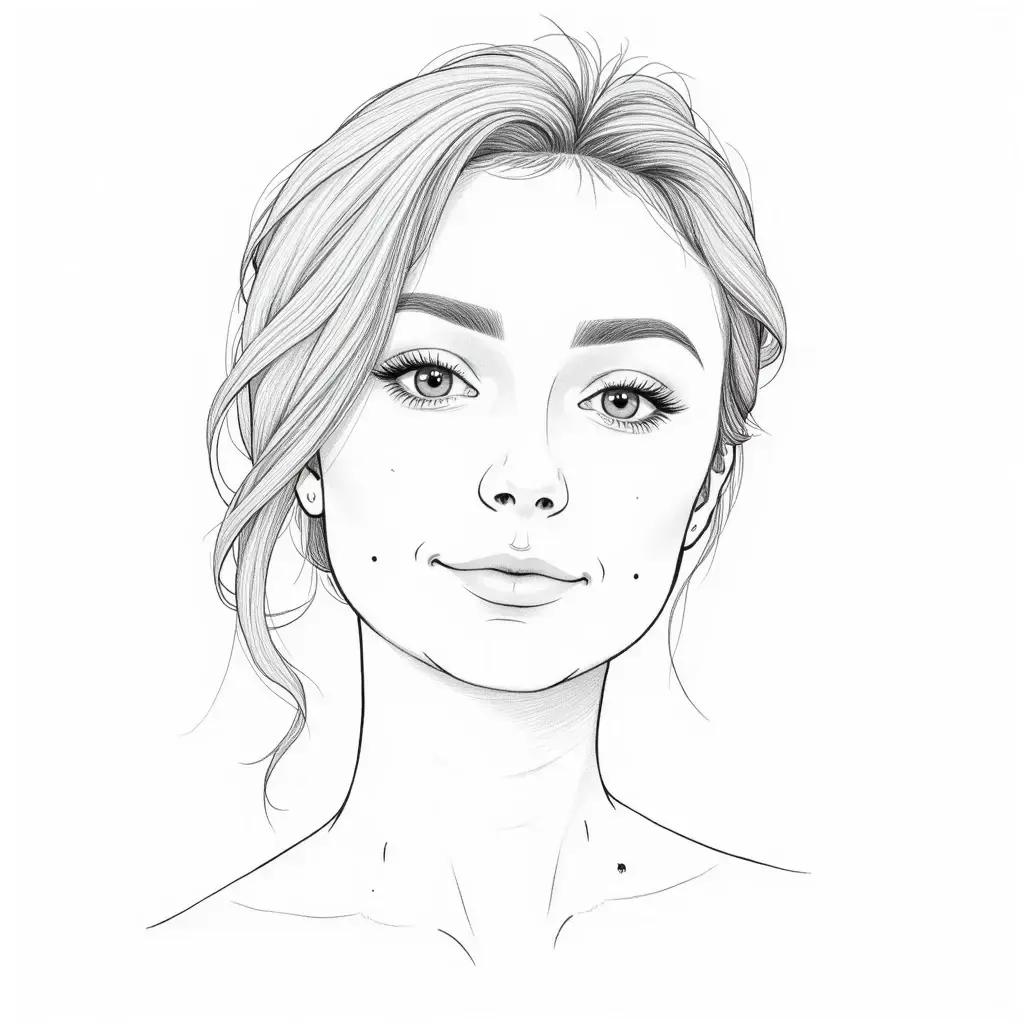
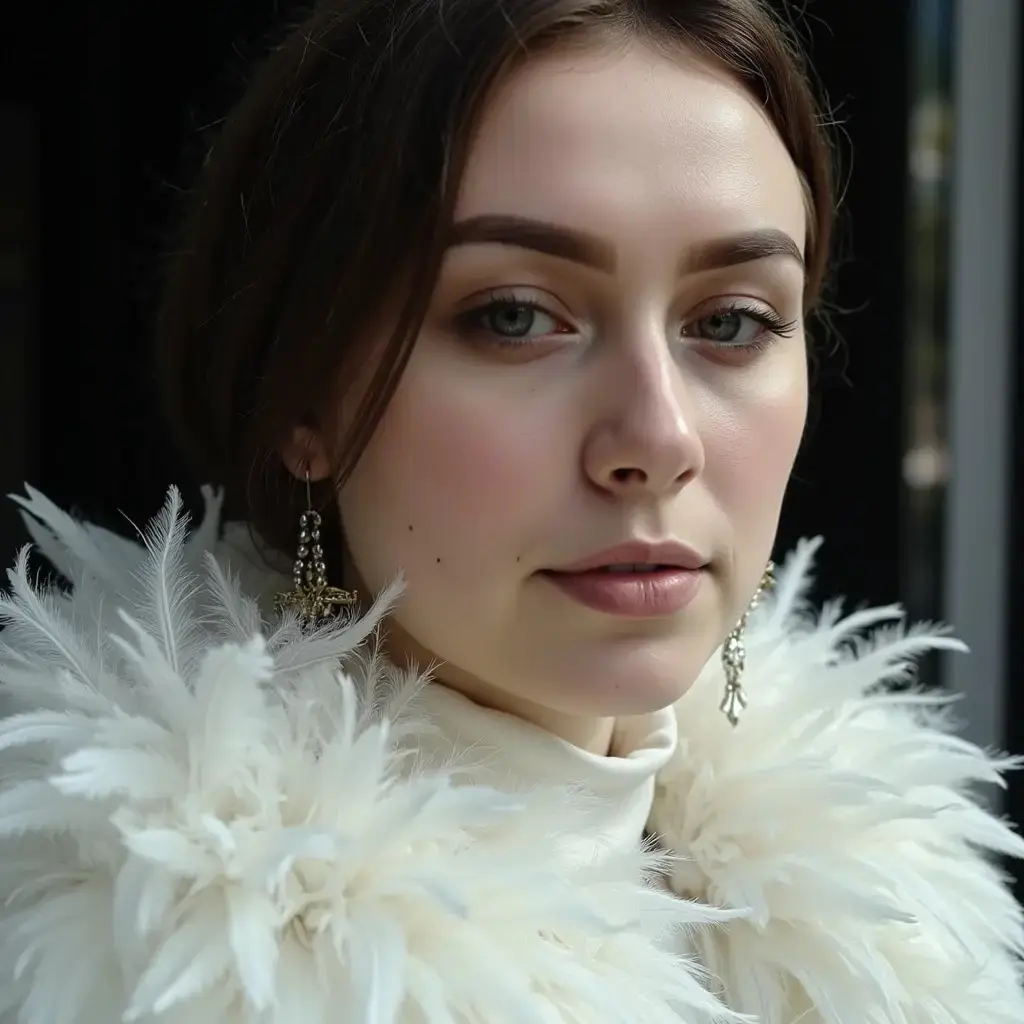
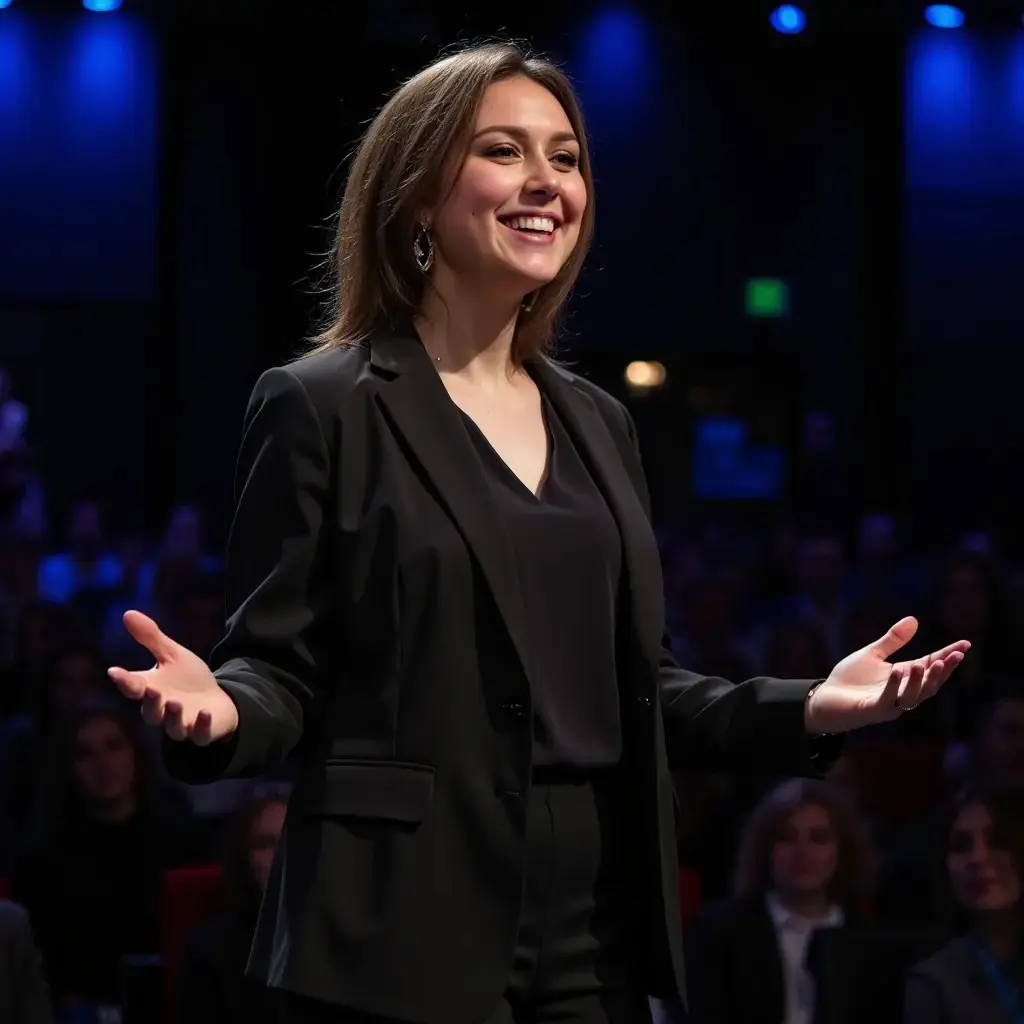
AI-generated photos
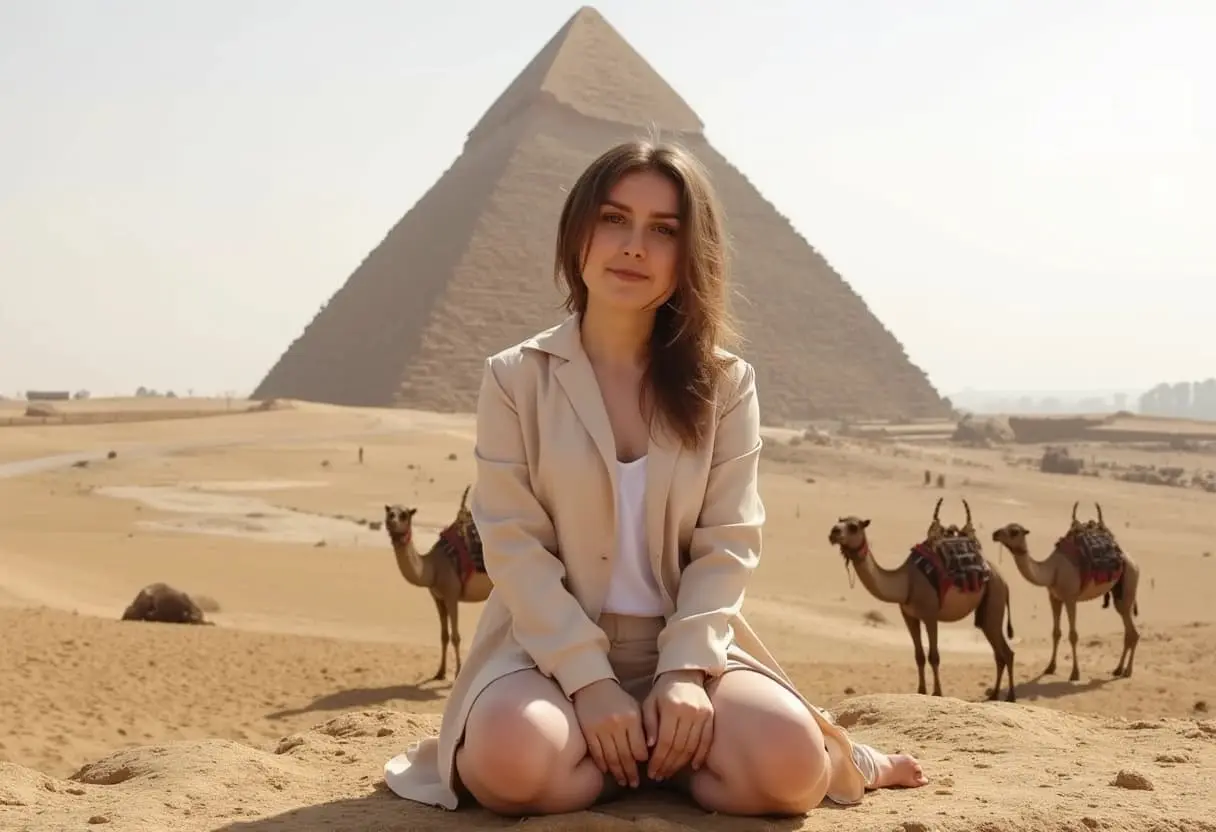
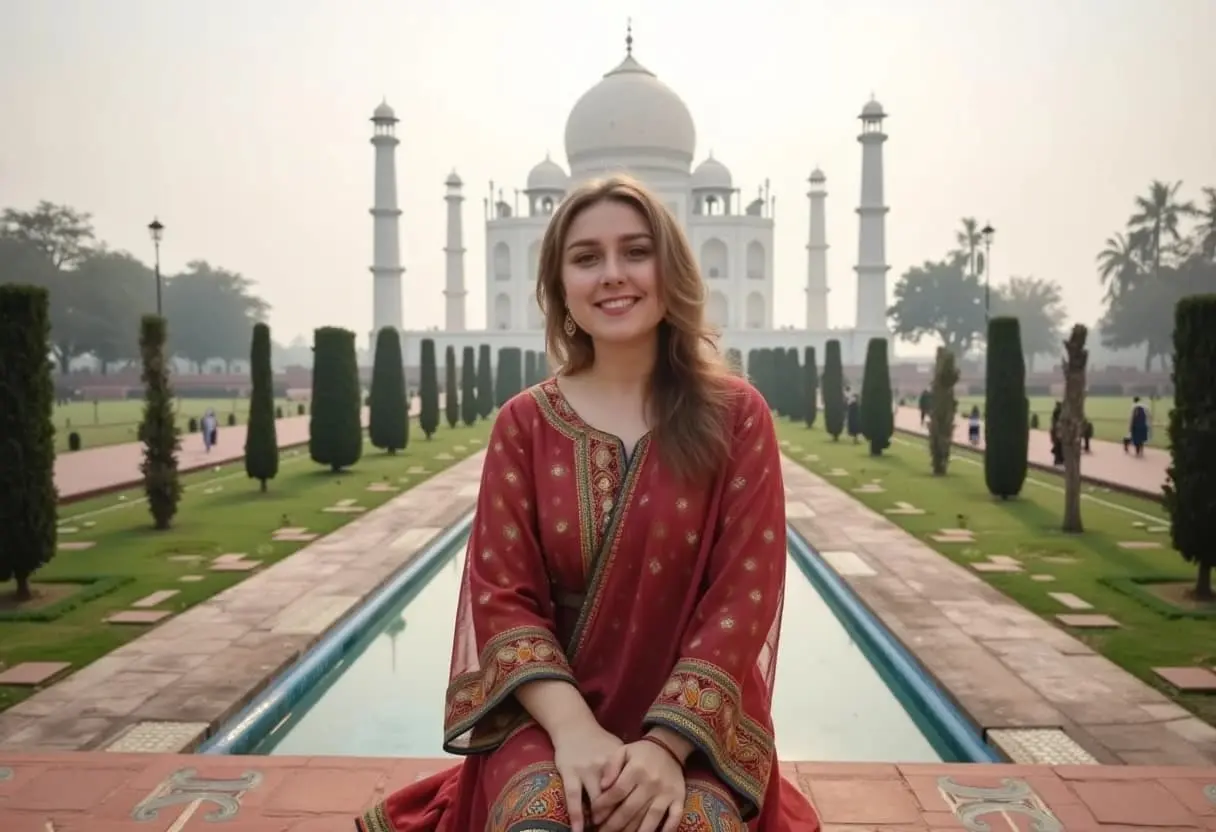
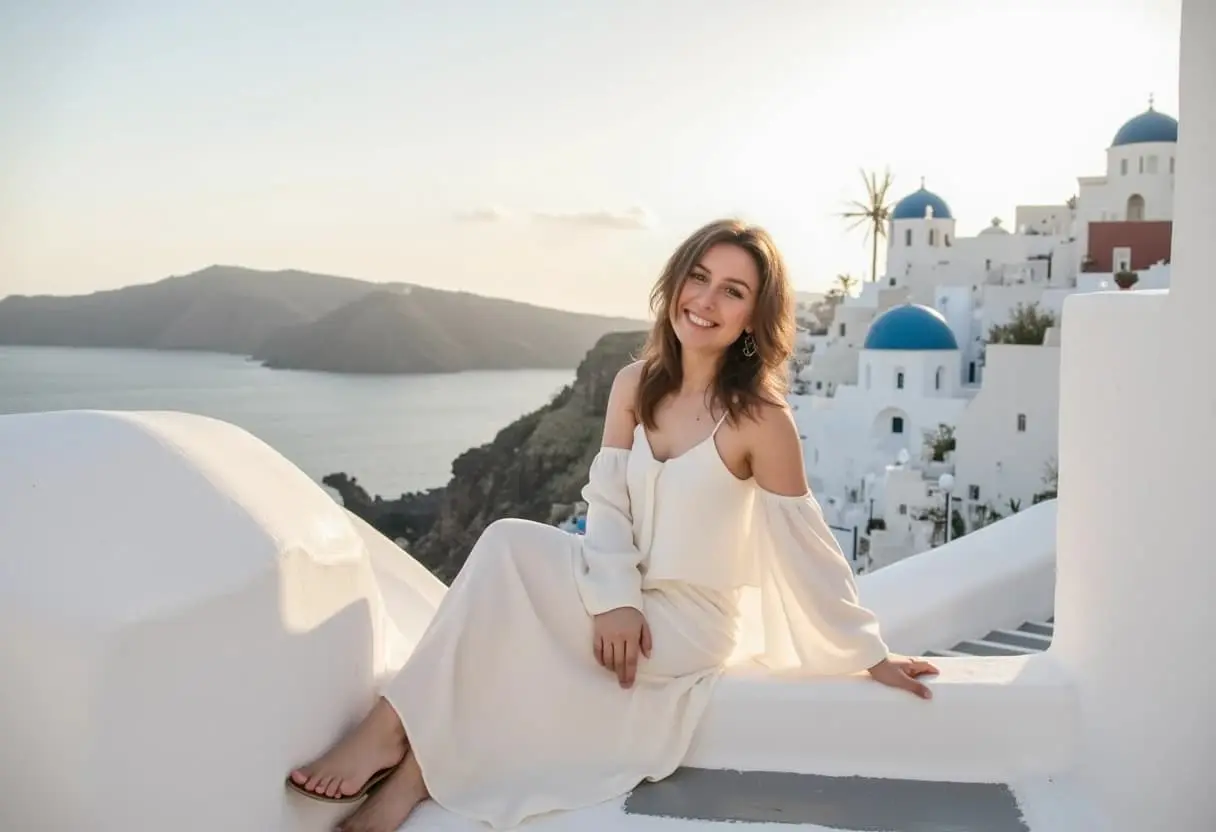
What Magica will ask for
The agent gathers these inputs and preferences in the conversation before it starts.
Why Choose Our AI Photo Generator?
Create professional-quality photos with personalized AI models.
- Train custom AI models with your own photos
- Generate consistent photos in your unique style
- Perfect for personal branding and marketing
- High-resolution output with natural lighting
How Our AI Photo Generator Works
- 01
Upload Training Photos
Upload 15-20 high-quality photos to train your custom AI model
- 02
Model Training
AI learns your unique characteristics (takes 1-2 hours)
- 03
Generate Photos
Use your trained model to generate photos with different prompts
- 04
Download & Use
Download your AI-generated photos in high resolution
Key Features of Our AI Photo Generator
Custom Model Training
Create personalized AI models trained on your own photos for consistent results.
Style Consistency
Generate photos that maintain your unique style and characteristics across variations.
Batch Generation
Create multiple photos at once with different poses and expressions.
Smart Prompting
Get guidance on writing effective prompts for better photo generation results.
Who Can Benefit from Our AI Photo Generator?
Professionals
Create consistent professional headshots and portraits for your personal brand.
Content Creators
Generate varied photos for your social media and content platforms.
Models
Create portfolio variations and concept shots for different looks.
Entrepreneurs
Build your personal brand with consistent, professional photos.
Small Businesses
Create branded photos for marketing materials and social media.
Influencers
Generate diverse content while maintaining your signature style.
Tips for Better Photo Generation
Use Clear Training Photos
Upload high-quality, well-lit photos for training your custom model.
Be Specific in Prompts
Include details about pose, expression, lighting, and background in your prompts.
Maintain Consistency
Use similar prompts structure to achieve consistent results across generations.
Experiment with Variations
Try different styles and settings to find what works best for your needs.
Consider the Context
Generate photos that match your intended use case (professional, casual, etc.).
Frequently Asked Questions About AI Photo Generator
How many photos do I need to train a custom model?
We recommend uploading 15-20 high-quality photos for optimal results. The photos should have good lighting and show different angles and expressions.
How long does model training take?
Model training typically takes 1-2 hours. You'll receive an email when your model is ready to use.
Can I generate photos in different styles?
Yes! You can specify different styles, outfits, backgrounds, and settings in your prompts to create varied photos while maintaining your likeness.
Can I use the generated photos commercially?
Yes, you have full rights to use the photos generated from your custom models for both personal and commercial purposes.
How do I get the best results?
Use high-quality training photos, write detailed prompts, and experiment with different settings. Our tips section provides more detailed guidance.
Ready to make it?
Help me use AI Photo Generator. First ask me for photo description and ask me to attach training photos. Then ask for my preferences, complete the task, and return the finished result.Attach filesConnect tools


