Describe your treasure map
Enter your map description...

Generate authentic pirate treasure maps with AI
Reference media and sample results for this task.
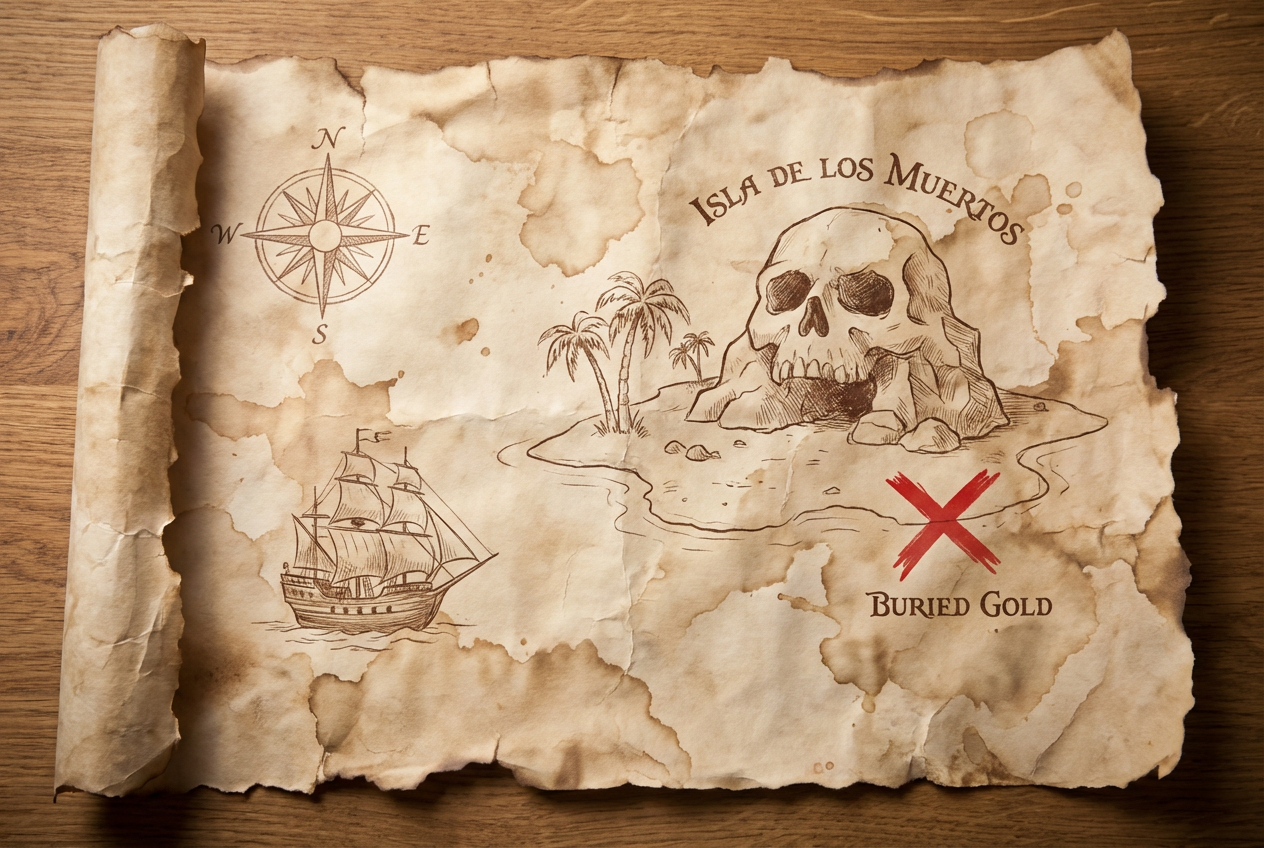
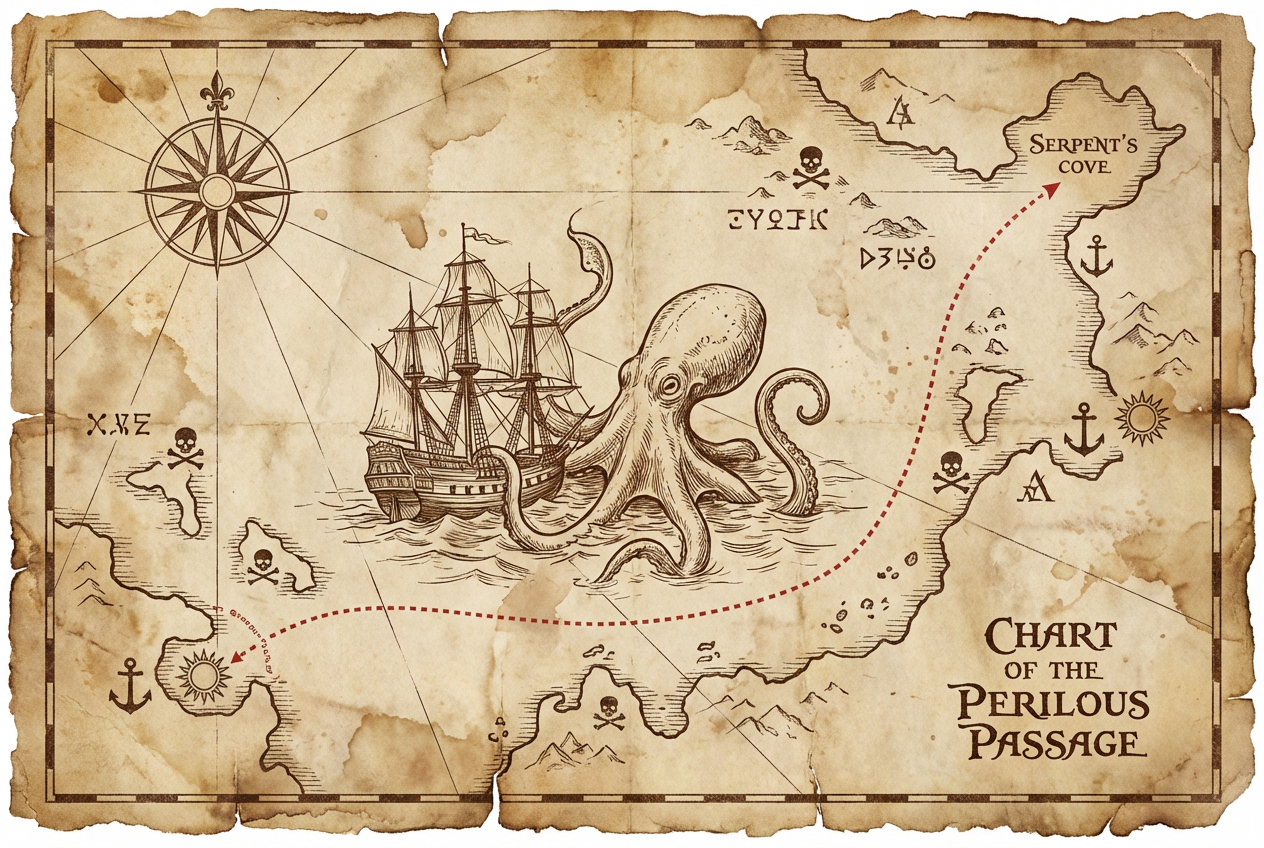
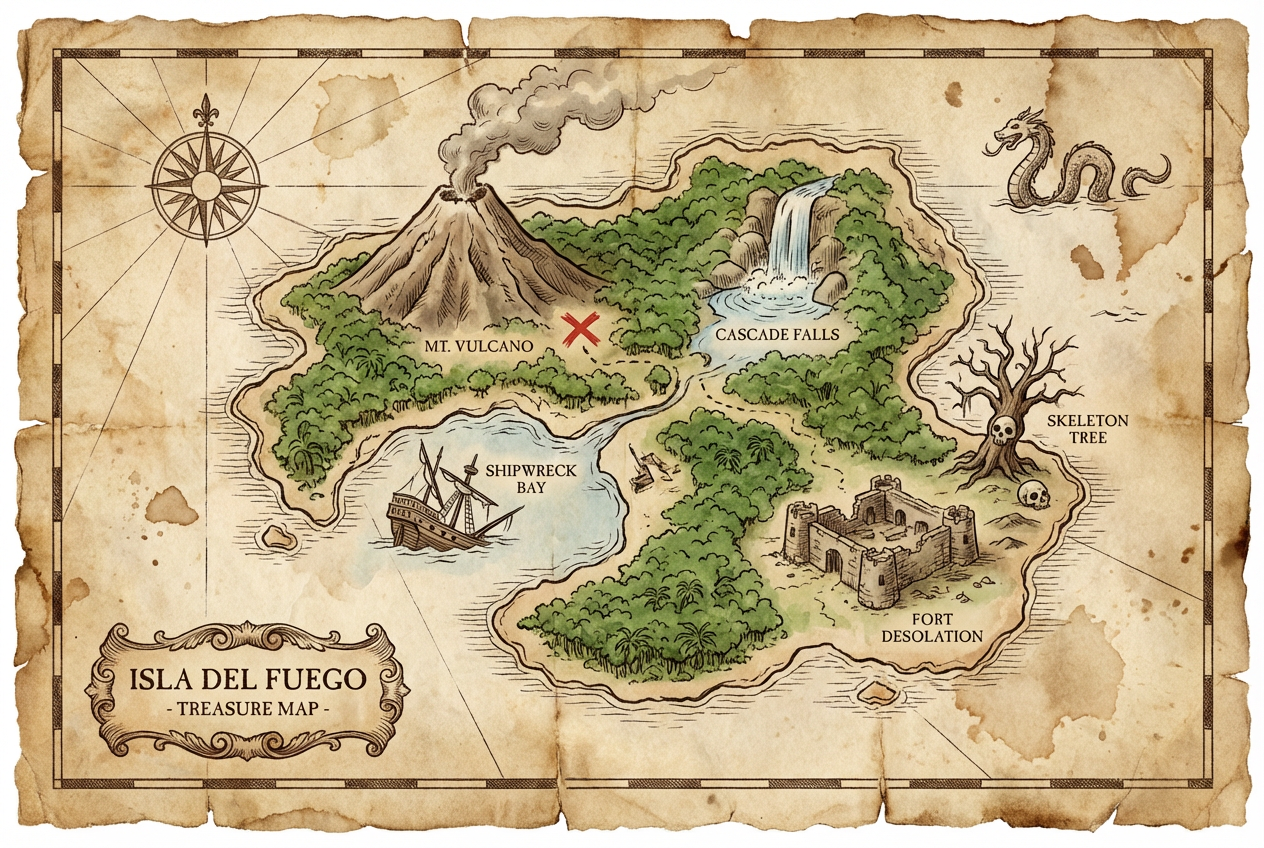
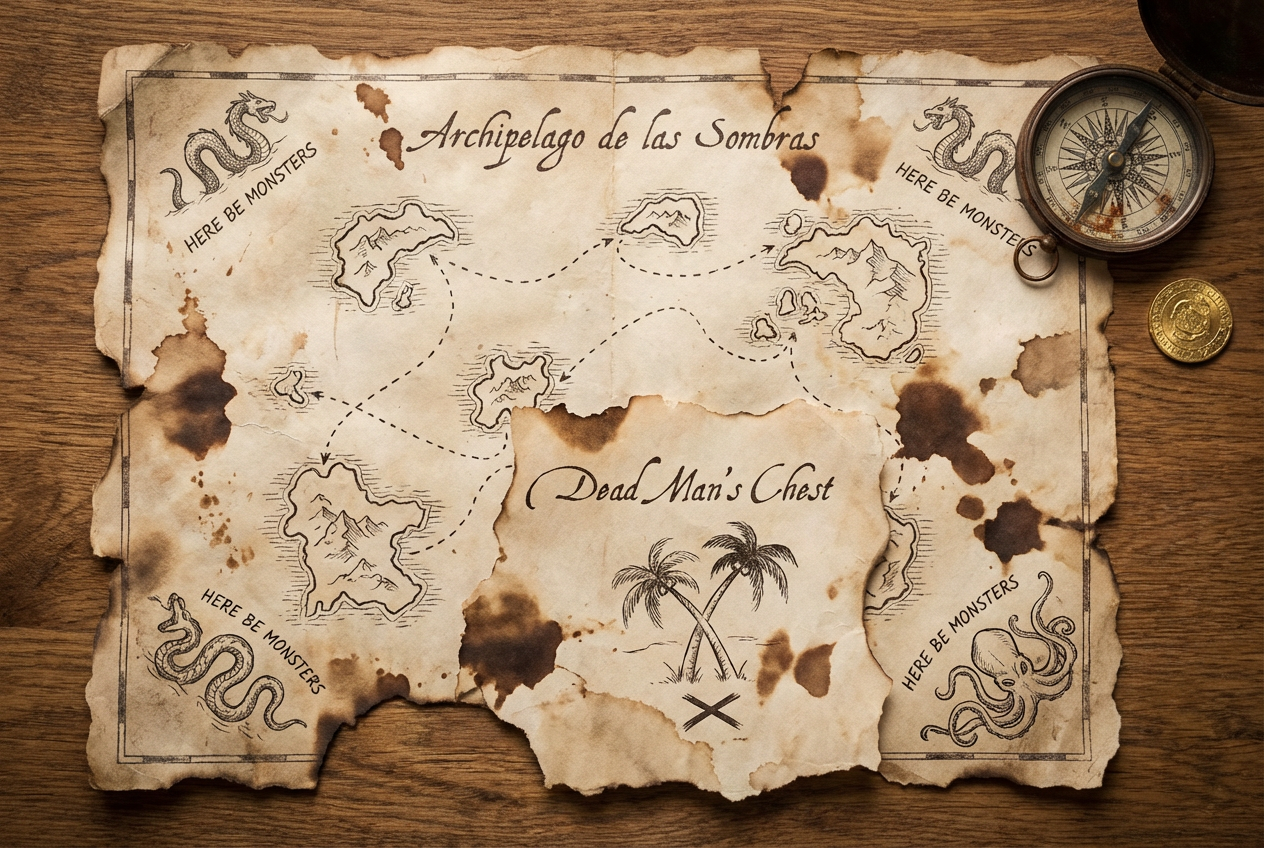
The agent gathers these inputs and preferences in the conversation before it starts.
Enter your map description...
Choose the visual style of your pirate map
Choices: Any Style, Classic Parchment, Hand-Drawn, Nautical Chart, Weathered Scroll, Ornate Antique
Choose how aged the map appears
Choices: Any Condition, Pristine, Slightly Aged, Weathered, Heavily Worn, Torn Edges, Water-Stained
Add special elements to your map
Choices: Standard Features, Sea Monsters, Sailing Ships, Cryptic Clues, Skull Symbols, Island Chains
Create authentic, detailed pirate treasure maps with vintage nautical styling and classic cartography elements.
Create your treasure map in three simple steps:
Enter details about the islands, landmarks, and treasure locations you want on your map.
Select map style, condition, and special features like sea monsters or clues.
Let AI create your authentic vintage pirate treasure map with classic cartography details.
Generate maps that look genuinely aged with period-appropriate cartography styles.
Includes compass roses, depth soundings, navigation lines, and maritime symbols.
Customizable aging effects including stains, tears, fading, and water damage.
Add sea monsters, sailing ships, ornate borders, and other classic map decorations.
Classic X marks the spot, skull symbols, and cryptic clues for hidden treasures.
Get detailed maps suitable for printing, game props, or digital use.
Perfect for creators needing authentic treasure maps for various entertainment and educational purposes.
Create treasure maps for tabletop RPGs, escape rooms, and adventure games.
Design treasure hunt maps for pirate-themed parties and events.
Create map illustrations for pirate stories, adventure novels, and children's books.
Generate maps for history lessons, geography activities, and creative writing projects.
Create decorative vintage-style maps for home decor and themed collections.
Add specific features like skull rock, dead man's cove, or shipwreck bay to make your map more interesting and memorable.
Include compass directions, paces, or cryptic instructions to add authenticity and playability to treasure hunts.
Mention that you want distance markers or a legend to make the map more realistic and usable.
Think about who drew the map and why—this influences whether it should be rough and hastily drawn or detailed and ornate.
Combine realistic nautical elements with fantastical ones like sea monsters for the perfect balance of authenticity and adventure.
Yes, you can specify island names, landmarks, and geographical features in your description, and they'll be incorporated into the map design.
You can generate classic parchment maps, hand-drawn charts, nautical charts, weathered scrolls, and ornate antique-style maps with various levels of detail.
Yes, you can specify multiple X marks the spot or treasure locations throughout your map in the description.
The AI generates authentic-looking weathering including water stains, torn edges, fading, and yellowed parchment effects that appear genuinely aged.
Yes, you can request specific labels, place names, warnings, or cryptic messages to be included on your map.
Yes, the high-resolution output is perfect for printing as physical props, posters, or game materials.
Yes, you can describe real coastal areas or islands and have them rendered in vintage pirate map style.
You can add compass roses, sea monsters, sailing ships, mermaids, krakens, skull symbols, ornate borders, and other classic nautical decorations.


