Character Description
Describe your Pixar-style character or scene...

Create charming Pixar-style characters and scenes with AI
Reference media and sample results for this task.
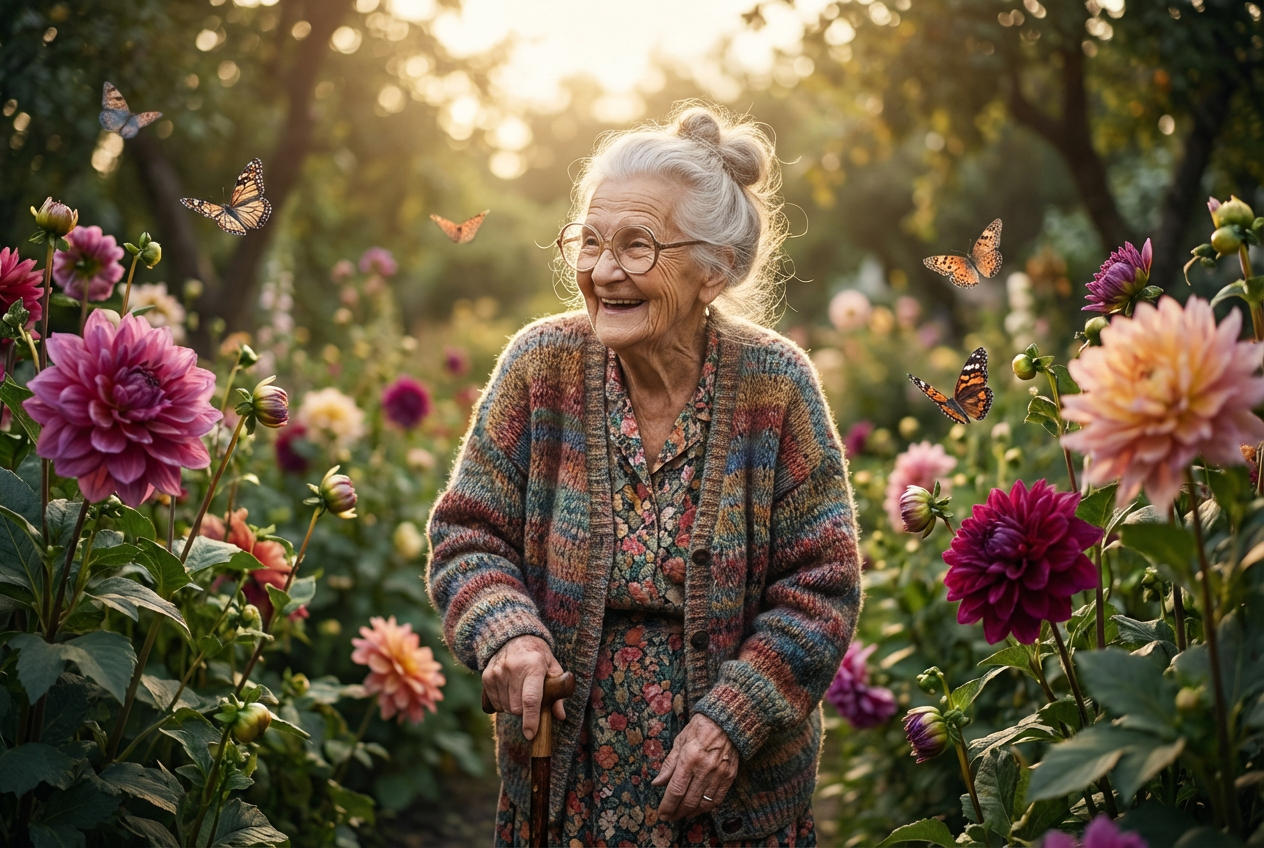
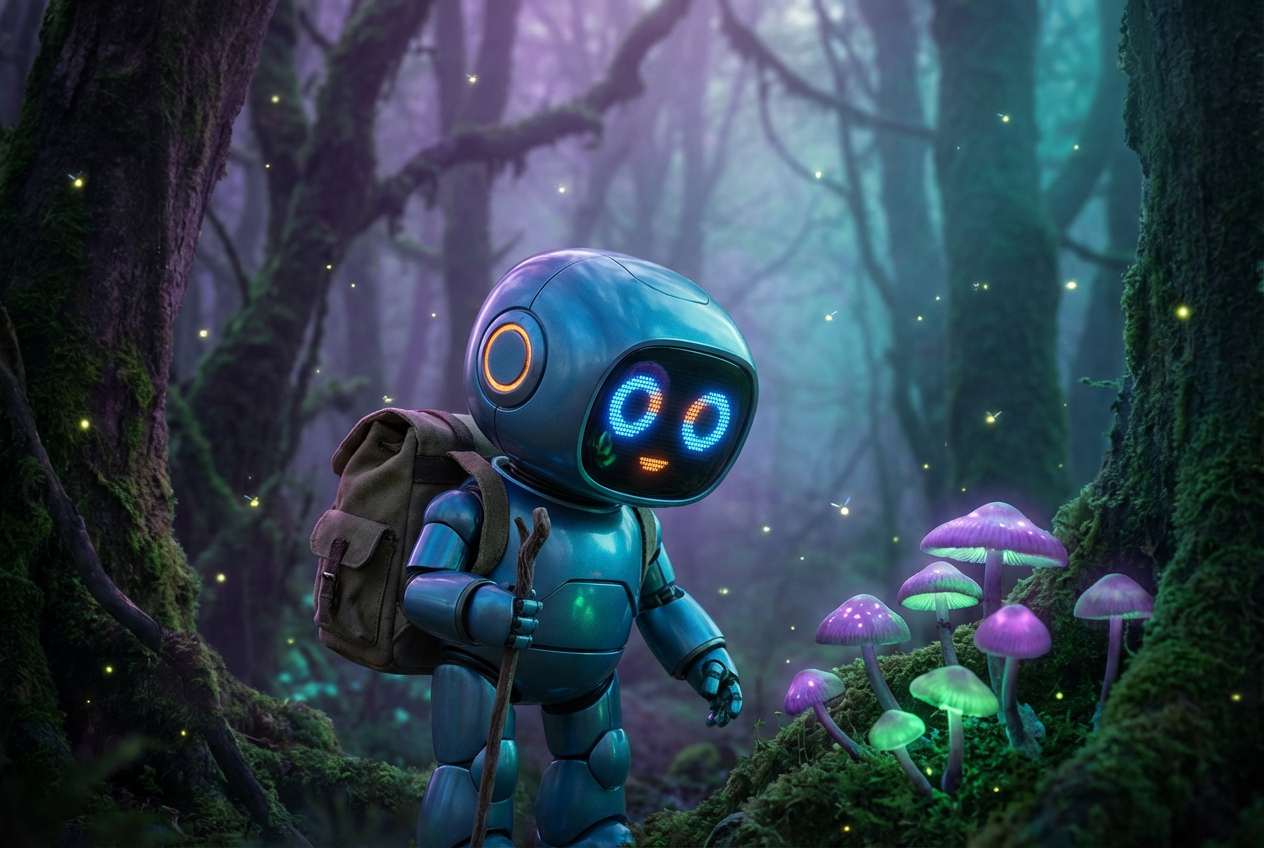
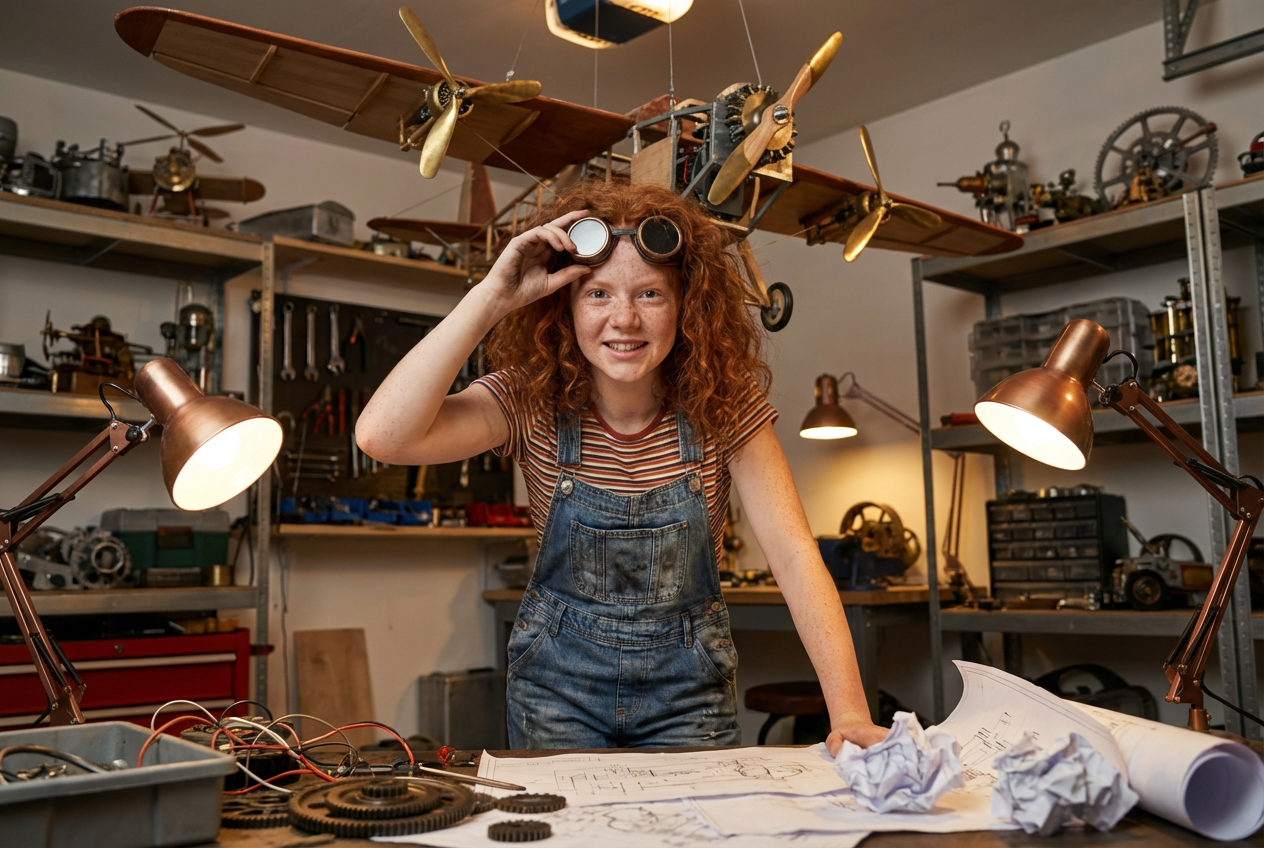
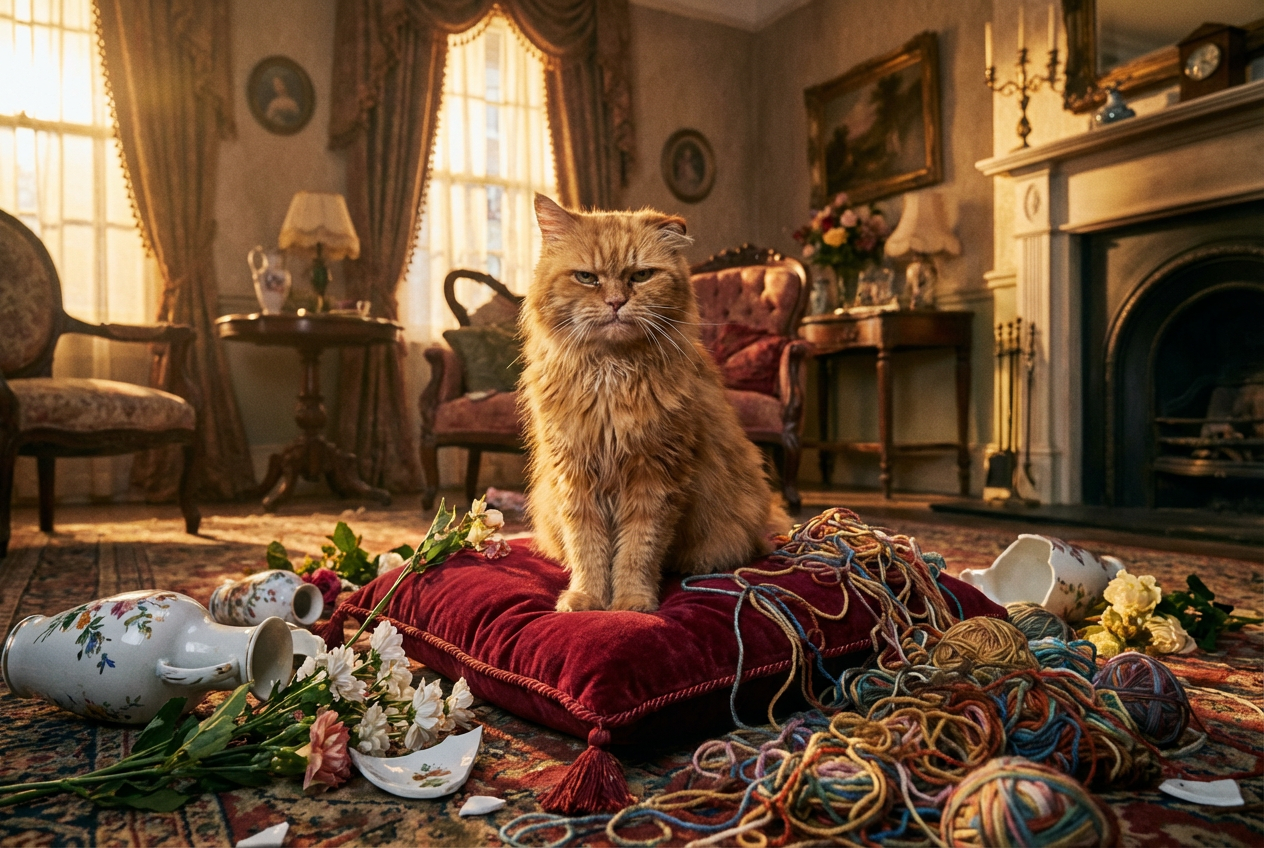
The agent gathers these inputs and preferences in the conversation before it starts.
Describe your Pixar-style character or scene...
Choices: Any Character Type, Human, Animal, Robot, Toy, Monster, Vehicle, Fantasy Creature, Inanimate Object
Choices: Any Emotion, Happy, Sad, Excited, Scared, Angry, Surprised, Determined, Curious, Mischievous
Choices: Any Scene, Indoor, Outdoor, Urban, Nature, Fantasy, Space, Underwater, Abstract
Choices: Auto Lighting, Bright, Soft, Dramatic, Moody, Natural, Warm, Cool
Create stunning Pixar-style characters and scenes with advanced AI technology.
Create your Pixar-style artwork in three simple steps:
Enter a detailed description of your character or scene idea.
Select character type, emotion, scene type, and lighting preferences.
Let AI create unique Pixar-style artwork based on your specifications.
Create humans, animals, robots, toys, and fantasy creatures in Pixar style.
Choose from various emotions to bring your characters to life.
Set your characters in diverse environments from urban to fantasy worlds.
Perfect your scene with different lighting styles and moods.
Generate concept art and character designs for animation projects.
Create Pixar-inspired artwork for portfolios or client work.
Design unique characters for videos, social media, or marketing.
Generate character concepts for family-friendly games.
Create engaging visuals for children's content and education.
Bring imaginative character ideas to life in Pixar's beloved style.
Describe the character's emotion and personality clearly for more engaging results.
Include details about the scene and environment to create more dynamic images.
Use lighting options to enhance mood and atmosphere.
Provide detailed descriptions of character features and attributes.
Consider the character's size and proportion in relation to their environment.
You can create a wide range of characters including humans, animals, robots, toys, monsters, vehicles, and fantasy creatures, all in the distinctive Pixar style.
Yes! You can select from various emotions like happy, sad, excited, scared, and more to give your character the perfect expression.
We offer multiple scene options including indoor, outdoor, urban, nature, fantasy, space, and underwater environments.
Provide detailed descriptions, select appropriate emotions and lighting, and experiment with different scene types to achieve your desired outcome.
Yes! All images generated by our AI Pixar Generator are free for commercial use. You own full rights to use them in any project.
Simply click the download button below each generated image to save it in high resolution.
Yes, you can generate multiple versions of your character or scene to explore different interpretations and styles.
Include details about appearance, personality, emotion, and setting. The more specific you are, the better the results will be.


